How to Enable, Disable, or Adjust the Flight Distance Restriction on DJI Drone
Peter Leslie
22 May 2026

The Max Distance slider is the single value that decides whether a DJI drone wanders off past the field you are flying in, or brakes at a deliberate radius around the Home Point. It lives in the same place on every current DJI drone - inside DJI Fly, under Safety, in the Flight Protection block - and the click path does not change between models.
Drones this applies to
DJI Neo 2, DJI Mini 5 Pro, DJI Avata 2, DJI Air 3 Pro, DJI Mavic 4 Pro. The same procedure works on any drone running DJI Fly v1.21.2 or later - only the slider range and the controller carve-out vary.
Quick guide
To enable, disable, or adjust the flight distance restriction on a DJI drone, go to DJI Fly → Settings → Safety → Flight Protection → Max Distance. Drag the slider to a deliberate radius to enable a cap, or push it all the way to the right to set No Limit and disable the restriction.
Step-by-step: How to Enable, Disable, or Adjust the Flight Distance Restriction on DJI Drone
Follow these top to bottom the first time, and the path is muscle memory the second time. The screenshots are taken on a DJI Neo 2, but the labels and order are identical on every drone in the callout above.
Open the DJI Fly Settings menu from the camera view
With the drone connected to the remote controller and DJI Fly sitting on the camera view, tap the Settings icon in the top right of the screen. The settings panel slides in with the category tabs down the left.

Tap the Safety category in the Settings panel
Safety is the second tab down the left of the settings panel, below Control. Tap it and the right-hand pane updates to show every safety-related option for the connected drone - flight limits, RTH settings, signal-loss behaviour, and so on.
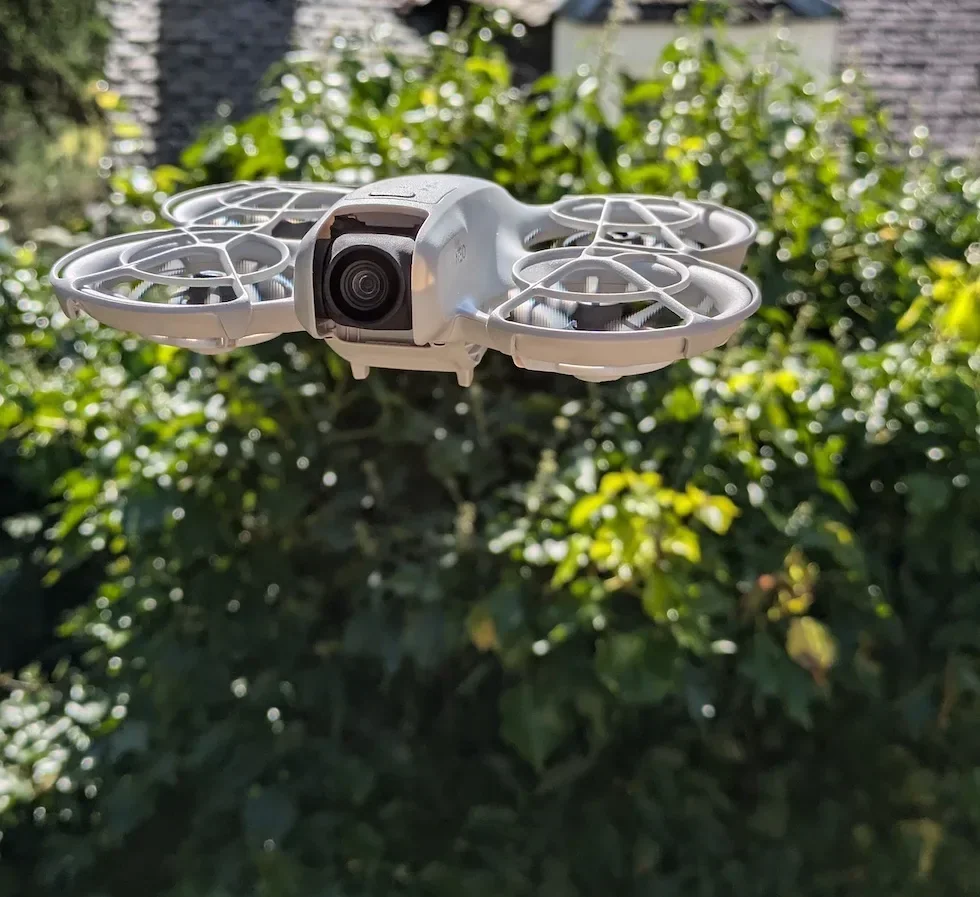
Scroll down to the Flight Protection block inside Safety
Scroll past the Max Altitude row until the Flight Protection sub-heading appears. Max Distance is the slider sitting directly underneath, with the current value shown to the right of the row.
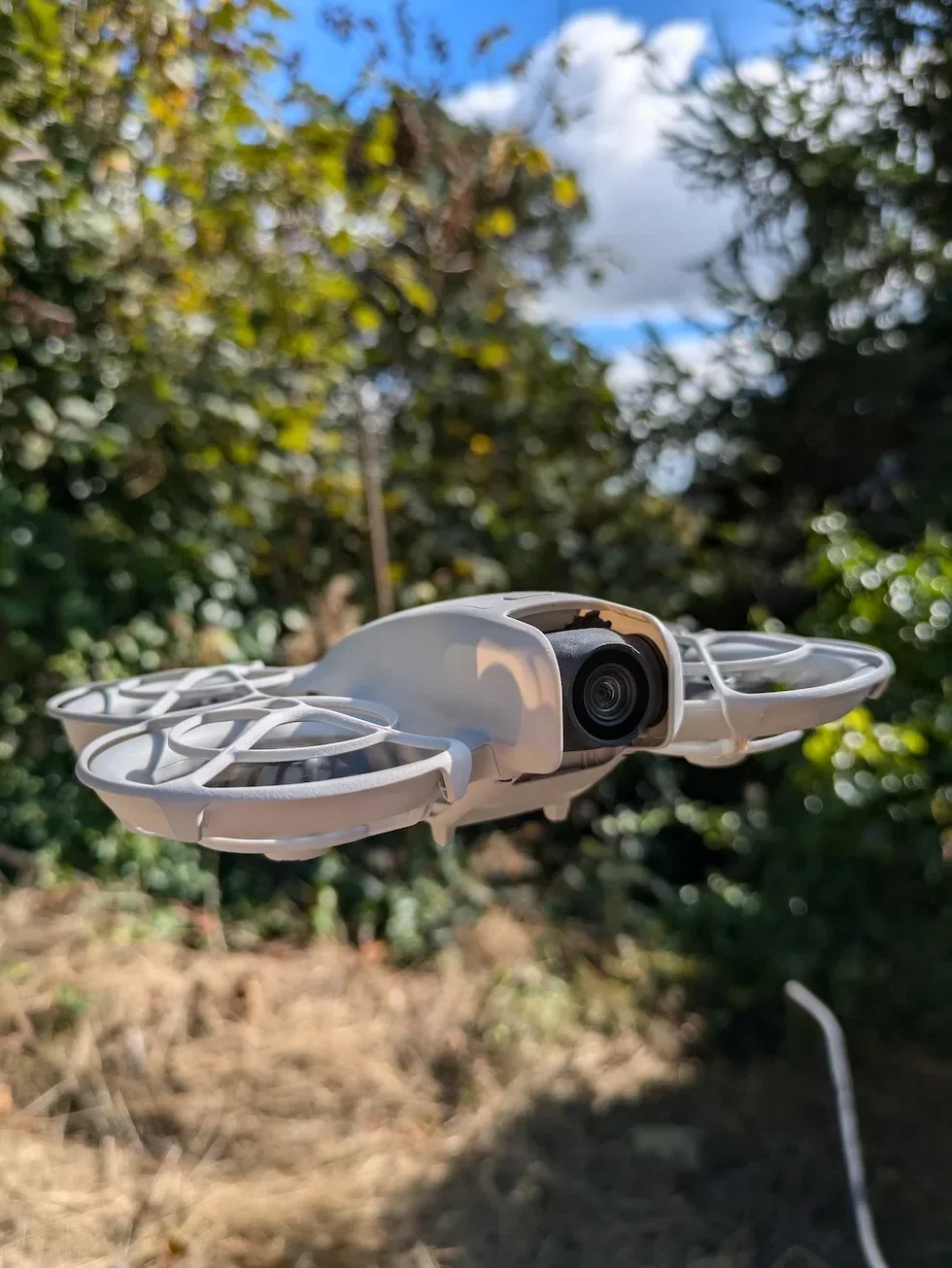
Drag the Max Distance slider to enable a deliberate radius
To enable the flight distance restriction, drag the slider away from the far-right position. The current number updates live to the right of the slider as you move it, and the value the drone honours is whatever shows the moment you let go.
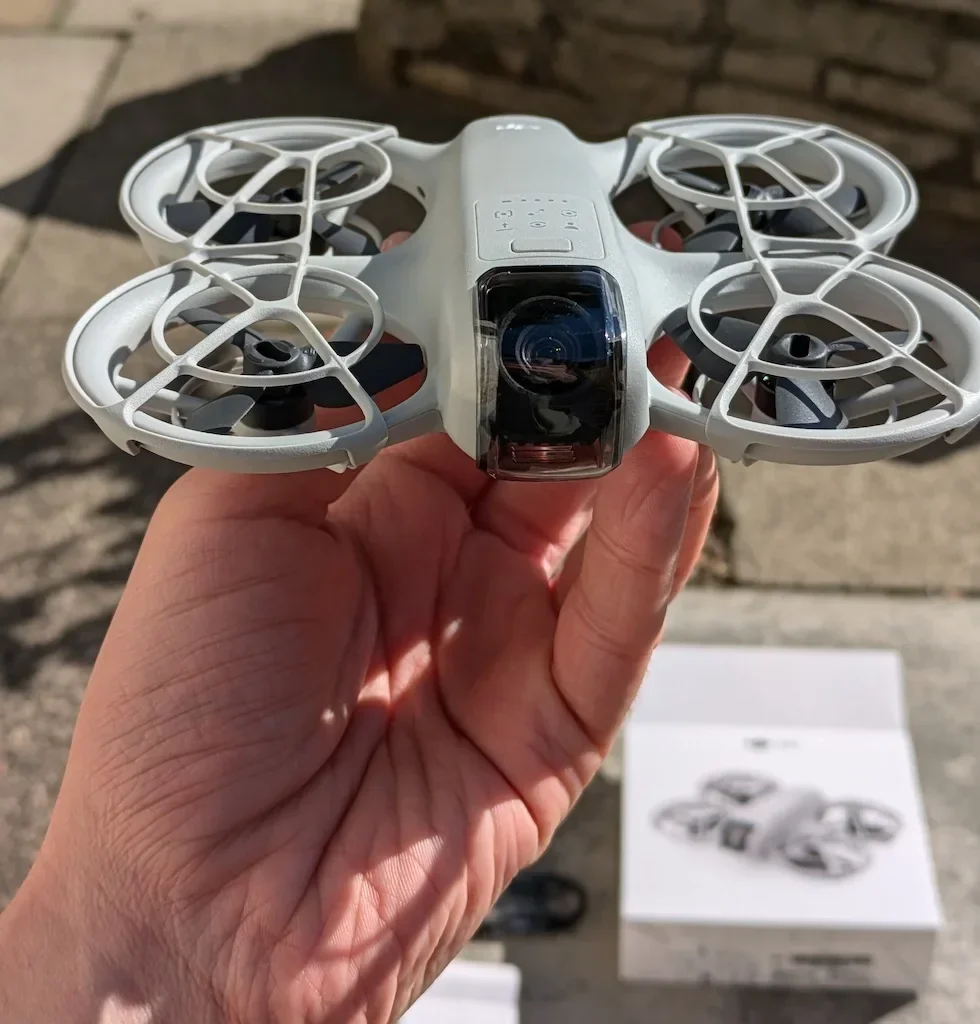
Push the slider all the way to the right for No Limit
To disable the flight distance restriction entirely, drag the slider past the maximum on the right. The value flips from a number to No Limit, and the Max Distance cap is now switched off until you set a value again.

Adjust the slider mid-flight if your plan for the field changes
The Max Distance value can be raised, lowered, or switched to No Limit at any point during a flight without landing. Open the same Safety panel from the camera view, drag the slider to the new value, and the new radius is in force from the moment you close the panel.
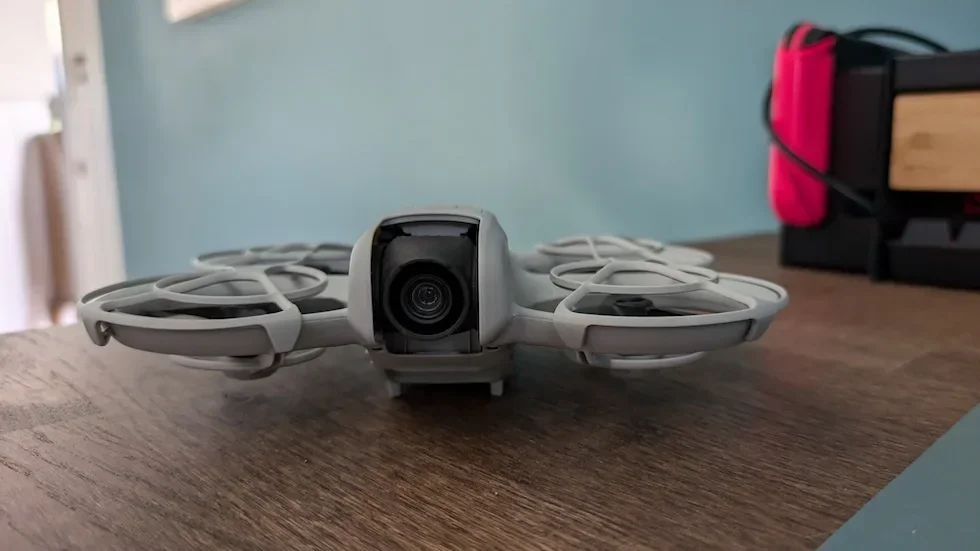
Close the Settings panel to save the new Max Distance value
Tap outside the panel or hit the back arrow at the top of the screen. The change applies straight away with no restart of the drone or the app - the next outward leg honours the new radius or the No Limit setting.
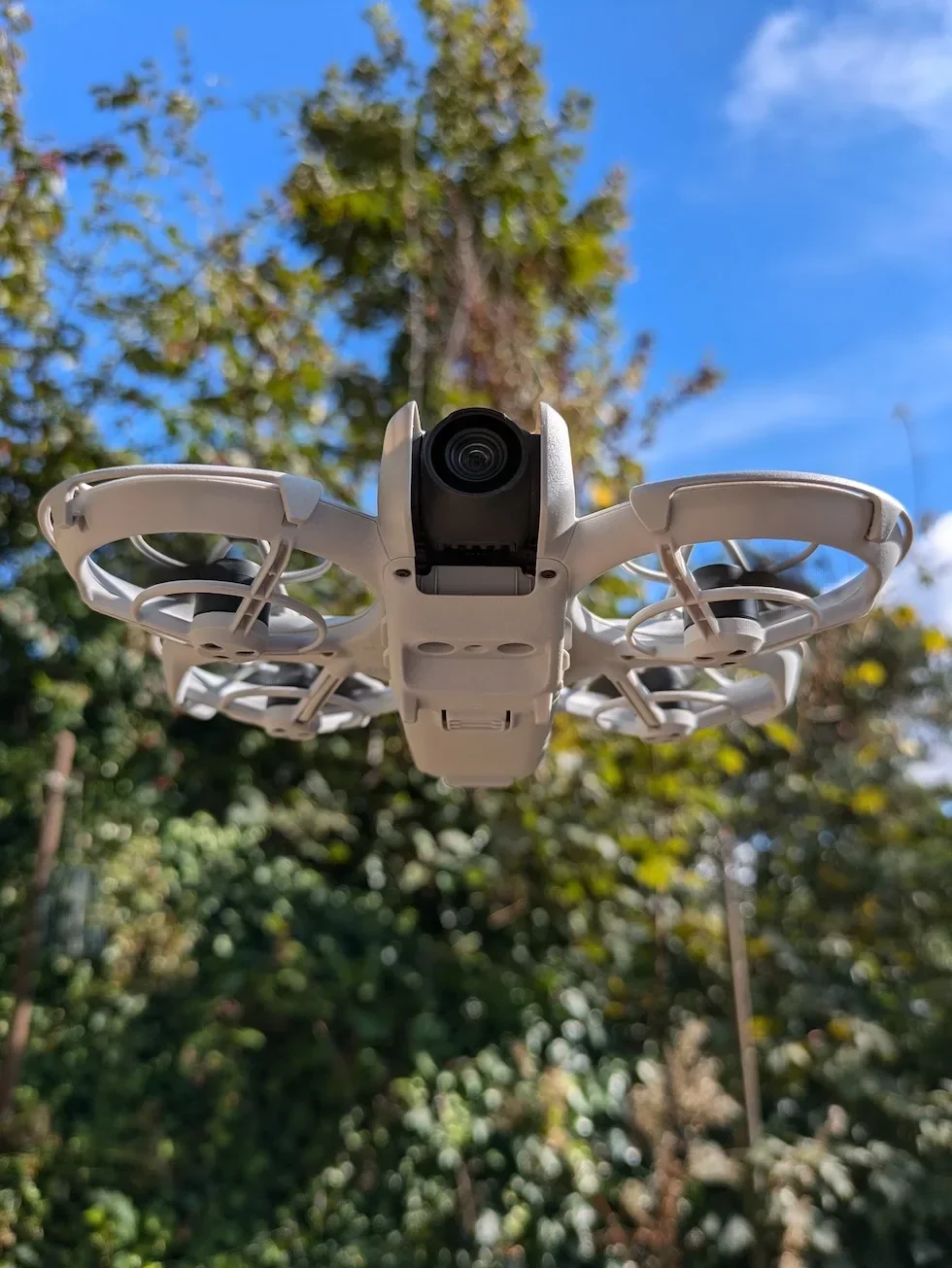
Peter's tip
I set Max Distance deliberately for every new site. For a small park I drop it to about 300 metres; for an open field I might pull it to a kilometre or so. The slider is the cheapest insurance the drone ships with - a forgotten stick input that would have sent it chasing the horizon just stops at the radius I picked. No Limit only comes out when I have a clear sight line and a genuine reason to need the range.
Max Distance slider range by drone
The click path is identical across the current DJI line-up. The numbers under the slider are not. Here is what the slider accepts on each model in the callout above.
| Drone | Max Distance slider range |
|---|---|
| DJI Neo 2 | 20 m to 8,000 m (then No Limit) |
| DJI Mini 5 Pro | 20 m to 8,000 m (then No Limit) |
| DJI Avata 2 | 20 m to 8,000 m (then No Limit) |
| DJI Air 3 Pro | 20 m to 8,000 m (then No Limit) |
| DJI Mavic 4 Pro | 20 m to 8,000 m (then No Limit) |
The 20-metre floor is consistent across the line-up because below that figure the drone has very little buffer against its own GNSS drift. The 8,000-metre upper end is a global figure; UK drone pilots still have to fly inside visual line of sight under the Drone Code, which is well short of eight kilometres in any conditions.
| Slider position | What it does to the drone | When to use it |
|---|---|---|
| Set value (20 m to 8,000 m) | Drone brakes at the radius and refuses to fly any further from the Home Point. Sideways and inbound travel still works. | Garden, park, or field flights where a software backstop is useful. Pick the smallest radius that still covers your planned path. |
| No Limit (far right) | Max Distance restriction is disabled. The drone is bounded only by radio range, battery, and any GEO Zones it crosses. | Long-range flights with a clear sight line and a deliberate reason to need the full controller range. |
Frequently asked questions
What is the default Max Distance setting on a DJI drone?
No Limit. DJI Fly ships every current drone with the Max Distance slider pushed to the far right, meaning the drone is not confined to any radius from the Home Point until you set one yourself. The radio link to the remote controller becomes the effective ceiling instead of a software value.
What value should I set for Max Distance on a DJI drone in the UK?
Pick the smallest radius that still covers the area you plan to fly that day. For a UK garden or park flight under the Drone Code's visual line of sight rule, 200 to 500 metres is usually plenty. Setting a deliberate Max Distance gives you a software backstop if the drone misreads a stick input or the wind pushes it further than you expected.
Does setting Max Distance to No Limit mean the drone will fly forever?
No. With No Limit selected the Max Distance restriction is disabled, but the drone is still bounded by the controller's radio range, the battery, and any GEO Zones along the route. Smart RTH also triggers automatically when battery falls to the calculated return threshold, no matter what the Max Distance value is.
Will the Max Distance setting still work if GNSS signal is weak?
The Max Distance limit only takes effect with strong GNSS, because the drone needs a confirmed Home Point to measure the radius from. If GNSS strength drops below the threshold while you are already airborne, the limit you set stays applied for the rest of the flight. With no GNSS lock at takeoff, only the altitude limit applies.
What happens when a DJI drone reaches the Max Distance value I have set?
The drone brakes automatically and refuses to fly any further from the Home Point. You will see a Max Flight Distance Reached warning on the DJI Fly camera view. You can still fly the drone sideways or back towards home - the limit only blocks further outward travel.
Is Max Distance the same as a GEO Zone limit?
No. Max Distance is a radius you set yourself around the Home Point, and you can disable it whenever you want. A GEO Zone is a geographic boundary set by DJI based on local airspace rules - airports, prisons, nuclear sites - and you cannot fly into one without going through the Self-Unlock or Custom Unlock process. The two systems run at the same time.
Does Max Distance apply to Palm Control or Mobile App Control?
No. On drones that support Palm Control or Mobile App Control - the DJI Neo line, for example - the Max Distance restriction is not applied at all in those flight modes and the slider has no effect. Max Distance only kicks in when the drone is bound to a physical remote controller.
Can I change Max Distance mid-flight?
Yes. Open the same Safety panel from the camera view, drag the slider to the new value, and the new radius is in force from the moment you close the panel. The drone does not need to land for the change to apply.
Max Distance is the cheapest piece of insurance a DJI drone ships with. Set it deliberately for every new site, push it to No Limit only when you have a clear reason, and the drone never strays further from home than you wanted it to.
Got a drone throwing a Max Flight Distance warning at the wrong moment, or a slider that will not accept the value you want? Drop a note to peter@hiredronepilot.uk with the message DJI Fly is showing and I will come back to you directly. If you prefer the video version of this walkthrough, the comments are open on YouTube.
References
Primary source material for this article is the official DJI user documentation for each drone in the callout and the UK Civil Aviation Authority Drone Code. External links open in a new tab.
- DJI Fly — App download and release notes · The app where the Safety category, Flight Protection block, and Max Distance slider live across every current DJI drone.
- DJI — UK consumer drone product line-up · Per-drone user manuals carry the Max Distance slider range under Flight Altitude and Distance Limits.
- UK CAA — The Drone and Model Aircraft Code · Visual line of sight rule that informs the radius most UK drone pilots actually need from Max Distance.
Peter Leslie
Founder & GVC Drone Pilot
Peter is the founder of HireDronePilot. With thousands of logged commercial flight hours, he writes about drone technology, commercial surveying tactics, and UK aviation compliance.
Connect on LinkedIn