How to Change the Maximum Flight Altitude on DJI Drone
Peter Leslie
22 May 2026

The Max Altitude slider is the value that decides how high a DJI drone will let you climb before it stops dead and shows the on-screen Max flight altitude reached prompt. It lives in the same place on every current DJI drone — inside DJI Fly, under Safety, in the Flight Protection block — and the click path does not change between models.
Drones this applies to
DJI Neo 2, DJI Mini 5 Pro, DJI Avata 2, DJI Air 3 Pro, DJI Mavic 4 Pro. The same procedure works on any drone running DJI Fly v1.21.2 or later — only the slider range varies.
Quick guide
To change the Maximum Flight Altitude on DJI Drone, go to DJI Fly → Settings → Safety → Flight Protection → Max Altitude. Drag the slider to a value within the range your model allows, then close the panel — the new ceiling is live from the next takeoff.
Step-by-step: How to Change the Maximum Flight Altitude on DJI Drone
Follow these top to bottom the first time, and you will know the path off by heart the second time. The screenshots are taken on a DJI Neo 2, but the labels and order are identical on every drone in the callout above.
Open the DJI Fly Settings menu from the camera view
With the drone connected and DJI Fly on the camera view, tap the Settings icon in the top right of the screen. The settings panel slides in with the category tabs running down the left.

Tap the Safety category in the Settings panel
Safety is the second tab down the left of the Settings panel, sitting directly below Control. Tap it and the right-hand pane updates to show the flight-limit, RTH, and sensor options for the connected drone.
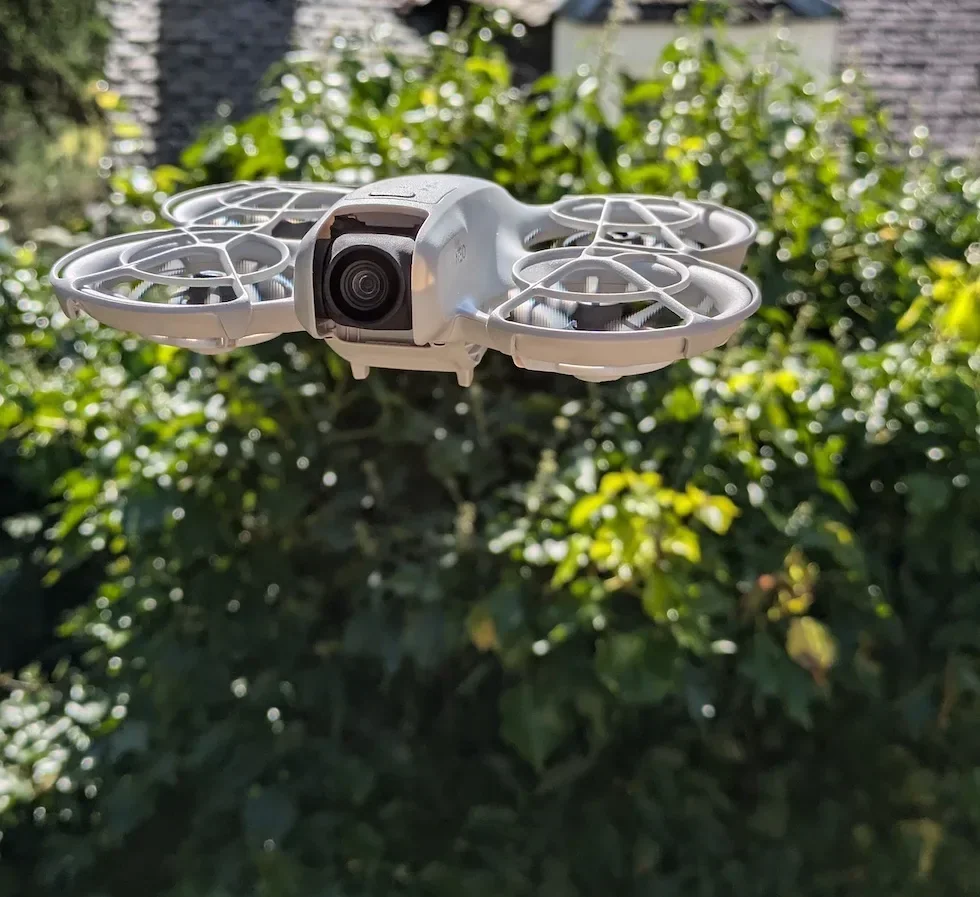
Scroll down to the Flight Protection section inside Safety
Flight Protection is the block that groups Max Altitude and Max Distance together. Scroll until the Flight Protection sub-heading appears — on most drones it is the first block in the Safety pane.
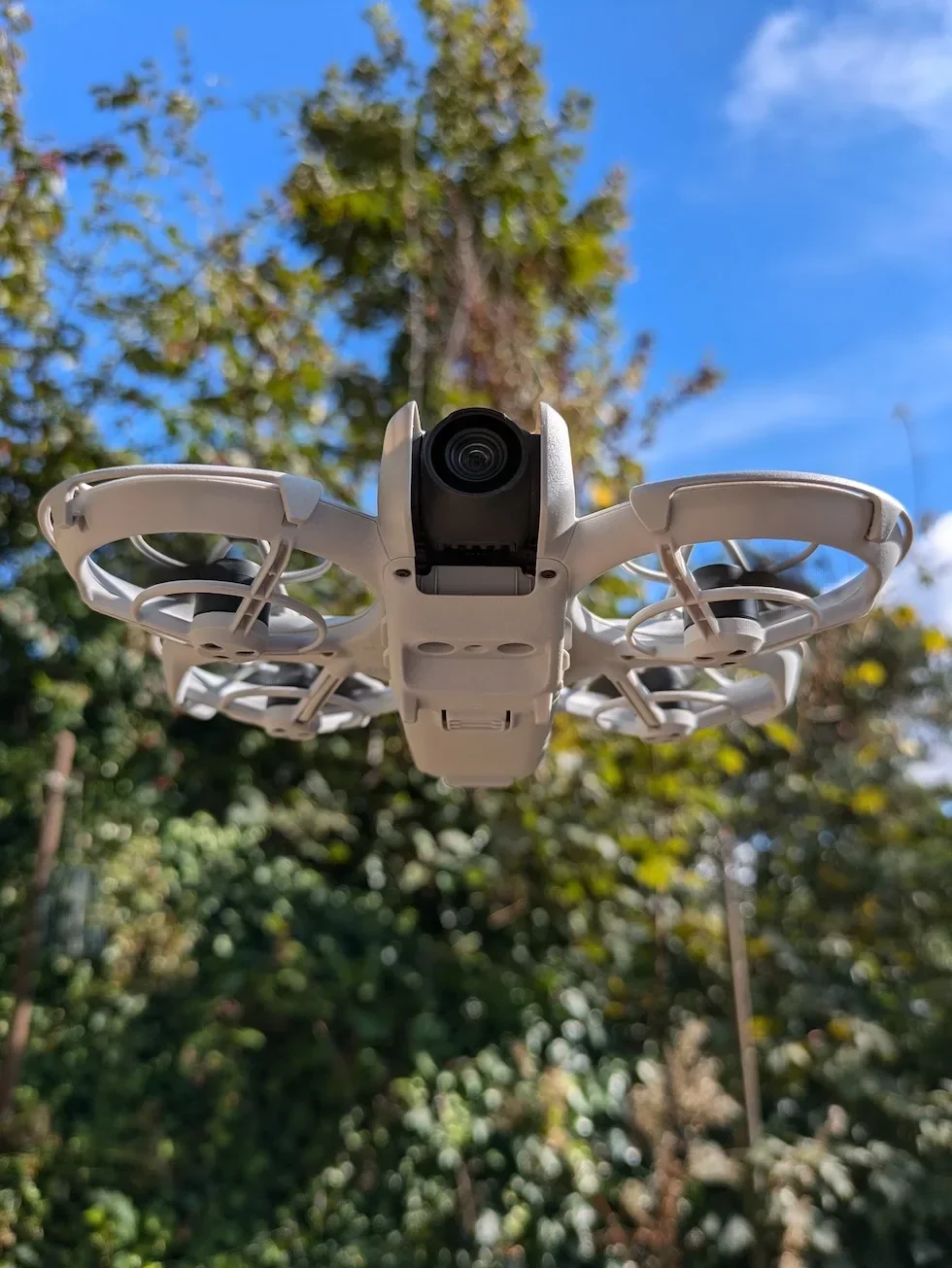
Find the Max Altitude row at the top of Flight Protection
Max Altitude is the first row in the Flight Protection block, with the slider sitting horizontally across the row. The current value sits in a small numeric box on the right of the slider so you can read it before you change anything.
Drag the Max Altitude slider to your chosen ceiling for this flight
The minimum and maximum vary by drone — check the per-drone range table below. Drag the slider to the lowest value that still lets you fly the planned shot. UK drone pilots should keep the value at or below 120 metres to stay inside the Drone Code limit, regardless of what the larger drones let you set.

Check the new value in the numeric box on the right of the slider
The numeric box updates live as you drag. Glance at the number before you let go of the slider — the slider track is short on a phone screen, and the difference between 80 and 100 metres is only a few millimetres of thumb travel.
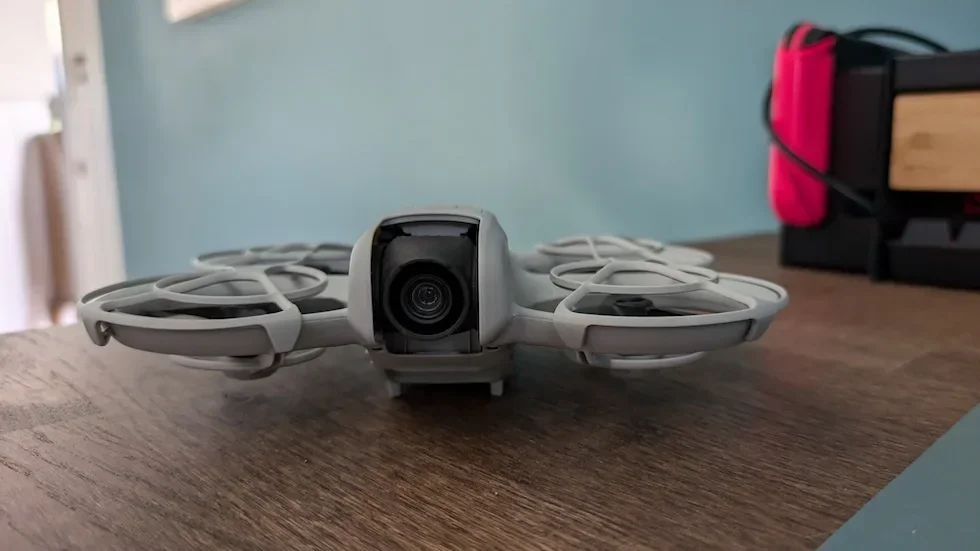
Close the Settings panel to lock in the new Max Altitude
Tap outside the panel or hit the back arrow in the top left. The new ceiling applies straight away with no restart, and the drone enforces it from the next takeoff onwards.
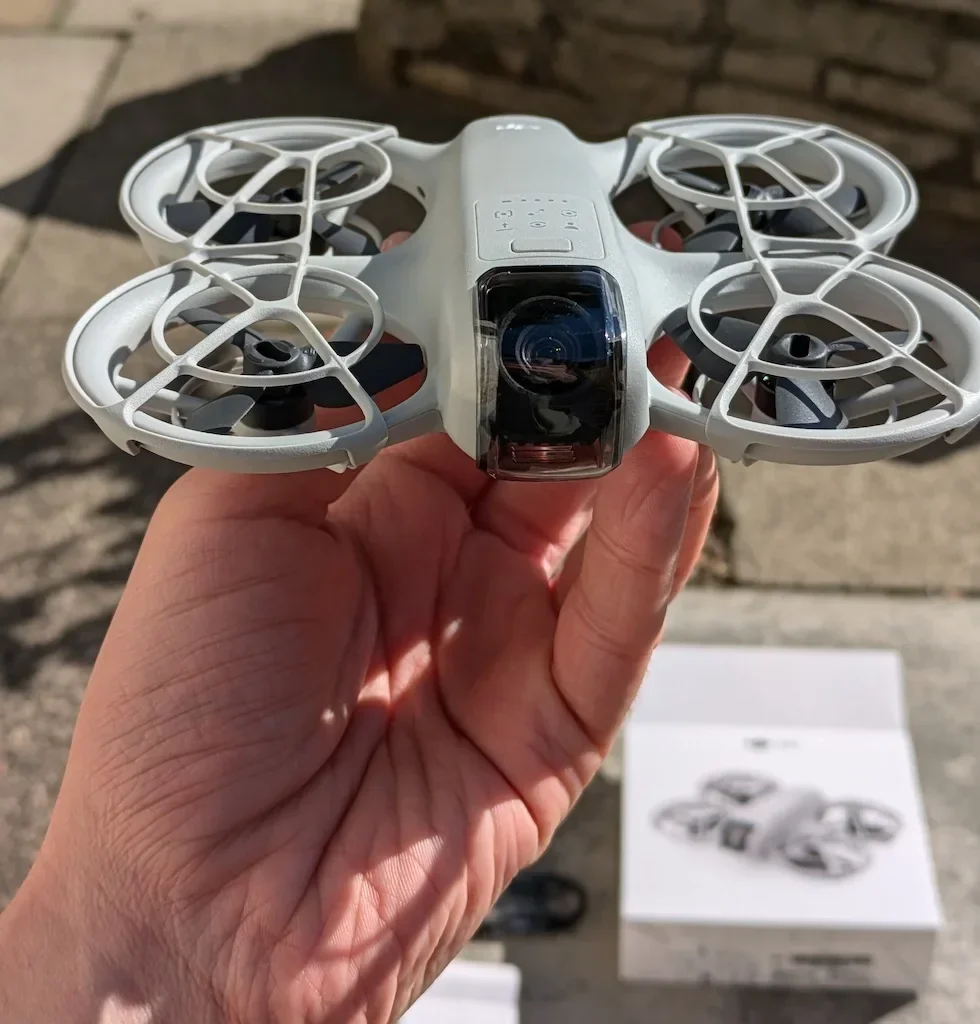
Confirm the new ceiling on a short test climb before the main flight
Take off, climb steadily on the right stick, and watch the altitude readout in DJI Fly. The drone should stop climbing at the exact value you set and the Max flight altitude reached prompt should appear on screen.
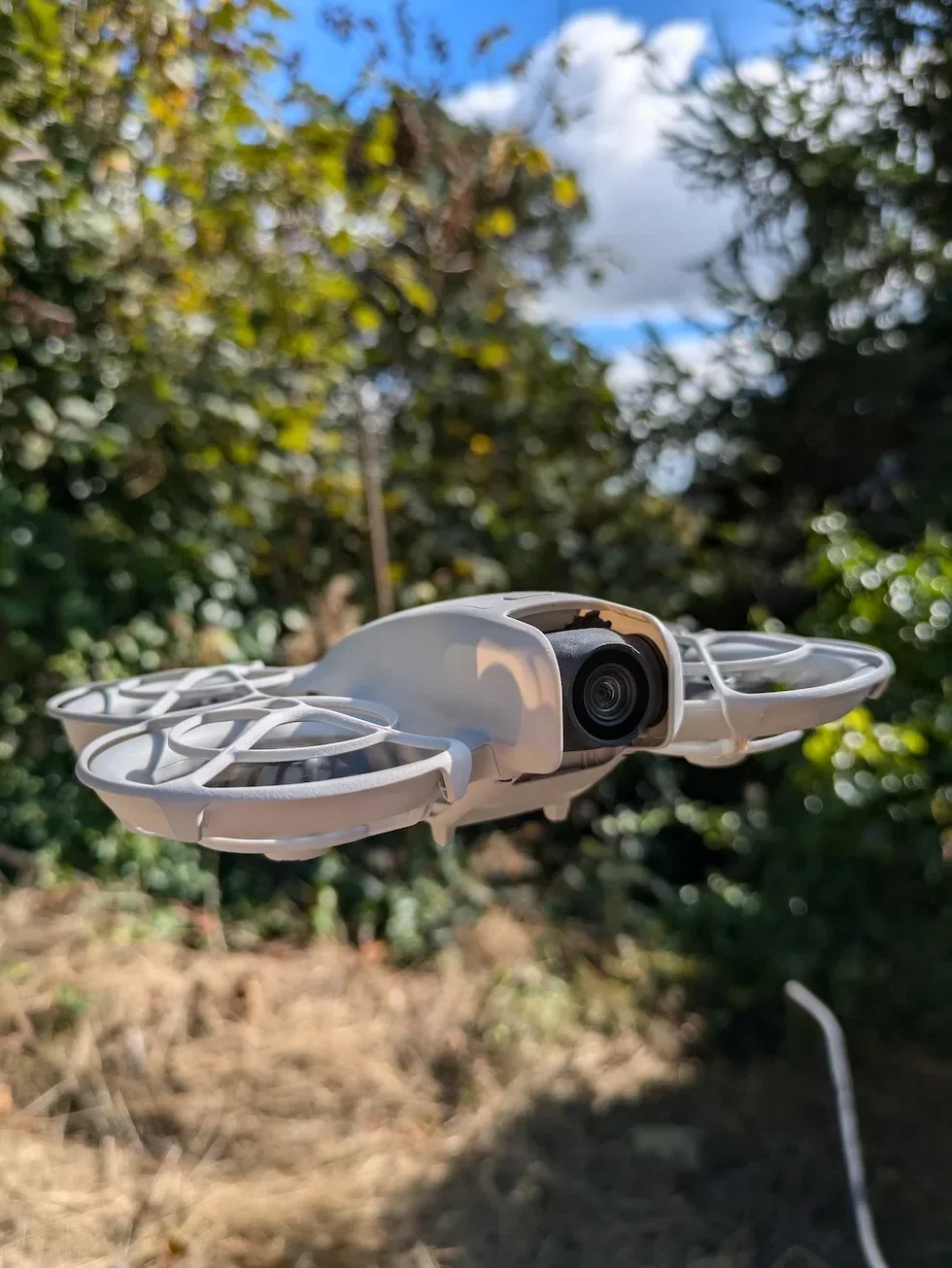
Peter's tip
I treat the Max Altitude slider as a per-site setting, not a per-drone one. A coastal landscape shoot might want 100 metres, a back-garden test hover wants 30 metres, and a public park where the trees are 20 metres tall wants 50. Resetting it for every new site is twenty seconds of work that has saved me from an embarrassing climb into a tree more than once.
Max Altitude slider range by drone
The click path is identical across the current DJI line-up. The numbers under the slider are not. Here is what the slider accepts on each model in the callout above.
| Drone | Max Altitude range |
|---|---|
| DJI Neo 2 | 20 m to 120 m |
| DJI Mini 5 Pro | 20 m to 500 m |
| DJI Avata 2 | 20 m to 500 m |
| DJI Air 3 Pro | 20 m to 500 m |
| DJI Mavic 4 Pro | 20 m to 500 m |
The 500-metre upper end on the larger drones is a global figure. UK drone pilots still have to fly inside the 120-metre Drone Code ceiling no matter what the slider lets you do, so treat 120 metres as the upper bound for any UK flight regardless of what model is in the bag.
Frequently asked questions
What is the default Max Altitude on a DJI drone?
DJI Fly ships every current drone with a conservative default in the lower half of the slider on a fresh install. Set it deliberately for the site you are about to fly rather than trusting whatever value the app inherited from the last flight.
What altitude should I set for my DJI drone flight?
Set it to the lowest value that lets you frame the shot, not to the maximum by default. Lower altitudes give you better detail, less interference, and a shorter return path. Reserve the 120-metre ceiling for the rare wide landscape shot, and treat 30 to 50 metres as the sensible working range for most garden and park flights.
Does the slider go higher than 120 m on every drone?
No. The maximum varies by model. The DJI Neo 2 and DJI Avata 2 cap the slider at 120 metres — matching the UK Drone Code limit. Larger drones such as the DJI Mini 5 Pro, DJI Air 3 Pro and DJI Mavic 4 Pro raise the cap to 500 metres because they are sold globally and the slider has to cover non-UK markets where the legal ceiling is higher. UK drone pilots still have to fly inside the 120-metre Drone Code limit no matter what the slider allows.
Why is the Max Altitude on a DJI drone capped at 120 metres for some models?
That ceiling matches the UK Drone Code maximum legal flight altitude. The Drone Code limits drones in the Open category to 120 metres above the surface, so on the smaller drones DJI bakes the same ceiling into the slider — letting you set 150 metres would automatically push every UK flight into an illegal altitude band.
Does the GNSS signal affect the Max Altitude limit on a DJI drone?
Yes. With a strong GNSS signal the drone enforces the value you set in DJI Fly. With a weak GNSS signal the drone falls back to a default ceiling of around 30 metres above the takeoff point if lighting is sufficient, or roughly 2 metres above the ground if lighting is poor and the downward infrared sensor is working. Once the GNSS signal becomes strong again the slider value takes over for the rest of the flight.
What if my DJI drone stops climbing before it reaches the Max Altitude I set?
DJI Fly throws a Max flight altitude reached prompt at the value in the slider, so if the climb stops earlier the cause is one of three things. The drone is in a GEO Altitude Zone that overrides the slider, the GNSS signal is weak and the drone has fallen back to its low-signal default, or a controller-specific mode such as Palm Control or Mobile App Control on the Neo 2 has its own fixed ceiling. Check the on-screen prompt for the exact reason.
Can I fly a DJI drone higher than 120 metres in the UK?
No — not legally in the Open category. The UK Drone Code limits flights to 120 metres above the surface, and the smaller DJI drones enforce that limit in the slider directly. Operating above 120 metres needs Specific category authorisation from the Civil Aviation Authority. For everyday recreational flying, 120 metres is the hard ceiling regardless of what the larger drones let you set.
Does changing the Max Altitude also change the Auto RTH Altitude on a DJI drone?
No — they are independent sliders in the same Safety menu. Max Altitude controls the ceiling the drone is allowed to climb to during normal flight. Auto RTH Altitude controls the height the drone climbs to when Return to Home triggers. Set both deliberately for every new flight site, because a low Max Altitude with a high RTH Altitude makes no sense, and the other way round leaves the RTH path below the trees.
Max Altitude is one of those settings most drone pilots set once and forget, which is exactly why the on-screen Max flight altitude reached prompt sneaks up on people on the next site. Take twenty seconds at the start of every new flight to drag the slider to a value that matches the planned shot, and the drone will climb to where you want it and stop where the law says it has to.
Got a drone that refuses to climb to the value you set, or a slider that snaps back to a lower number? Drop a note to peter@hiredronepilot.uk with the on-screen prompt and the value DJI Fly is showing, and I will come back to you directly. If you prefer the video version of this walkthrough, the comments are open on YouTube.
References
Primary source material for this article is the official DJI user documentation for each drone in the callout and the UK Civil Aviation Authority Drone Code. External links open in a new tab.
- DJI Fly — App download and release notes · The app where the Max Altitude slider lives across every current DJI drone. Release notes record any menu reshuffles between versions.
- DJI — UK consumer drone product line-up · Per-drone user manuals carry the Max Altitude slider range under §Flight Restrictions.
- UK Civil Aviation Authority — The Drone and Model Aircraft Code (CAP2320) · 120-metre maximum flight altitude in the UK Open category, which sets the upper bound of the Max Altitude slider on the smaller DJI drones and the practical upper bound for any UK flight on the larger ones.
Peter Leslie
Founder & GVC Drone Pilot
Peter is the founder of HireDronePilot. With thousands of logged commercial flight hours, he writes about drone technology, commercial surveying tactics, and UK aviation compliance.
Connect on LinkedIn