Key Takeaways
- 1.Enable Easy Acro mode through the quick menu in your DJI goggles to unlock automated flips.
- 2.Use the scroll wheel on the Motion 3 controller to select Flip mode from the Easy Acro options.
- 3.Flick the joystick in any direction to perform frontflips, backflips, or barrel rolls.
- 4.Flips require at least 2 metres of altitude and 30% battery to stay unlocked.
- 5.Switch to the FPV 3 Remote Controller for full manual freestyle control over flips and rolls.
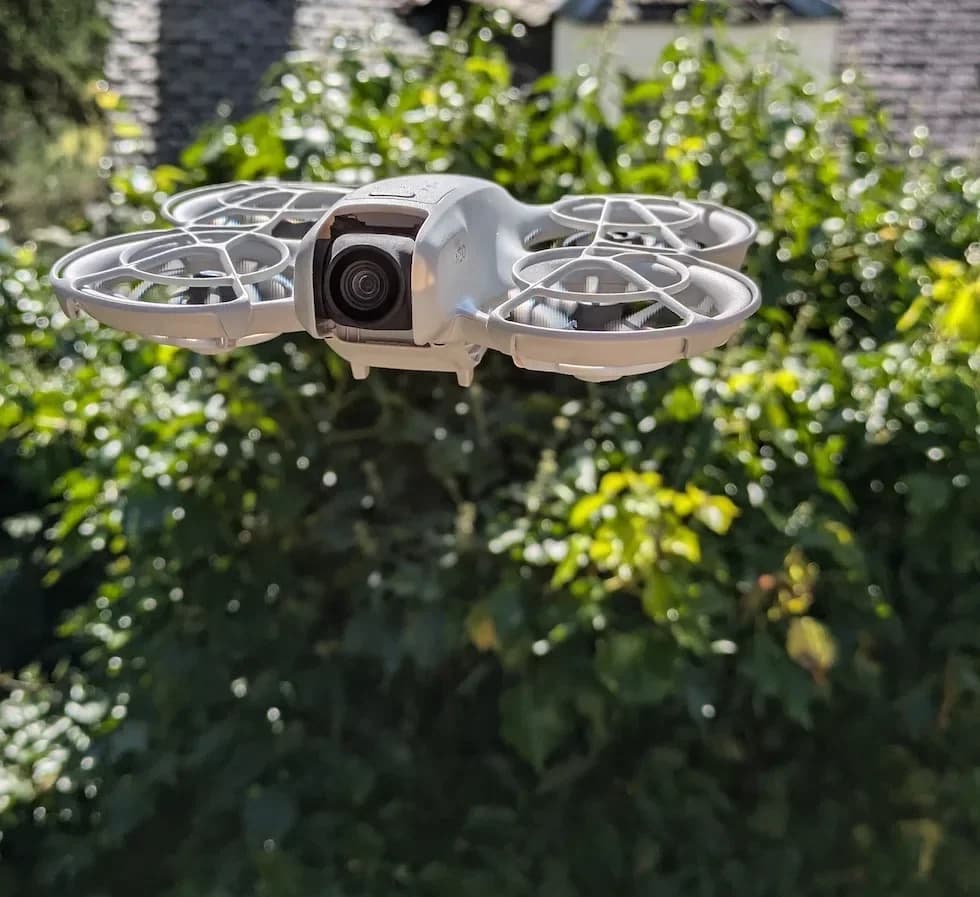
Learning how to flip your DJI Neo 2 is one of the most fun things you can do with this pocket-sized FPV drone. Whether you want to nail a clean backflip or throw in a barrel roll mid-flight, the Neo 2 makes it surprisingly simple with its built-in Easy Acro mode.
Getting the technique right matters, though—flipping disables obstacle avoidance, and there are a few requirements your drone needs to meet before it will let you send it. Here's exactly how to set everything up and start pulling off flips with confidence.
Prepare Your Flight Environment Because Flipping Means You Will Not Have Obstacle Avoidance
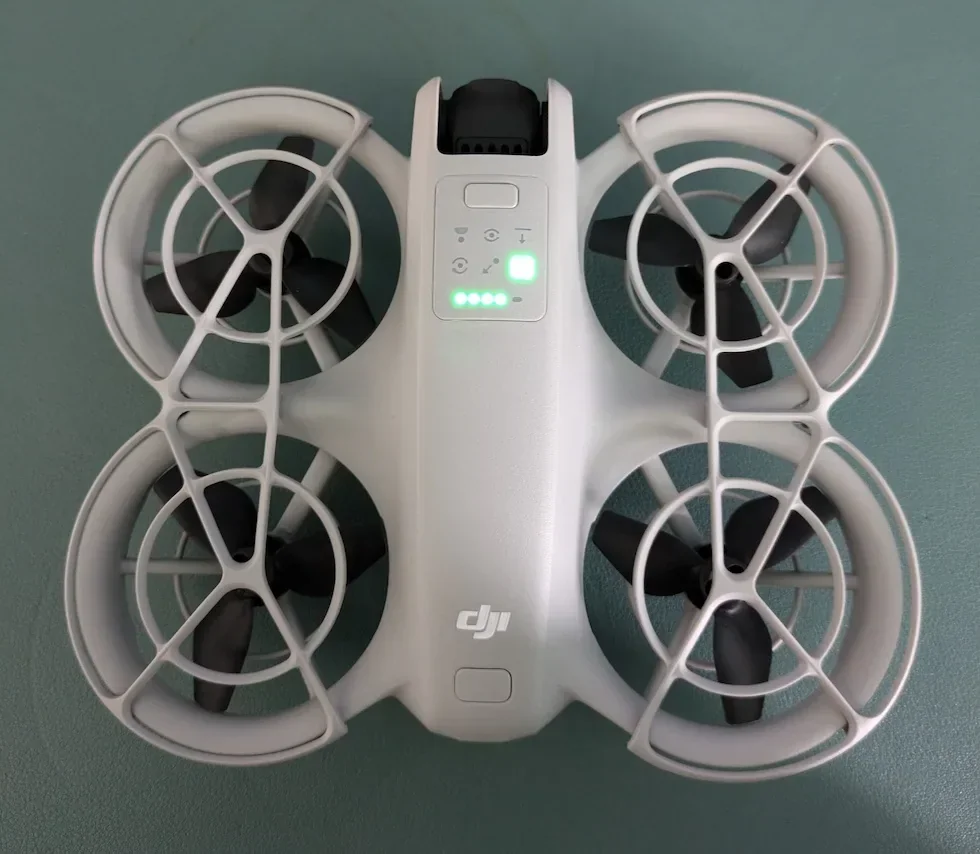
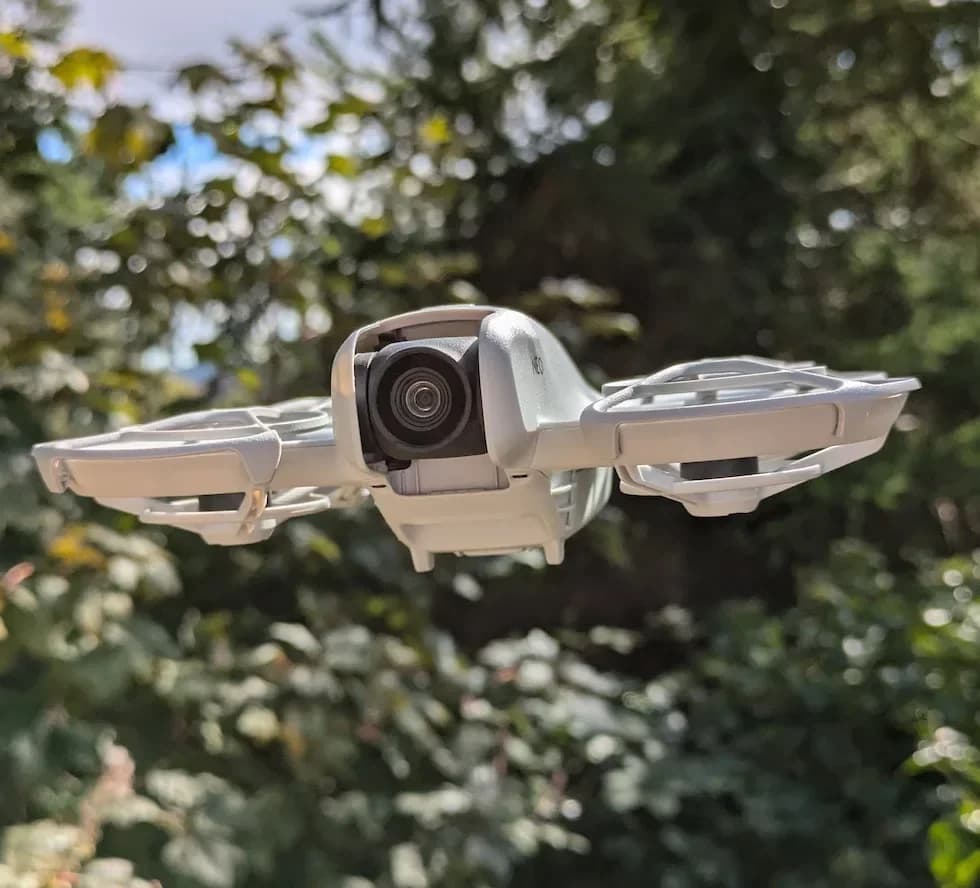
Whenever I want to get into some serious freestyle moves, I always make sure I'm in a wide-open space. The moment you enable Easy Acro to do your flips, your DJI Neo 2 automatically disables its obstacle avoidance. That means the DJI Neo 2 will no longer stop you from drifting right into a tree branch. So, give yourself plenty of room before you start throwing this thing around.
Pull Down the Quick Menu in Your Goggles to Toggle Easy Acro On
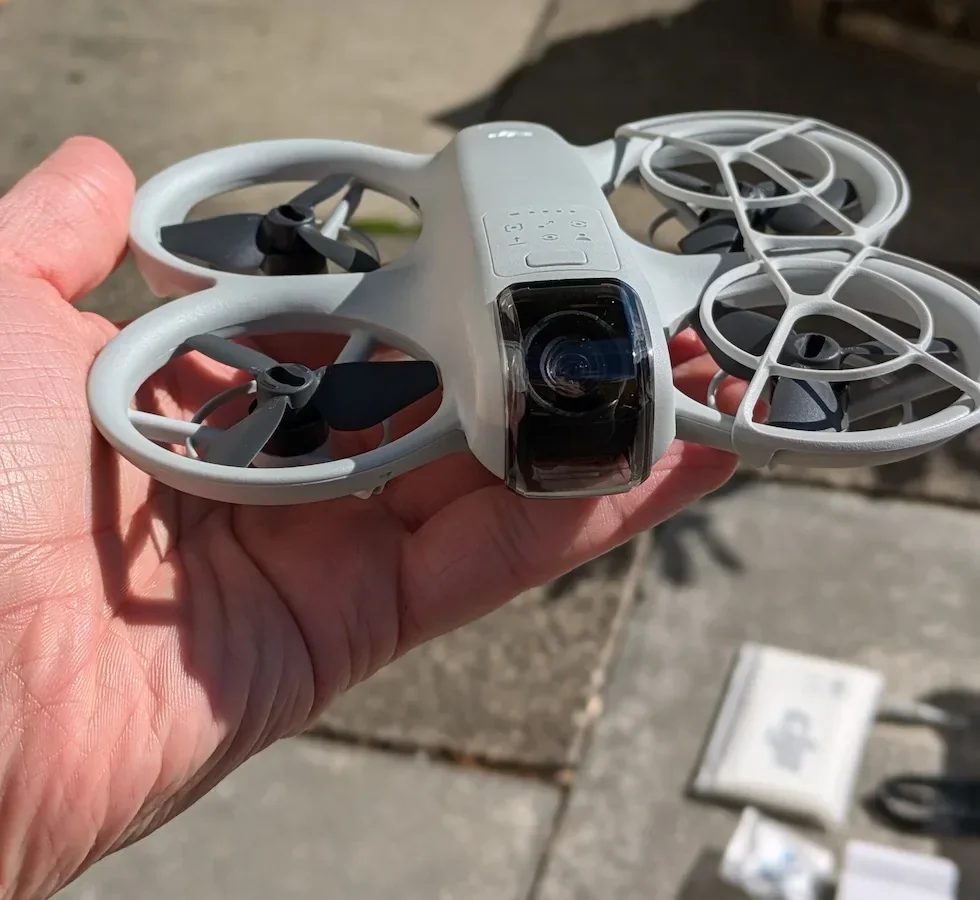
Once you have your DJI Neo 2 up in the air and hovering in a safe spot, use your goggles to pull down the top quick menu. You'll see an option up there called Easy Acro. You just want to make sure that is toggled on and highlighted in yellow. The moment you do this, you'll notice a brand new menu pop up on the side of your screen showing your Easy Acro options.
Use the Scroll Wheel on Your Motion Controller to Select the Flip Mode
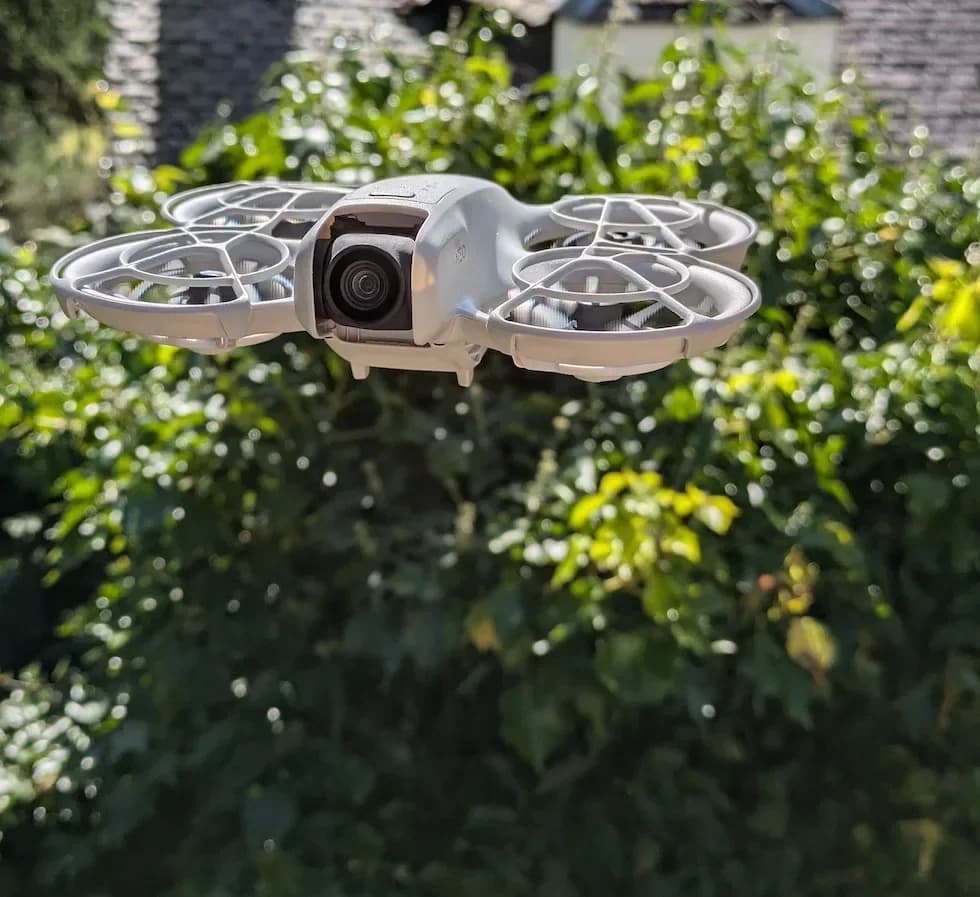
With that new menu on your screen, you are going to see options for Slide, Drift, and Flip. To cycle through these, I just use the dial on the side of my Motion 3 controller. Simply roll that dial downwards until you have the Flip mode selected.
Push the Joystick in the Exact Direction You Want the DJI Neo 2 to Flip
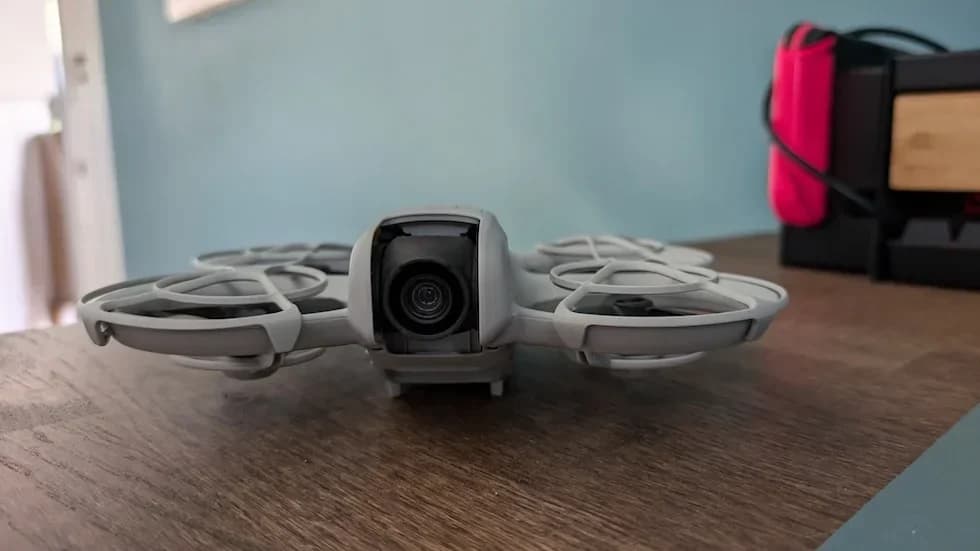
This is where the magic happens and it is incredibly satisfying. To actually perform the flip, all you have to do is flick the joystick on your motion controller. If you press up on the joystick, the DJI Neo 2 is going to do a frontwards flip, and if you press down, it will do a backflip. You can even flick the stick to the left or the right to perform some really cinematic barrel rolls to the side. It really is that easy, and the DJI Neo 2 handles the entire animated trick for you.
Maintain Plenty of Altitude and Battery Life So the Flip Option Doesn't Get Locked Out
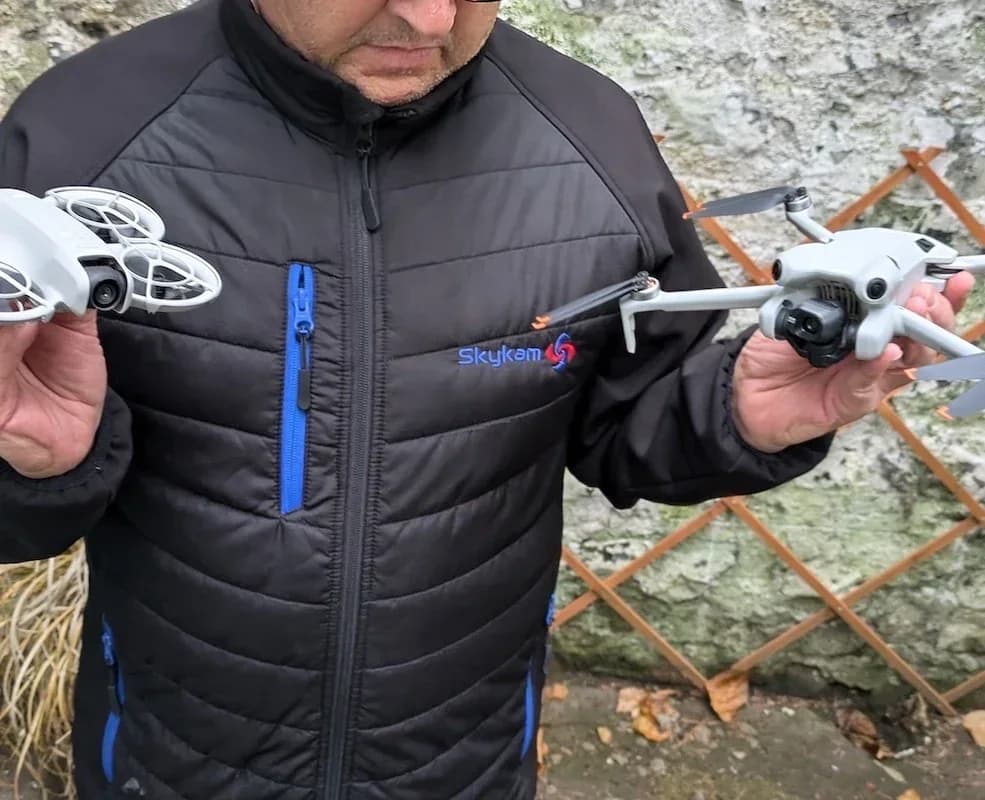
Now, there are a few limitations I've run into while out flying. If you look in your goggles and see the flip option grayed out, it means the DJI Neo 2 is protecting itself. You won't be able to do flips if you are flying lower than 2 meters off the ground. It will also lock you out of flipping if your battery drops below 30%, or if you are flying in a really dim environment. Just keep your battery charged and your altitude up, and you'll be good to go.
Switch to the FPV 3 Remote Controller If You Want to Pull Off Fully Manual Freestyle Flips
If you are past the beginner stage and want to ditch the automated Easy Acro flips, you can unlock full Manual mode—but you'll need the proper gear. You cannot do true manual flips with the Motion 3 controller; you have to use the traditional FPV 3 Remote Controller. Once you bind the FPV 3 RC to your DJI Neo 2, all hell breaks loose because you have total, 100% control over all the sticks. This allows you to do completely manual flips, rolls, and custom tricks, but be careful! A slight adjustment to the sticks without enough practice will easily crash your DJI Neo 2, so I highly recommend putting in some simulator time before going full manual.
That covers everything you need to know to start flipping your DJI Neo 2, from enabling Easy Acro mode all the way through to unlocking full manual freestyle with the FPV 3 Remote Controller. Start with the automated flips, build your confidence, and progress to manual mode when you're ready.
If you'd rather leave the aerial acrobatics to the professionals, you can find vetted, experienced drone pilots at HireDronePilot who are ready to capture stunning footage for your project.