How to Change the DJI Neo 2 Propellers

Peter Leslie
22 May 2026

If you have chipped a propeller on landing or your DJI Neo 2 has started sounding rough in the hover, the fix is a five-minute job once you know the order. Most drone pilots stall on the propeller guard rather than the screws, so that is where this guide starts.
Two things go wrong on a first attempt — forcing the guard instead of releasing the centre buckle, and putting a marked propeller on an unmarked motor. Get those two right and the rest is muscle memory. The screwdriver in the box does the lifting; you keep it vertical, drive the screw to flush, and you are done.
Quick guide
To change the propellers on the DJI Neo 2, power off, pull the battery, flip the drone, release each propeller guard at the centre buckle, undo the central screw with the supplied screwdriver, swap marked-to-marked and unmarked-to-unmarked, retighten flush and vertical, and clip the guards back down. Test by spinning each new propeller by hand — it should turn freely with no scrape.
Step-by-step: How to Change the DJI Neo 2 Propellers
Follow these top to bottom the first time, and you will know the path off by heart the second time.
Power the DJI Neo 2 fully off and remove the Intelligent Flight Battery from the top bay
Press the power button once, then press and hold for two seconds. Wait until every LED on the pack is dark, then squeeze both side tabs and lift the battery straight out. Pulling the pack is what stops anything spinning up while your fingers are around the rotors.
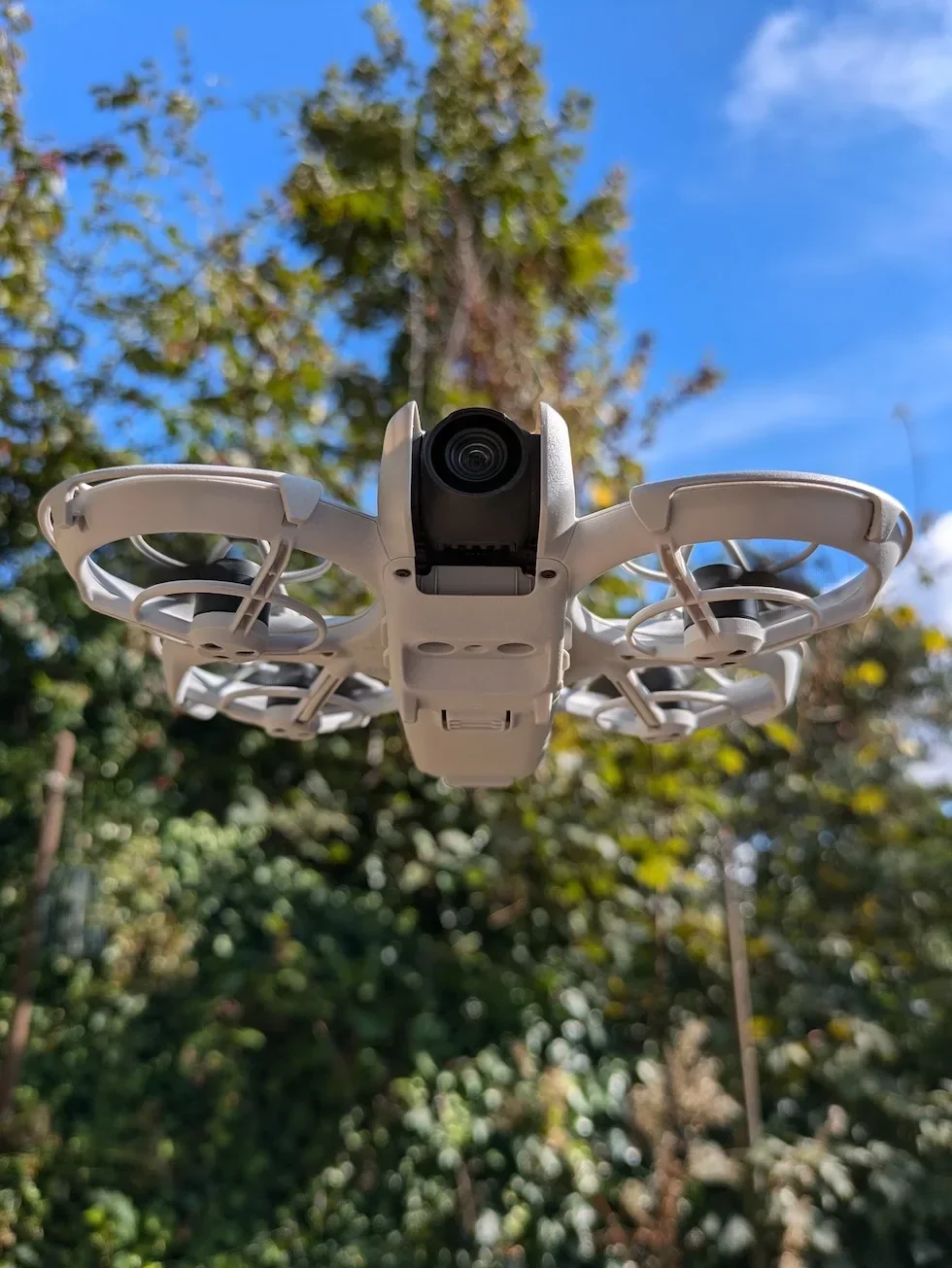
Place the DJI Neo 2 upside down on a flat surface so the propeller guards face up
A clean desk or a microfibre cloth is fine. The guards on the DJI Neo 2 release from the underside of the drone, so flipping it gives you a clear view of the centre buckle on each one.
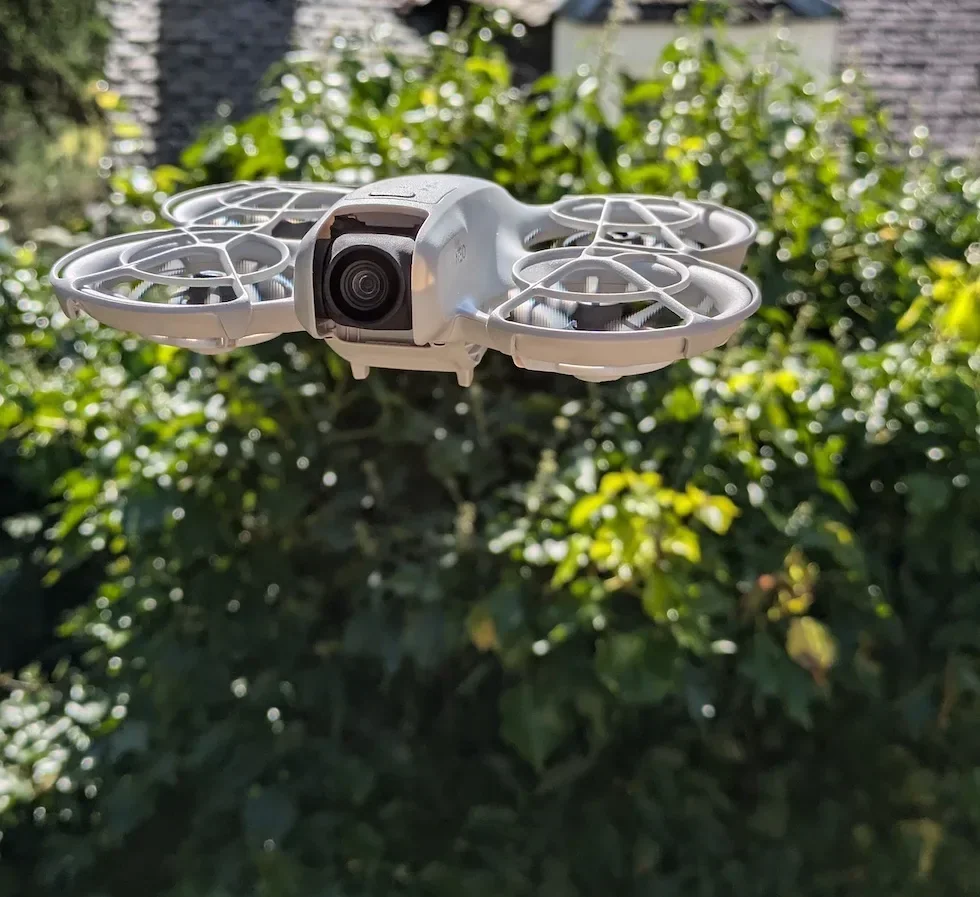
Press the centre of each propeller guard to release the central buckle
A firm thumb push on the middle of the guard pops the centre buckle. You will feel it give. Do not force it sideways — every buckle releases under direct pressure, not leverage.

Lift the front protrusion of the guard and work along the edge to free the remaining buckles
With the centre released, the front clip lifts away first. Travel around the perimeter, easing each remaining buckle out of its slot in turn. The guard comes off in one piece without flexing.
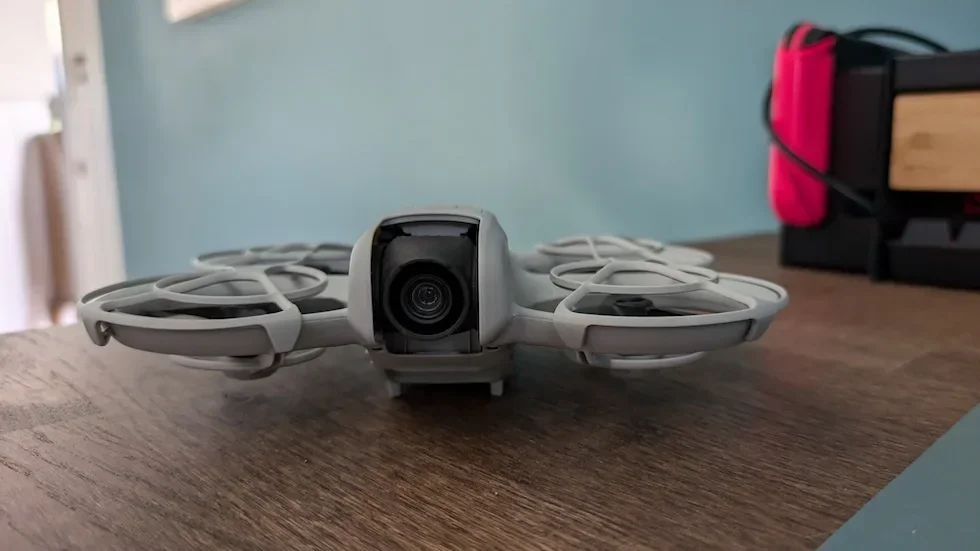
Pick up the supplied Phillips screwdriver from the DJI Neo 2 box
This is the only driver that fits the propeller screws cleanly. A near-miss Phillips or any flat-head will round the heads off in one or two turns. Lost it? A precision PH00 Phillips from a phone-repair kit is the closest match.
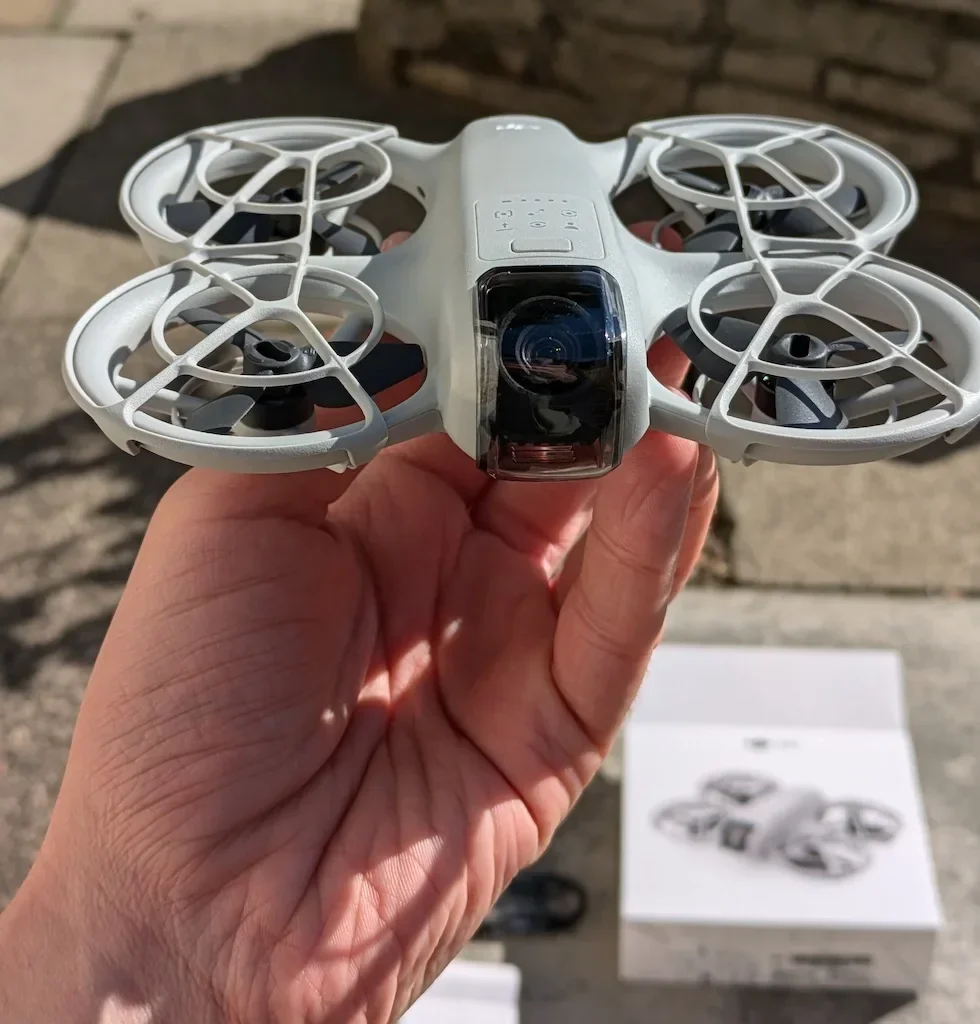
Back the central screw out of the damaged propeller and lift the blade off the motor shaft
Hold the propeller hub steady with your free hand so it does not spin while you turn the driver. Drop the old screw and propeller straight into a tray — both are tiny enough to roll into the motor housing if you set them on the desk.
Drop a marked propeller onto a marked motor, and an unmarked propeller onto an unmarked motor
Each propeller only belongs on its matching motor. The marking tells the flight controller which direction that rotor needs to spin. Reverse one and the DJI Neo 2 will try to take off, flip, and shut the motors down on the spot.
Use a fresh screw from the new propeller packaging — never reuse the old screw
Each replacement propeller comes with its own screws. The old screw may have deformed slightly under load, and a deformed head will not seat cleanly. Drop the new screw down through the centre of the propeller hub before you reach for the driver.
Tighten the screw with the driver held perfectly vertical to the motor surface until the head sits flush
Any tilt in the driver and the screw will go in at an angle, stripping its own thread. Drive down with the shaft of the driver in a straight vertical line, and stop the turn the moment the head is flush against the propeller hub. Do not lean on it after it stops moving.
Spin every new propeller slowly by hand and check for any scrape or notchy resistance
A correctly seated rotor turns freely with no rub. If you feel a scrape, your screw is over-tight and the hub is being pulled into the motor housing. Back the screw off a quarter turn and check the spin again.
Refit each propeller guard by aligning the front protrusion with the front of the drone
The guards are not interchangeable left-to-right and front-to-back. Match the front protrusion to the front of the DJI Neo 2 first, then press each remaining buckle into its slot until you feel it lock. The forward-facing LiDAR lives on the front guard — a loose buckle here breaks obstacle avoidance.
Reseat the Intelligent Flight Battery and listen to the ESC tone on power-up
Slot the pack until both side latches click, then power the drone on. The brief whine on boot is the ESC checking each motor — a clean, even tone across all four means the swap is good. A grinding or unbalanced sound means one screw is not flush, a propeller is on the wrong arm, or a guard is fouling a blade.
Peter's tip
After every propeller change I run a thirty-second hover at about a metre off the ground before flying anywhere. If something is wrong with the install, it shows up in that first hover — a twitch, a drift, an off-tone whine. Land immediately, recheck the screws and the guard buckles, and you have caught the problem on the bench instead of three hundred metres away.
Same window catches a loose guard buckle that has dropped the front LiDAR slightly out of alignment.
Frequently asked questions
When should I replace a DJI Neo 2 propeller?
The moment a blade is chipped, cracked, deformed, or has any foreign matter on it that will not lift off with a soft, dry cloth. Any propeller that has taken a hard landing or a strike gets pulled off and inspected with a fingertip along the leading edge — if you can feel a nick with a fingernail, the propeller is past airworthy.
What screwdriver does the DJI Neo 2 propeller change need?
The small Phillips screwdriver supplied in the DJI Neo 2 box. The screw heads are tiny, the threadlock on them is light, and a driver that is even slightly the wrong size will round the heads off. A precision PH00 Phillips is the closest off-the-shelf match if the original has gone missing.
What happens if I put a DJI Neo 2 propeller on the wrong motor?
The drone will not fly. The flight controller expects two clockwise rotors and two counter-clockwise rotors in a fixed pattern, and reversing one means the DJI Neo 2 tries to take off and immediately flips. Always match the marked propellers to the marked motors and the unmarked propellers to the unmarked motors.
Do I have to remove the propeller guards to change the DJI Neo 2 propellers?
Yes. The propellers sit underneath the ducted guards and cannot be lifted out through the cage. Trying to lever a blade past the guard will crack the guard, bend the propeller, or both. Pop the guards off first, change the propellers, then snap the guards back on.
How tight should the DJI Neo 2 propeller screws be?
There is no published torque figure. The rule is to keep the screwdriver perfectly vertical to the motor surface, drive the screw straight in, and stop the moment the head sits flush against the propeller hub. After installation, spin each propeller by hand — it should turn freely with no scrape, rub, or notchiness.
How often should I retighten the DJI Neo 2 propeller screws?
Every thirty hours of flying time, which works out at roughly sixty flights. Vibration from take-offs and landings will loosen any small fastener over time, and a thirty-second retighten on the bench saves a propeller departing the drone mid-shot.
Why is my DJI Neo 2 obstacle avoidance acting up after a propeller change?
Almost always the propeller guard is not fully seated. The forward-facing LiDAR sensor lives on the propeller guard itself, and a buckle that has not clicked home can leave the sensor slightly off-axis or obstructed. Pop the front guard off and re-seat it, working along every buckle until each one locks.
Can I use aftermarket propellers on the DJI Neo 2?
Avoid them. DJI specify official propellers only, and they are firm about not mixing propeller types in a set. Aftermarket blades may look identical, but the balance, pitch, and weight are tuned to the DJI flight controller — a mismatched set will fly badly even when every other variable is correct.
Is the propeller change the same on the original DJI Neo and the DJI Neo 2?
The screw step and the A/B matching are identical. The propeller guard release is different — the original DJI Neo uses hooks and the DJI Neo 2 uses a buckle system released by pressing the centre of the guard with the drone flipped upside down. Both drones use the same kind of supplied Phillips screwdriver for the four central screws.
Changing the DJI Neo 2 propellers is one of the few jobs on this drone that you do entirely by hand. Pull the guards off properly, keep the screwdriver vertical, match marked to marked, and the drone flies like it did on day one. Pair this with a sensible pre-flight checklist and the propellers will see out the lifetime of the motors.
Got a specific Neo 2 propeller scenario — a stuck screw, a guard buckle that will not seat, or a propeller that keeps coming loose on a particular motor arm? Drop a note to peter@hiredronepilot.uk and I will come back to you directly. If you prefer the video version of this explainer, the comments are open on YouTube.
References
Primary source material for this article is the official DJI Neo 2 user manual. External links open in a new tab.
- DJI Neo 2 — User Manual (v1.2, 2025) · §4.6 Propellers and Propeller Guards — propeller-guard buckle release, marked/unmarked motor pairing, supplied-screwdriver rule, vertical-screw routine, thirty-hour retighten interval, and forward-facing LiDAR warning.
- DJI Neo 2 — Specifications · Propeller part number R2217S and propeller guard PG020, used for matching replacement spares.
- DJI Neo 2 — Product page · Spare and replacement parts listing for propellers, propeller guards, and Intelligent Flight Batteries.
Peter Leslie
Founder & GVC Drone Pilot
Peter is the founder of HireDronePilot. With thousands of logged commercial flight hours, he writes about drone technology, commercial surveying tactics, and UK aviation compliance.
Connect on LinkedIn