How to Remove the Drone Battery from the DJI Neo 2

Peter Leslie
21 May 2026

If you have just landed your DJI Neo 2 and you need to pull the pack out — to charge it on the hub, swap to a fresh one, or pack the drone away — the procedure is a five-second job once you know where the latches sit.
There are two rules the manual is firm on, and they catch most new owners out. Never remove the battery while the drone is powered on, and never handle a hot pack the moment it lands. Get those right and the rest is muscle memory.
Quick guide
To remove the battery from the DJI Neo 2, power the drone fully off, hold it by the body, press both side release tabs on the Intelligent Flight Battery inward at the same time, and lift the pack straight up. Let the battery cool on a flat surface for five to ten minutes before charging or storing it.
Step-by-step: DJI Neo 2 — How to Remove the Drone Battery
Follow these top to bottom the first time, and you will know the path off by heart the second time.
Power the DJI Neo 2 fully off and wait for all four battery LEDs to go dark
Press the power button once, then press and hold it for two seconds. Wait until every LED on top of the pack is dark — that confirms the drone is fully off and the latches are safe to touch. The manual is explicit: never remove the battery with the drone powered on.
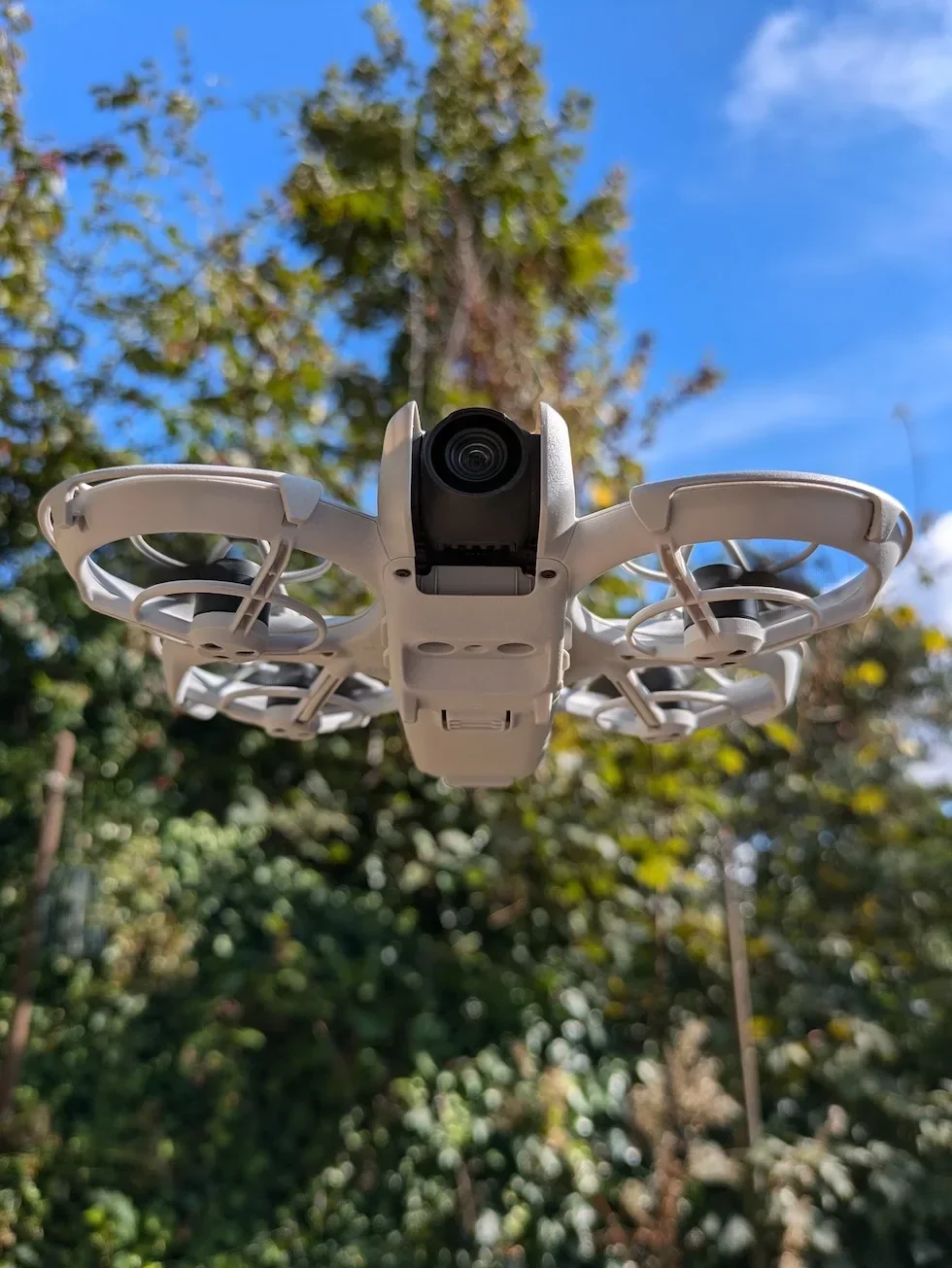
Hold the DJI Neo 2 firmly by the body of the drone, not the propeller guards
Grip the main body of the drone between the propeller guards. The guards themselves flex and can let the pack snag as it comes free.
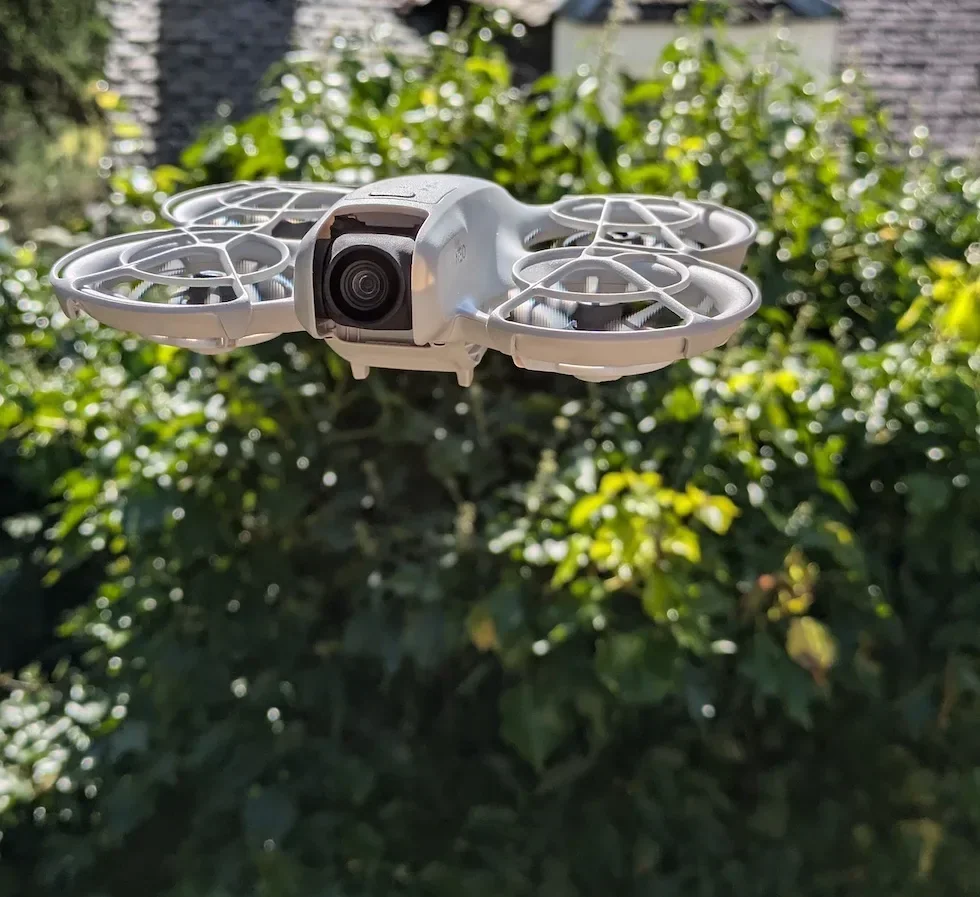
Find the two release tabs on the sides of the Intelligent Flight Battery
Look at the pack from above. The two tabs sit flush with the left and right sides of the battery, one on each side. They are the only moving parts on the pack.

Press both release tabs inward toward the centre of the battery at the same time
Use your thumb on one tab and your forefinger on the other. Both tabs have to be depressed simultaneously to release the latches — pressing one at a time will not work.
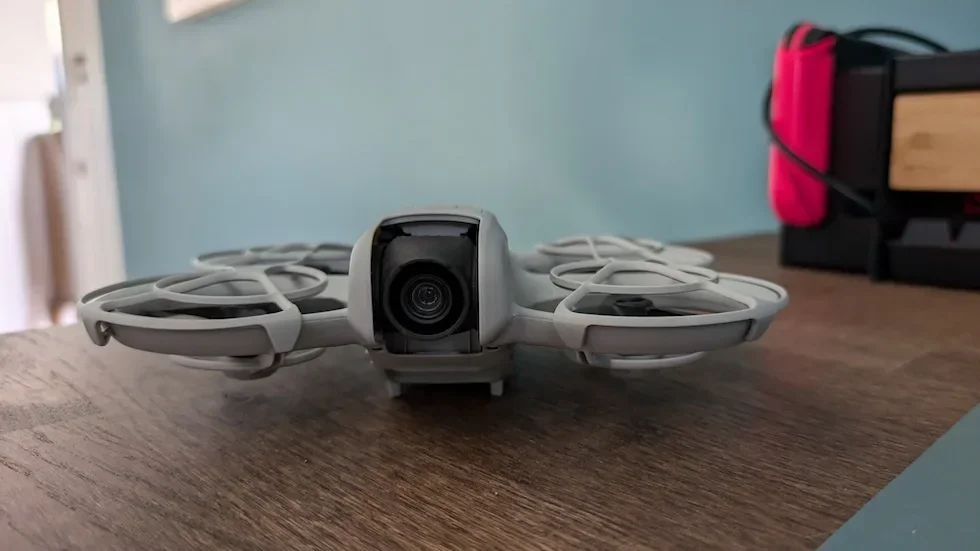
Lift the Intelligent Flight Battery straight up out of the bay
Keep the pack vertical. Do not twist or rock it side-to-side — the gold contacts on the underside are pins, and lateral force wears them out over time.
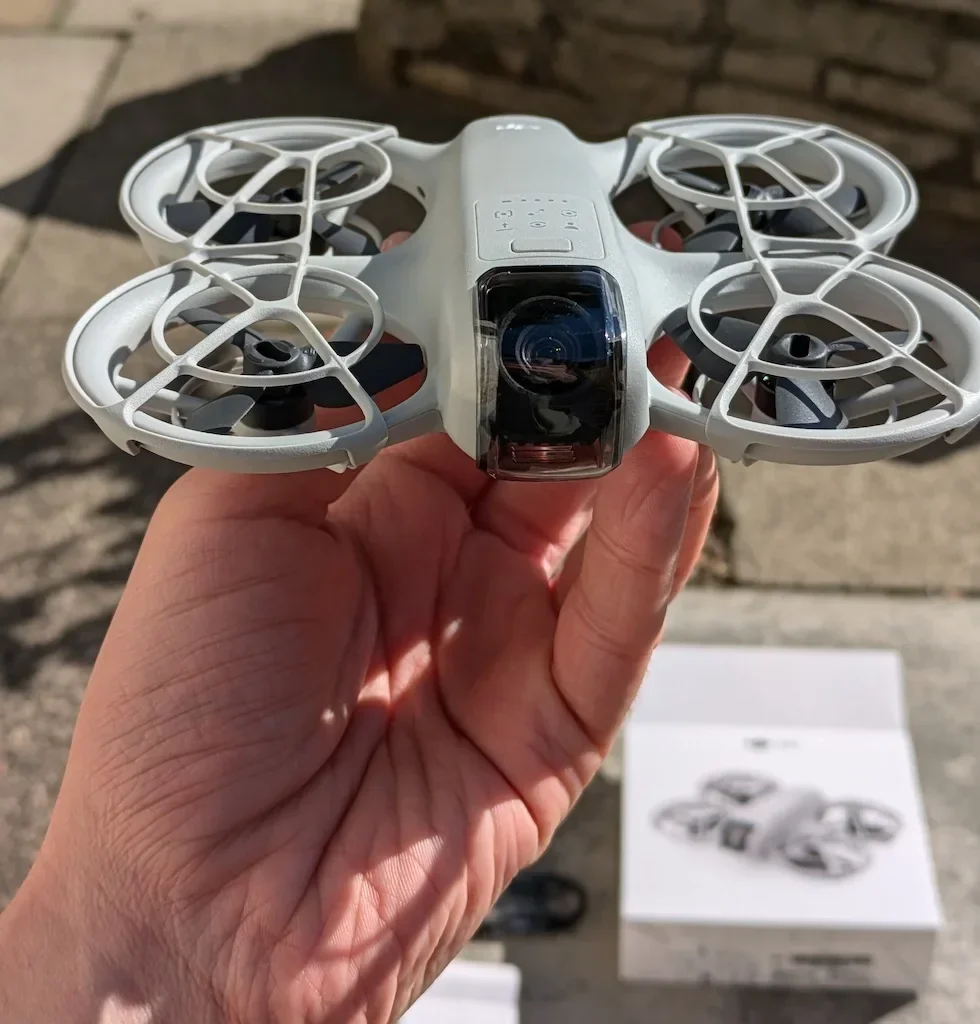
Set the battery on a hard flat surface and let it cool for five to ten minutes
The cells come back hot from flight. Give them a cooling window in open air before putting the pack on a charger, packing it into a case, or dropping it into long-term storage.
Peter's tip
When I am cycling through three packs on a shoot, I leave the freshly landed battery in the drone for the first two minutes while I pre-flight check the next pack. The cells cool faster inside the drone body than they do on a hot car bonnet.
Power off first, of course — the cooling-in-drone trick only works once the four LEDs go dark.
Frequently asked questions
Do I need to remove the DJI Neo 2 battery after every flight?
No. Leaving the pack in the drone between flights is fine. Pull the battery when you are charging it off the drone, swapping in a fresh pack, cleaning, swapping propellers, transporting the drone, or storing it for more than a few weeks.
Why is the battery not coming out when I press the side tabs?
Almost always one of two things. Either only one tab is fully depressed — both have to be pressed in at the same time, with even pressure — or the drone is still powered on and the latches are not in the released state. Power the DJI Neo 2 off completely, wait for the four LEDs to go dark, and try again with both tabs pressed simultaneously.
When should I remove the battery from the DJI Neo 2?
Five common reasons: to charge the pack off the drone or on the Charging Hub, to swap to a fresh pack mid-session, before cleaning the drone or swapping propellers, before transport in a bag or vehicle, and for any storage period longer than a week or two.
Can I remove the battery while the DJI Neo 2 is powered on?
No. The user manual is explicit — do not insert or remove the battery while the drone is powered on. Pulling a live pack risks corrupting firmware, damaging the contacts, and triggering electrical faults inside the drone.
How long should I wait before charging a battery I just removed?
Five to ten minutes on a flat surface, in open air. The valid charging temperature window is five to forty degrees Celsius, and cells coming straight off a flight are often above that. Plug a hot pack into the Charging Hub and it will sit there blinking yellow until the cells settle on their own.
Why is the click important when I put the battery back?
The click confirms both side latches have engaged. A pack that looks seated but has not clicked can power the DJI Neo 2 on fine, then drop the connection mid-flight when the drone vibrates. The manual is explicit — mount the battery securely with a clicking sound, or the contacts are not properly mated.
How should I store the DJI Neo 2 battery for long periods?
Discharge the pack to roughly fifty per cent, keep it at room temperature in the twenty two to twenty eight degrees Celsius ideal range, and fully charge it at least once every three months. The hard temperature bounds are minus ten to forty five degrees Celsius — outside that range, cell chemistry degrades quickly.
Can I take the DJI Neo 2 battery on a plane?
Yes, in cabin baggage. IATA dangerous goods rules require the pack to be removed from the drone for airline transport, with the terminals taped or covered. The DJI Neo 2 battery is well under the one hundred watt-hour ceiling that triggers airline approval requirements, so cabin carriage is straightforward — but the pack has to be out of the drone.
Is the DJI Neo 2 battery the same as the original DJI Neo battery?
No. The DJI Neo 2 uses an updated Intelligent Flight Battery that is not interchangeable with the original DJI Neo pack. Always cross-check the part number against the DJI Neo 2 specifications page before buying a spare.
Removing the DJI Neo 2 battery is mechanically trivial — power off, squeeze both side tabs, lift straight up. The discipline around the procedure is what actually protects the pack and the drone across hundreds of flight cycles. Pair this with a sensible charging routine and most drone pilots never see a battery failure for the life of the drone.
Got a specific Neo 2 battery question — a pack that will not click in, a stuck latch, or an airline transport question for a particular trip? Drop a note to peter@hiredronepilot.uk and I will come back to you directly. If you prefer the video version of this explainer, the comments are open on YouTube.
References
Primary source material for this article is the official DJI Neo 2 user manual. External links open in a new tab.
- DJI Neo 2 — User Manual (v1.2, December 2025) · §4.7 Intelligent Flight Battery — installing and removing the battery, temperature rules, transit and storage guidance.
- DJI Neo 2 — User Manual §6.6 Maintenance Instructions · Battery removal before servicing, storage temperature range, three-month charge rule, sleep mode behaviour.
- DJI Neo 2 — Specifications · Intelligent Flight Battery capacity and weight, used for transport rules and airline approval thresholds.
Peter Leslie
Founder & GVC Drone Pilot
Peter is the founder of HireDronePilot. With thousands of logged commercial flight hours, he writes about drone technology, commercial surveying tactics, and UK aviation compliance.
Connect on LinkedIn