How to Calibrate the Camera Gimbal on the DJI Neo 2

Peter Leslie
21 May 2026
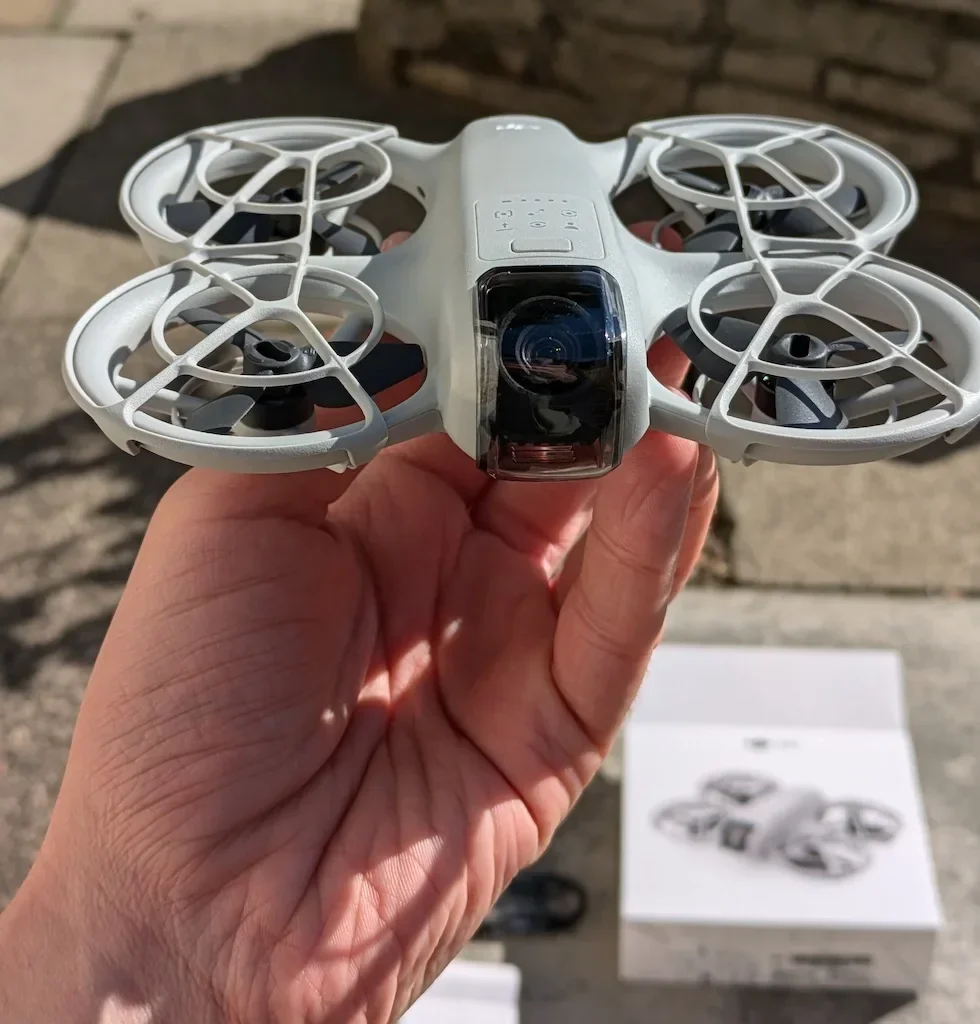
If your DJI Neo 2 is throwing a tilted horizon on a level hover, drifting subtly to one side in finished footage, or holding the camera at an angle after a hard landing, the procedure you are looking for is Gimbal Calibration inside DJI Fly.
The routine itself is short — Auto handles the whole sweep in about thirty seconds, and Manual is there to nudge the horizon a fraction of a degree if the first pass leaves it sitting slightly off. Most drone pilots who get a failed calibration are running it with the gimbal protector still clipped on, or on a surface that is not quite level — fix those two things and the procedure completes first time.
Quick guide
To calibrate the camera gimbal on the DJI Neo 2, go to DJI Fly → Settings → Control → Gimbal Calibration. Place the drone on a level surface with the gimbal protector removed, tap Auto for a hands-off sweep, or tap Manual to nudge the horizon by tenths of a degree.
Step-by-step: How to Calibrate the Camera Gimbal on the DJI Neo 2
Follow these top to bottom the first time, and you will know the path off by heart the second time.
Place the DJI Neo 2 on a genuinely level surface
Set the drone flat on a kitchen worktop, a hard paving slab, or a smooth wooden table. Check the surface with your eye before you start — any tilt in the surface gets baked into the Auto routine and shows up as a slanted horizon in the next clip you record.
Remove the gimbal protector from the camera
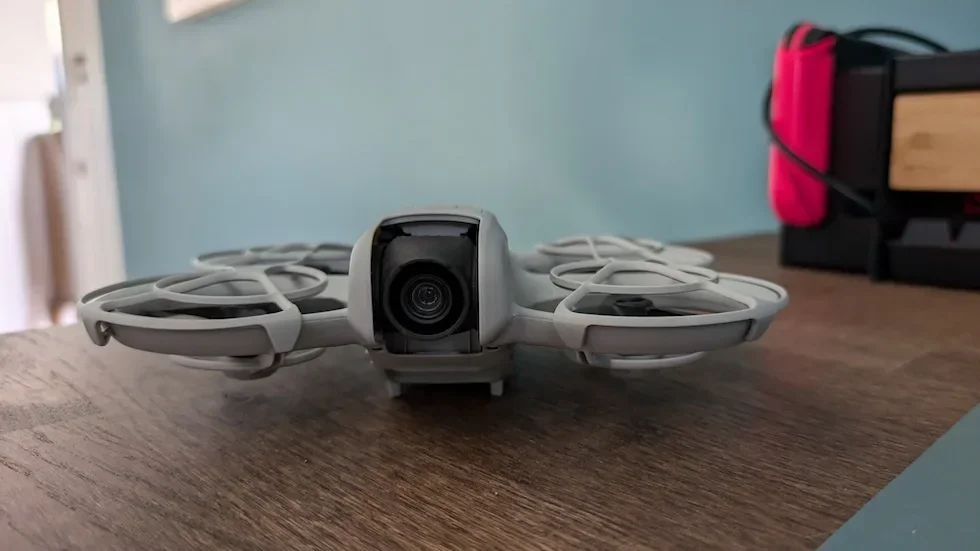
The small plastic cover that ships clipped over the camera lens has to come off before the gimbal motors can sweep through their range. Leaving it on is the single most common reason a Gimbal Calibration fails halfway through.
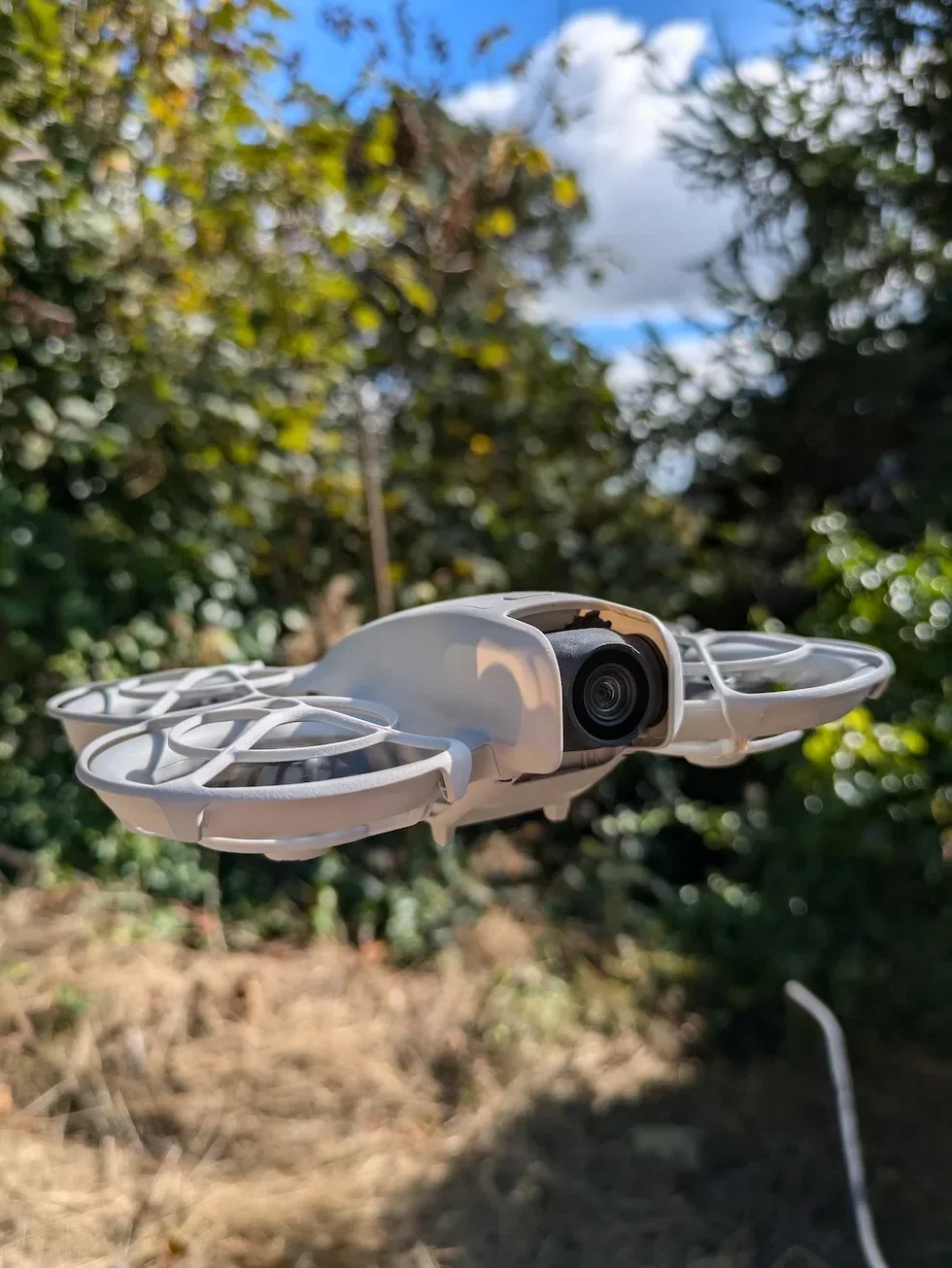
Open the DJI Fly Settings menu from the camera view
With the DJI Neo 2 powered on and connected, tap the Settings icon in the top right of the camera view. The settings panel slides in with the category tabs down the left.

Tap the Control category in the Settings panel
Control is the first tab down the left of the settings panel, above Safety. Tap it and the right-hand pane updates to show the gimbal, stick, and remote controller options for the DJI Neo 2.
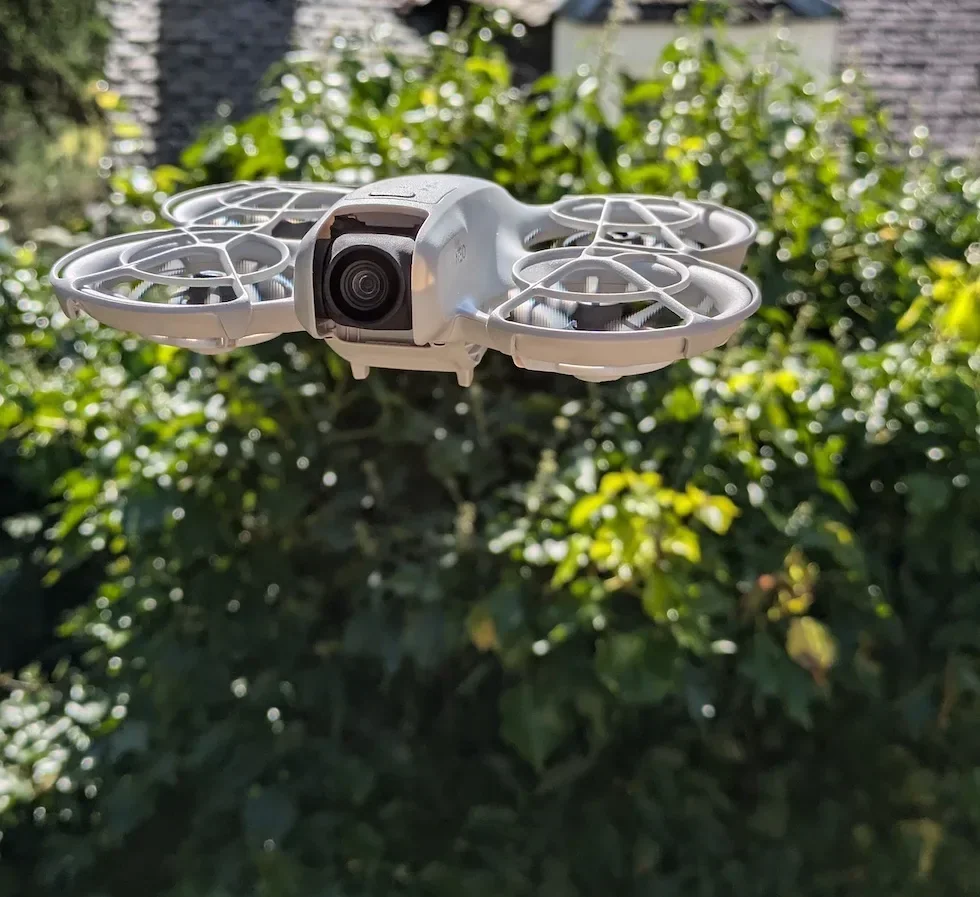
Scroll down inside Control until the Gimbal Calibration row appears
Scroll past the gimbal mode block and the stick mode block. The Gimbal Calibration row sits a little further down, with the menu opening when you tap the row.
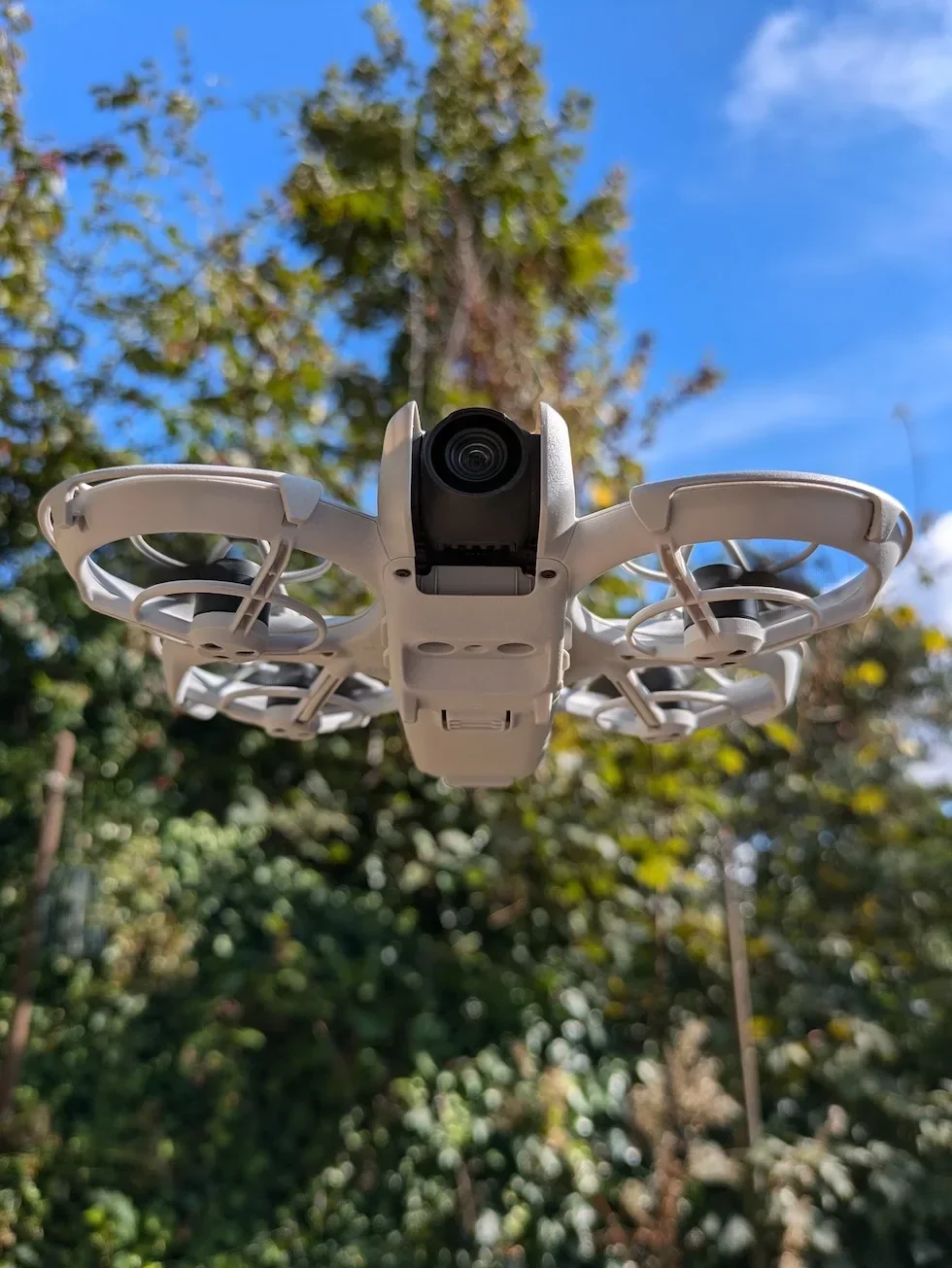
Tap Auto to run the hands-off calibration sweep
Auto is the first option inside Gimbal Calibration. Tap it and the drone runs the routine end to end with no further input — the gimbal nudges through its range, the app shows a progress bar, and a success message confirms when the sweep is finished.
Wait for the success confirmation before touching the drone
Keep the drone still on the surface until DJI Fly reports the calibration is successful. Picking the drone up mid-sweep aborts the routine and forces you to start the Auto pass again from the top.
Tap Manual if the horizon still looks slightly tilted in the camera view
Manual is the second tab inside Gimbal Calibration. Tap it to open a horizontal slider that nudges the gimbal by tenths of a degree. Hold the drone steady, watch the camera view in DJI Fly, and shift the slider until the horizon line sits flat.

Exit Gimbal Calibration and confirm the horizon on a short test hover
Back out of the Gimbal Calibration screen and fly a slow ten-second hover over level ground. Glance at the camera view — a flat horizon at one metre is the only proof the calibration has done what you wanted.
Peter's tip
I run Auto first, every time. Only if the test hover still shows a slight tilt do I go back into Manual and nudge the slider — and when I do, I move it one notch, fly another short hover, and check again. Trying to dial in a perfect horizon while the drone is on the table never works as well as iterating against a real hover.
Frequently asked questions
When does the DJI Neo 2 camera gimbal actually need a calibration?
When the horizon in the camera view looks tilted on a level hover, when footage shows a slow drift to one side, after a hard landing, after a long drive over rough ground, or after a firmware update. The gimbal is a precision optical assembly and small knocks add up. Run a calibration whenever a finished clip looks off and you cannot explain it from your stick inputs.
What is the difference between Auto and Manual gimbal calibration on the DJI Neo 2?
Auto runs a full self-test of the gimbal range with no input from you and is the right starting point for almost every situation. Manual opens a fine horizontal slider that nudges the gimbal one tenth of a degree at a time, and is for the rare case where Auto reports a successful calibration but you can still see the horizon sitting slightly off in the camera view.
Does the DJI Neo 2 need to be on a perfectly level surface for gimbal calibration?
Yes — a level surface is the single biggest factor in whether the calibration leaves the horizon clean. The drone references its own resting orientation during the routine, so any tilt in the surface gets baked into the result. Use a kitchen worktop, a hard paving slab, or a smooth wooden table rather than grass, a car bonnet, or a soft case lid.
Why does my DJI Neo 2 gimbal calibration keep failing?
Three usual causes. The gimbal protector is still on the camera, something is touching the gimbal during the routine, or the drone is not stable on the surface. Remove the protector, clear any payload or sticker from the gimbal arm, and put the drone on something genuinely flat and rigid. Restart the drone and DJI Fly if it still refuses to complete.
Will gimbal calibration on the DJI Neo 2 fix a tilted horizon in old footage?
No — the calibration only affects how the gimbal sits from this moment forward. Footage already on the SD card or in the DJI Fly album is baked at the angle the gimbal held at the time of recording. Fix the gimbal now to keep new clips clean, and use video editing software to rotate or level any older clips you want to rescue.
Can I run a gimbal calibration on the DJI Neo 2 with the propeller guard fitted?
Yes. The propeller guard does not interfere with the gimbal arm or the camera, so the routine completes the same way with the guard fitted or removed. The single piece of hardware that must come off is the small gimbal protector that ships clipped over the camera lens — that one does block the gimbal motors and will fail the calibration.
How long does a gimbal calibration take on the DJI Neo 2?
Around twenty to thirty seconds for an Auto calibration once the drone is sat on a level surface with the gimbal protector removed. Manual takes as long as you spend nudging the slider. Most of the time on the clock goes on finding a flat enough surface, not on the routine itself.
Is gimbal calibration the same procedure as IMU calibration on the DJI Neo 2?
No — they are separate procedures in separate menus. Gimbal Calibration lives under Settings → Control and only affects how the camera sits relative to the drone. IMU Calibration lives under Settings → Safety and affects how the drone understands its own orientation in the air. A drift in hover usually points to IMU; a tilt in footage usually points to the gimbal.
Gimbal Calibration is one of those Neo 2 procedures that takes thirty seconds and saves a whole afternoon of editing. Run it after a hard landing, after a firmware update, and any time finished footage shows a horizon that is not quite flat.
Got a gimbal that refuses to calibrate cleanly, or a horizon that drifts back off level after a successful Auto pass? Drop a note to peter@hiredronepilot.uk with the message DJI Fly is showing and I will come back to you directly. If you prefer the video version of this walkthrough, the comments are open on YouTube.
References
Primary source material for this article is the official DJI Neo 2 documentation and DJI Fly. External links open in a new tab.
- DJI Neo 2 — Downloads (User Manual, Quick Start Guide, firmware notes) · Gimbal Notice block, Gimbal Angle and Gimbal Operation Modes, pre-flight checklist requirement that the gimbal and camera are functioning normally before takeoff.
- DJI Neo 2 — Product page (UK) · Drone hardware overview, gimbal and camera specification including the motor assembly that this procedure recalibrates.
- DJI Fly — App download and release notes · The app where the Gimbal Calibration row, the Auto routine, and the Manual slider live. Release notes record any menu reshuffles between versions.
Peter Leslie
Founder & GVC Drone Pilot
Peter is the founder of HireDronePilot. With thousands of logged commercial flight hours, he writes about drone technology, commercial surveying tactics, and UK aviation compliance.
Connect on LinkedIn