How to Calibrate the IMU on the DJI Neo 2

Peter Leslie
21 May 2026

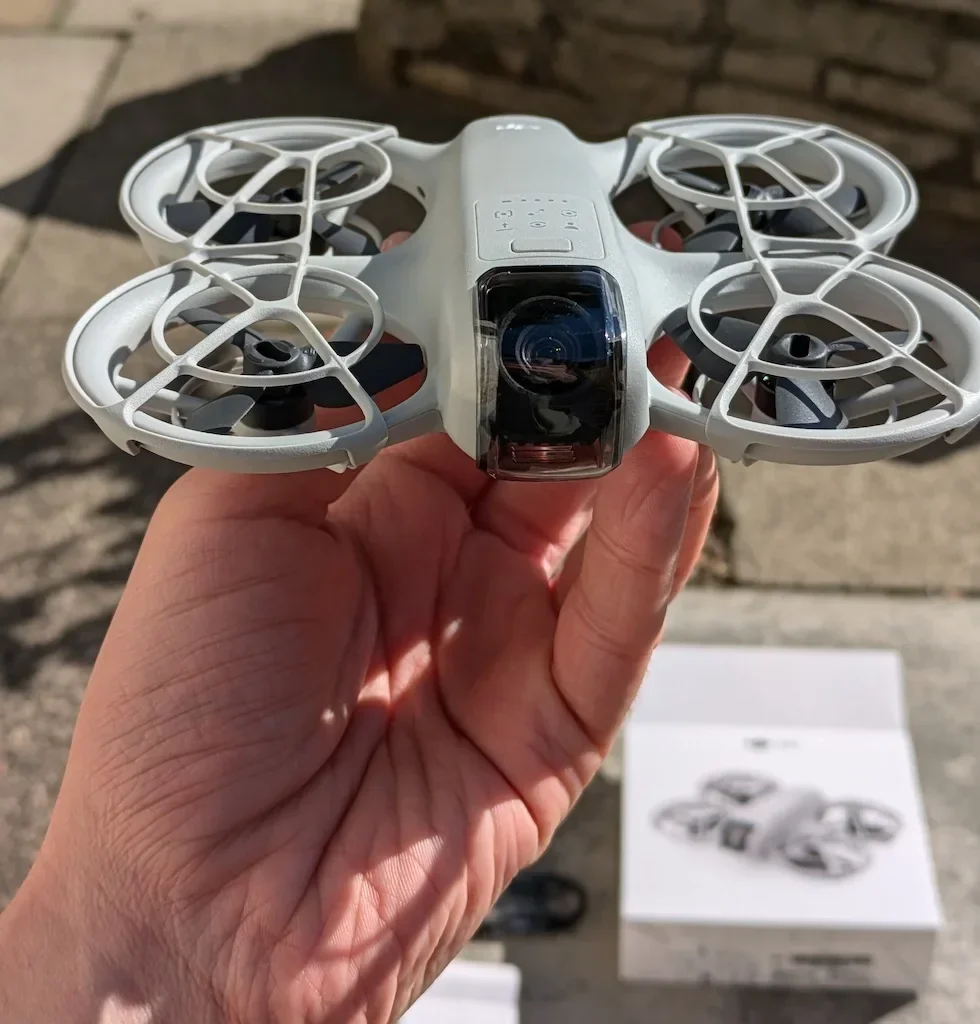
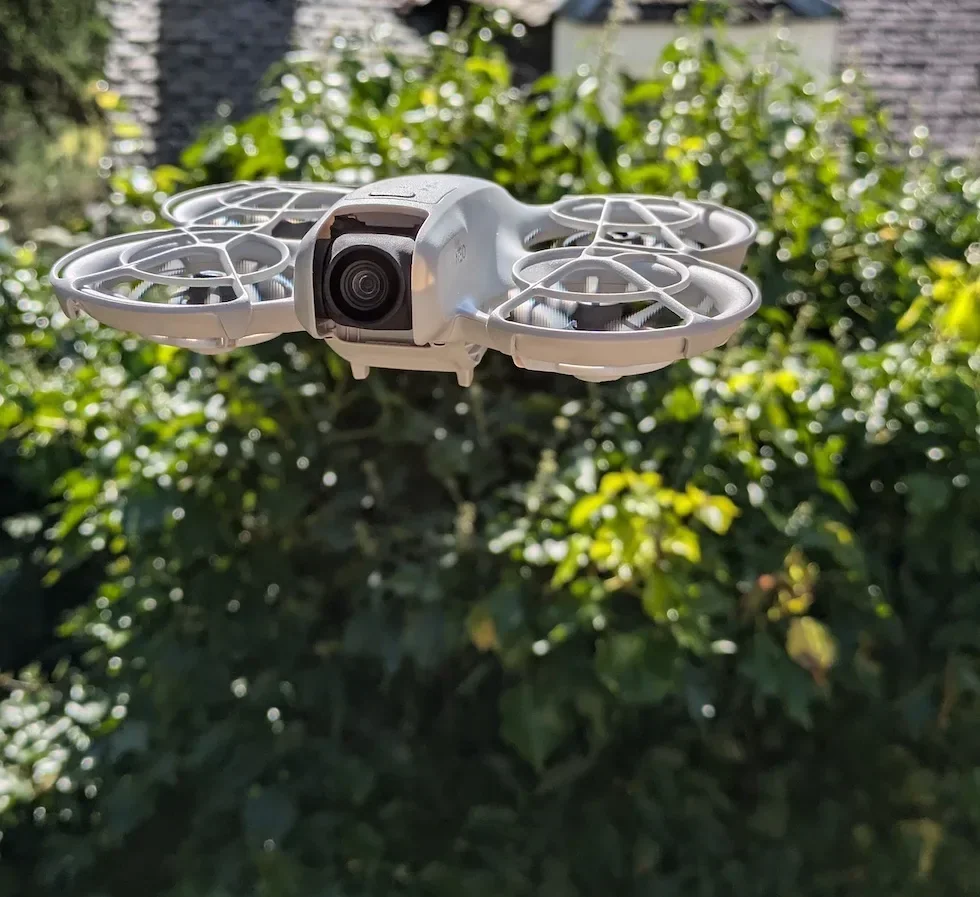
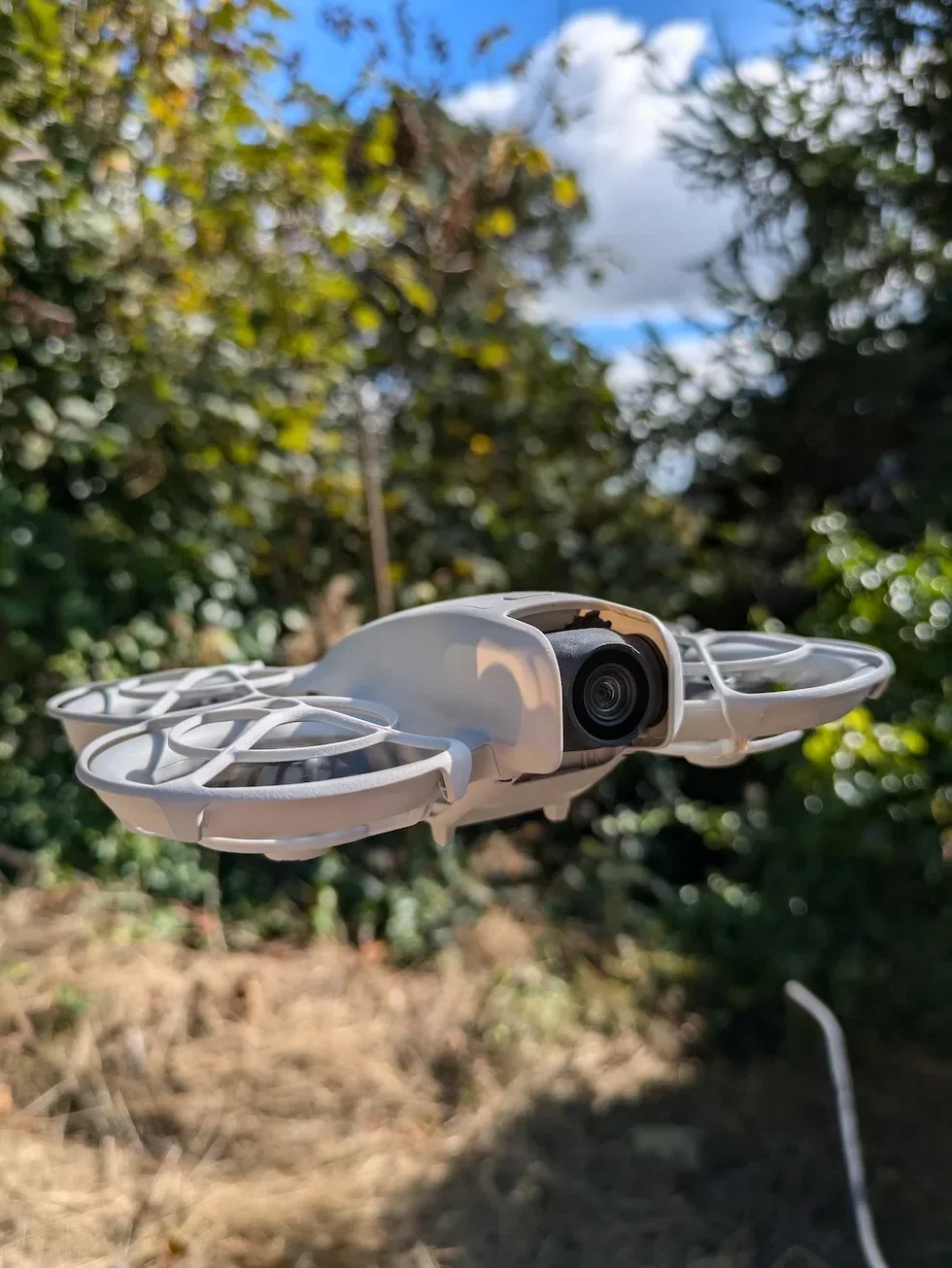
If your DJI Neo 2 has shown an IMU warning, the gimbal has started drifting mid-flight, or the drone hovers slightly off-level despite a clean compass reading, the procedure you are looking for is IMU calibration inside DJI Fly.
The IMU is the inertial sensor cluster that tells the drone which way is level and how fast it is moving, and unlike the compass it does not care about metal — so the calibration happens indoors on a hard, flat surface. Most drone pilots who cannot get it to register are running it on a wobbling table or a soft mat; switch to a workbench or a kitchen counter and the five orientations log first time.
Quick guide
To calibrate the IMU on the DJI Neo 2, go to DJI Fly → Settings → Safety → IMU Normal → Calibrate. Place the drone on a hard, level surface, work through the five on-screen orientation prompts without touching the drone while the progress bar moves, then restart the drone when DJI Fly confirms the calibration is successful.
Step-by-step: How to Calibrate the IMU on the DJI Neo 2
Follow these top to bottom the first time, and you will know the path off by heart the second time.
Place the DJI Neo 2 on a hard, level surface and let it warm up
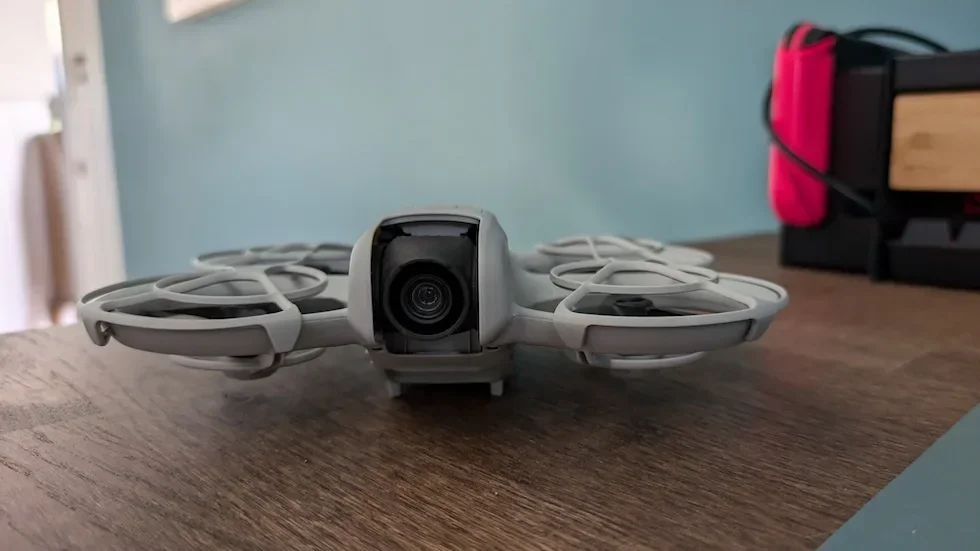
Set the drone flat on a workbench, a kitchen counter, or a solid floor — somewhere that will not wobble when you let go. Leave it powered on for a minute or two so the electronics reach operating temperature before you start. Soft mats, sofa cushions, and garden tables all fail the procedure because the IMU detects the give.
Open the DJI Fly Settings menu from the camera view
With the DJI Neo 2 powered on and connected, tap the Settings icon in the top right of the camera view. The settings panel slides in with the category tabs down the left.

Tap the Safety category in the Settings panel
Safety is the second tab down the left of the settings panel, below Control. Tap it and the right-hand pane updates to show every safety-related option for the DJI Neo 2, including the compass and IMU rows.
Scroll down inside Safety until the IMU Normal row appears
Scroll past Max Altitude, Max Distance, and the RTH Settings block. The IMU Normal row sits further down the Safety panel, just above or below the Compass Normal row, with the current status label on the left and a Calibrate button on the right.
Tap the Calibrate button next to IMU Normal
DJI Fly opens the IMU calibration sheet and displays a wireframe of the drone showing the first orientation it expects. The status LEDs change pattern to signal that the drone is in calibration mode rather than ready-to-fly mode.
Tap Start to begin the orientation sequence
With the drone already on the surface in the first position the wireframe shows, tap Start. A progress bar appears on the calibration sheet and begins to fill as DJI Fly captures the first reading.
Match each on-screen orientation as DJI Fly cycles through five positions
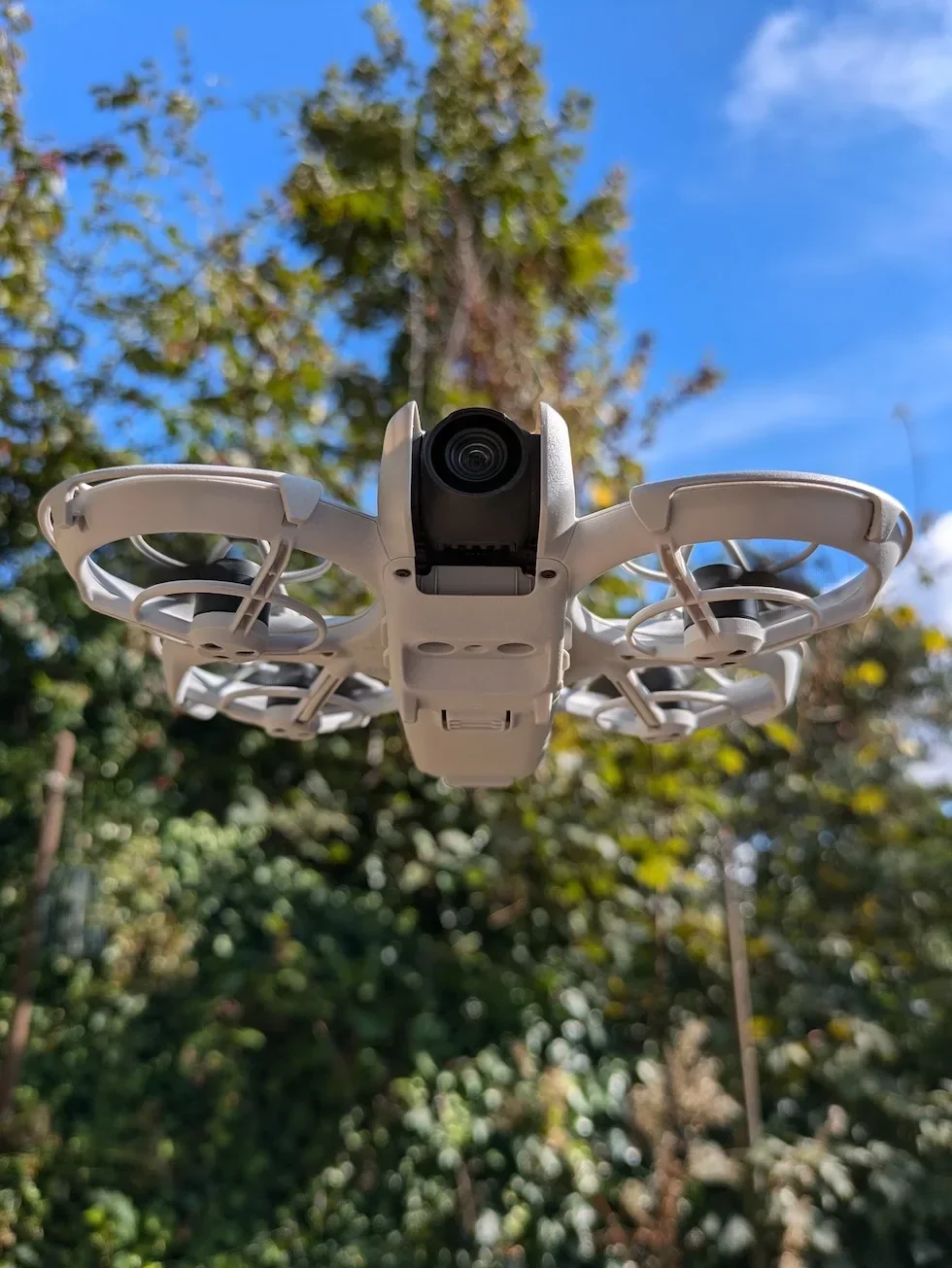
The wireframe steps through five positions in order — flat with the camera up, nose up, left side down, right side down, and inverted with the camera down. Match the drone to each picture, set it down, and let go completely. Do not touch the drone while the progress bar is moving — any nudge during a reading aborts the orientation and you have to start it over.
Wait for the calibration successful message on the final orientation
When the last orientation registers, DJI Fly displays a calibration successful confirmation and the IMU Normal row updates to a fresh status reading. The app then prompts you to restart the drone before the next flight.
Power the DJI Neo 2 off, wait five seconds, and power it back on
Hold the power button to shut the drone down, count to five, then press it again to boot back up. The new IMU values are only fully applied after the reboot, and DJI Fly will reconnect automatically once the drone re-pairs.
Peter's tip
I have run an IMU calibration on the DJI Neo 2 maybe twice in months of flying, and both times it was after a long train journey with the drone bouncing around in a backpack. If the gimbal is steady, the hover is level, and DJI Fly is quiet, leave the IMU alone — running it speculatively introduces fresh bias more often than it fixes anything. Save it for the prompt or the symptom.
Frequently asked questions
When does the DJI Neo 2 actually need an IMU calibration?
When DJI Fly prompts you with an IMU warning, when the gimbal drifts during flight, or when the drone hovers off-level despite a clean compass reading. The DJI Neo 2 does not need an IMU calibration before every flight — only when something has changed that the onboard sensor cannot reconcile on its own.
What surface should I use for IMU calibration on the DJI Neo 2?
A hard, level surface that does not wobble. A workbench, a kitchen counter, or a solid floor all work. A sofa cushion, a garden chair, a soft mat, or a desk that someone else is leaning on will all fail the procedure because the IMU detects the movement and aborts the reading.
What is the difference between an IMU calibration and a compass calibration on the DJI Neo 2?
The IMU measures orientation, acceleration, and rotation, so its calibration asks the drone to sit perfectly still in a sequence of fixed positions. The compass measures the local magnetic field, so its calibration asks you to rotate the drone through two axes in a metal-free spot. They sit on separate rows in the Safety menu and they fix different symptoms.
Why does my DJI Neo 2 IMU calibration keep failing?
Three usual causes. The surface is not level, the surface is moving, or the drone was nudged during one of the orientations. Move to a hard, flat surface that nobody is touching, set the drone down, let go completely, and wait for the progress bar to fill before repositioning. If it still fails, restart the drone and DJI Fly before trying again.
Do I need to restart the DJI Neo 2 after an IMU calibration?
Yes. DJI Fly prompts you to restart the drone after the success message, and the new IMU values are only fully applied once the drone has rebooted. Power off, wait five seconds, power back on, and reconnect to DJI Fly before flying.
How long does an IMU calibration take on the DJI Neo 2?
Around two to three minutes once you are at a hard, level surface. Each of the five orientations takes ten to fifteen seconds for the progress bar to fill, and the rest of the time is repositioning the drone between positions. The post-calibration restart adds about another twenty seconds.
Can I run an IMU calibration indoors on the DJI Neo 2?
Yes — and indoors is usually the better choice. The IMU does not care about magnetic interference, so a kitchen worktop or a workbench is a better surface than uneven outdoor ground. The only requirement is that the surface stays still and level through all five orientations.
What if I cannot find the IMU Normal row in DJI Fly?
The IMU Normal row sits inside the Safety category, below the altitude and distance limits and the RTH block. If it is not visible, scroll further down — the Safety panel extends beyond the first screen. If the row is missing entirely, check that DJI Fly and the drone firmware are both on the latest version, because earlier builds reshuffled the Safety menu layout.
An IMU calibration on the DJI Neo 2 is the kind of procedure most owners never need to touch, but when DJI Fly does ask for one, the five-orientation sequence on a hard surface is the cleanest way through it. Do it after the prompt, restart the drone, and the gimbal-drift symptom usually clears on the first flight back.
Got an IMU calibration that keeps aborting on the third orientation, or a gimbal-drift symptom that comes back the moment you take off? Drop a note to peter@hiredronepilot.uk with the prompt DJI Fly is showing and I will come back to you directly. If you prefer the video version of this walkthrough, the comments are open on YouTube.
References
Primary source material for this article is the official DJI Neo 2 documentation and DJI Fly. External links open in a new tab.
- DJI Neo 2 — Downloads (User Manual, Quick Start Guide, firmware notes) · Troubleshooting note that gimbal drift requires IMU and compass calibration in DJI Fly, plus flight-environment guidance on when interference may demand a calibration.
- DJI Neo 2 — Product page (UK) · Drone hardware overview, onboard sensor list including the IMU module that this procedure recalibrates.
- DJI Fly — App download and release notes · The app where the IMU Normal row and Calibrate button live. Release notes record any menu reshuffles between versions.
Peter Leslie
Founder & GVC Drone Pilot
Peter is the founder of HireDronePilot. With thousands of logged commercial flight hours, he writes about drone technology, commercial surveying tactics, and UK aviation compliance.
Connect on LinkedIn