How to Calibrate the Remote Controller for the DJI Neo 2

Peter Leslie
21 May 2026

If the sticks on your DJI Neo 2 remote no longer return cleanly to centre, or the drone drifts in a hover with the sticks released, the procedure you are looking for is RC Calibration inside DJI Fly.
The procedure itself is short — both sticks into all four corners, then the rear-left dial from end to end — but it only opens once the drone is powered off. Most drone pilots who cannot find RC Calibration are looking at a greyed-out row because the drone is still on.
Quick guide
To calibrate the remote controller for the DJI Neo 2, power the drone off, then go to DJI Fly → Settings → Control → RC Calibration → Start. Run the left stick into all four corners, then the right stick into all four corners, then slide the rear-left dial fully left and fully right until the success message appears.
Step-by-step: How to Calibrate the Remote Controller for the DJI Neo 2
Follow these top to bottom the first time, and you will know the path off by heart the second time.
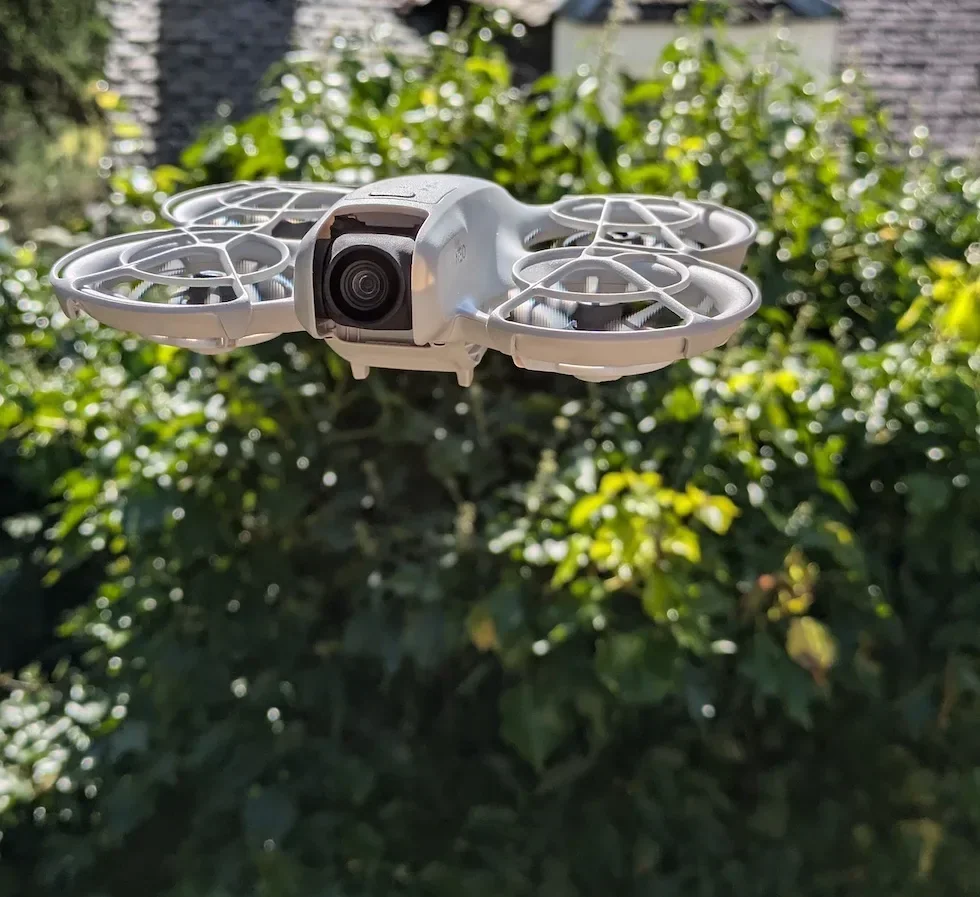
Power off the DJI Neo 2 before starting the calibration
Press the drone power button once, then press and hold it for one second to shut the drone down. RC Calibration only opens with the drone powered off, so this is the step that unlocks everything else.
Open the DJI Fly Settings menu from the camera view
With the DJI RC-N3 still connected and DJI Fly open, tap the Settings icon in the top right of the camera view. The settings panel slides in with the category tabs running down the left.
Tap the Control category in the Settings panel
Control is the first tab down the left of the Settings panel, above Safety. Tap it and the right-hand pane updates to show every controller-related option for the DJI Neo 2, including stick mode, EV dial behaviour, and the RC Calibration row.
Scroll to the bottom of Control and tap RC Calibration
Scroll the Control list all the way to the bottom. The RC Calibration row sits near the end with a chevron on the right — tap it to open the calibration sheet.
Tap Start to begin the RC calibration sequence
DJI Fly shows a short walkthrough screen with a Start button at the bottom. Tap it and the app moves straight to the left stick prompt with a four-arrow indicator on screen.
Run the left control stick into all four corners
Push the left stick fully up, fully right, fully down, and fully left, pressing it all the way to the mechanical stop each time. DJI Fly fills in each arrow on screen as the maximum value is registered.
Run the right control stick into all four corners
Repeat the same pattern on the right stick — fully up, right, down, and left, pressing all the way into the stop. The on-screen indicator confirms each direction as it locks, and the app moves on automatically once all four corners are filled in.
Slide the rear-left dial fully left then fully right
Roll the gimbal dial on the rear-left of the DJI RC-N3 to its hard-left position, then to its hard-right position. Hold each endpoint for a beat so the app registers it, and DJI Fly shows the calibration successful message once both ends are captured.

Peter's tip
If a corner refuses to fill in on screen, do not jab the stick — press it slowly into the stop and hold for half a second. The DJI RC-N3 needs the maximum value to settle, not just be touched, and a held press is what gets the calibration to lock in first time.
Frequently asked questions
When does the DJI RC-N3 actually need a controller calibration?
When the sticks no longer return cleanly to centre, when the drone drifts in a hover with the sticks released, after a firmware update to either the drone or the remote, or after the controller has had a knock. The DJI Neo 2 does not need an RC calibration before every flight — only when the input no longer matches what the sticks are doing.
Why does RC Calibration not open on the DJI Neo 2?
The drone has to be powered off before the Control menu lets you into RC Calibration. If the drone is still on, the row is greyed out and tapping it does nothing. Press the drone power button once, then press and hold for a second, wait for the LEDs to go dark, and the row becomes tappable.
Do I have to recalibrate the DJI RC-N3 after a firmware update?
Not automatically. The update keeps your existing calibration values unless DJI Fly explicitly prompts you to recalibrate. Run the procedure if the sticks feel off afterwards, if the drone drifts in a hover, or if DJI Fly shows an RC warning. Otherwise the previous calibration carries over.
Why is the rear-left dial not registering during the calibration?
The dial needs to reach its full mechanical stop on both sides, not just be flicked. Roll it slowly with a thumb until you feel it bottom out left, hold for a beat, then roll all the way right and hold again. If it still does not register, close the calibration sheet, reopen it from Control, and try once more.
How long does an RC calibration take on the DJI Neo 2?
Under a minute once you are inside the menu. The four corners on each stick take about ten seconds per stick, and the dial sweep takes another five. The longest part is usually powering the drone off and opening DJI Fly to the right tab.
Can I calibrate the DJI RC-N3 without the DJI Neo 2 powered on?
Yes — and that is the point. DJI Fly requires the drone to be off before it lets you into RC Calibration. The remote stays powered and connected to the phone, the drone is shut down, and the procedure runs end-to-end with no motors armed.
Does this procedure also calibrate the DJI Neo 2 itself?
No. RC Calibration only touches the sticks and the dial on the remote controller. The drone's compass and IMU live on separate rows inside the Safety menu and need their own calibration runs. Run those when DJI Fly prompts you for a compass warning or shows hover drift in the camera view.
What if a stick still drifts after calibrating the DJI RC-N3?
Repeat the procedure once more and make sure each stick reaches the hard mechanical stop in every corner — a soft press will not register the maximum value. If the drift survives a clean second run, the stick gimbal in the remote itself is likely worn or sticky, and the remote needs servicing rather than another calibration.
RC Calibration is one of those DJI Neo 2 procedures that feels hidden until you know where to look — buried at the bottom of Control, gated behind a powered-off drone. Once you have run it once, the path takes under a minute the next time the sticks start feeling off.
Got a stick that drifts even after a clean recalibration, or an RC Calibration row that stays greyed out no matter what you do? Drop a note to peter@hiredronepilot.uk with the prompt DJI Fly is showing and I will come back to you directly. If you prefer the video version of this walkthrough, the comments are open on YouTube.
References
Primary source material for this article is the official DJI Neo 2 documentation and DJI Fly. External links open in a new tab.
- DJI Neo 2 — Downloads (User Manual, Quick Start Guide, firmware notes) · Remote controller layout including the gimbal dial on the rear-left, DJI RC-N3 pairing guidance, and DJI Fly Settings menu reference.
- DJI Neo 2 — Product page (UK) · Bundle configurations including the DJI RC-N3 paired remote, plus the hardware overview of the controller itself.
- DJI Fly — App download and release notes · The app where Settings, Control, and RC Calibration live. Release notes record any menu reshuffles between versions.
Peter Leslie
Founder & GVC Drone Pilot
Peter is the founder of HireDronePilot. With thousands of logged commercial flight hours, he writes about drone technology, commercial surveying tactics, and UK aviation compliance.
Connect on LinkedIn