How to Check Remote Controller Connection Quality on the DJI Neo 2

Peter Leslie
21 May 2026

If you have just lost the link to your DJI Neo 2 mid-flight, or you want to know how strong the controller signal is before you push the drone out to range, the indicator you want is the bars-and-RC icon in the top right of DJI Fly.
The reading is always there once the DJI RC-N3 is linked and the camera view is up, and you can tap it for a worded confirmation when bars alone are hard to count. Most drone pilots who get caught by a dropped link missed the weak-signal prompt DJI Fly raises before the controller channel actually fails.
Quick guide
To check the remote controller connection quality on the DJI Neo 2, look at the top-right corner of DJI Fly → Camera view → Status bar for the bars-and-RC icon. More bars means a stronger link to the DJI RC-N3; tap the icon for the worded confirmation.
Step-by-step: How to Check Remote Controller Connection Quality on the DJI Neo 2
Follow these top to bottom the first time, and you will know the path off by heart the second time.
Power on the DJI Neo 2 and the DJI RC-N3 together
Press and hold the power button on the drone, and the power button on the DJI RC-N3, until both come up. The RC connection indicator only populates once the link between drone and controller is actually live.
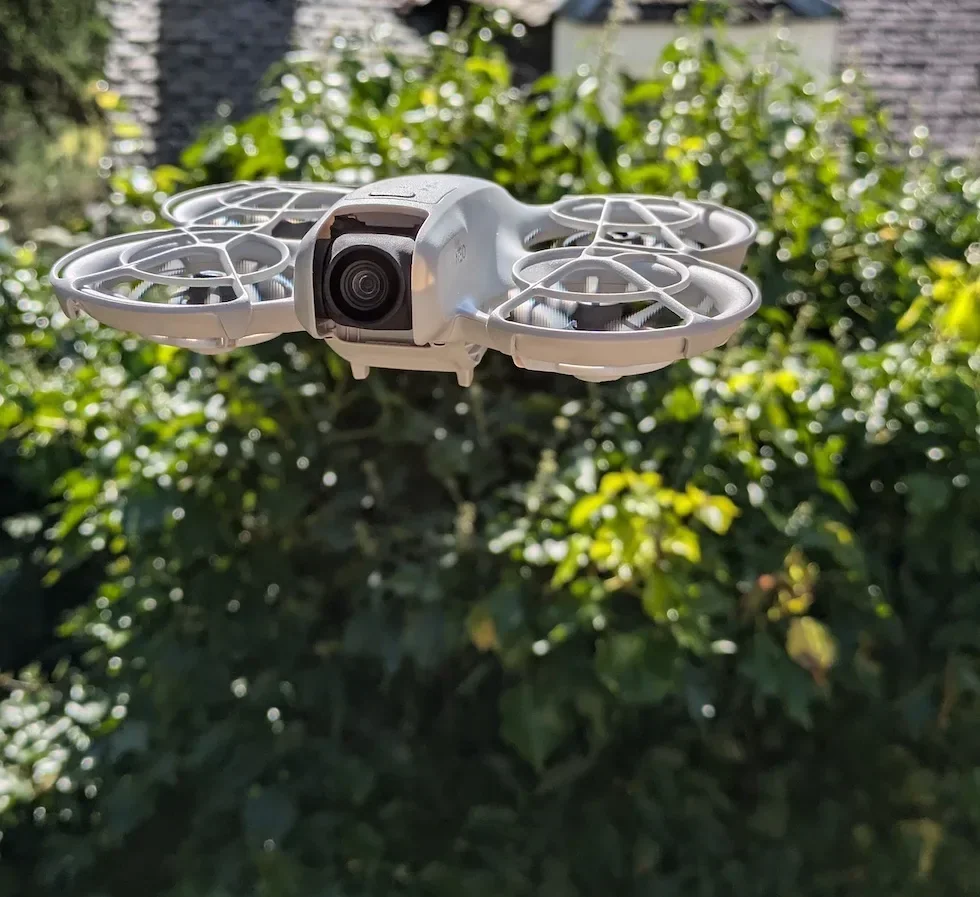
Open DJI Fly to the camera view on the connected phone
With the DJI RC-N3 plugged into the phone, launch DJI Fly and wait for the live camera view to load. The horizontal status bar across the very top of the screen is where every live link indicator sits.

Find the bars-and-RC icon in the top-right cluster of the status bar
Look at the right-hand end of the status bar above the camera view. The icon with short vertical signal bars sitting next to the letters RC is the remote controller connection quality indicator for the DJI Neo 2.
Read the number of bars to gauge link strength
The more bars filled in on the icon, the stronger the control link between the DJI Neo 2 and the DJI RC-N3. Full bars is a clean link with plenty of margin; one or two bars means the antennas need a better line to the drone before you push out to range.
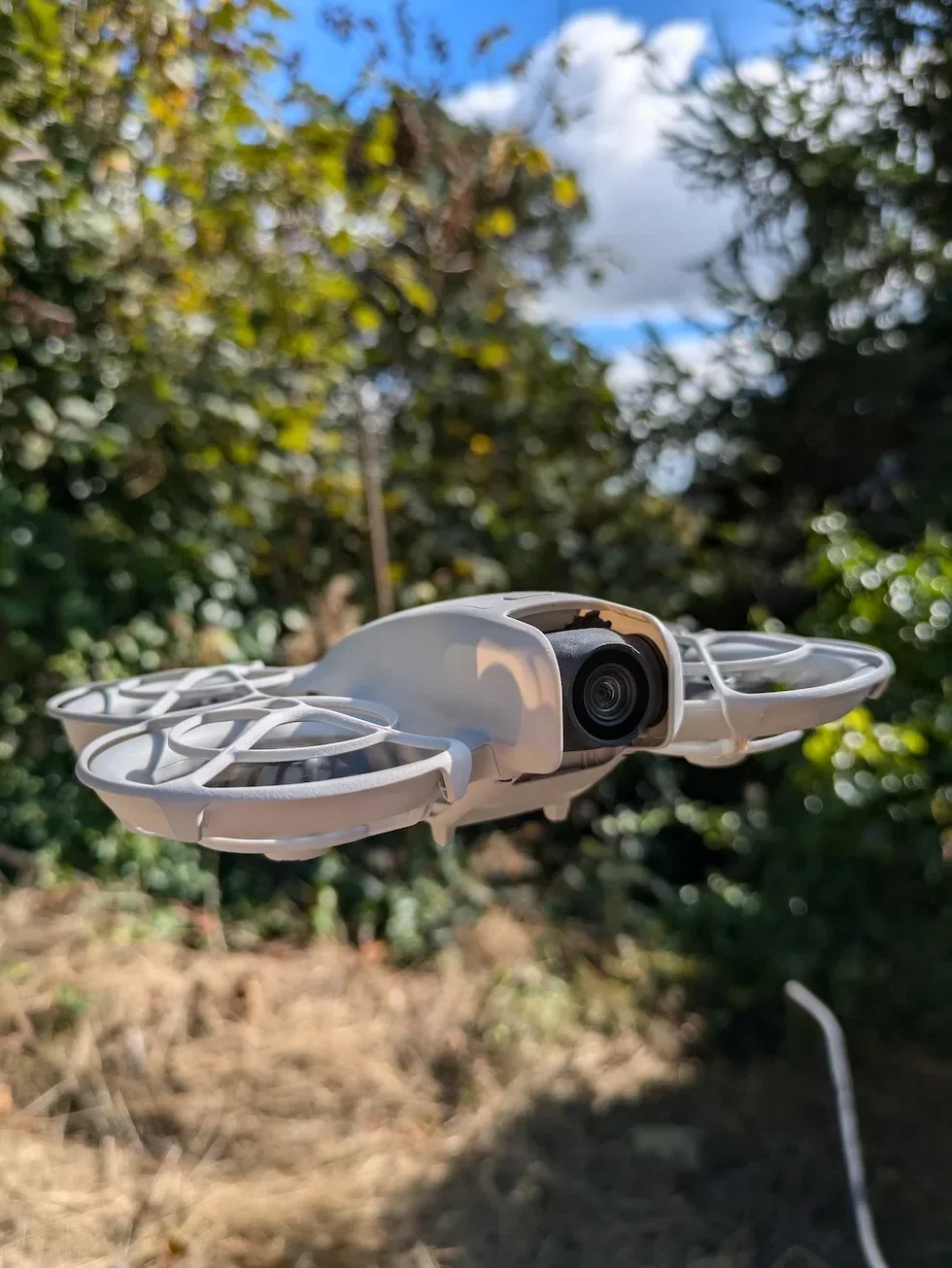
Tap the bars-and-RC icon for the worded confirmation
Tap the icon once and DJI Fly raises a short tooltip naming the link state in plain words rather than just bars. This is useful in bright sunlight when the bars are hard to read at a glance, and useful as a second confirmation before you commit the drone to a long downwind leg.
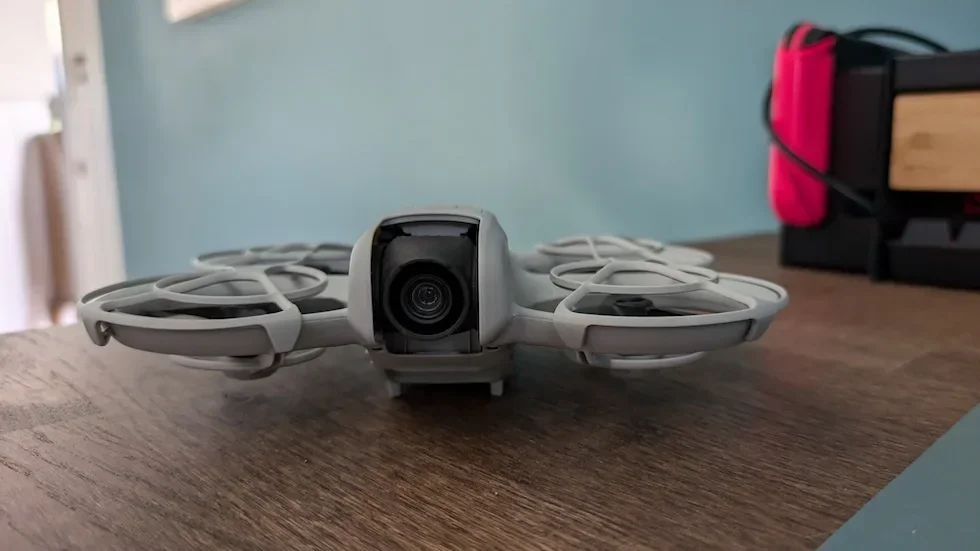
Re-check the reading once the drone is at working distance
A perfect reading on the desk means nothing about the link at a hundred metres downrange. Take off, fly out to your normal working distance, and glance at the bars-and-RC icon again. This is where a weak phone-holder angle or a buried antenna seating actually shows up.
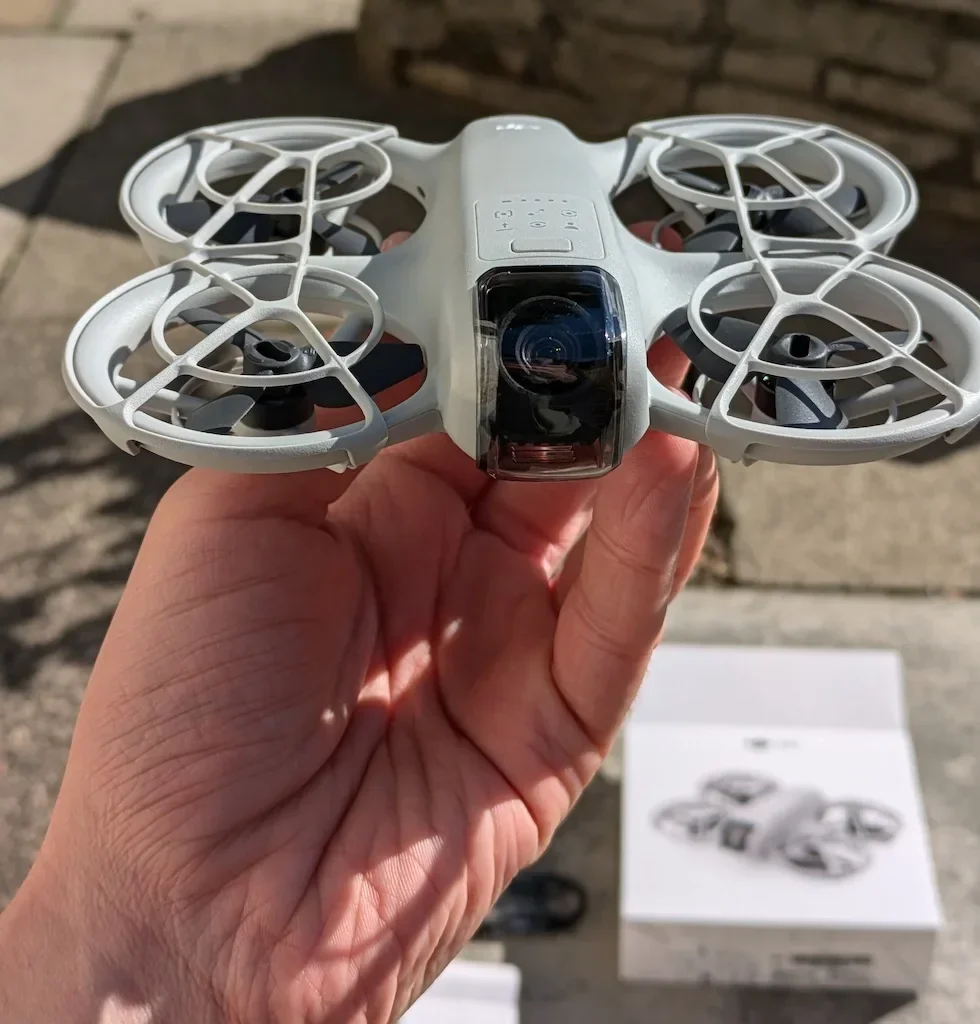
Act on the DJI Fly weak-signal prompt if it appears
If the link drops below a safe threshold, DJI Fly raises an on-screen prompt asking you to adjust the remote controller orientation toward the drone. Reorient the DJI RC-N3 so the broad face of the antennas faces the drone, or fly closer to bring the link back into the optimal transmission zone.
Peter's tip
The DJI RC-N3 antennas radiate from the broad face, not from the tip. I rotate the remote a few degrees to put the flat of the antennas square to the drone whenever the bars drop a notch, and the link nearly always recovers without me having to move my feet.
Frequently asked questions
How many bars on the RC indicator counts as a safe link on the DJI Neo 2?
Three or more bars out of the full count is the comfortable working range for the DJI Neo 2 and the DJI RC-N3. Two bars is the warning zone — the link still works, but margin is thin and one obstruction can drop the controller. One bar means the next dropout is moments away, and zero means DJI Fly is already in failsafe territory.
What does it mean when the bars-and-RC icon turns red on the DJI Neo 2?
Red on the RC icon is DJI Fly telling you the remote-control link is critically weak or the controller signal has been lost. Trigger Return to Home immediately, or fly the drone back manually toward open sky while you still have control. The weak-signal prompt usually fires alongside the colour change.
Why does the DJI RC-N3 signal drop even with the drone in sight?
Line of sight is not the same as a clean radio path. Buildings, trees, and even your own body between the antennas and the drone scatter the signal. Hold the DJI RC-N3 vertically with the antennas pointing toward the drone, and step out from behind anything dense before checking the bars again.
Does the bars-and-RC icon also show video transmission quality?
No. The bars-and-RC icon shows the control-link quality between the DJI Neo 2 and the DJI RC-N3 only. Video transmission has its own indicator in the same status bar — the signal bars next to HD or SD are the live video link, while the RC label is reserved for the controller channel.
What if the connection quality bars are missing from DJI Fly?
If the bars-and-RC icon is greyed out or shows a cross, the DJI RC-N3 is not linked to the DJI Neo 2 at all. Open the Connection Guide from the home screen, select the DJI Neo 2 model, and follow the linking steps. The bars only populate once the controller and drone are paired and powered.
How can I improve the RC signal on the DJI Neo 2 without moving?
Reorient the DJI RC-N3 so the broad face of the antennas points at the drone rather than the edges. The phone holder folds the antennas forward; turning the whole remote a few degrees to put the drone inside the optimal transmission zone often adds a bar without changing position. The DJI Fly weak-signal prompt names the direction to angle toward.
Should I check the RC connection quality before every flight?
Yes. A quick glance at the bars-and-RC icon after the camera view loads, and again once the drone is in the air at working distance, takes seconds and catches a weak antenna seating or a phone-holder angle that would otherwise surprise you mid-flight. Drone pilots who skip this check are the ones who get caught by a failsafe RTH triggered by a dropped link.
Does the RC connection quality reading update live during flight?
Yes. The bars-and-RC icon updates continuously, so the count rises and falls as the drone moves further away, behind an obstruction, or back toward the controller. Treat the indicator as a live gauge rather than a one-time pre-flight check.
The bars-and-RC icon on the DJI Neo 2 is one of the cheapest safety checks in the cockpit — a single glance at the top right of DJI Fly tells you whether the link will survive the next leg of the flight. Build it into your scan and you will rarely meet a failsafe RTH by surprise.
Got an RC icon that drops to one bar even at short range, or a connection that keeps flickering between green and red? Drop a note to peter@hiredronepilot.uk with the DJI Fly screenshot and I will come back to you directly. If you prefer the video version of this walkthrough, the comments are open on YouTube.
References
Primary source material for this article is the official DJI Neo 2 documentation and DJI Fly. External links open in a new tab.
- DJI Neo 2 — Downloads (User Manual, Quick Start Guide, firmware notes) · Optimal Transmission Zone diagram and the in-app weak-signal prompt behaviour for the DJI RC-N3 paired with the DJI Neo 2.
- DJI Neo 2 — Product page (UK) · Hardware overview of the DJI RC-N3 including the antennas that drive the control-link quality reading.
- DJI Fly — App download and release notes · The app where the bars-and-RC status icon and the weak-signal prompt are rendered. Release notes record any status-bar changes between versions.
Peter Leslie
Founder & GVC Drone Pilot
Peter is the founder of HireDronePilot. With thousands of logged commercial flight hours, he writes about drone technology, commercial surveying tactics, and UK aviation compliance.
Connect on LinkedIn