How to Customise the FN Button Function on the DJI Neo 2

Peter Leslie
21 May 2026
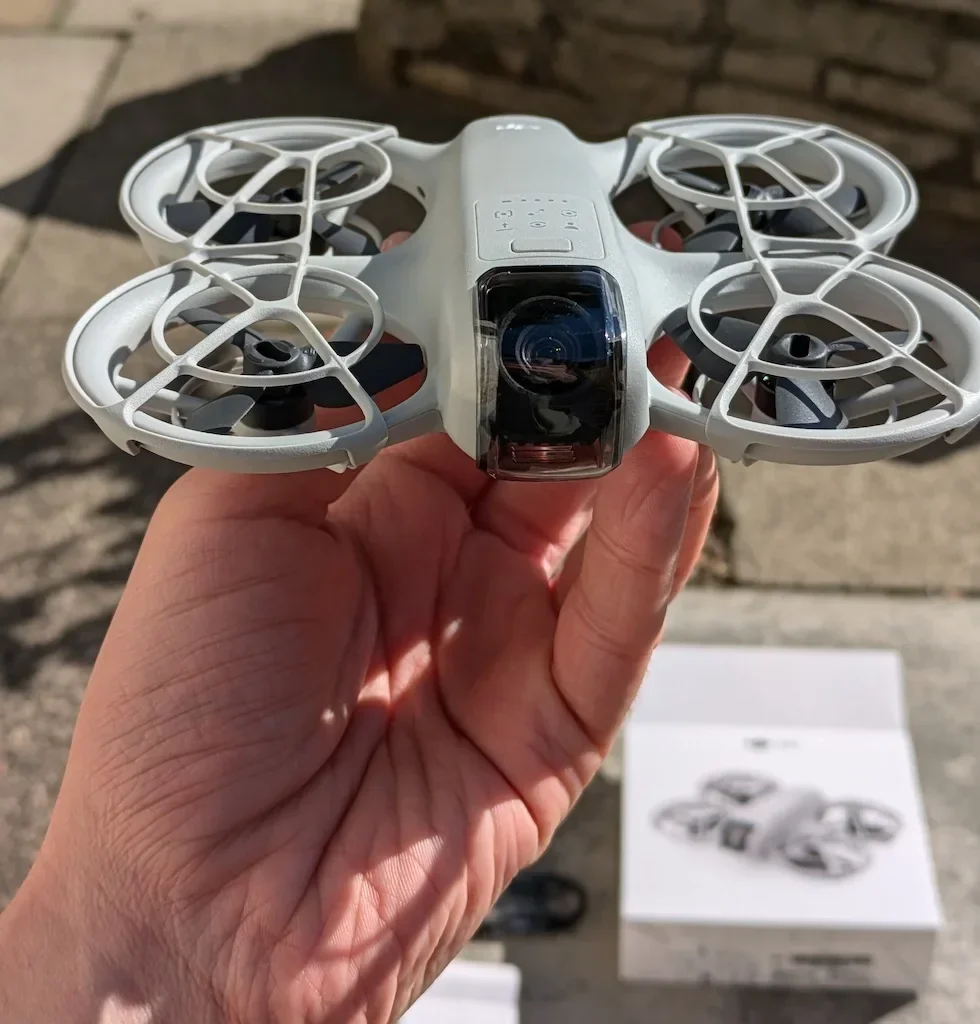
If you are reaching across the screen mid-flight to recentre the gimbal or to flick on Cruise Control, the shortcut you are looking for is Button Customization inside DJI Fly for the DJI Neo 2. The FN button sits on the controller for exactly this reason, and the binding takes ten seconds.
Single press and double press are stored as separate bindings, so you can pull two shortcuts off one button without taking your eyes off the camera view. Most drone pilots set single press to Recenter Gimbal and double press to Cruise Control — that pair covers the two reaches that ruin a smooth panning shot.
Quick guide
To customise the FN button on the DJI Neo 2, go to DJI Fly → Settings → Control → Button Customization. Pick a function for single press, switch to the double-press tab, pick a second function, and DJI Fly saves the binding immediately.
Step-by-step: How to Customise the FN Button Function on the DJI Neo 2
Follow these top to bottom the first time, and you will know the path off by heart the second time.
Open the DJI Fly Settings menu from the camera view
With the DJI Neo 2 powered on and connected to your controller, tap the Settings icon in the top right of the DJI Fly camera view. The settings panel slides in with the category tabs down the left.

Tap the Control category in the Settings panel
Control is the tab that holds gimbal, stick, and remote controller behaviour for the DJI Neo 2. Tap it and the right-hand pane updates to show every controller option, including the row you are looking for.
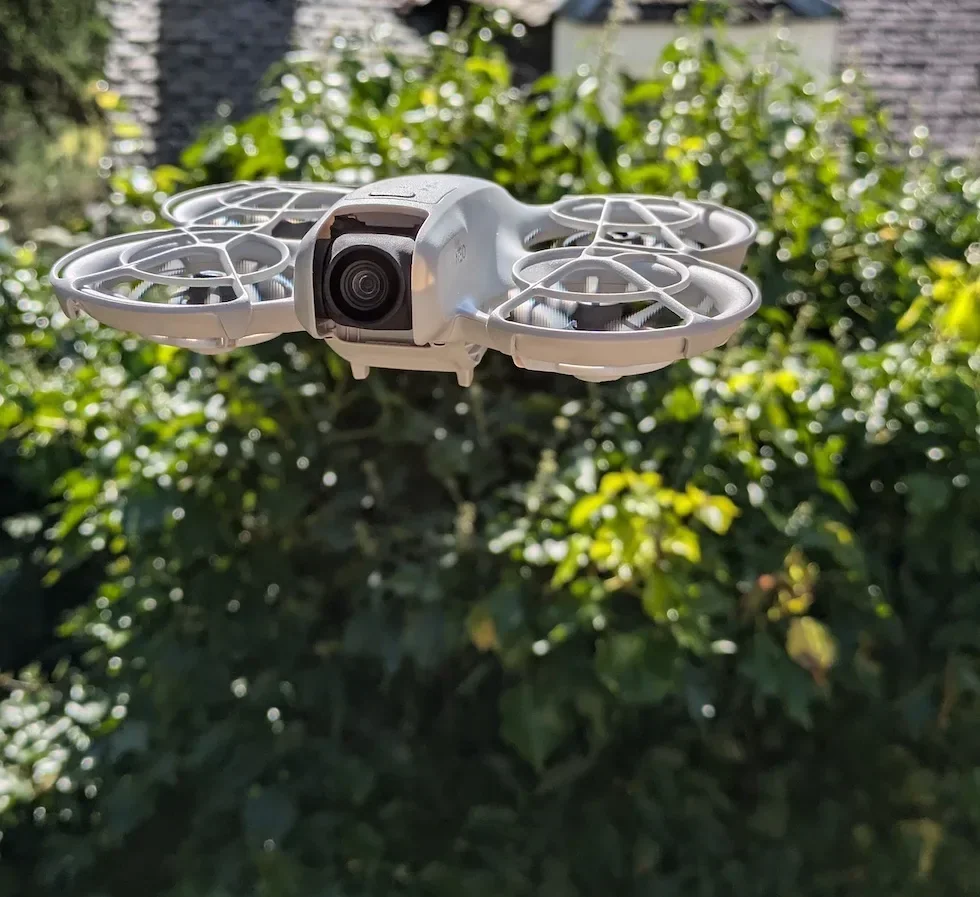
Scroll down inside Control until the Button Customization row appears
Scroll past the gimbal mode block and the stick mode block. The Button Customization row sits further down the Control list, with the binding screen opening when you tap the row.
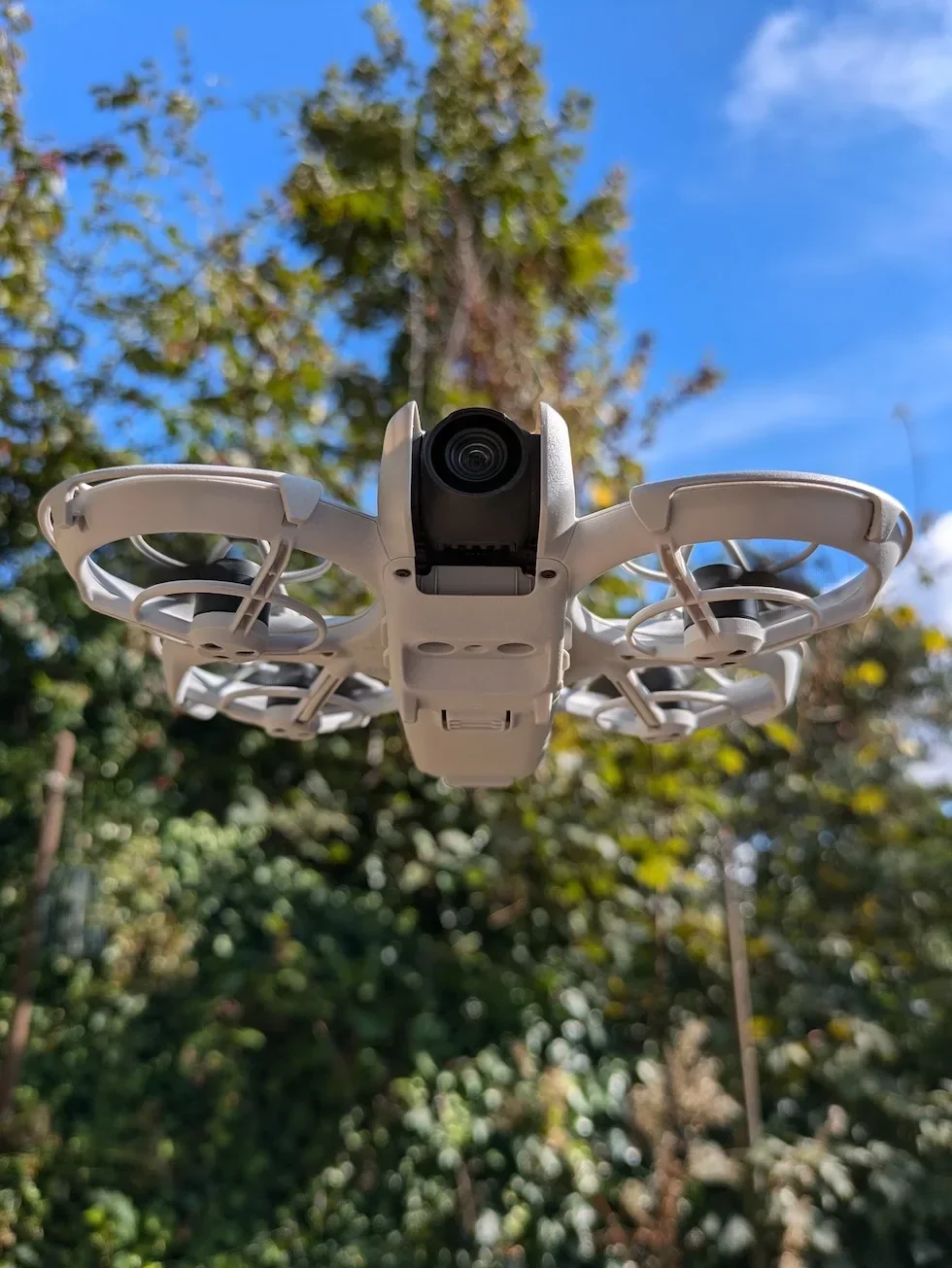
Select the single-press tab inside Button Customization
Button Customization opens on two tabs, one for a single press and one for a double press. Start on the single-press tab — that is the one you will reach for most often in flight.
Pick a function to bind to a single press of the FN button
The single-press list covers Cruise Control, Recenter Gimbal, AE Lock, Switch Camera Mode, and the other shortcuts DJI thinks belong on a hardware button. Tap the function you want and DJI Fly saves the binding straight away — there is no separate Save tap.
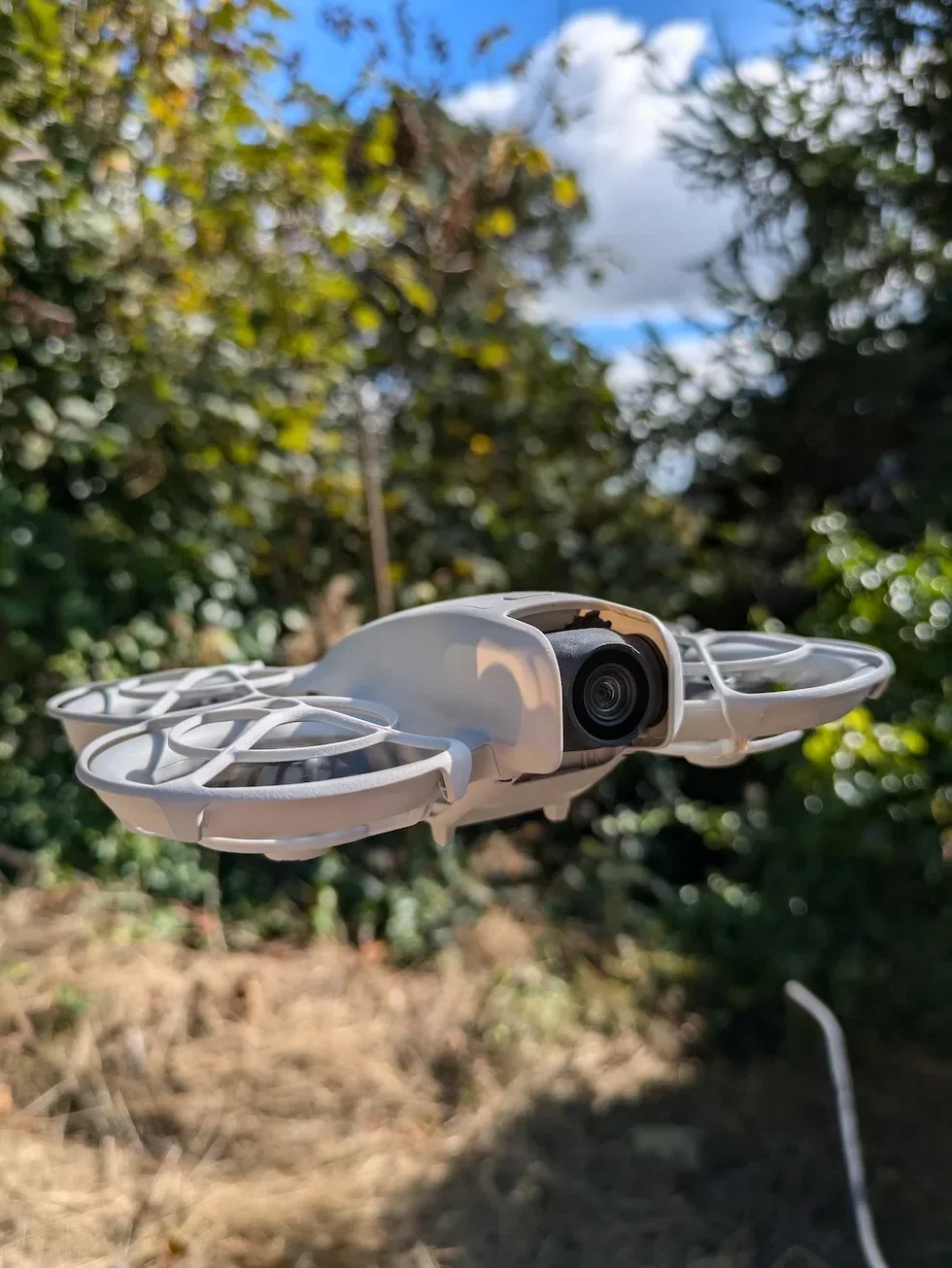
Switch to the double-press tab inside Button Customization
Tap across to the second tab to set a function for a double press. Single press and double press are stored as separate bindings inside the same screen, so changing one never overwrites the other.
Pick a second function to bind to a double press of the FN button
Choose a function that pairs sensibly with whatever you set on single press. Recenter Gimbal on single and Cruise Control on double is a clean combination — the gentle action gets the easy tap, the heavier action takes the deliberate double.

Exit Settings and test both bindings on the ground before takeoff
Back out to the camera view and press the FN button once. Watch DJI Fly fire the single-press function, then press the button twice in quick succession and watch the double-press function fire. Five seconds on the ground saves a surprised tap in the air.
Peter's tip
I keep single press on Recenter Gimbal and double press on Cruise Control every flight. The gentle, low-stakes action gets the easy tap; the action that takes a finger off the sticks gets the deliberate double press. Pick a pair, stick to it across every flight, and your muscle memory does the work — swapping bindings mid-shoot is how you mash the wrong function at the wrong moment.
Frequently asked questions
What functions can I bind to the FN button on the DJI Neo 2?
The Button Customization list inside DJI Fly covers Cruise Control, Recenter Gimbal, AE Lock, Switch Camera Mode, and the other shortcuts that have a sensible one-press use. The exact options shift slightly between firmware versions, so open the menu yourself to see the current set rather than relying on a screenshot from an older app build.
Can the FN button on the DJI Neo 2 do two different things on single press and double press?
Yes. DJI Fly stores the single-press function and the double-press function as separate bindings inside the same Button Customization screen. A common setup is single press for Recenter Gimbal and double press for Cruise Control, which gives you two shortcuts off one button without ever taking your eyes off the screen.
Does the FN button binding survive a firmware update on the DJI Neo 2?
In most cases yes, but a firmware update occasionally reshuffles the available functions or resets the binding back to default. Open Button Customization once after every firmware update and confirm the single-press and double-press functions are still the ones you wanted. It is a ten-second check that saves a surprised double-tap in flight.
Does the FN button work the same way on the DJI Goggles N3 as it does on the DJI RC-N3?
The binding path is the same — Settings, then Control, then Button Customization inside DJI Fly. The set of functions and the position of the physical button differ between the DJI RC-N3 remote controller and the DJI Goggles N3, so the available shortcuts on the goggles tilt toward camera and gimbal controls rather than flight-mode toggles.
Why can I not see the Button Customization row in DJI Fly?
The row only appears when DJI Fly is connected to the DJI Neo 2 and a compatible controller. If the drone is powered off, if the controller is paired to a different drone, or if the app is sitting on the home screen rather than the camera view, the Control menu hides any controller-specific options. Power the drone on, confirm the link, and reopen Settings from the camera view.
Will customising the FN button affect anyone else flying my DJI Neo 2?
The binding is stored against the controller and the DJI Fly profile, not against the drone, so a friend who borrows the drone with their own controller and phone will get their own defaults. If two drone pilots share the same controller and phone, the last binding saved is the one in force — agree the shortcut between you before takeoff.
A custom FN button is one of those Neo 2 tweaks that costs nothing to set up and pays back on every flight. Pick a single-press function, pick a double-press function, fly the same pair every time, and the muscle memory does the rest.
If your Button Customization list looks different to mine, or a binding refuses to save, drop a note to peter@hiredronepilot.uk with the DJI Fly version you are on and I will come back to you directly. If you prefer the video version of this walkthrough, the comments are open on YouTube.
References
Primary source material for this article is the official DJI Neo 2 documentation and DJI Fly. External links open in a new tab.
- DJI Neo 2 — Downloads (User Manual, Quick Start Guide, firmware notes) · Customizable Button section confirming the camera view → Settings → Control → Button Customization path, plus the Cruise Control binding example used in flight.
- DJI Neo 2 — Product page (UK) · Drone and controller hardware overview including the position of the customisable button on the DJI RC-N3 and the DJI Goggles N3.
- DJI Fly — App download and release notes · The app where the Button Customization row, the single-press tab, and the double-press tab live. Release notes record any changes to the available function list between versions.
Peter Leslie
Founder & GVC Drone Pilot
Peter is the founder of HireDronePilot. With thousands of logged commercial flight hours, he writes about drone technology, commercial surveying tactics, and UK aviation compliance.
Connect on LinkedIn