How to Enable Burst-Shot Photo Mode on the DJI Neo 2

Peter Leslie
21 May 2026

If the subject in front of the DJI Neo 2 is moving — a car on a coast road, a cyclist on a trail, a dog tearing across a field — and a single frame keeps landing on the wrong fraction of a second, the setting you are looking for is Burst-shot inside DJI Fly.
Burst fires a short rapid sequence on one shutter press so most drone pilots can cherry-pick the sharpest frame after the flight rather than trying to time the press perfectly in the moment. The DJI Neo 2 offers a choice of three frames or five per press, both picked from a single chip on the camera view.
Quick guide
To enable Burst-shot on the DJI Neo 2, go to DJI Fly → Camera view → Photo mode → Shooting mode chip → Burst → pick 3 or 5 frames. Three frames suits most action; five gives a longer sequence for fast or unpredictable subjects.
Step-by-step: How to Enable Burst-Shot Photo Mode on the DJI Neo 2
Follow these top to bottom the first time, and you will know the path off by heart the second time.
Switch DJI Fly to photo mode from the camera view
With the DJI Neo 2 powered on and connected, look at the bottom right of the DJI Fly camera view. Tap the Photo / Video toggle so the shutter glyph shows a still-camera icon rather than a record dot — the shooting mode chip only appears once photo mode is live.

Locate the shooting mode chip beside the shutter button
The shooting mode chip sits right next to the round shutter button on the DJI Fly camera view. It carries the name of whichever mode is currently live — Single, Burst, or Timer. If the chip reads Single, the DJI Neo 2 is still on the default one-frame-per-press behaviour and Burst has not been enabled yet.
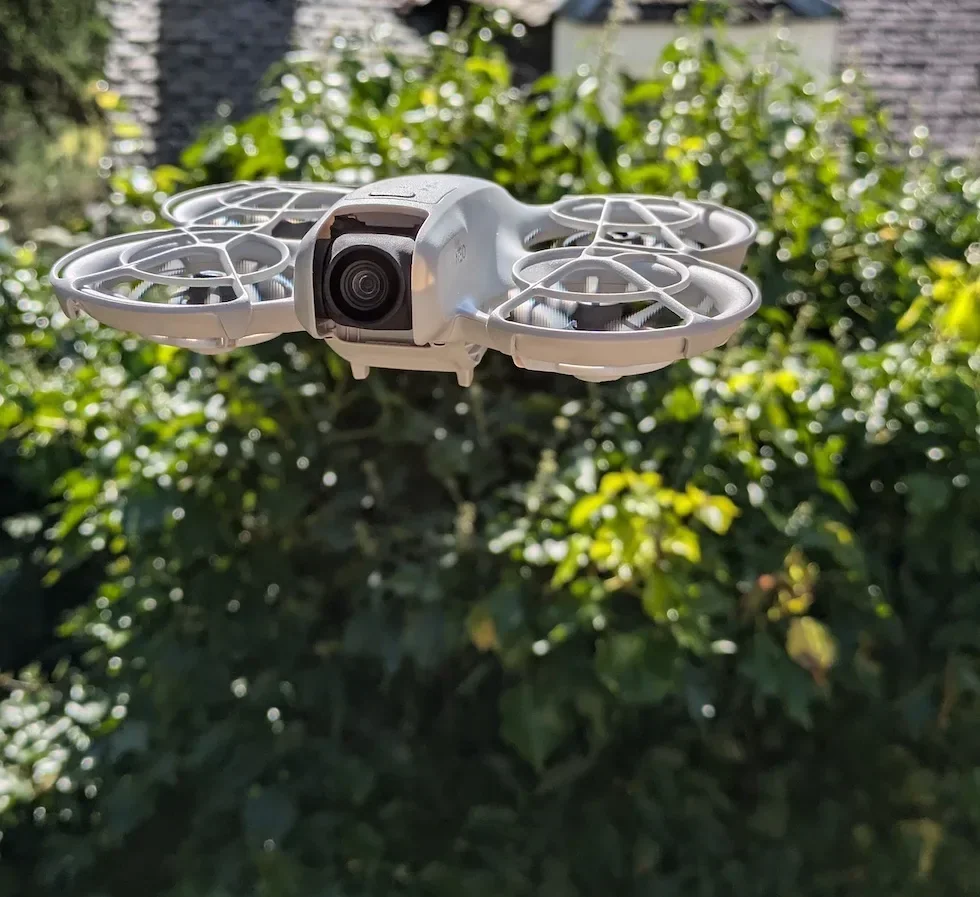
Tap the shooting mode chip to open the selector
Tap the chip once and DJI Fly slides out a short selector with the three available shooting modes for the DJI Neo 2 — Single, Burst, and Timer. The current selection is highlighted so you can see at a glance which one the drone is on before you change it.
Tap Burst in the selector to enable Burst-shot mode
Tap Burst in the open selector. The chip next to the shutter updates straight away to read Burst, and the DJI Neo 2 stays in Burst-shot mode until you change it again — across the rest of the flight and on the next boot.
Pick three or five frames from the burst count picker
With Burst selected, DJI Fly exposes a count picker right next to the shooting mode chip. Tap 3 for a short three-frame sequence per press, or 5 for a longer five-frame run on faster or less predictable subjects. The DJI Neo 2 remembers whichever number you pick for the next press.
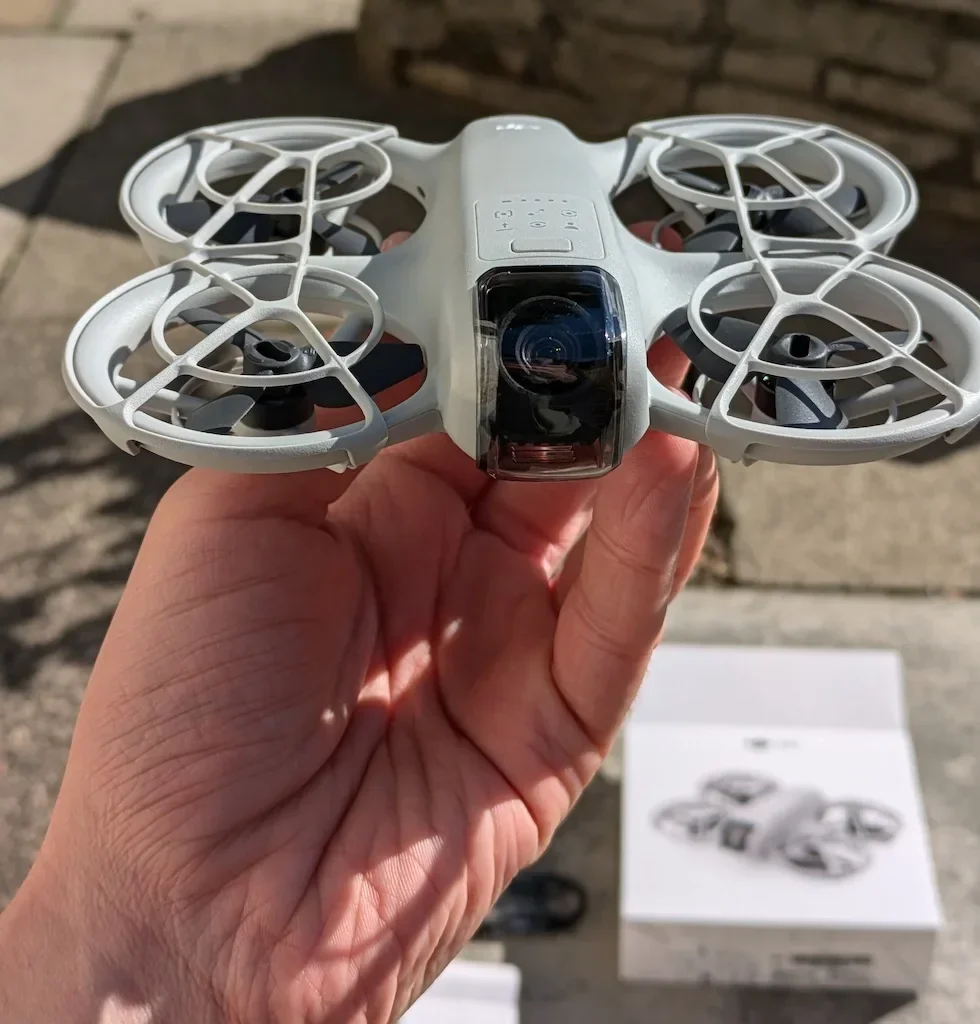
Close the selector and confirm the chip reads Burst
Tap outside the selector to close it. Check the shooting mode chip next to the shutter now reads Burst and the count next to it shows the number you picked. The DJI Neo 2 holds that state on the chip until the next change, so a glance before the first shot saves a wasted single-frame press.
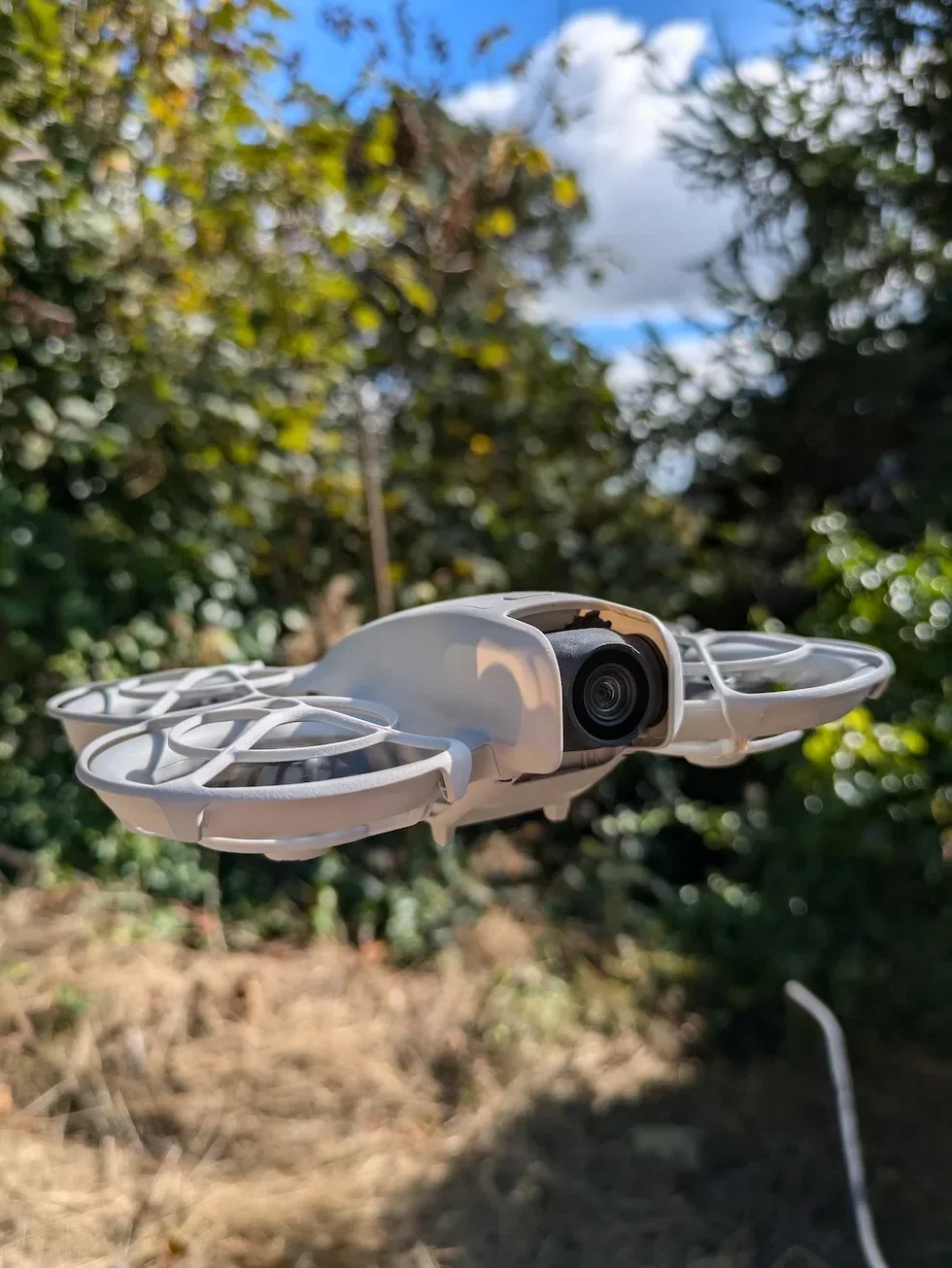
Press the shutter once to fire the burst sequence
Frame the moving subject in the DJI Fly viewfinder and press the shutter button on the DJI Neo 2 remote controller once. The drone fires the whole burst on that single press — you do not need to hold the button down — and each frame writes to the DJI Fly gallery as its own JPEG.
Scroll the gallery and keep only the sharpest frame from the burst
Open the DJI Fly gallery after landing. Each burst sits as a group of three or five consecutive JPEGs at the same timestamp. Swipe through the sequence, pick the frame where the subject is cleanly in focus and the composition lands right, and delete the rest to keep the card from filling up.
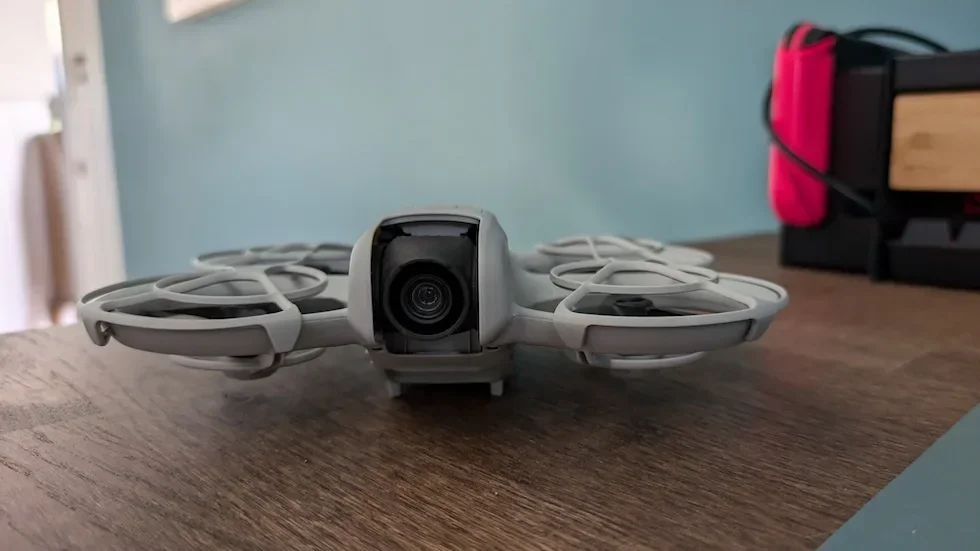
Peter's tip
I leave the DJI Neo 2 on three-frame Burst for almost every action shoot — cars on a coast road, a friend running a trail, a dog chasing a ball — and only bump to five when the subject is fast and unpredictable like splashes or kids on a beach. Three frames is enough to catch the right moment without doubling the gallery clean-up afterwards. And honestly, the frame I end up keeping is almost never the one I thought I was timing the press for, which is the whole reason to switch off Single.
| Burst count | What happens on a shutter press | Best for |
|---|---|---|
| 3 frames | A short three-frame sequence on one press. The DJI Neo 2 fires the burst and stops on its own — three JPEGs save to the gallery for cherry-picking afterwards. | Most action — cars, cyclists, running dogs, walking subjects. Enough frames for the middle one to land on the right moment without doubling the gallery. |
| 5 frames | A longer five-frame sequence on one press. Five JPEGs save to the gallery, giving a wider window of moments to choose from in post. | Faster or less predictable subjects — splashes, kids on a beach, sports, anything where a fraction of a second separates a sharp frame from a blurred one. |
Frequently asked questions
How many frames does Burst-shot mode capture on the DJI Neo 2?
Three or five, picked from the count selector that appears next to the shooting mode chip once Burst is active. Both options fire on a single shutter press — you do not need to hold the button down. The DJI Neo 2 saves each frame as a separate JPEG to the DJI Fly gallery so drone pilots can scroll through afterwards and keep only the sharpest one.
When should I use three frames versus five frames on the DJI Neo 2?
Three is enough for most action — cars, cyclists, a dog running across frame — because the middle frame usually carries the right moment. Switch to five when the subject is faster or less predictable, like splashes on a coast, kids on a beach, or anything where a fraction of a second separates a sharp frame from a blurred one. Five also gives a longer sequence to choose from if the light is bouncing around.
Does Burst-shot use more storage on the DJI Neo 2?
Yes. A five-frame Burst writes five JPEGs to the gallery per shutter press, where Single would have written one. A heavy day of action shooting can fill an SD card quicker than the same flight on Single, so worth a glance at the storage indicator on the DJI Fly camera view before a long Burst session. Clearing unused frames out of the gallery after each flight keeps the card from creeping full.
Can I switch to Burst-shot from the remote controller?
The dedicated photo button on the DJI Neo 2 remote controller enters photo mode directly, but the Burst selection itself is a tap on the shooting mode chip in DJI Fly. Drone pilots flying without the controller can still get to the chip from the camera view over the Wi-Fi link to the drone. Either way, the chip is the place where Single, Burst, and Timer are picked.
Does Burst-shot affect the photo aspect ratio or resolution on the DJI Neo 2?
No. The shooting mode chip only changes how many frames the shutter fires per press — the aspect ratio and resolution still come from their own chips on the camera view. Switching to Burst leaves both of those settings exactly where they were on the last flight, so a 4:3 Single setup carries straight into 4:3 Burst at the same pixel count.
Why is the Burst chip greyed out on my DJI Neo 2?
The shooting mode chip is only live once DJI Fly is in photo mode — if the camera view is sat on video, the chip disappears. Tap the Photo / Video toggle so the shutter glyph shows a still-camera icon, and Single, Burst, and Timer come back as options. If the chip is still missing after switching to photo mode, restart DJI Fly and reconnect the drone.
Does the DJI Neo 2 remember Burst-shot between flights?
Yes. DJI Fly holds onto the last shooting mode selection, so if you finished yesterday on Burst the DJI Neo 2 boots straight back into Burst today. The count picker also remembers whether you were on three frames or five. Worth a glance at the chip before the first shot of a flight in case the last session was for a different kind of subject.
Burst-shot on the DJI Neo 2 is one of those settings that pays back the half-second it takes to switch on — pick the count that matches the subject, fire the sequence on one press, and the right frame is almost always sitting somewhere in the gallery afterwards.
If you want a second opinion on whether three frames or five is the right default for the kind of work you do, drop the details to peter@hiredronepilot.uk and I will come back to you directly. The video version of this walkthrough is on YouTube and the comments are open.
References
Primary source material for this article is the official DJI Neo 2 documentation and DJI Fly. External links open in a new tab.
- DJI Neo 2 — Downloads (User Manual, Quick Start Guide, firmware notes) · Camera specifications, photo shooting mode behaviour, and the preferences exposed inside DJI Fly for the DJI Neo 2.
- DJI Neo 2 — Product page (UK) · Drone hardware overview including the sensor and shutter that the Burst-shot sequence drives.
- DJI Fly — App download and release notes · The app where the shooting mode chip and the three/five frame Burst count picker live. Release notes record any menu reshuffles between versions.
Peter Leslie
Founder & GVC Drone Pilot
Peter is the founder of HireDronePilot. With thousands of logged commercial flight hours, he writes about drone technology, commercial surveying tactics, and UK aviation compliance.
Connect on LinkedIn