How to Fly the DJI Neo 2 With the Remote Controller

Peter Leslie
22 May 2026

If you have just unboxed the DJI Neo 2 with the DJI RC-N3 and the sticks feel completely foreign, the route to a clean first flight is shorter than it looks. Power on, launch DJI Fly, arm the motors with the combination stick command, ease the throttle up, and hold a hover with both sticks centred.
The DJI RC-N3 ships in Mode 2 by default — left stick is throttle and yaw, right stick is pitch and roll. Most drone pilots who lose control on the first flight are not fighting the drone; they are fighting the wrong stick assumption, and the fix is to confirm the stick mode before the propellers even start.
Quick guide
To fly the DJI Neo 2 with the remote controller, place the drone with its rear facing you, power on the drone and the DJI RC-N3, launch DJI Fly, and run the combination stick command (both sticks pulled down and inward) to start the motors. Push the left throttle stick up slowly to take off, centre both sticks to hover, and ease the left stick down to land.
Step-by-step: How to Fly the DJI Neo 2 With the Remote Controller
Follow these top to bottom the first time, and you will know the sequence off by heart the second time.
Place the DJI Neo 2 on a flat surface with the rear facing you
Set the drone on level ground with its rear pointed toward your body. Forward stick input then pushes the drone away from you, which is the only orientation that keeps the stick mapping intuitive during the first hover.
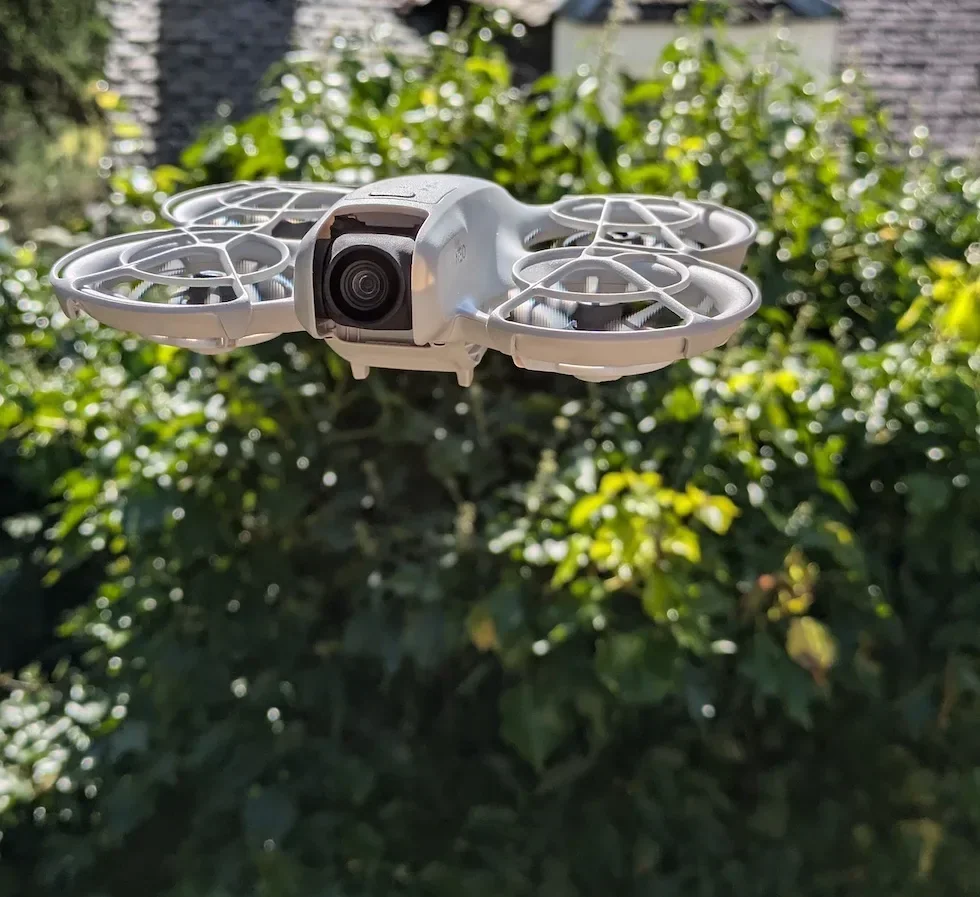
Power on the drone first, then the DJI RC-N3 remote controller
Press the power button on the drone once, then press and hold it for a second until the LEDs light up. Power on the DJI RC-N3 the same way. The two link automatically once both are awake and the phone is slotted into the cradle running DJI Fly.

Launch DJI Fly and wait for the camera view self-diagnostics to clear
Open DJI Fly on the connected phone and let it land on the camera view. Watch the top of the screen for warning banners — compass calibration, weak GNSS, no-fly zone — and clear any that appear before going anywhere near the motors.
Confirm Mode 2 stick layout under DJI Fly Settings then Control
Mode 2 is the DJI Neo 2 default — left stick is throttle (up and down) and yaw (rotate left and right), right stick is pitch (forward and back) and roll (sideways). Tap Settings, then Control, and confirm Mode 2 is selected before the first stick input.
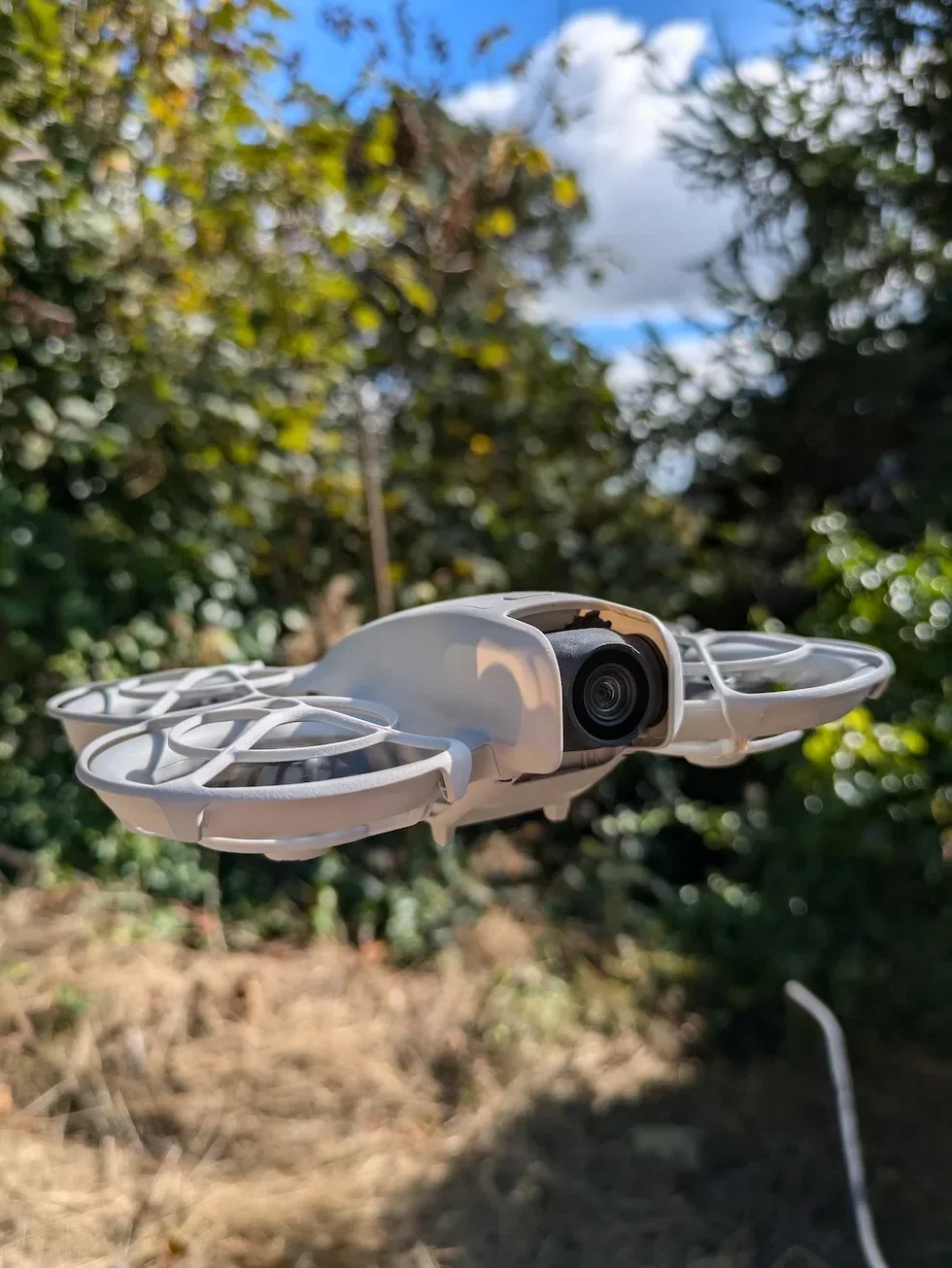
Run the combination stick command to start the motors
Pull both sticks down and inward at the same time — the bottom corners closest to the centre of the remote — and hold until the propellers spin up. Release both sticks together. The DJI Neo 2 now sits armed on the ground with motors at idle, waiting for throttle.
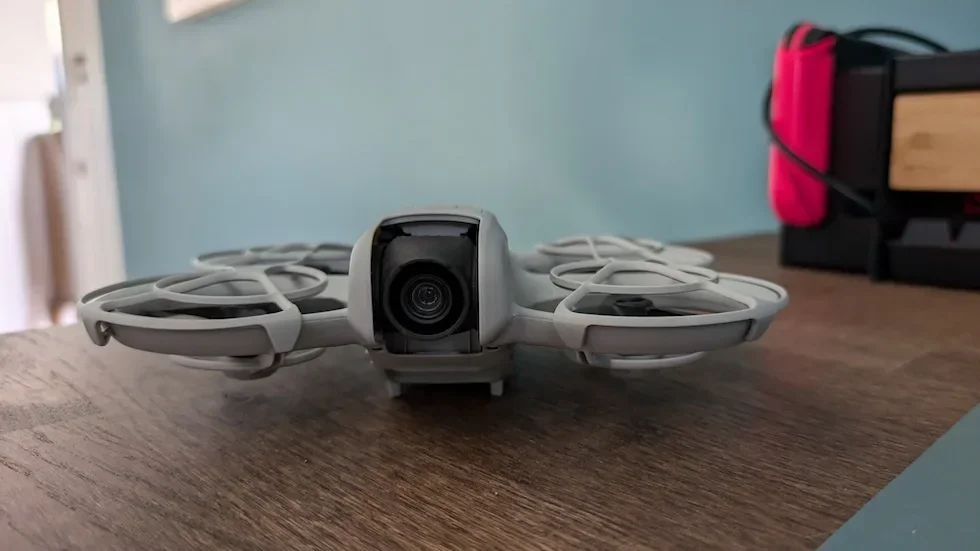
Push the left throttle stick up slowly to lift off into a waist-height hover
Ease the left stick upward and the DJI Neo 2 climbs smoothly. Aim for waist height for the first hover — high enough to clear the ground effect, low enough to read the drone clearly without straining the neck.
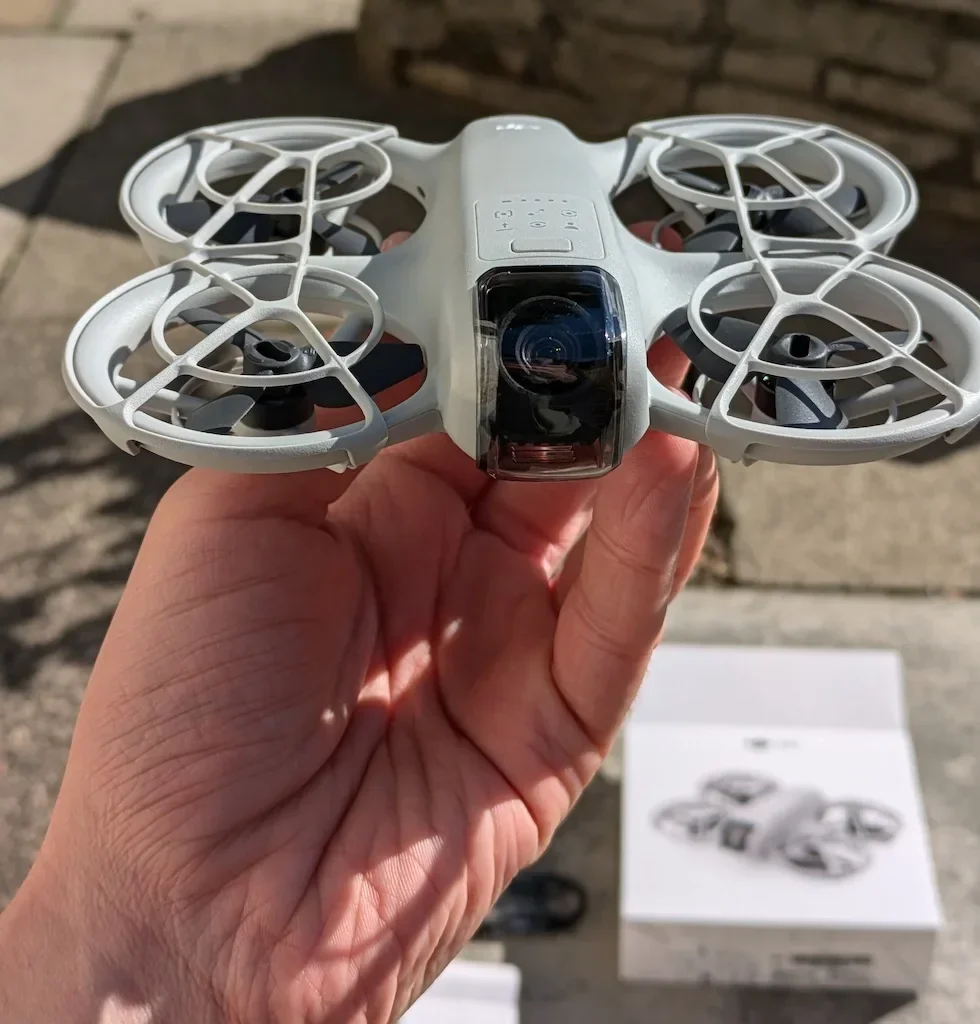
Hold a stable hover with both sticks centred and thumbs off
Release the sticks fully so they spring back to centre. The DJI Neo 2 holds position using GNSS lock and the downward vision system. Any drift is either uneven thumb pressure on the sticks or positioning still settling — give it five seconds before reaching for anything else.
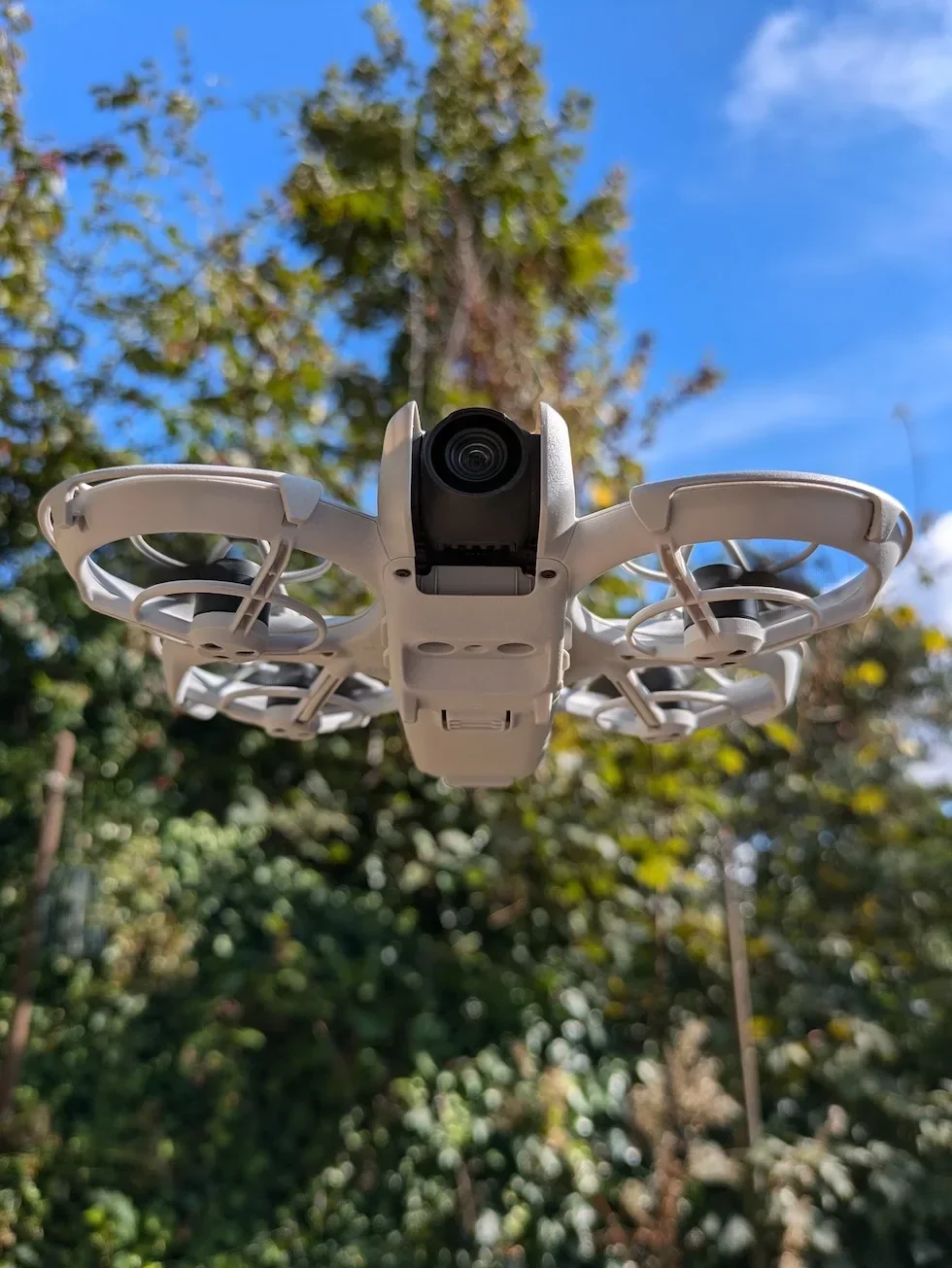
Practise gentle pitch and roll with small right-stick nudges
Push the right stick forward to pitch the drone away from you, then back to bring it home. Push right and left to roll sideways. Use small inputs — the more the stick travels from centre, the faster the drone moves, and a full deflection on the first flight is exactly how a tree finds its drone.
Rotate the drone in place with left-stick yaw inputs
Push the left stick left or right and the DJI Neo 2 rotates on the spot without changing position. Yaw is how you point the camera at the subject without flying anywhere; pair it with a small forward pitch later on for sweeping reveal shots.
Land with a slow throttle-down then hold the stick to stop the motors
Hover over a flat, level patch with no long grass or loose debris. Ease the left throttle stick down until the drone touches the ground, then hold the stick fully down for two seconds and the motors stop on their own. Power the drone off before the remote.
Peter's tip
For the first three or four flights, pretend the sticks have less travel than they actually do. Touch them like piano keys — tiny inputs, return to centre, watch the drone respond, then nudge again. Almost every panic moment on a first DJI Neo 2 flight is a full-deflection stick input followed by an over-corrected opposite full-deflection. Treating the sticks as feather-light controls is the single fastest way to feel in command of the drone.
| Flight mode | What the sticks feel like | Obstacle avoidance |
|---|---|---|
| Normal | Smooth and damped. Stick inputs map to a moderate top speed and the drone brakes gently when sticks return to centre. | Active — the DJI Neo 2 brakes or bypasses obstacles based on the action set in DJI Fly. |
| Sport | Hard and responsive. Full-stick deflection unlocks the drone's top speed and the brake is much sharper. | Disabled — the drone will hit whatever is in front of it. Reserved for open spaces only. |
Frequently asked questions
Do I need to register the DJI Neo 2 before flying it with the remote in the UK?
Yes. The DJI Neo 2 has a camera, so a UK Flyer ID and Operator ID are both required before the first flight regardless of how light the drone is. Apply through the CAA, label the drone with the Operator ID, and carry the Flyer ID on the phone running DJI Fly.
What does Mode 2 mean on the DJI RC-N3?
Mode 2 is the default Western stick layout. The left stick controls throttle (up and down) and yaw (rotate left and right), and the right stick controls pitch (forward and back) and roll (sideways). Mode 1 and Mode 3 swap those axes around and live under Settings then Control if you prefer them.
Why will the DJI Neo 2 motors not start when I do the combination stick command?
Either DJI Fly is showing a warning that has to be cleared first — a compass warning, no-fly zone, or pending firmware update — or the drone has not finished self-diagnostics. Wait for the camera view to settle, clear any banners, and try the combination stick command again with both sticks pulled fully into the corners.
Can I use the takeoff button in DJI Fly instead of the combination stick command?
Yes. Tap the takeoff icon on the left of the camera view, then press and hold the on-screen button to confirm. The DJI Neo 2 lifts to about one and a half metres and holds a hover, ready for stick input. Auto takeoff is the easier first flight; the combination stick command is faster once you know the drone.
How do I keep the DJI Neo 2 from drifting in a hover?
Centre both sticks fully and let them spring back without any thumb pressure. If the drone still drifts, the GNSS lock is weak or the remote needs an RC calibration. Land, wait for a stronger satellite count in DJI Fly, and if the drift survives run RC Calibration from Settings then Control.
What is the safest way to land the DJI Neo 2 with the remote?
Hover over a flat, level patch with no long grass or loose debris, ease the left throttle stick down until the drone touches down, then hold the stick fully down for two seconds so the motors stop. Landing Protection runs in the background using the downward vision system and will pause the descent if it detects an unsafe surface.
Do I have to fly the DJI Neo 2 in Normal mode, or can I switch to Sport?
Start in Normal mode for the first few flights — obstacle avoidance is active and the maximum speed is capped, which gives you margin to learn the sticks. Switch to Sport mode only once the stick inputs feel intuitive; obstacle avoidance is disabled in Sport mode and the drone responds much harder to every stick movement.
Flying the DJI Neo 2 with the DJI RC-N3 sounds intimidating on day one and feels obvious by flight five. The combination stick command, the throttle climb, and the centred-stick hover are the three muscle-memory moves that turn a stack of menus into a drone you can actually fly.
Got a first flight that ended with the drone drifting in a hover you could not correct, or motors that refused to arm no matter how you held the sticks? Drop a note to peter@hiredronepilot.uk with the warning DJI Fly was showing and I will come back to you directly. If you prefer the video version of this walkthrough, the comments are open on YouTube.
References
Primary source material for this article is the official DJI Neo 2 documentation and DJI Fly. External links open in a new tab.
- DJI Neo 2 — Downloads (User Manual, Quick Start Guide, firmware notes) · RC Control section covering auto takeoff, the combination stick command, control-stick mapping for Mode 1, Mode 2, and Mode 3, and the throttle-down landing sequence.
- DJI Neo 2 — Product page (UK) · Bundle configurations including the DJI RC-N3 paired remote, plus the hardware overview of the controller itself.
- DJI Fly — App download and release notes · The app where Settings, Control, the stick mode toggle, and the on-screen takeoff and landing buttons live.
- CAA — Register drones and models · UK Flyer ID and Operator ID registration for the DJI Neo 2, which has a camera and must be registered before the first flight.
Peter Leslie
Founder & GVC Drone Pilot
Peter is the founder of HireDronePilot. With thousands of logged commercial flight hours, he writes about drone technology, commercial surveying tactics, and UK aviation compliance.
Connect on LinkedIn