How to Land the DJI Neo 2

Peter Leslie
22 May 2026

If you are watching the DJI Neo 2 hover overhead and trying to decide how to put it down, you have three choices: press the Auto Land button and let the drone settle itself, hold a flat palm out and catch it on your hand, or fly it down with the sticks and stop the motors yourself. Most drone pilots default to Auto Land for the safety margin, switch to palm landing when there is no controller in the loop, and reach for the sticks when they want full authority through to touchdown.
The right method on any given flight comes down to what you have in your hands, the surface below the DJI Neo 2, and the wind. This guide walks all three click paths step by step, using the official labels you will see in DJI Fly and on the DJI RC-N3.
Quick guide
To land the DJI Neo 2, either press and hold the Auto Land button on the DJI RC-N3 (or tap and hold the Auto Land icon in DJI Fly), hold a flat palm under the drone at two to five metres horizontal for a controller-free catch, or pull the throttle stick fully down and hold (or run a Combination Stick Command) to stop the motors after touchdown.
Step-by-step: How to Land the DJI Neo 2
Follow these top to bottom the first time, and you will know the path off by heart the second time.
Position the DJI Neo 2 above a clear, flat landing spot
Use the sticks on the DJI RC-N3 or the joysticks in DJI Fly to fly the drone over an open patch of ground. Clear of people, clear of pets, clear of water, and away from cliff edges or rooftop edges where the drone could drift sideways during the final descent. A textured surface helps the Downward Vision System lock on for the touchdown.
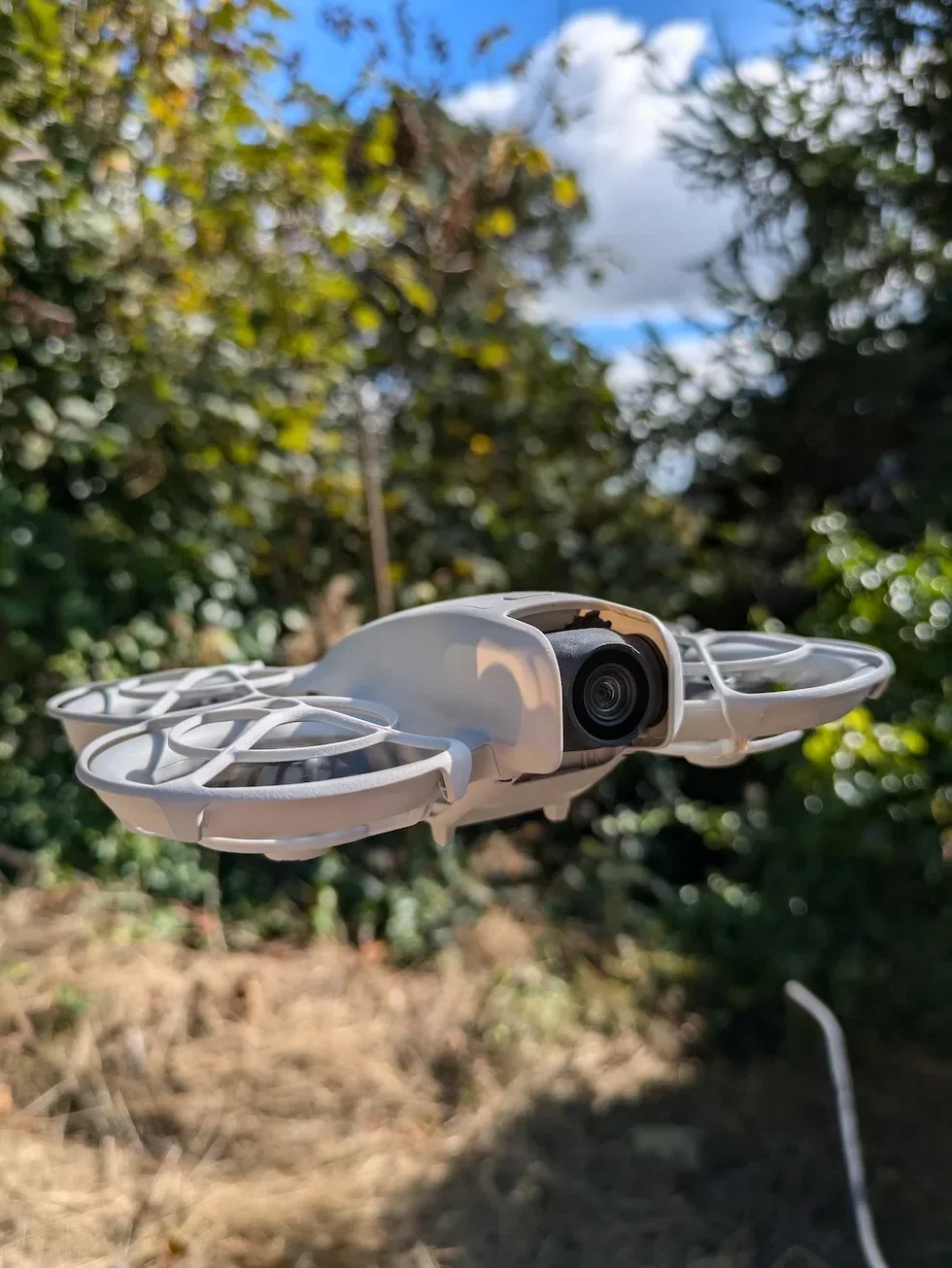
Auto Land — press and hold the Auto Land button on the DJI RC-N3
On the controller, press and hold the Auto Land button until the drone starts to descend. On the phone, tap the Auto Land icon on the DJI Fly camera view, then tap and hold the on-screen prompt to confirm. The DJI Neo 2 descends on its own — keep your hands off the sticks while it comes down.

Let Landing Protection take over for the final descent
If the Downward Vision System is working normally, Landing Protection is enabled automatically during Auto Land. The DJI Neo 2 reads the surface below as it comes down and pauses if it sees water, tall grass, or uneven terrain. The motors stop on contact with no extra input needed — there is no separate confirm step.
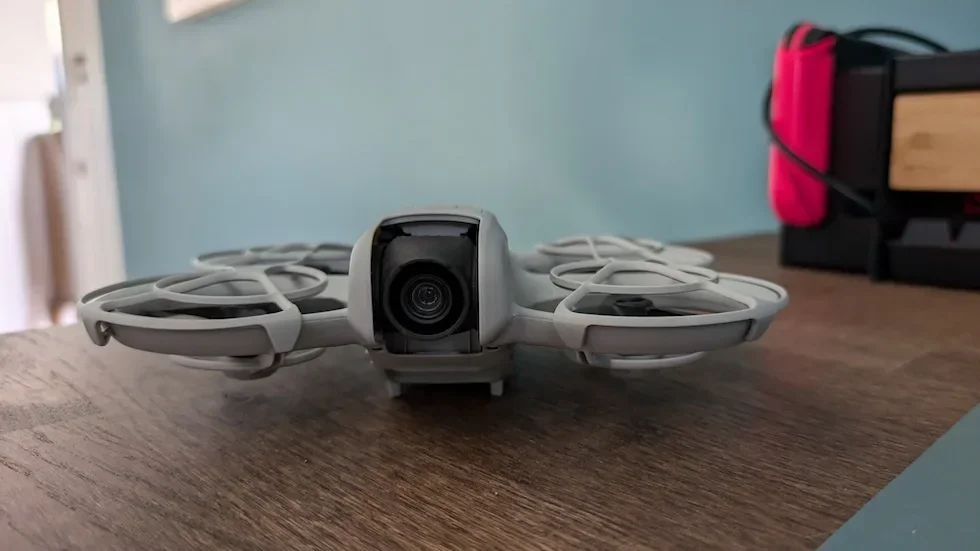
Palm landing — bring the DJI Neo 2 to a steady hover first
For a controller-free catch, the drone must already be hovering — you cannot land it on your palm while it is moving. Stop whatever flight mode is running and let it settle in place. In Follow or Spotlight mode, the DJI Neo 2 hovers automatically when the camera loses the subject.
Hold one arm sideways with a flat palm to recall the DJI Neo 2
Stand with one arm extended sideways, palm facing the drone, all fingers fully extended. Keep the other arm down — do not raise both arms simultaneously. Hold the recall position for at least two seconds until the DJI Neo 2 starts flying back toward you. Once it closes inside the two-to-five-metre range, bring your palm round under it.
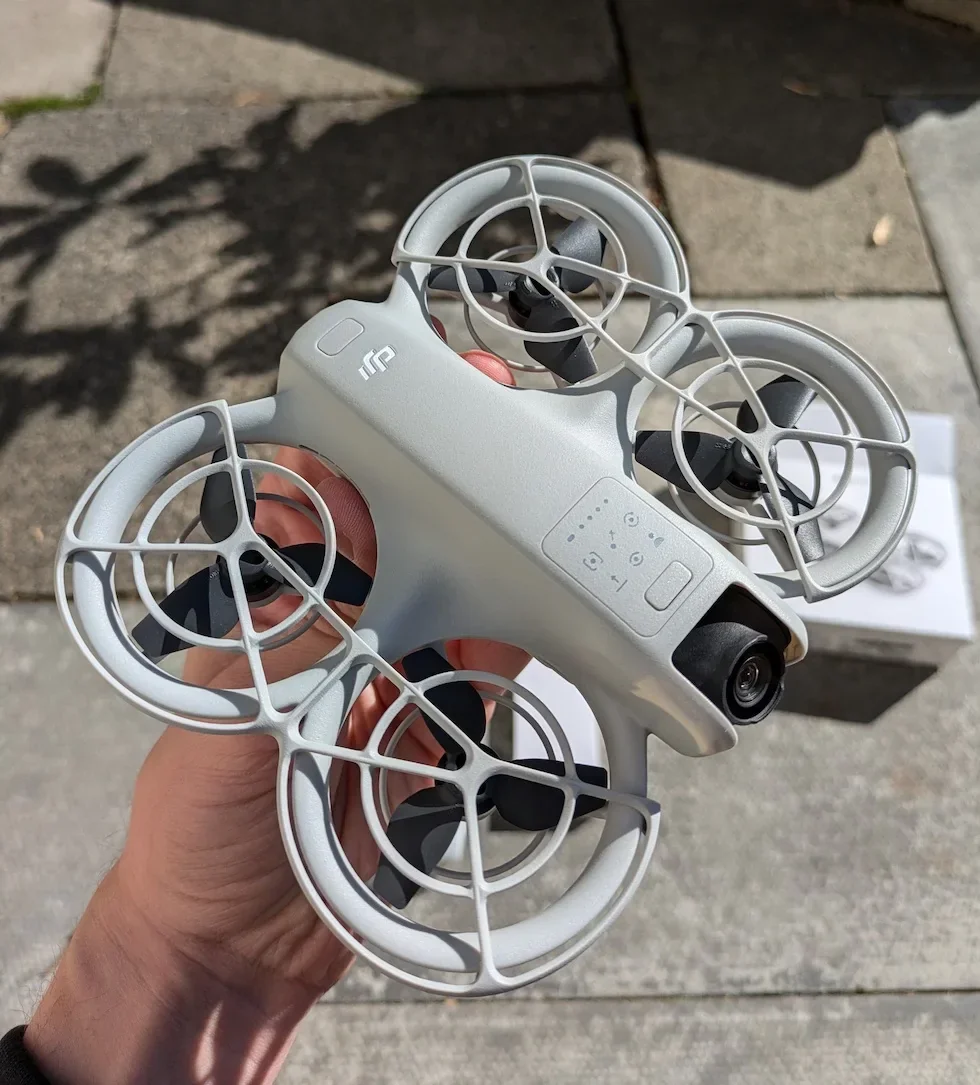
Position your flat palm directly under the hovering DJI Neo 2
Hold your open palm beneath the drone at a horizontal distance of two to five metres and a vertical distance within two metres. Hand still, fingers spread flat, all fingers fully extended. Do not curl your fingers around the drone to try to catch it — the moment you do, your fingers enter the propeller rotation range.
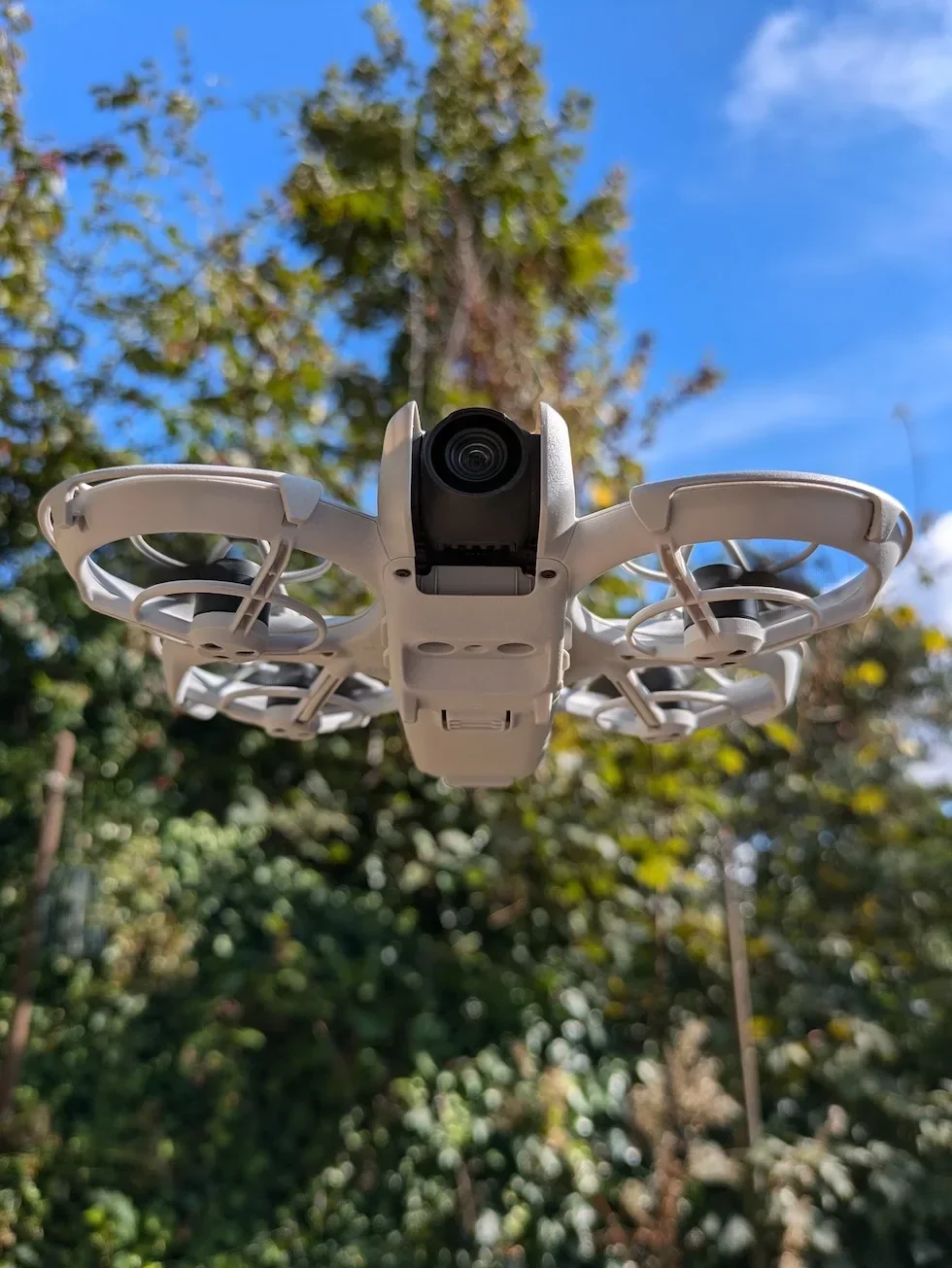
Manual stick landing — pull the throttle stick down to descend
In the default Mode 2 layout, the left stick is the throttle. Ease it gently down to descend onto the landing spot. The further the stick travels from centre, the faster the DJI Neo 2 drops. Centre the stick during the last metre to soften the touchdown so the drone settles rather than thumps onto the ground.
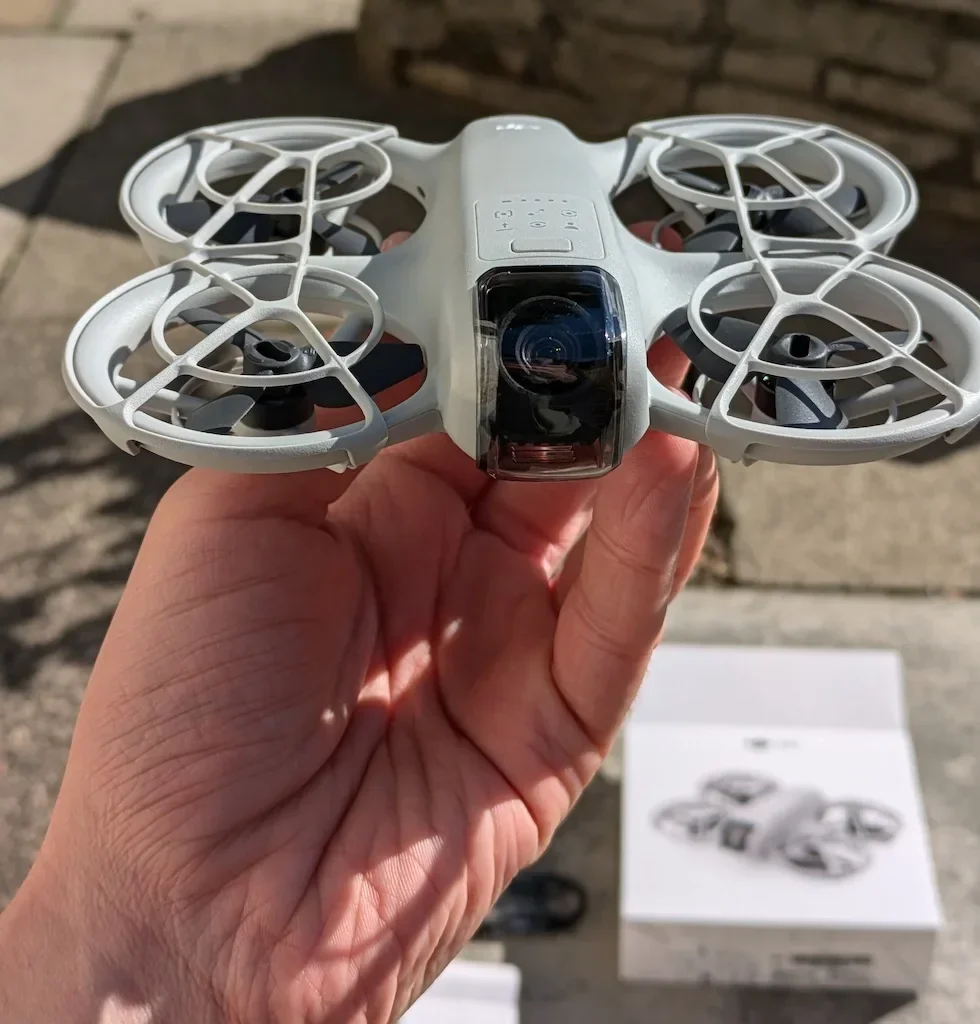
Stop the motors with a throttle-hold or a Combination Stick Command
Once the DJI Neo 2 has touched down, push the throttle stick all the way to the bottom and hold it there until the motors stop — usually a couple of seconds. Alternatively, perform the Combination Stick Command by pulling both sticks either inward or outward and holding for two seconds. Either method ends with the LEDs confirming it is safe to power off.
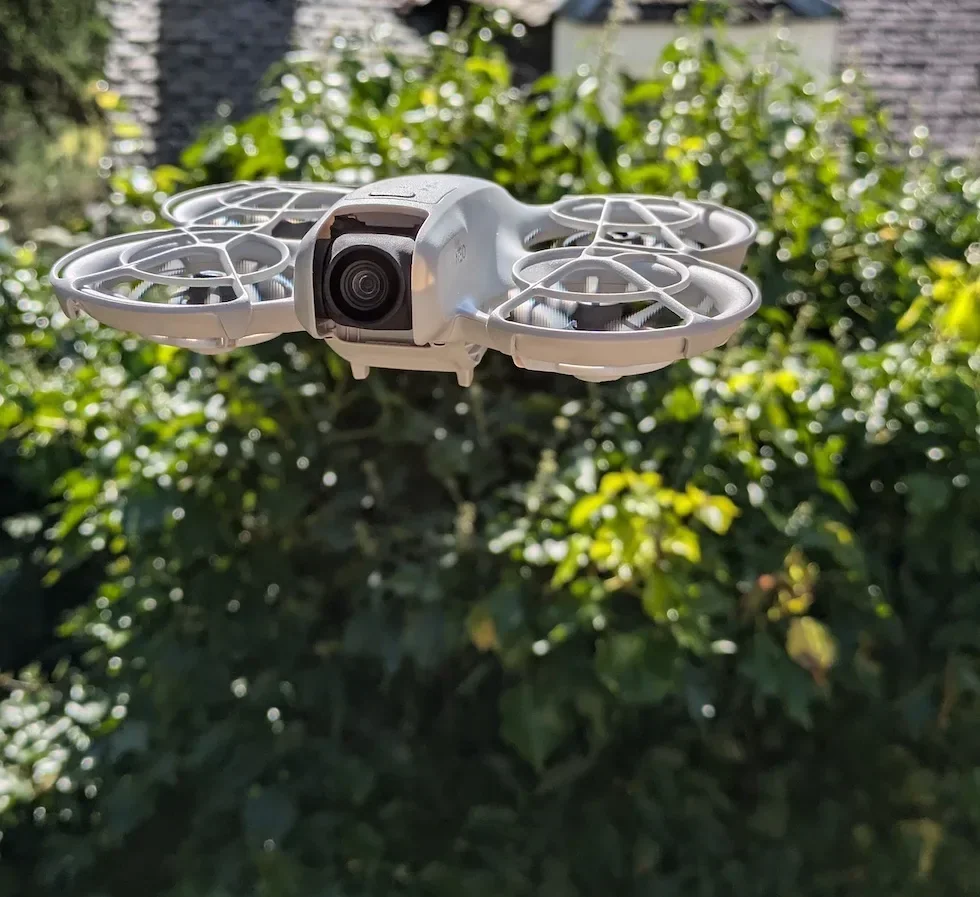
Power off the DJI Neo 2 once the propellers are still
Wait for the propellers to come to a complete stop before reaching for the drone body. Power off the DJI Neo 2 first by pressing the power button, then switch off the remote controller. Only then close your hand around the propeller guards to pick the drone up.
Peter's tip
I default to Auto Land on flat sites and reach for the sticks when I am landing somewhere patterned or low-contrast that I know Landing Protection will baulk at. The one time I actively avoid Auto Land is when conditions are changing fast — Return to Home is locked out the moment Auto Land starts, and I would rather keep the sticks live so I can abort instantly.
| Landing method | When to use it | Watch-out |
|---|---|---|
| Auto Land | Default for flat, clear ground with the Downward Vision System working — lowest-stress option and the right call ninety per cent of the time. | Return to Home is locked out during the descent. Landing Protection can pause on patterned or low-contrast surfaces. |
| Palm landing | Controller-free flights when there is no clear ground to land on, or when you want a clean cinematic finish straight back to the hand. | Hand sits in the propeller plane — fingers fully extended at all times. Windless environment only. Return to Home does not exist in Palm Control. |
| Manual stick | Sport mode landings, patterned surfaces where Landing Protection will pause, or any time you want full stick authority through to motor-stop. | No Landing Protection safety net — surface check, wind compensation, and throttle-down timing are all on the drone pilot. |
Frequently asked questions
Which landing method is safest on the DJI Neo 2 for a first-time pilot?
Auto Land is the lowest-stress option for a first landing. Position the drone over flat, clear ground, press and hold the Auto Land button on the remote controller (or tap and hold the icon in DJI Fly), and Landing Protection takes over for the final descent. The motors stop on contact with no extra input needed. Palm landing and manual stick landing are both safe in the right hands, but they put more of the responsibility back on the drone pilot.
Can I trigger Return to Home during Auto Land on the DJI Neo 2?
No. Return to Home cannot be triggered during Auto Land. If conditions change mid-descent — a person walks into the landing area, the wind picks up, a dog appears — tap the cancel cross to abort Auto Land first, and only then fire Return to Home. Trying to wrestle the throttle stick during an active Auto Land is the wrong move.
Why does the DJI Neo 2 sometimes ascend before landing on my palm?
That is the Downward Vision System reacting to a new surface suddenly appearing below the drone. The DJI Neo 2 may ascend slightly and then land on the palm as it re-reads the height. The first time it happens you will instinctively yank your hand back — do not. Hold your position, keep your fingers flat, and the drone will settle and come down onto your palm.
What stops the motors after a manual stick landing on the DJI Neo 2?
Two methods. Push the throttle stick fully down once the drone has touched down and hold until the motors stop, or perform a Combination Stick Command by pulling both sticks inward or outward and holding for two seconds. Either CSC direction works. Both methods complete within a couple of seconds and the LEDs confirm it is safe to power off.
Is palm landing safe in windy conditions on the DJI Neo 2?
No. Palm landing should be performed in a windless environment whenever possible. A gusty afternoon is not the time to catch a propeller-driven drone on bare skin. If the wind picks up while you are airborne with no controller, the safer move is to fly the drone over a clear flat patch and use Manual Control inside DJI Fly to land on the ground instead.
Will the DJI Neo 2 land itself if the battery runs low?
Yes. The DJI Neo 2 lands automatically in three situations regardless of pilot input: critical low battery, a positioning failure that drops the drone into Attitude mode, and a detected collision. Your job in those cases is to watch the operating environment so the drone does not land somewhere it will be lost or damaged.
Can I land the DJI Neo 2 on a moving surface like a car or a boat?
No. Do not land on water and do not land on a moving surface. The Downward Vision System uses ground features to gauge height, and a moving surface confuses it. Land on stable, flat, textured ground every time — or catch the drone on a stationary flat palm.
Three landing methods, one DJI Neo 2, and the right one on any given flight comes down to what you have in your hands and what is happening below the drone. Auto Land is the safe default, palm landing is the controller-free finish, and the sticks are still the fastest way to put the drone down once you trust your hands.
If you would like a second opinion on which landing method suits the kind of flying you do, drop the details to peter@hiredronepilot.uk and I will come back to you directly. The video version of this walkthrough is on YouTube and the comments are open.
References
Primary source material for this article is the official DJI Neo 2 documentation and DJI Fly. External links open in a new tab.
- DJI Neo 2 — Downloads (User Manual, Quick Start Guide, firmware notes) · Auto Landing, Returning to Palm, Combination Stick Command motor-stop, and Landing Protection sections covering the three landing procedures.
- DJI Neo 2 — Product page (UK) · Drone hardware overview including the Downward Vision System and the infrared sensor that drive Landing Protection.
- DJI Fly — App download and release notes · The app where the Auto Land icon, Manual Control mode, and Landing Protection toggle live. Release notes record any menu reshuffles between versions.
- UK CAA — The Drone and Model Aircraft Code · UK flight safety requirements referenced around landing-site selection and visual line of sight.
Peter Leslie
Founder & GVC Drone Pilot
Peter is the founder of HireDronePilot. With thousands of logged commercial flight hours, he writes about drone technology, commercial surveying tactics, and UK aviation compliance.
Connect on LinkedIn