How to Perform Compass Normal Calibration on the DJI Neo 2

Peter Leslie
21 May 2026

If your DJI Neo 2 has thrown a compass warning, drifted oddly during a hover, or refused to arm after a long drive between flight sites, the procedure you are looking for is Compass Normal Calibration inside DJI Fly.
The procedure itself is a two-axis spin: horizontal first, vertical second. Most drone pilots who cannot get it to register are stood too close to a car, a wireless charger, or a metal table — move two or three metres further away and the rotation locks in first time.
Quick guide
To perform Compass Normal Calibration on the DJI Neo 2, go to DJI Fly → Settings → Safety → Compass Normal → Calibrate. Stand on bare ground away from metal, then rotate the drone 360 degrees horizontally, stand it on its tail, and rotate it 360 degrees vertically until the app confirms success.
Step-by-step: How to Perform Compass Normal Calibration on the DJI Neo 2
Follow these top to bottom the first time, and you will know the path off by heart the second time.
Move to an open spot away from metal and electronics
Stand on dirt, grass, dry wood, or concrete with no rebar showing. Keep at least two metres clear of cars, phones, watches, keys, speakers, wireless chargers, and any steel-framed furniture — anything magnetic within that radius is enough to fail the procedure.
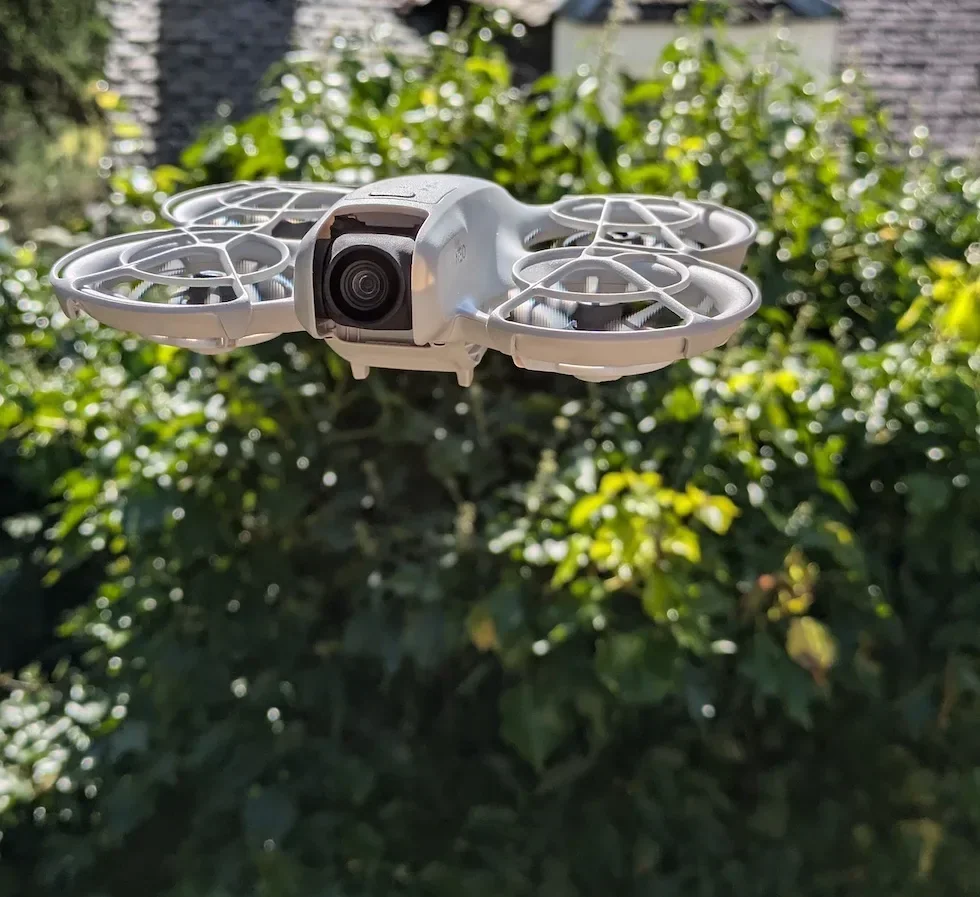
Open the DJI Fly Settings menu from the camera view
With the DJI Neo 2 powered on and connected, tap the Settings icon in the top right of the camera view. The settings panel slides in with the category tabs down the left.

Tap the Safety category in the Settings panel
Safety is the second tab down the left of the settings panel, below Control. Tap it and the right-hand pane updates to show every safety-related option for the DJI Neo 2, including the compass and IMU rows.
Scroll down inside Safety until the Compass Normal row appears
Scroll past Max Altitude, Max Distance, and the RTH Settings block. The Compass Normal row sits further down, alongside the IMU row, with the current status label on the left and a Calibrate button on the right.
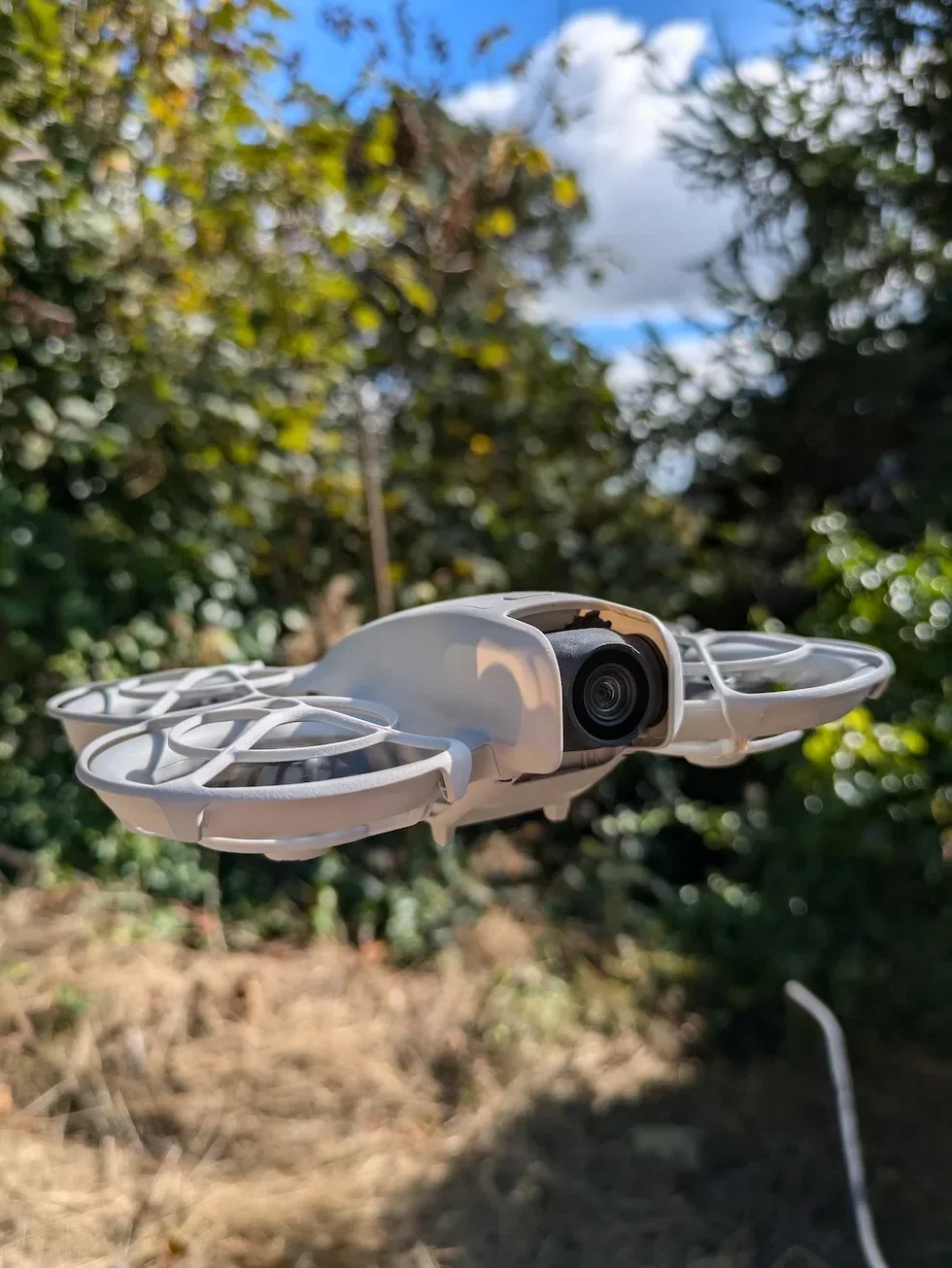
Tap the Calibrate button next to Compass Normal
DJI Fly opens the calibration sheet and walks you through the next steps on screen. The drone's status LEDs change pattern to signal that it is in calibration mode rather than ready-to-fly mode.
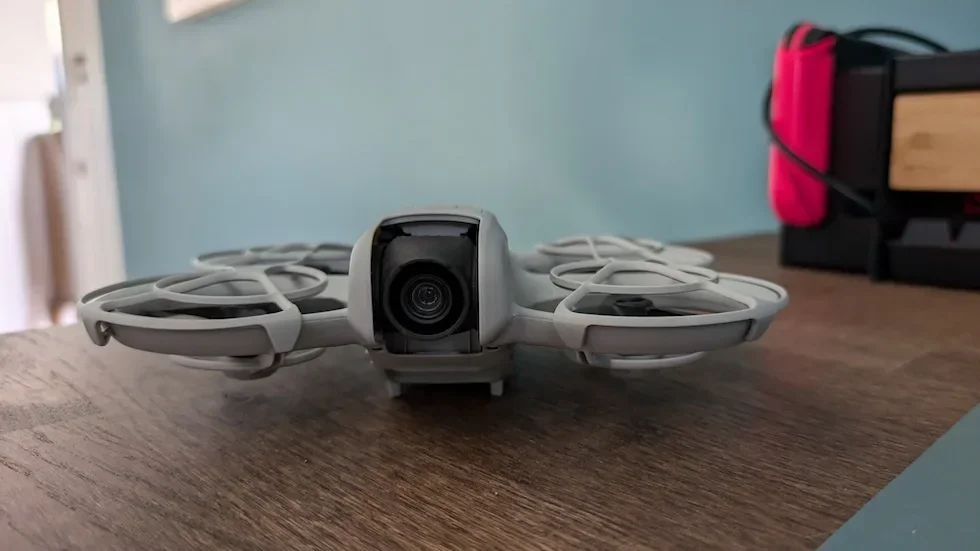
Place the DJI Neo 2 on a level surface with the camera facing you
Set the drone down flat, propellers level, with the camera lens pointing back at you. Tap Start in DJI Fly to begin the first axis.
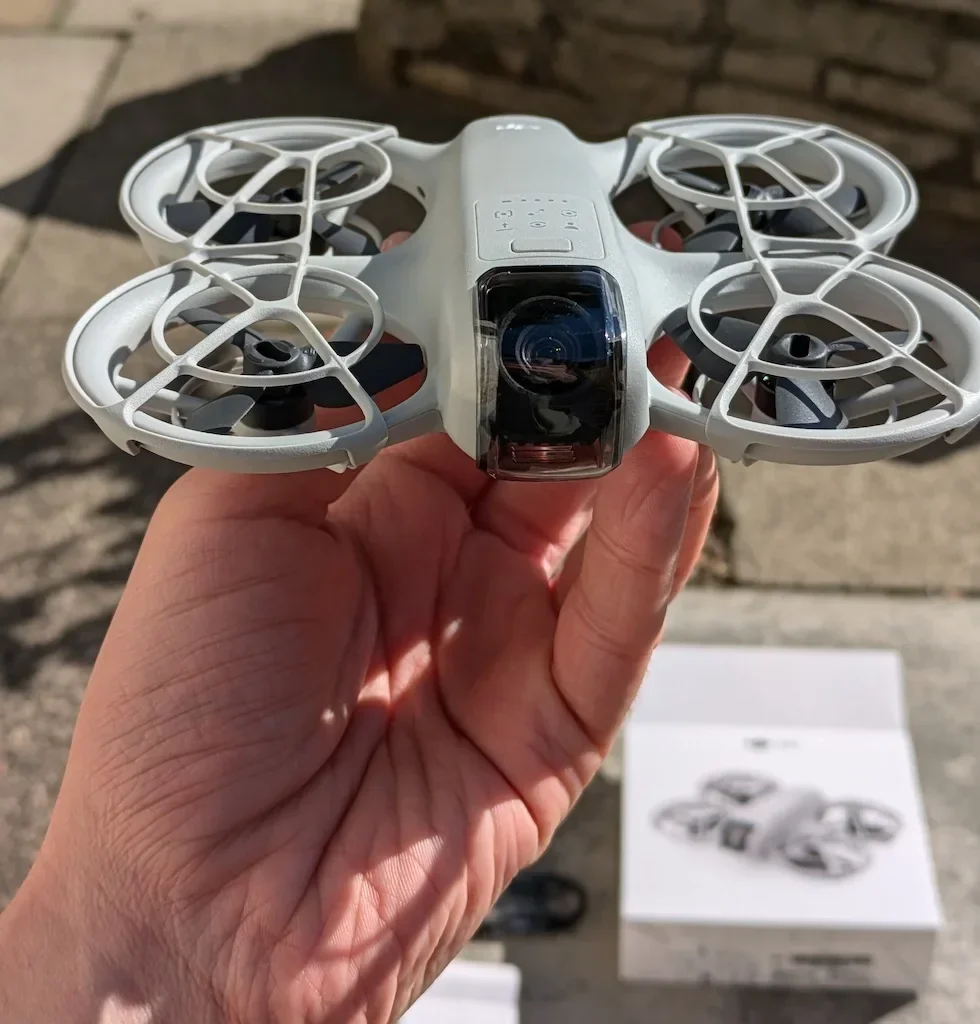
Rotate the DJI Neo 2 360 degrees horizontally on the surface
Pick the drone up flat and spin it one full turn around its vertical axis, keeping the propellers parallel to the ground. End back at the starting orientation. DJI Fly registers the rotation and prompts you to switch to the second axis.
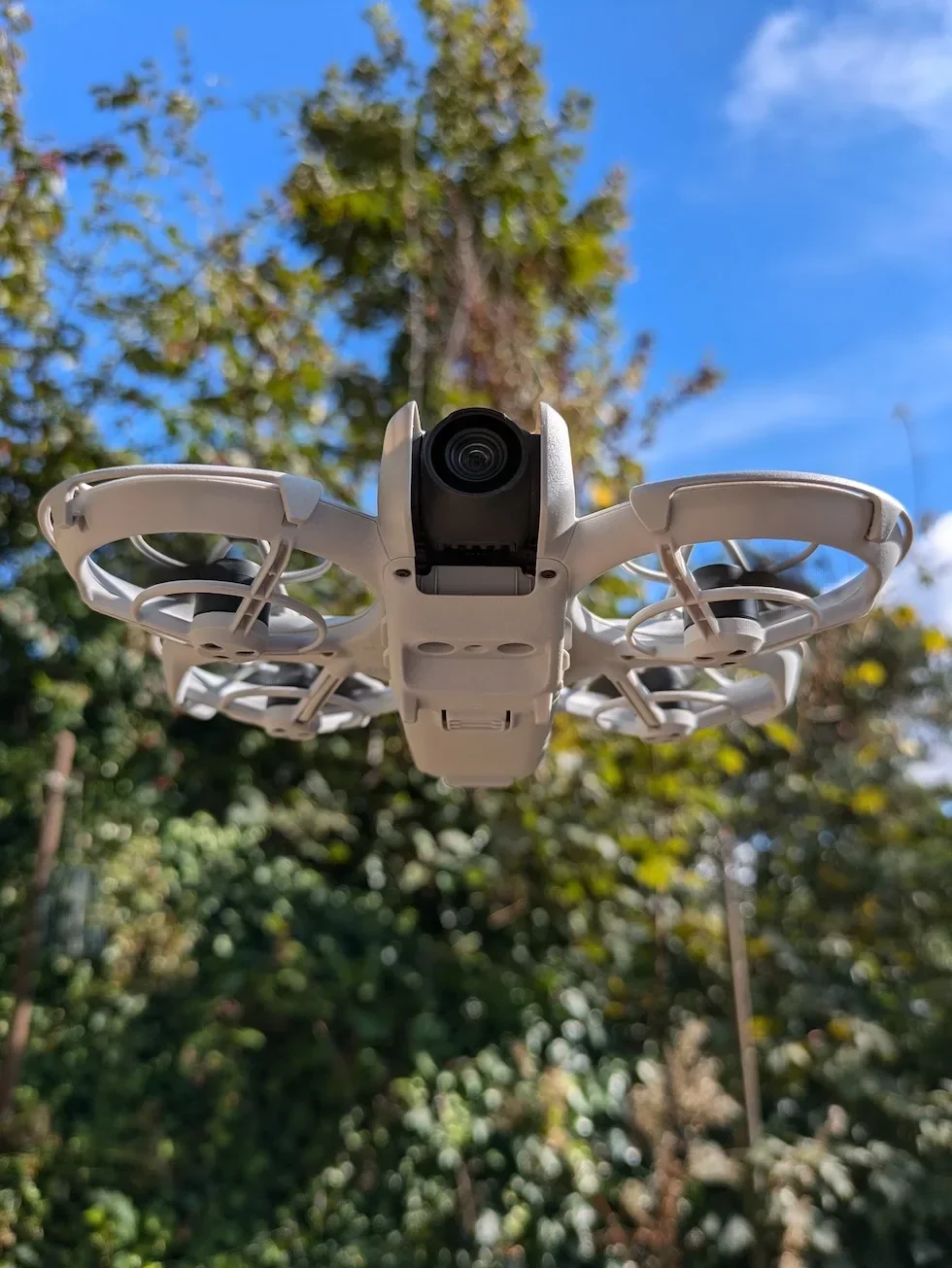
Stand the DJI Neo 2 on its tail with the camera facing up
Tip the drone vertical so the rear of the drone rests on the surface and the camera lens points straight up at the sky. Hold it steady for a beat so the app registers the new orientation.
Rotate the DJI Neo 2 360 degrees vertically around its long axis
With the tail still down, spin the drone one full turn around the long axis until DJI Fly confirms the calibration is successful. A success message appears on screen and the Compass Normal row updates to a fresh status reading.
Peter's tip
If the procedure stalls on the first axis, take three slow paces away from your car and try again. The bonnet of a parked car has enough steel in it to ruin a calibration from up to two metres away, and I have lost more time to that one mistake than to any other part of this drone.
Frequently asked questions
When does the DJI Neo 2 actually need a compass calibration?
When DJI Fly prompts you with a compass warning, after a long drive that takes you between magnetic environments, after a firmware update, or before flying somewhere with very different latitude to your last flight. The DJI Neo 2 does not need a calibration before every flight — only when something has changed that the onboard sensor cannot reconcile on its own.
What surface should I use for compass calibration on the DJI Neo 2?
Bare ground, a wooden table, or dry concrete with no rebar showing. Avoid anything with a steel frame, metal patio furniture, the bonnet of a car, or a desk near a speaker, monitor, or wireless charger. The compass is reading the Earth's magnetic field, and metal within a metre of the drone will skew the procedure enough to fail it.
What does Compass Normal mean on the DJI Neo 2?
Compass Normal is the status label DJI Fly shows when the onboard compass is healthy and reading the local magnetic field correctly. The same row gives you the Calibrate button — tap that whenever the status changes from Normal to a warning state, or whenever you suspect interference but the app has not flagged it yet.
Why does my DJI Neo 2 compass calibration keep failing?
Three usual causes. The drone is too close to metal or electronics, the rotation was too fast or too slow for the app to register, or the surface was not level. Move two or three metres further from any metal, slow the rotation to roughly one full turn every five seconds, and put the drone on something genuinely flat. If it still fails after three attempts, restart the drone and DJI Fly before trying again.
Do I need to calibrate the IMU at the same time as the compass on the DJI Neo 2?
No — they are separate procedures and DJI Fly only asks for the one that needs attention. The IMU sits on its own row inside the same Safety menu. Run an IMU calibration if you see gimbal drift, hover drift, or an IMU warning in DJI Fly. Run a compass calibration when the app prompts for it or after a long drive.
How long does Compass Normal Calibration take on the DJI Neo 2?
Around one to two minutes once you are stood in a clean spot. The horizontal rotation takes about ten seconds, the vertical rotation takes the same again, and most of the rest is moving the drone between the two positions. Walking out to a metal-free patch of ground is usually the longest part.
Can I cancel a compass calibration partway through on the DJI Neo 2?
Yes. Tap the back arrow in DJI Fly or close the calibration sheet and the procedure aborts with no change to the stored compass values. The previous calibration stays in place. If you cancel because the rotation is not registering, walk the drone two or three metres further from any metal before starting again.
Does the DJI Neo 2 fly without a successful compass calibration?
Only if DJI Fly is not currently demanding one. If the app shows a Compass Warning or Compass Error on the camera view, the DJI Neo 2 will refuse to arm until you calibrate. If the compass status is Normal, no calibration is required to take off — DJI keeps the procedure user-triggered for healthy compass states.
Compass Normal Calibration is one of those Neo 2 procedures that feels fiddly the first time and then becomes a thirty-second habit. Do it after a long drive, after a firmware update, and any time DJI Fly nudges you for it — and never on the bonnet of your car.
Got a stubborn calibration that refuses to register even out in the middle of a field, or a Compass Warning that returns the moment you take off? Drop a note to peter@hiredronepilot.uk with the prompt DJI Fly is showing and I will come back to you directly. If you prefer the video version of this walkthrough, the comments are open on YouTube.
References
Primary source material for this article is the official DJI Neo 2 documentation and DJI Fly. External links open in a new tab.
- DJI Neo 2 — Downloads (User Manual, Quick Start Guide, firmware notes) · Compass and IMU calibration prompts, flight-environment guidance on magnetic interference, troubleshooting steps for compass and gimbal drift.
- DJI Neo 2 — Product page (UK) · Drone hardware overview, onboard sensor list including the compass module that this procedure recalibrates.
- DJI Fly — App download and release notes · The app where the Compass Normal row and Calibrate button live. Release notes record any menu reshuffles between versions.
Peter Leslie
Founder & GVC Drone Pilot
Peter is the founder of HireDronePilot. With thousands of logged commercial flight hours, he writes about drone technology, commercial surveying tactics, and UK aviation compliance.
Connect on LinkedIn