How to Take Off With the DJI Neo 2 Using the Controller

Peter Leslie
22 May 2026

If you have the DJI Neo 2 sitting on the ground and a controller in your hands wondering which control fires the takeoff, you have two choices: tap the Auto Takeoff icon in DJI Fly and let the drone lift itself into a hover, or run a Combination Stick Command to start the motors and push the throttle up yourself. Most drone pilots default to Auto Takeoff for the clean unattended lift, and reach for the stick combo when they want full manual authority from the first second.
Which method you pick on any given flight comes down to how confident you feel on the throttle and what kind of flying follows the lift. This guide walks both click paths step by step, using the labels you will see on the DJI Neo 2 camera view in DJI Fly and on the DJI RC-N3.
Quick guide
To take off with the DJI Neo 2 using the controller, either tap the Auto Takeoff icon in DJI Fly and press and hold to confirm, or run a Combination Stick Command (both sticks down and inward, or both down and outward) to start the motors and then push the throttle stick up slowly to lift off.
Step-by-step: How to Take Off With the DJI Neo 2 Using the Controller
Follow these top to bottom the first time, and you will know the path off by heart the second time.
Place the DJI Neo 2 on a flat, open patch with the rear of the drone facing you
Set the drone down on level ground that is clear of long grass, sand, reflective surfaces, and debris. Orient the rear of the drone toward you so that forward stick equals forward flight from the moment it lifts. Step back a metre or two before reaching for the controller.
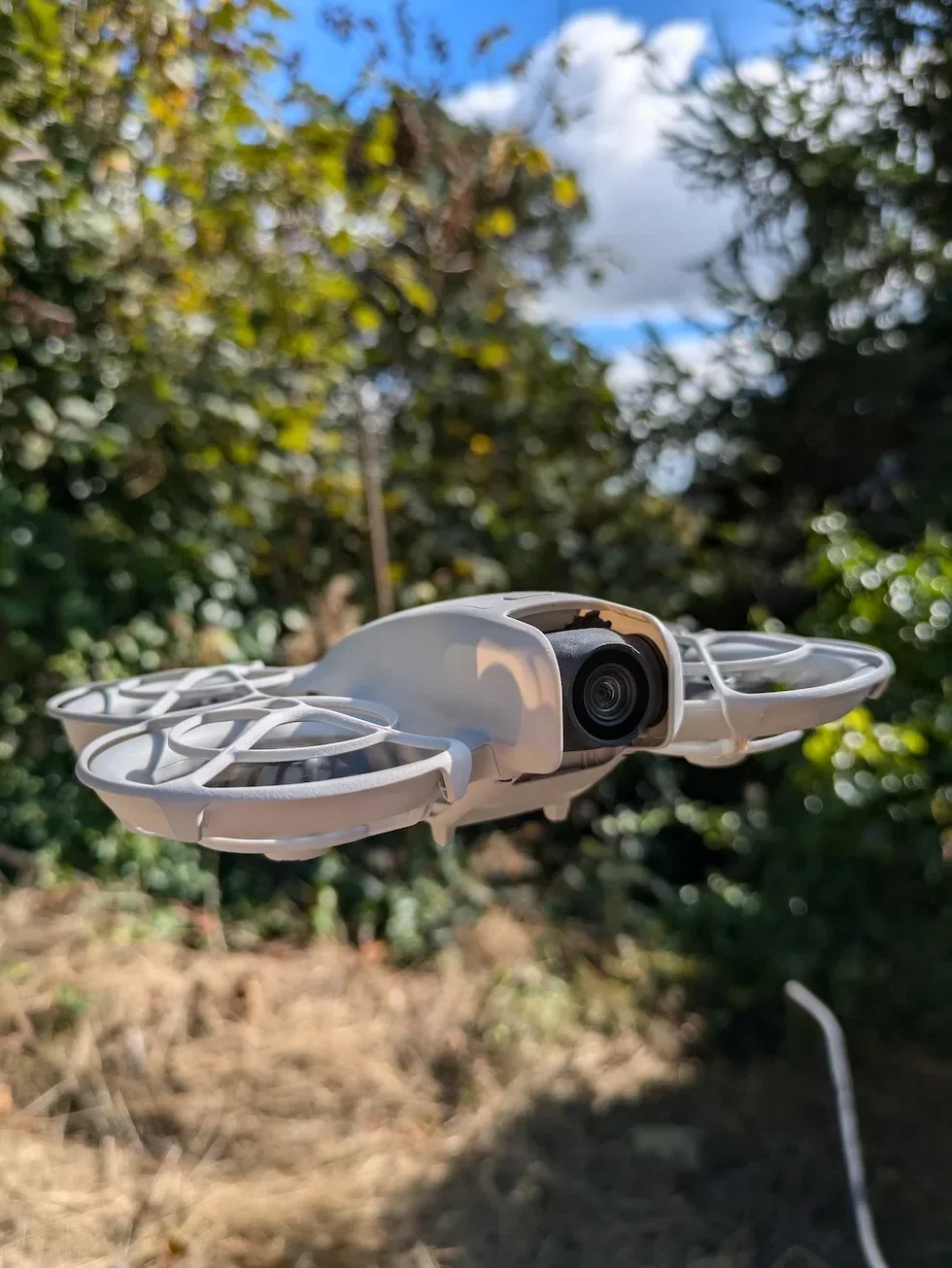
Power on the remote controller and the DJI Neo 2 in that order
Press and hold the power button on the DJI RC-N3 first, then power on the drone. The pairing handshake completes in a few seconds and the controller LEDs go solid. Powering the controller first means the drone has something to talk to the moment its radio comes up.

Launch DJI Fly and wait for the camera view to appear
Open DJI Fly on the connected phone. The app enters the camera view automatically once the drone link is established. If you land on the home screen instead, tap Go Fly to bring the camera view up.
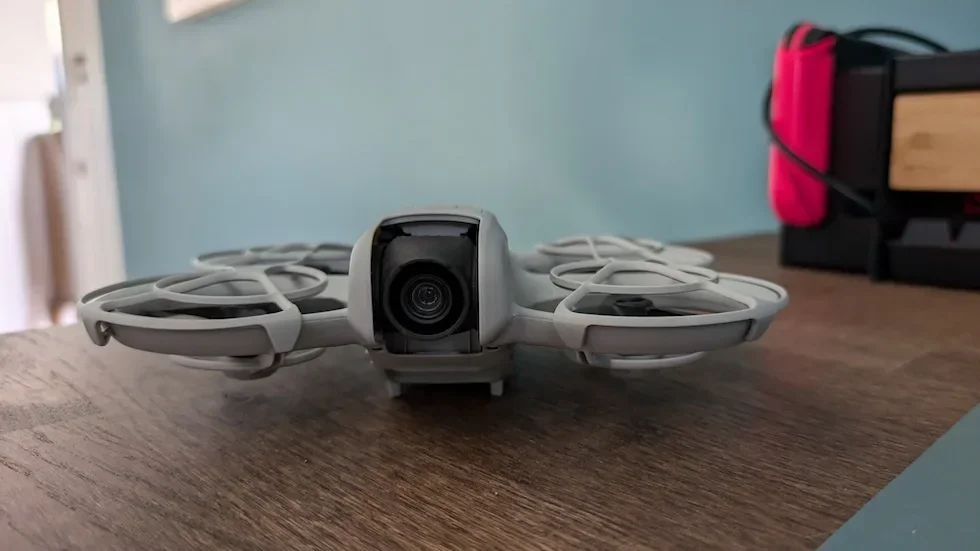
Wait for the self-diagnostics to complete and the Home Point Updated prompt
The DJI Neo 2 runs an internal pre-flight self-check on every power-up. Hold off on touching the sticks until DJI Fly clears any irregular-warning banner and shows the Home Point Updated message. A few extra seconds here is what makes Return to Home work later.
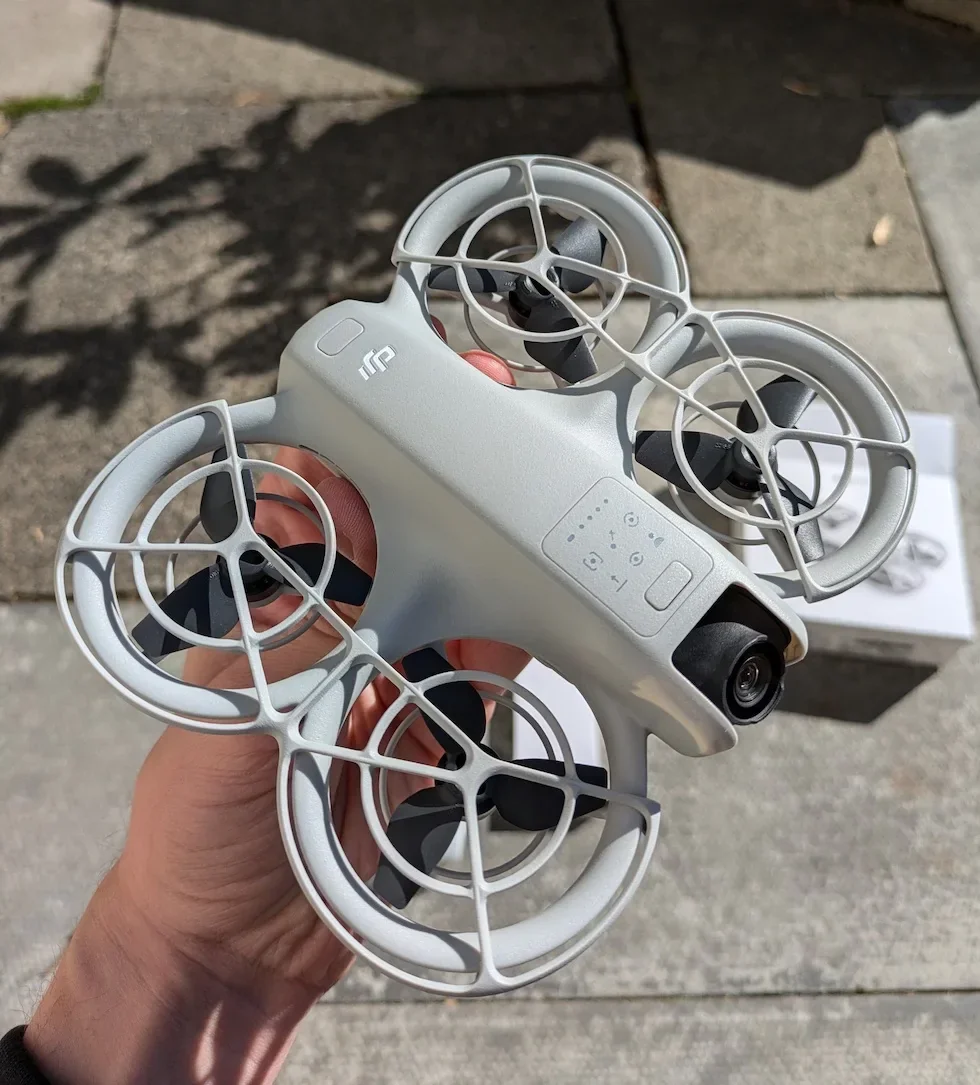
Auto Takeoff — tap the takeoff icon on the DJI Fly camera view
On the left side of the camera view, tap the Auto Takeoff icon. A confirm prompt appears across the screen. This first tap arms the takeoff — nothing happens to the drone until the confirm step.
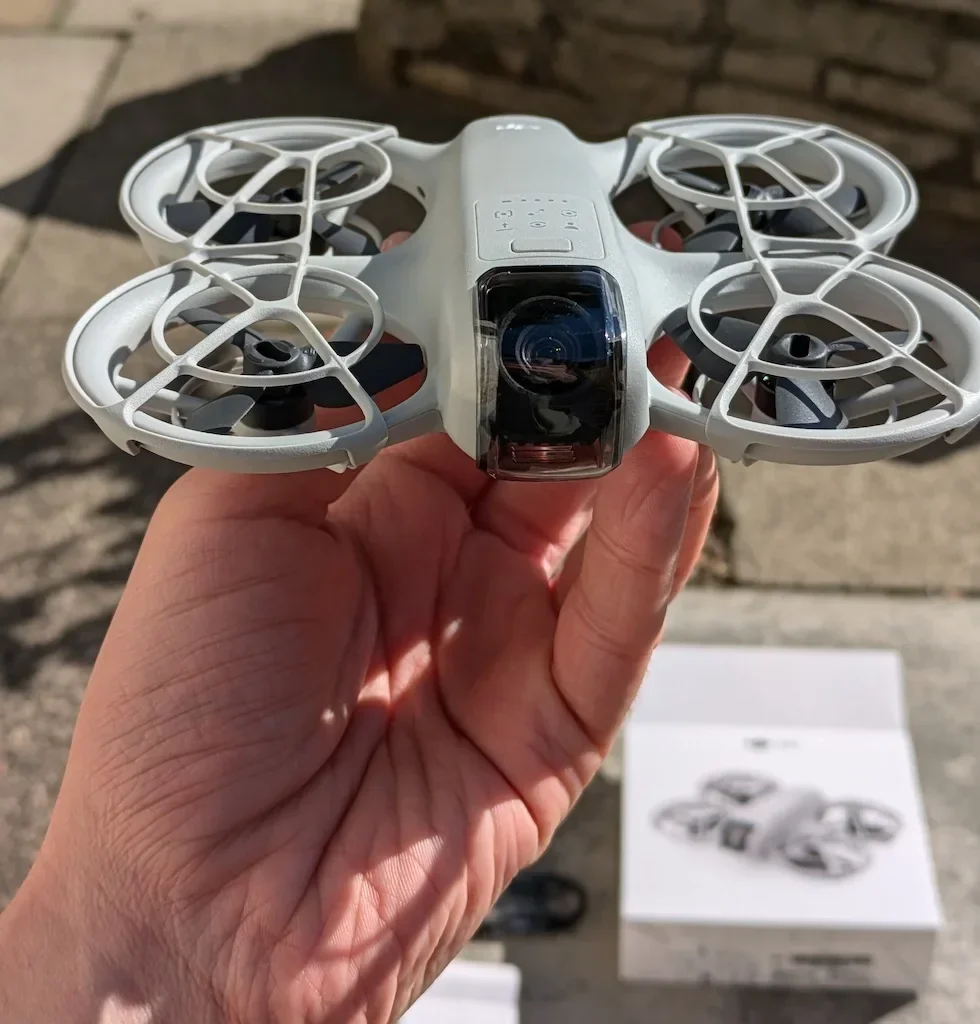
Press and hold the confirm prompt to lift the DJI Neo 2 into a hover
Press and hold the on-screen confirm button until the bar fills. The drone spins the motors, lifts off, and settles into a stable hover above the takeoff point. Keep both hands clear of the sticks while the lift completes — Auto Takeoff handles everything until the hover lock.
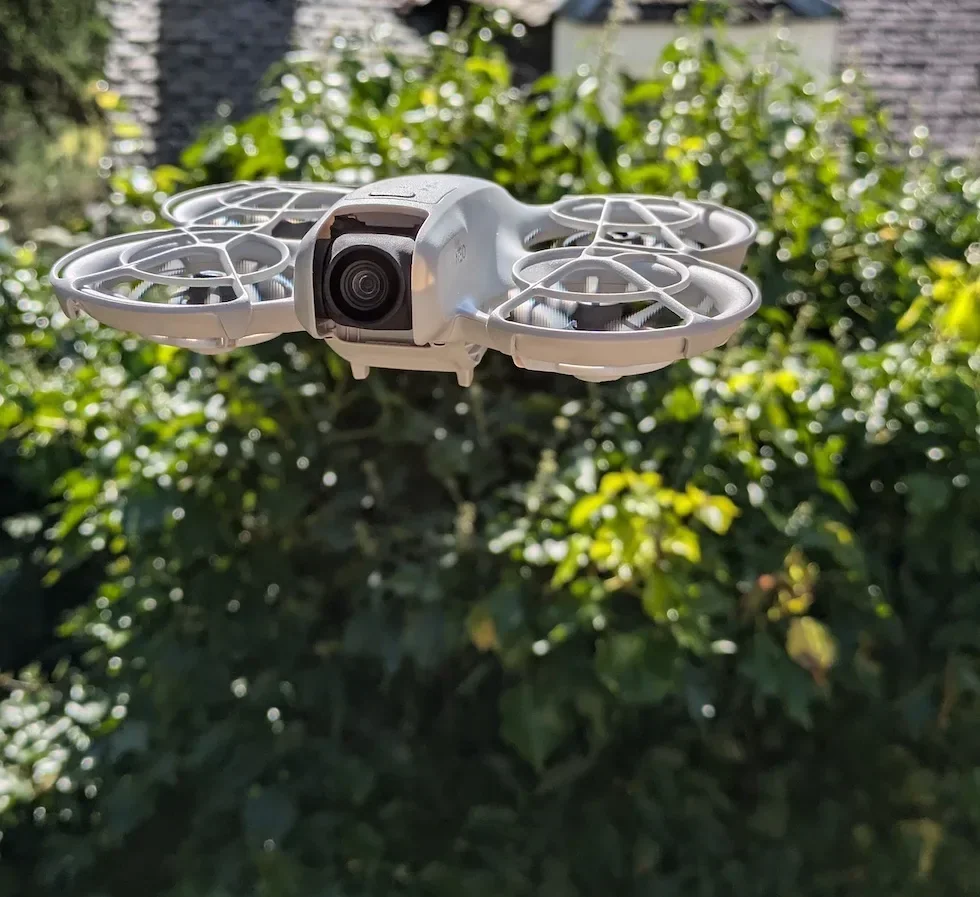
Manual stick takeoff — start the motors with a Combination Stick Command
For full stick authority from the first second, pull both control sticks diagonally down and inward toward each other (or both down and outward away from each other) until the propellers spin up. Release both sticks at the same time. The motors idle on the ground and the drone stays put.
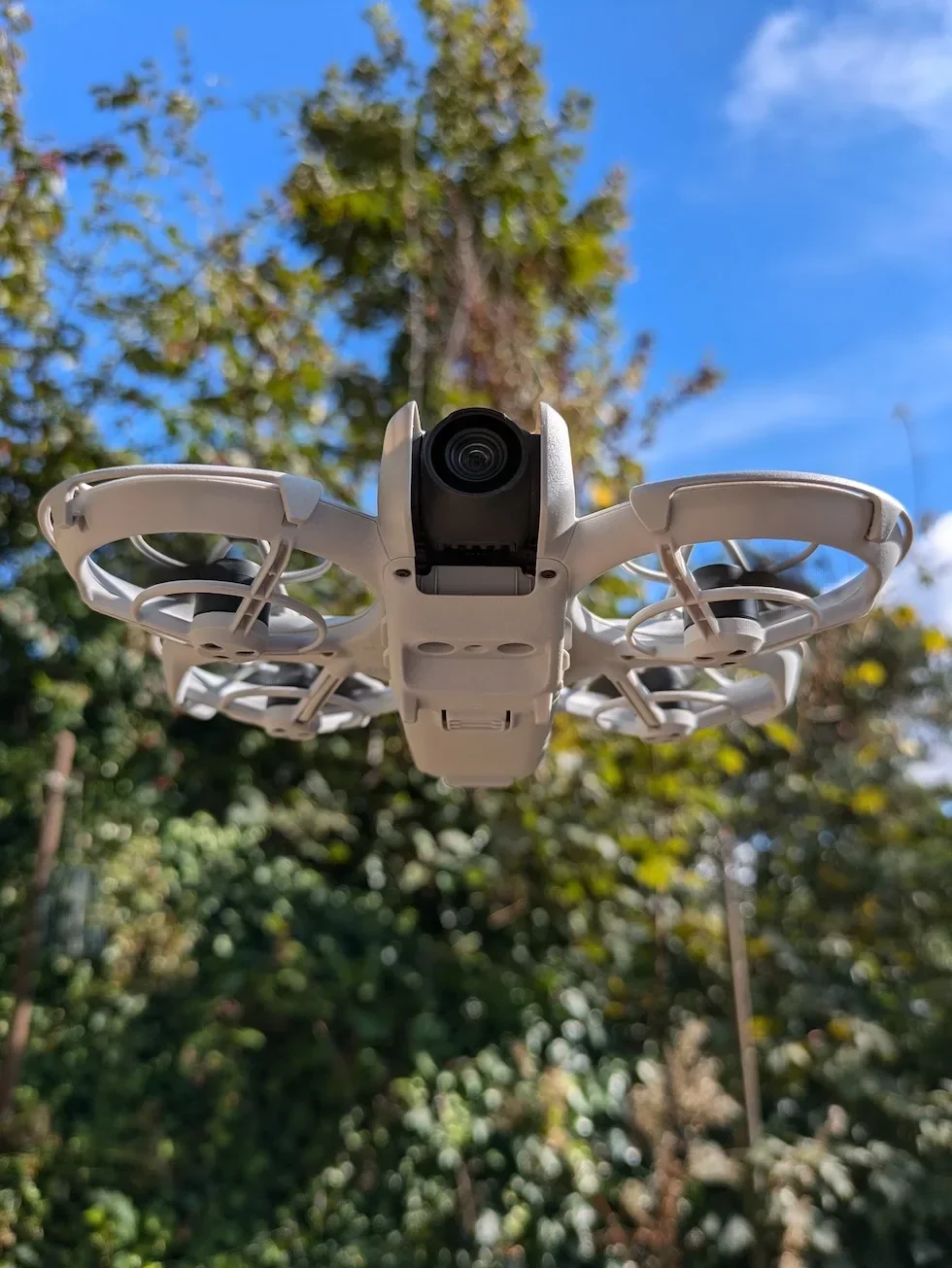
Push the throttle stick up slowly to lift the DJI Neo 2 off the ground
In the default Mode 2 layout, the left stick is the throttle. Ease it gently up. The drone climbs at a rate proportional to stick travel — the further from centre, the faster the climb. Hold the stick steady at the desired hover height and return it to centre to lock the drone in place.
Peter's tip
I use Auto Takeoff almost every time. It puts the drone in a stable hover with no stick input, which gives me a clean three-second window to look up from the screen, check the airspace, and confirm where I want to send it before I touch the throttle. The CSC route is the one I reach for when I am launching in Sport mode and I want to climb fast from the first inch.
| Takeoff method | When to use it | Watch-out |
|---|---|---|
| Auto Takeoff | Default for first flights and any time you want a clean unattended lift to a stable hover before you take the sticks. | Blocked while the self-diagnostic banner is still active. Will not fire without GNSS lock and a confirmed Home Point. |
| Manual stick (CSC) | Sport-mode launches, FPV-style flying with DJI Goggles N3, or any takeoff where you want full throttle authority from the first second. | No hover-lock safety net — climb rate is entirely on the throttle hand. The idle window after the CSC is short, so push throttle up promptly. |
Frequently asked questions
Which takeoff method is best on the DJI Neo 2 for a first flight with the controller?
Auto Takeoff. Tapping the icon in DJI Fly and pressing and holding the confirm prompt gets the drone into a stable hover with zero stick input, which gives a first-time drone pilot a clean moment to orient before touching the sticks. The Combination Stick Command route is the right move once you trust your throttle hand and want full authority from the first second.
What does the Combination Stick Command do on the DJI Neo 2?
The Combination Stick Command — usually shortened to CSC — is the manual way to start the motors on a DJI drone. Pull both sticks down and inward (or both down and outward) until the propellers spin up, then release both sticks at the same time. The motors stay idling on the ground and the drone only lifts when you push the throttle stick up.
Why does Auto Takeoff fail to lift the DJI Neo 2 off the ground?
Three usual causes. The self-diagnostics have not completed and DJI Fly is still showing an irregular warning, in which case the takeoff command is blocked. GNSS lock has not been acquired and the drone is refusing to lift without a Home Point. Or the takeoff surface is patterned, reflective, or covered in long grass and the Downward Vision System is unhappy. Fix the root cause rather than press the button harder.
Does the DJI Neo 2 need GNSS lock before takeoff with the controller?
Yes for a safe takeoff. The drone will fly in Attitude mode without GNSS, but Return to Home is disabled and the position hold drops out. Wait for the Home Point Updated prompt in DJI Fly before reaching for the takeoff control, both for Auto Takeoff and for the manual stick route. A few extra seconds on the ground is the cheapest insurance there is.
Can I take off with the DJI Neo 2 from the palm of my hand using the controller?
No. Hand-launching is a Palm Takeoff feature, not a controller takeoff. Do not launch the drone from your palm or while holding it in your hand when the remote controller is in the loop — that warning sits front and centre in the takeoff procedure. Set the drone on a flat surface, step back, and lift off from the ground.
How high does the DJI Neo 2 climb during Auto Takeoff?
Auto Takeoff lifts the drone and holds it in a stable hover above the takeoff point. Once it settles, the throttle stick is live — push it up to climb further, ease it down to descend. The Auto Takeoff command itself ends as soon as the drone reaches the initial hover.
What if the DJI Neo 2 motors stop before I push the throttle up?
That is normal. After a manual Combination Stick Command, the motors only idle for a few seconds. If you do not apply throttle inside that window, the propellers stop and you simply run the CSC again. No alarm, no fault — the drone is just confirming you still intend to fly.
Two takeoff methods, one DJI Neo 2, and the right one for the day comes down to how much stick authority you want from the first inch off the ground. Auto Takeoff is the clean unattended lift, the Combination Stick Command is the manual route, and both end with the same drone hovering in the same place waiting for the next input.
If you would like a second opinion on which takeoff method suits the kind of flying you do, drop the details to peter@hiredronepilot.uk and I will come back to you directly. The video version of this walkthrough is on YouTube and the comments are open.
References
Primary source material for this article is the official DJI Neo 2 documentation and DJI Fly. External links open in a new tab.
- DJI Neo 2 — Downloads (User Manual, Quick Start Guide, firmware notes) · Auto Takeoff, Starting the Motors with the Combination Stick Command, and the Takeoff/Landing Procedures section covering the controller lift.
- DJI Neo 2 — Product page (UK) · Drone hardware overview including the Downward Vision System the takeoff sequence relies on for ground reference.
- DJI Fly — App download and release notes · The app where the Auto Takeoff icon and tap-and-hold confirm flow live. Release notes record any menu reshuffles between versions.
- UK CAA — The Drone and Model Aircraft Code · UK flight safety requirements referenced around takeoff-site selection and visual line of sight.
Peter Leslie
Founder & GVC Drone Pilot
Peter is the founder of HireDronePilot. With thousands of logged commercial flight hours, he writes about drone technology, commercial surveying tactics, and UK aviation compliance.
Connect on LinkedIn