What Is IMU Drift? The Slow Hover Slide Explained

Peter Leslie
05 May 2026
Key Takeaways
- IMU drift is the gradual sensor bias that builds up inside the drone's inertial measurement unit, causing the drone to slowly slide off the spot it is meant to be hovering on
- The main causes are temperature shifts, drone-body vibration, and the natural ageing of the silicon MEMS sensors that make up the chip
- DJI's flight controller hides drift in normal flight by fusing IMU data with GPS and downward vision, which constantly re-anchors the drone to a real-world position
- Hovering indoors without GPS is where drift becomes obvious, because the IMU is no longer being corrected by satellite positioning
- Calibrate the IMU when DJI Fly prompts you, store the drone at a stable temperature, and run a thirty-second hover-test before any serious shoot
If you have ever set the drone to hold a hover, taken your hands off the sticks, and watched it creep two metres sideways for no obvious reason, you have just watched IMU drift in action. The short answer up front: IMU drift is the gradual accumulation of sensor bias inside the inertial measurement unit, which pushes the drone off its hover position over time. It is not a fault, it is not user error, it is a property of every silicon-based inertial sensor ever made. The job of the flight controller is to mask it. The job of the drone pilots on the sticks is to know when the masking is failing.
This piece sits next to the wider explainer on what a drone IMU is. The IMU explainer covers the sensor stack itself; this one zooms in on the single most-asked question about it — why the drone drifts, what causes it, and what to do about it before your next flight.
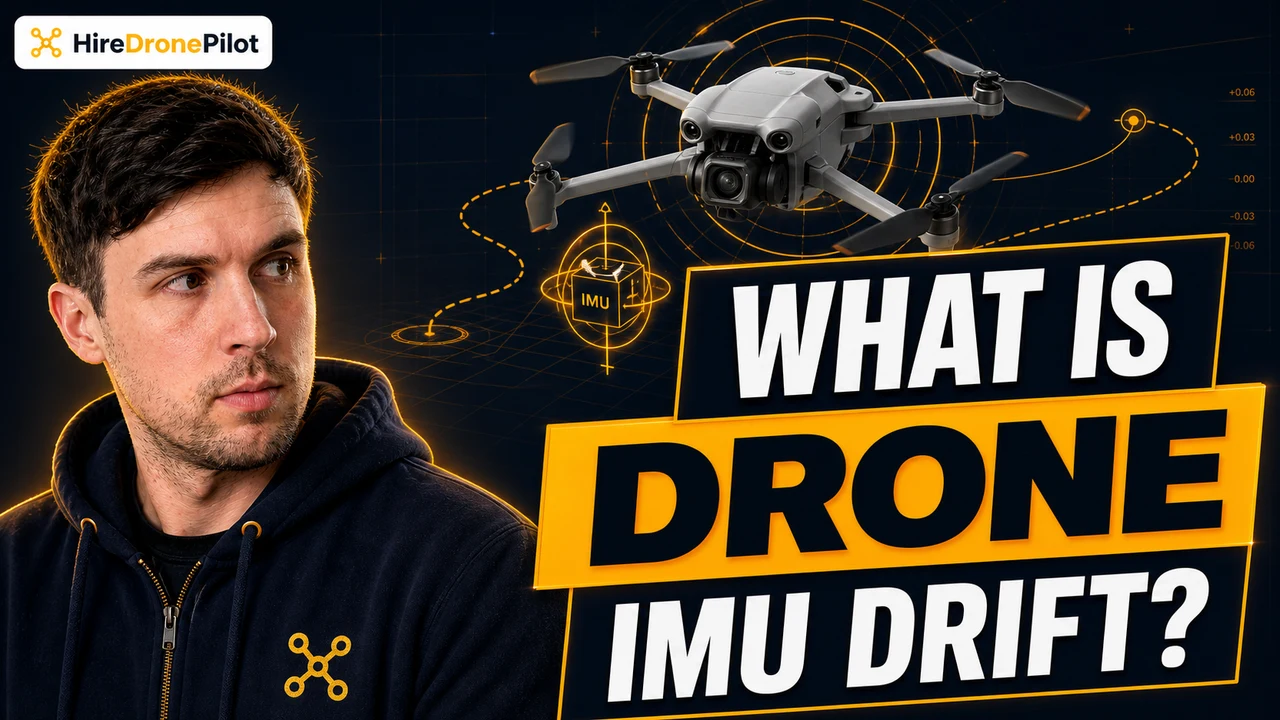
IMU drift is the slow accumulation of sensor bias that makes the drone slide off its hover
An inertial measurement unit is a tiny silicon chip that measures linear acceleration and rotational rate on three axes. The flight controller integrates those numbers — adds them up over time — to estimate where the drone is and which way it is facing. Integration is exactly where the trouble starts. Every reading carries a tiny error. Add the errors up over thousands of samples a second and the estimate slowly walks away from reality. That walk is what drift is.
In the air, drift shows up as a hover that will not stay still. The drone holds altitude well enough, the camera looks level, but the position creeps — half a metre west, then another half-metre north — without you ever touching the sticks. It feels like wind. Sometimes it is wind. Often it is the IMU quietly losing its grip on where the drone actually is. The same physics is what sits underneath the wider phenomenon of a drone tilting to one side in flight.
A standalone IMU left to its own devices for ten minutes would be tens of metres out of place by the end. That is why no consumer drone trusts the IMU on its own. Modern flight controllers fuse the IMU with the drone GPS, the drone compass, and the downward vision system to keep the position estimate honest.
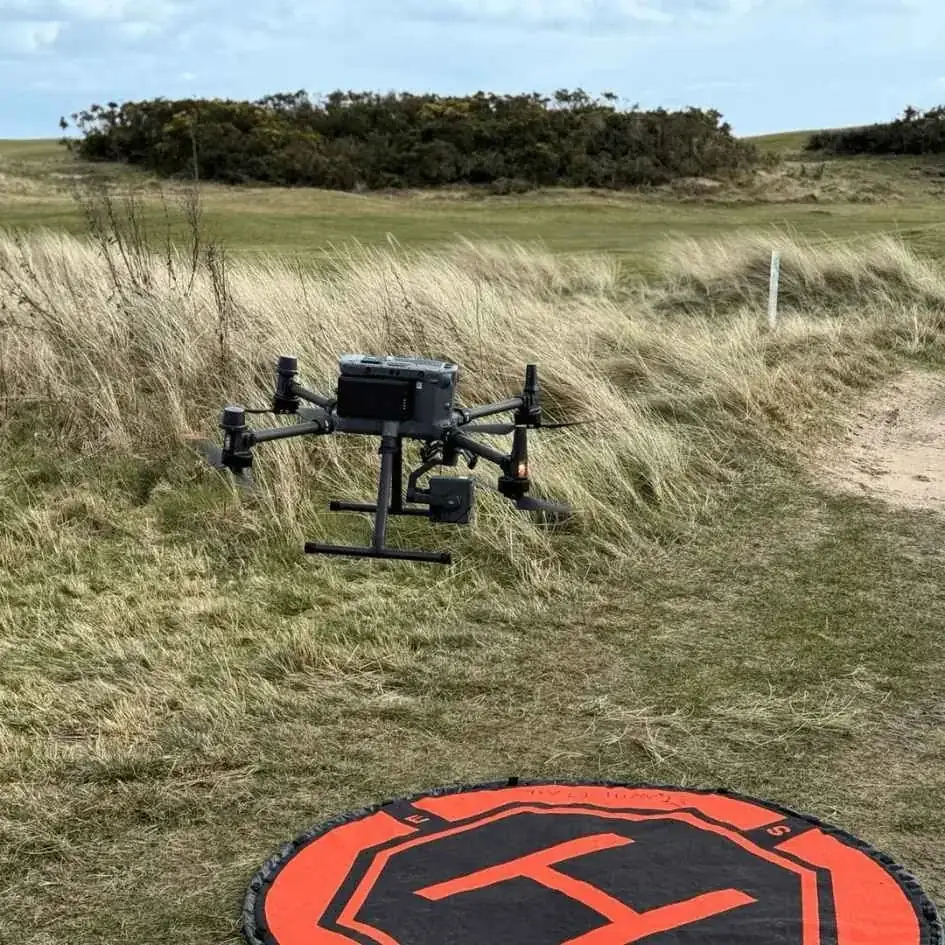
Temperature, vibration, and ageing MEMS sensors are the three things that drive drift
Drift is not random. There are three specific drivers, and once you know them you can spot when conditions are stacking against you.
Temperature shifts. IMUs are silicon MEMS — microelectromechanical systems — and silicon behaves differently at different temperatures. The factory calibration assumes a sensible operating window. A drone that has been baking in a hot car, or sitting on frozen ground in winter, will read out of spec for the first minute or two of flight while the chip equalises. The bias is largest right after power-on in extreme conditions, which is why DJI Fly often pops a warning if you take off too cold or too hot.
Vibration. The IMU cannot tell the difference between real motion and high-frequency wobble from a damaged propeller, a worn motor mount, or a cracked rubber damper. Vibration smears the readings. If your drone has had a hard landing and the hover suddenly feels nervy, the prop set or the flight-controller mount is the place to look first — not the software. The same vibration pathway is what creates the "IMU error" alert that often pairs with a compass warning, which is exactly the failure mode walked through in the DJI Neo 2 compass and IMU error fix.
Ageing sensors. Silicon MEMS chips drift more as they get older. Two-year-old flight controllers have looser bias characteristics than brand-new ones, even with no abuse. This is one of the quiet reasons the calibration prompt comes back more often on older drones — the curve the chip was characterised against has shifted, and the controller wants to re-fit it.
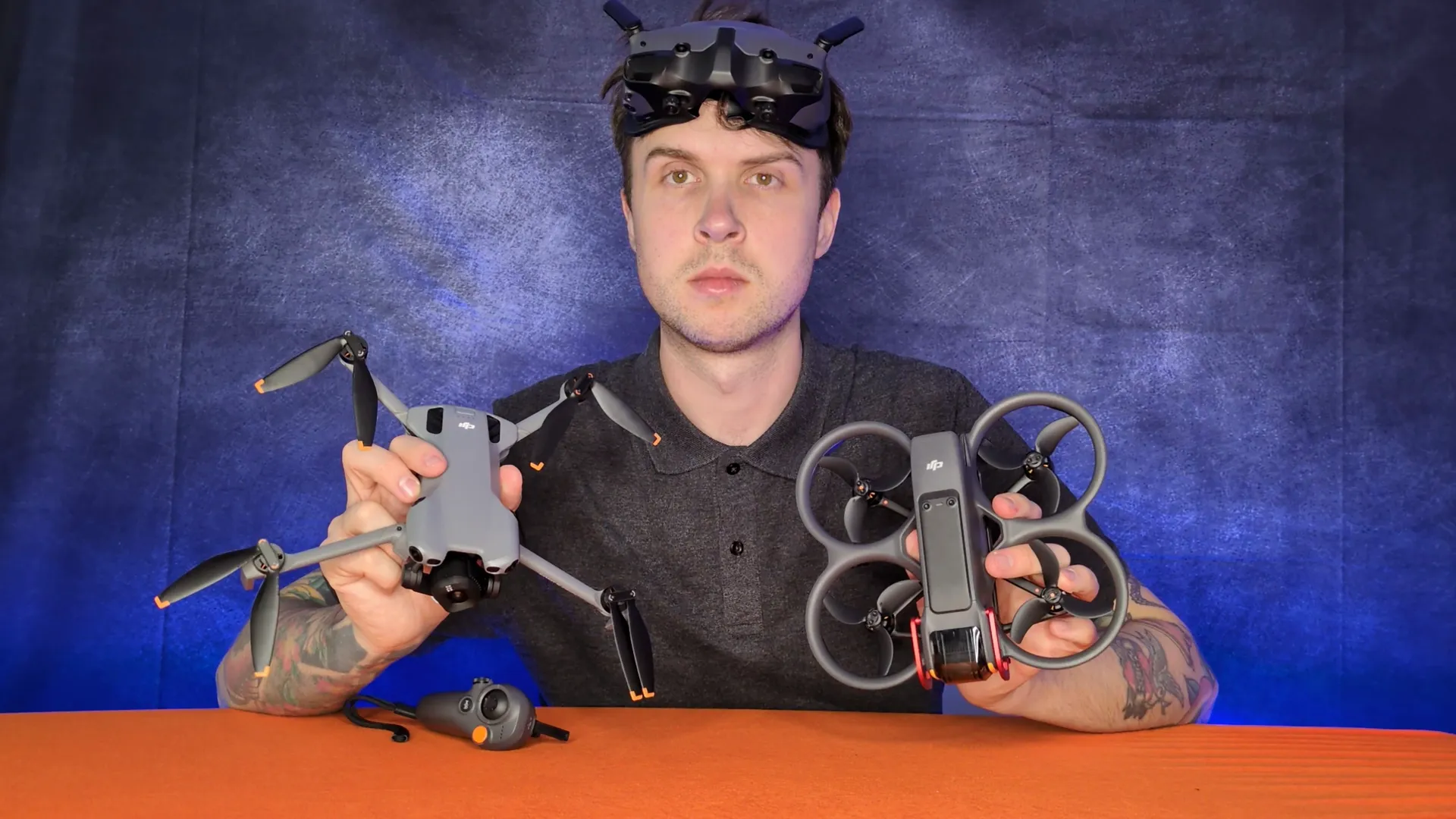
DJI's flight controller hides drift by fusing IMU data with GPS and the downward vision system
In normal outdoor flight, you almost never see drift on a DJI drone. That is not because the IMU is not drifting. It is because the flight controller is constantly re-anchoring the drift-prone IMU estimate against absolute references that do not drift — the positional fix from the GPS satellites, and the visual fix from the downward camera reading the ground texture.
The GPS gives the flight controller a real-world latitude and longitude several times a second. The downward vision system tracks features on the ground and tells the controller how the drone has moved relative to those features. Both are bias-free in the long term. The controller blends the fast-but-drifty IMU with the slow-but-anchored GPS and vision data, and the result is a drone that holds a hover within centimetres for as long as the battery lasts.
Pull either anchor away and the IMU has to carry more of the load alone. That is when drift starts being visible to the eye — and it is exactly the situation indoor flying creates by default. The same fusion logic is what holds the drone steady through a brief signal loss event while the controller decides what to do next.
Hovering indoors without GPS is where drift becomes obvious
Indoors, the GPS lock is gone the moment you fly under a roof. The flight controller drops into a positioning mode that leans on the downward vision system instead — and that works well, until it does not. Polished concrete, mirrored surfaces, glossy laminate, and repeating-pattern carpet all confuse the vision system, and the moment the camera loses its anchor, the IMU is the only thing left holding the position estimate. Drift becomes visible in seconds.
This is the bit that surprises people who only ever fly outdoors. A drone that holds a perfect outdoor hover at fifty metres of altitude can creep across a living room floor while you are trying to film a static product shot. It is not a different drone. It is the same flight controller, with two of its three positioning anchors taken away. Treat every indoor flight as a vision-positioning flight, accept that drift will show up if the floor is the wrong texture, and keep stick inputs small.
For a deeper walkthrough of what the drone actually does when GPS drops out — and how to land cleanly when it does — the companion guide on flying without satellites covers the recovery procedure step by step.
Calibrate, store at a stable temperature, and hover-test before any serious shoot
Three habits keep IMU drift from biting on a paid job.
Calibrate when the app prompts. DJI Fly tells you when the flight controller wants a fresh IMU calibration — usually after a firmware update, a hard landing, or a long trip to a different latitude. Do not skip the prompt. Calibration is a five-minute guided routine on a flat surface; the steps for the current generation are walked through in detail in the DJI Neo 2 IMU calibration guide. Skipping a prompted calibration is one of the few habits that turns a tolerable drift into a job-ending one.
Store the drone at a stable temperature. Do not leave the drone in a hot car boot in summer, do not leave it on a frozen garage shelf in winter. A drone that lives at room temperature year-round throws fewer warnings on power-on, drifts less in the first minute of flight, and lasts longer in calibration before the next prompt. The temperature compensation curve in the firmware is good, not magic.
Hover-test before the shot. On a paid job, before I roll the camera, I take off, set the drone to hold a hover at three or four metres, and let it sit for thirty seconds while I watch. If it stays put, the IMU is happy and the fusion is working. If it creeps, I land, check the props, and either recalibrate or call it. Catching drift on the ground is free. Catching it mid-shot is expensive.
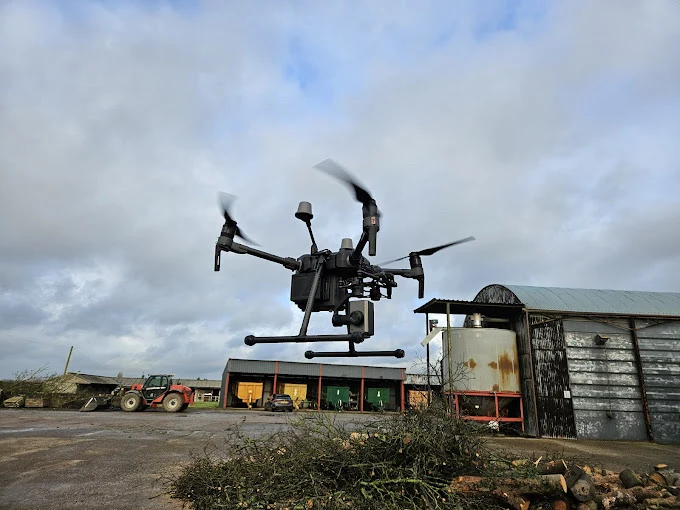
So the short version. IMU drift is the gradual sensor bias inside the inertial measurement unit that makes the drone slide off its hover. Temperature, vibration, and ageing chips are what drive it. The flight controller hides it in normal outdoor flight by fusing IMU data with GPS and downward vision. Indoors and in marginal GPS, the masking thins out and the drift becomes visible. Calibrate when prompted, store sensibly, and hover-test before the camera rolls.
Got a specific drift scenario you keep running into — an indoor hover that will not settle, a creep that started after a hard landing, a warning that keeps coming back? Drop a note to peter@hiredronepilot.uk and I will come back to you directly. If you prefer the video version of this explainer, the comments are open on YouTube.
References
Primary source material for this article is the UK Civil Aviation Authority and the drone manufacturer. External links open in a new tab.
- UK CAA — The Drone and Model Aircraft Code (CAP2320) · Rules 10 and 11: know what your drone can do; make sure it is fit to fly
- DJI — UK support portal · IMU calibration procedures and operating-temperature documentation by product line
- DJI — Neo 2 User Manual and Quick Start Guide · Sensing System section: downward vision system working window and surfaces it cannot read
Peter Leslie
Founder & GVC Drone Pilot
Peter is the founder of HireDronePilot. With thousands of logged commercial flight hours, he writes about drone technology, commercial surveying tactics, and UK aviation compliance.
Connect on LinkedIn