What Is a Drone IMU? The Sensor Stack That Keeps the Drone Level

Peter Leslie
31 Oct 2025
Key Takeaways
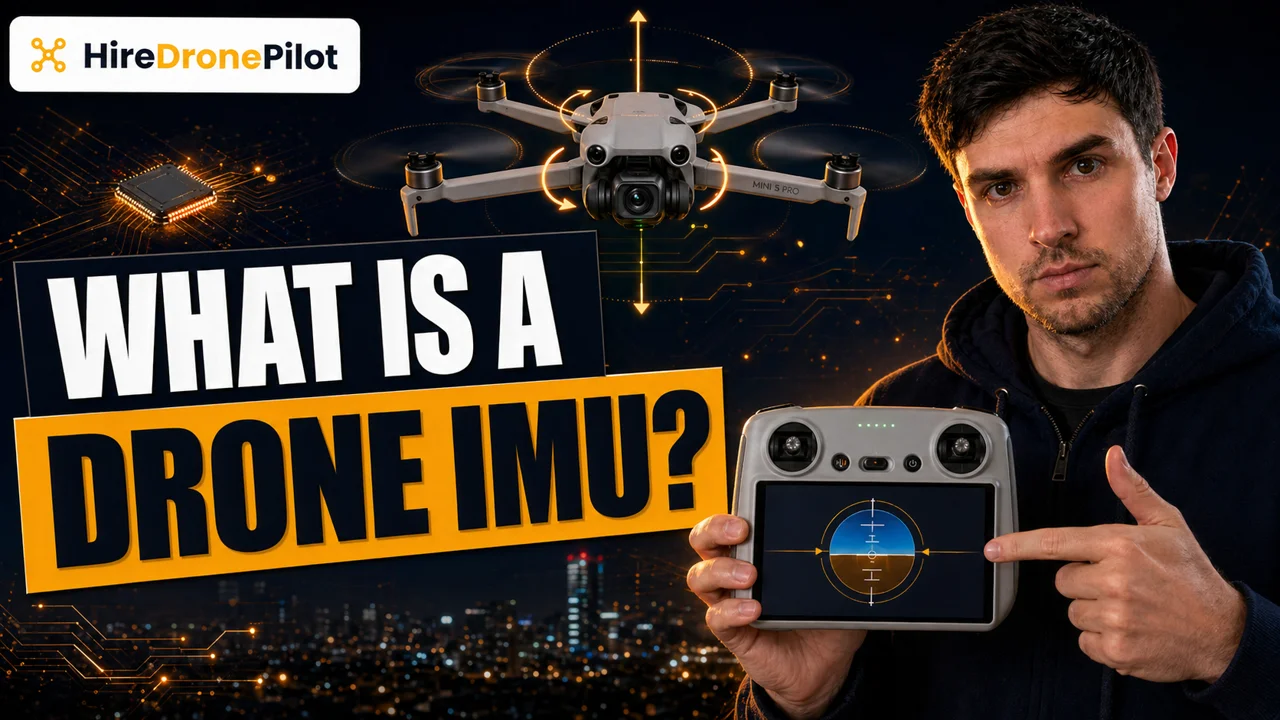
- An IMU — Inertial Measurement Unit — is a small sensor stack that measures acceleration and rotation on the drone's three axes
- Under the hood, it is usually a three-axis accelerometer and a three-axis gyroscope on one chip; most drones also pair it with a magnetometer
- The flight controller uses IMU data thousands of times a second to keep the drone level and correct for turbulence
- IMU drift is a natural property of the sensor — readings slowly accumulate error, which is why the flight controller fuses IMU data with GPS and compass
- Calibration, vibration isolation, and temperature stability are the three things that keep an IMU working reliably over a long flight
If you have ever watched a drone hold a perfect hover in a gust of wind and wondered what is actually stopping it from rolling onto its back, you are asking about the IMU. It is the sensor stack that feeds the flight controller with the fast, high-frequency data needed to keep the drone level. Everything else the drone does — following a waypoint, flying a cinematic orbit, coming back on Return to Home — happens on top of the IMU doing its job three hundred times a second.
This piece explains what the IMU is, what it measures, how it relates to the GPS and compass, why it drifts, and the practical things drone pilots do to keep it reliable. For the wider picture of how these sensors sit inside UK flying, the hub post on UK drone laws is the natural companion.
An IMU is a sensor stack that measures acceleration and rotation on the drone's three axes
IMU stands for Inertial Measurement Unit. Inside the drone, it is a small chip mounted on the flight controller board that combines two kinds of sensor:
- A three-axis accelerometer. This measures linear acceleration — how fast the drone is speeding up or slowing down along its X, Y, and Z axes, including the constant downward pull of gravity. Subtract gravity and you know the drone's acceleration in the real world.
- A three-axis gyroscope. This measures rotational rate — how fast the drone is rotating around each of its three axes, which in drone terminology are roll, pitch, and yaw.
Most consumer drones also bundle a three-axis magnetometer into the same module, which gives the flight controller a magnetic-heading reference. On some drones it is a separate chip; on others it shares the IMU package. Either way, the magnetometer is what we usually call the compass — a distinct class of measurement covered in its own explainer linked above.
The IMU's raw output is a continuous stream of numbers — acceleration on X, Y, and Z, plus rotation rate around each axis. Every one of those numbers is useless on its own. They become useful because the flight controller reads them hundreds of times a second and uses them to keep the drone stable.
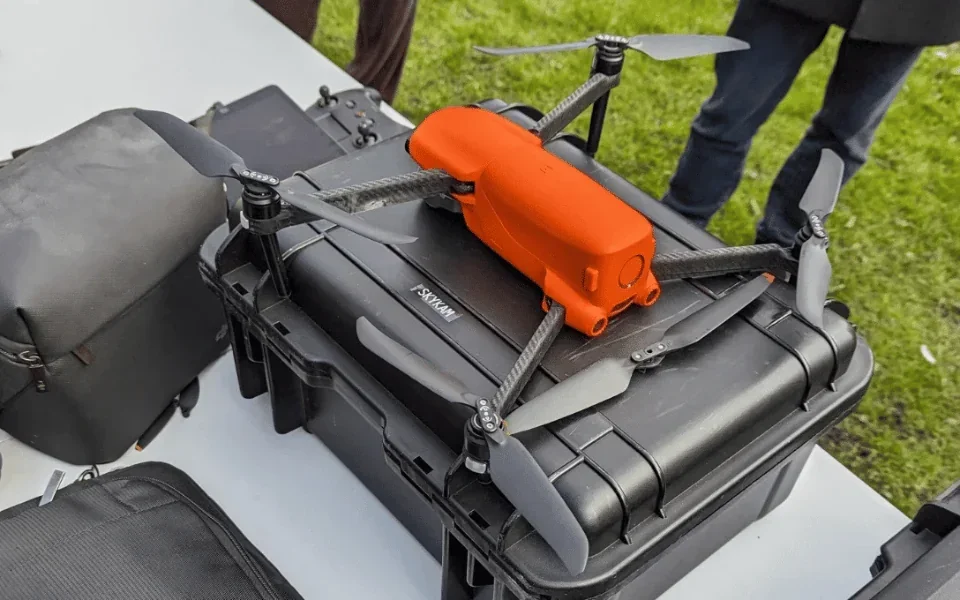
The flight controller uses IMU data to keep the drone level in real time
Multirotor drones are inherently unstable — without active correction, they cannot stay upright. The four rotors are producing four separate thrust vectors, and any asymmetry between them starts a rotation. A gust of wind pushes one side up. A motor delivering slightly less thrust than another tips the drone. Left alone, the drone would corkscrew into the ground within a second or two. The same physics applies when flying in windy weather — the flight controller has to work harder, and that work sits almost entirely on the IMU.
The flight controller stops this from happening by reading the IMU three hundred or more times a second, noticing any unwanted rotation or tilt, and correcting it by adjusting the relative speeds of the four motors. This is the loop that keeps the drone hovering. It happens whether you have touched the sticks or not — the drone is actively working on itself the whole time it is in the air.
When you do move the sticks, the flight controller blends your input into that same loop. You tell the drone I want a forward pitch, the controller sets that as a target, and the IMU tells the controller whether the drone has reached the target and how hard to keep pushing.
A useful mental model: the GPS tells the flight controller where to be, the compass tells it which way to face, and the IMU is the fast loop that makes the drone physically do what the other two are asking.
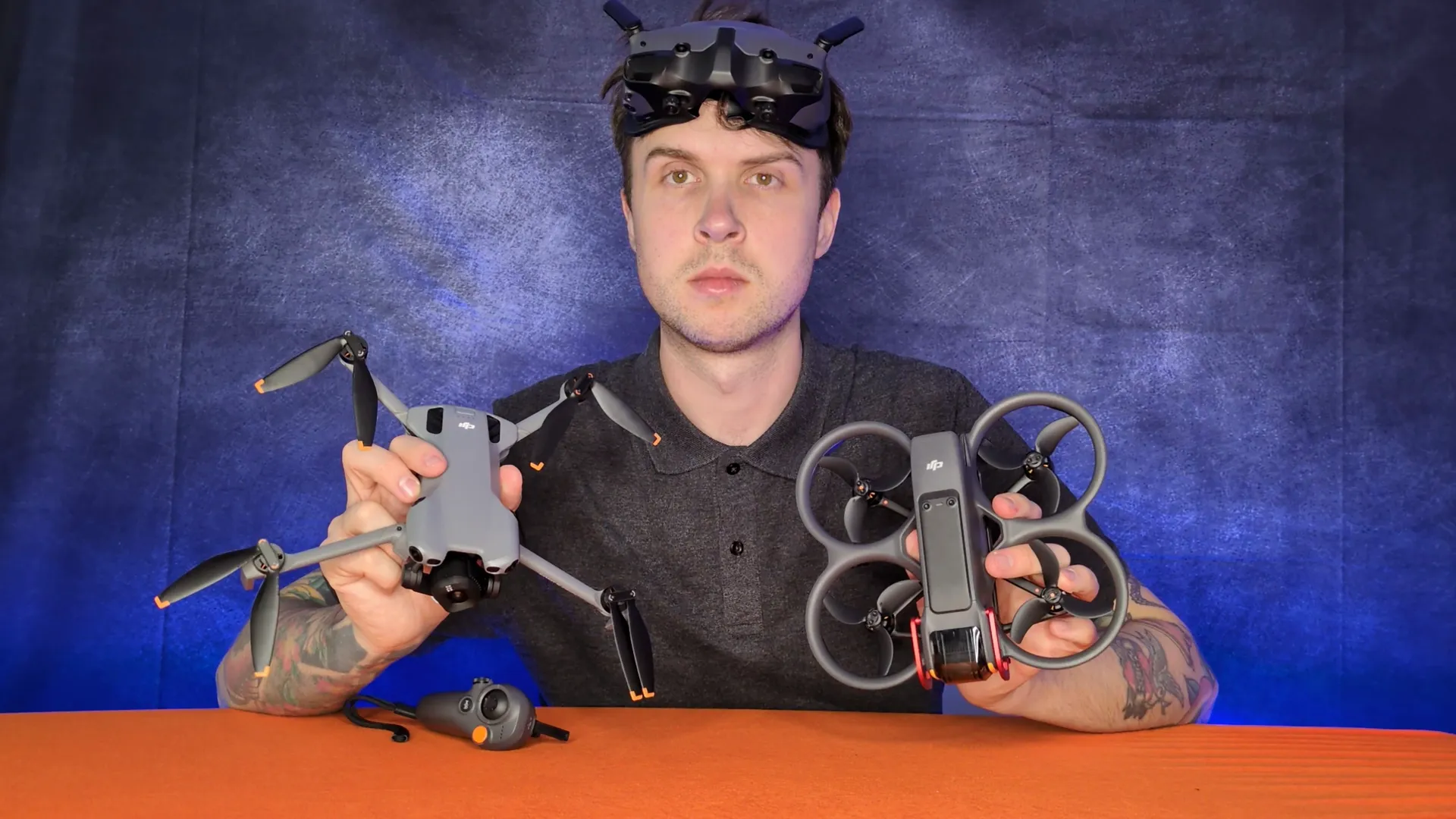
The IMU also stabilises the camera gimbal and feeds obstacle avoidance
IMU data does not just keep the drone stable. It also drives the camera gimbal, which is the reason aerial footage looks smooth even when the drone itself is being buffeted.
Most camera drones have a second, smaller IMU built into the gimbal. It tracks the camera's orientation independently of the drone body, so the flight controller can counter-rotate the gimbal motors to cancel out the drone's own movement. If your footage from a Mavic or Air looks like it was shot on a tripod while the drone was clearly fighting wind, you are watching gimbal-IMU work.
The IMU also feeds the obstacle-avoidance stack. When a forward-facing camera spots an object, the drone has to combine the visual data with its own motion to decide whether a collision is imminent and which direction to dodge. That fusion depends on accurate IMU readings — without them the drone cannot tell how fast it is approaching the object. This is the same layer that feeds the Return to Home flight planning when the controller link drops.
IMU drift is a real property of the sensor, and that is why the flight controller fuses it with GPS and compass
There is one important honesty about inertial sensors. They drift. An accelerometer measures acceleration, but if you integrate acceleration over time to calculate velocity, tiny measurement errors accumulate. Do it again to calculate position and the errors grow quickly. A standalone IMU flying for ten minutes would be metres out of place by the end.
Flight controllers handle this with sensor fusion. The IMU is allowed to take the short-term lead — it updates fast, it reacts quickly, it handles the millisecond-scale corrections — but it is constantly being re-anchored by other sensors. The GPS periodically tells the flight controller the drone's absolute position, which corrects the IMU's accumulated positional drift. The compass tells the flight controller the drone's absolute heading, which corrects the IMU's accumulated rotational drift. Between the three of them, the system stays accurate indefinitely.
Take any one sensor out and the other two cannot carry the load alone. This is why a GPS Signal Weak warning often arrives at the same time as an IMU Error — the fusion is stressed, and the drone is telling you it is no longer confident in the merged picture. Land, let it recover, recalibrate if prompted. The same logic applies during a signal-loss event — the IMU does the short-term work of holding the drone steady while the flight controller decides what to do next.
Calibration, vibration isolation, and temperature stability are the three things that keep the IMU honest
Three practical considerations separate drone pilots with reliable IMUs from drone pilots who fight the sensor every flight.
Calibration. IMUs come out of the factory calibrated, but the calibration can drift. The usual prompts are a crash, a hard landing, a firmware update, a long trip to a new latitude, or an in-app warning. Calibration is a guided routine — you place the drone on a flat surface in several orientations and let the flight controller read the sensor in each position. Follow the DJI Fly prompts exactly; the specifics differ slightly by product line, and the DJI UK support portal has the current procedure for each drone.
Vibration isolation. IMUs are sensitive to high-frequency vibration, which they can confuse with real motion. Manufacturers mount the flight controller on rubber dampers inside the drone for this reason. A cracked damper, an imbalanced propeller, or a bent motor shaft after a minor bump can all push vibration into the sensor and destabilise the hover. If your drone is wobbling in clean air, check the propellers and mounts before blaming the software.
Temperature. Silicon MEMS sensors behave differently at different temperatures. Most drones apply a temperature compensation curve, but the curve assumes the sensor is within a sensible operating range. A drone that has been baking in a car on a hot day, or sitting on frozen ground in winter, can see degraded IMU performance for the first minute or two of a flight. Let the drone warm up or cool down before you commit to a demanding manoeuvre — and log the condition in your drone flight log so the pattern is visible over time.
The IMU fits inside the Drone Code's fit-to-fly obligation, not just the tech specs
It is easy to think of IMU health as a purely technical concern, but it sits neatly inside the Drone and Model Aircraft Code's fit-to-fly rule. Rules 10 and 11 in the Code are explicit about the drone pilot's obligation to know what the drone can and cannot do, and to make sure it is in a state to fly safely. An IMU that is throwing warnings, or a drone that is obviously wobbling when it should be still, falls into that category.
If the drone is not hovering cleanly, it is not fit to fly — regardless of how recently you bought it, how up-to-date the firmware is, or how tempting the shot is. That is as much a UK legal point as it is a technical one, and it is one of the quiet habits that separates experienced drone pilots from people who keep crashing.
So the short version. The IMU is a tiny sensor stack that measures acceleration and rotation. The flight controller reads it several hundred times a second to keep the drone level and responsive. It drifts on its own, which is why it is always fused with GPS and compass data to stay accurate. And it stays reliable if you calibrate it when prompted, keep vibration out of the drone, and let it settle into a sensible operating temperature.
Got a specific IMU issue you keep running into — persistent warnings, a drift after a crash, a hover that will not settle? Drop a note to peter@hiredronepilot.uk and I will come back to you directly. If you prefer the video version of this explainer, the comments are open on YouTube.
References
Primary source material for this article is the UK Civil Aviation Authority and the drone manufacturer. External links open in a new tab.
- UK CAA — The Drone and Model Aircraft Code (CAP2320) · Rules 10 and 11: know what your drone can do; make sure it is fit to fly
- DJI — UK support portal · IMU calibration procedures and operating-temperature documentation by product line
Peter Leslie
Founder & GVC Drone Pilot
Peter is the founder of HireDronePilot. With thousands of logged commercial flight hours, he writes about drone technology, commercial surveying tactics, and UK aviation compliance.
Connect on LinkedIn