What Is Drone Geo-Fencing? UK Rules, DJI's Policy Shift, and Who Is Responsible

Peter Leslie
31 Oct 2025
Key Takeaways
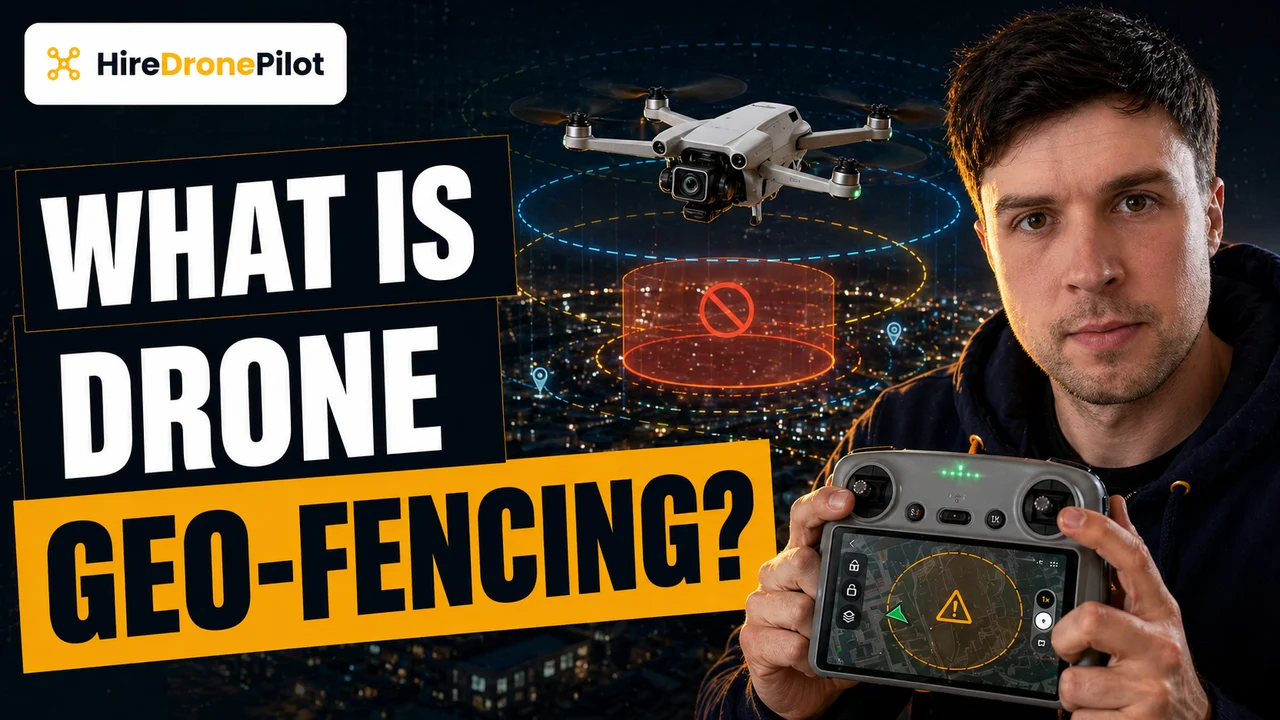
- Geo-fencing is a manufacturer-implemented software layer that uses GPS to stop a drone taking off inside, or flying into, a predefined no-fly zone
- It has never been a legal requirement in the UK — the CAA sets the airspace rules, and geo-fencing was a voluntary safety net on top
- DJI has largely removed its geo-fencing in UK firmware, replacing hard-stops with Enhanced Warning Zones that only show an in-app alert
- The legal consequence is unchanged — the drone pilot is fully responsible for complying with Flight Restriction Zones and airspace classifications, with or without a software fence
- Remote ID, which becomes mandatory on 1 January 2026 for UK1, UK2, and UK3 class drones, is the UK's formal identification-and-tracking scheme — geo-fencing does not replace it
For years, geo-fencing was the invisible guardrail on most consumer drones. Try to take off inside a Flight Restriction Zone around an airport and the drone would simply refuse. Try to fly into restricted airspace mid-flight and the drone would stop at the boundary or automatically turn around. That safety net was not a regulation — it was a manufacturer's software choice, and from late 2024 onwards the biggest manufacturer, DJI, has been unwinding it.
This piece explains what geo-fencing actually is, how it worked, what has changed in the UK, and — the part that matters — how the legal responsibility sits with you regardless of whether the drone has a soft stop built in. For the wider context, the hub post on UK drone laws is the right companion read.
Geo-fencing is a manufacturer software layer that reads GPS and blocks flight inside predefined zones
Geo-fencing is a layer of software inside the drone's flight controller that continuously compares the drone's GPS position against a stored database of restricted zones. If the drone is inside, or approaching, one of those zones, the software triggers a predefined response — usually refusing to take off, or stopping the drone at the boundary if it is already flying.
Two broad flavours have existed over the years:
- Static zones. Fixed boundaries around permanent no-fly areas — airports, prisons, royal palaces, military ranges. These were pre-programmed into the drone firmware and pushed via updates.
- Dynamic zones. Temporary restrictions that could be pushed to the drone over a connection, for things like emergency-incident zones, major events, or airshow TFRs.
The important point is that none of this was ever a UK legal requirement. The CAA writes the airspace rules. The manufacturer wrote a software layer that tried to nudge drone pilots into compliance with those rules. When the two matched up, it felt like the same thing. When they diverged — an old firmware build, a zone the CAA had updated but the drone had not — the difference became obvious.
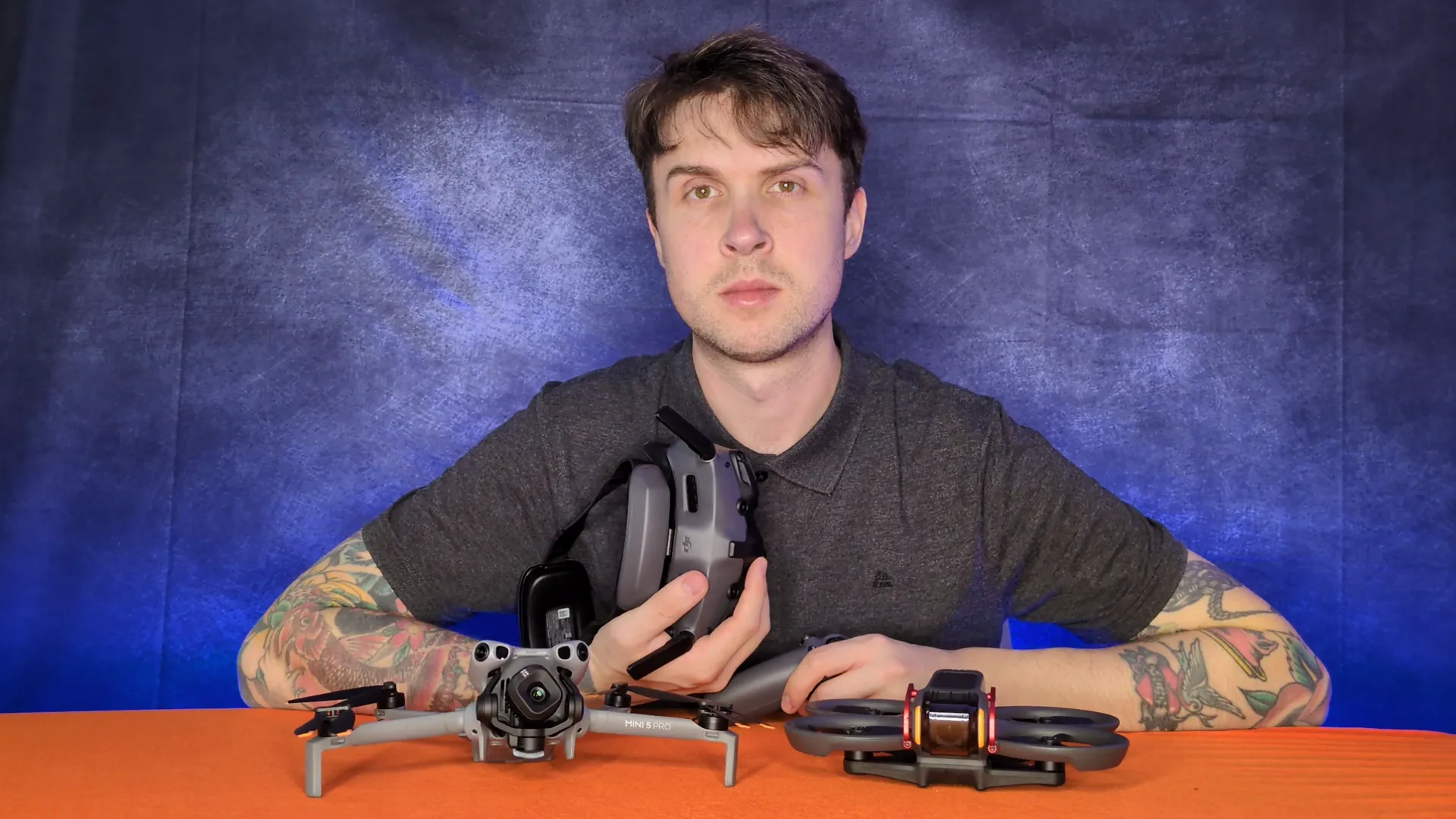
UK airspace rules come from the CAA, not from the drone manufacturer
Whether or not your drone has a geo-fence built in, the binding airspace rules in the UK are set by the Civil Aviation Authority. The Drone and Model Aircraft Code spells out what you can fly, where, and under what conditions. Airspace restrictions sit on top of that.
The key categories of restricted airspace to understand:
- Flight Restriction Zones around airports and airfields. A typical FRZ is a 5 km circle around the airport site, with 1 km extensions along each runway end. Flying inside without permission is a criminal offence — and airport drone detection systems are increasingly good at picking up intrusions.
- Spaceport FRZs. 5 km circles around licensed UK spaceport sites.
- Restricted airspace over sensitive sites. Prisons, royal palaces, military ranges, government buildings — detail is in the Drone Code and on the NATS drone map.
- Temporary restrictions. Airshows, major events, emergency incidents, political conferences. Often announced via NOTAM.
The tools you use to check these are the NATS drone map, the Aeronautical Information Publication, and any reputable flight-planning app. The point is that none of those tools live inside the drone. They live on your phone and in your pre-flight routine. Geo-fencing used to mirror some of that data into the drone itself as a belt-and-braces backup — but the legal duty to check was always yours.
DJI has largely removed geo-fencing in the UK, replacing hard-stops with Enhanced Warning Zones
The biggest change in the last two years is that DJI has stepped back from enforcing geo-fencing as a hard stop. In DJI Fly, DJI GO 4, and DJI Pilot, zones that used to hard-restrict takeoff — the old red zones, blue authorisation zones, grey altitude zones, yellow warnings — are now Enhanced Warning Zones, shown in orange.
Practically, this means when you launch inside a zone that would previously have refused takeoff, the app now shows an in-app alert, asks you to acknowledge the restriction and the liability, and lets you fly. The drone no longer mechanically prevents the flight.
DJI's public reasoning has three parts. First, no regulator has ever mandated geo-fencing as a compliance tool. Second, the hard-stop system could be circumvented by a determined bad actor anyway, which blunted its safety case. Third, the system was getting in the way of legitimate emergency-response operations in time-critical situations.
Whatever you think of the decision, the consequence for a UK drone pilot is straightforward. The drone will no longer stop you from flying somewhere you are not supposed to. The rules have not moved. The automatic guardrail has.
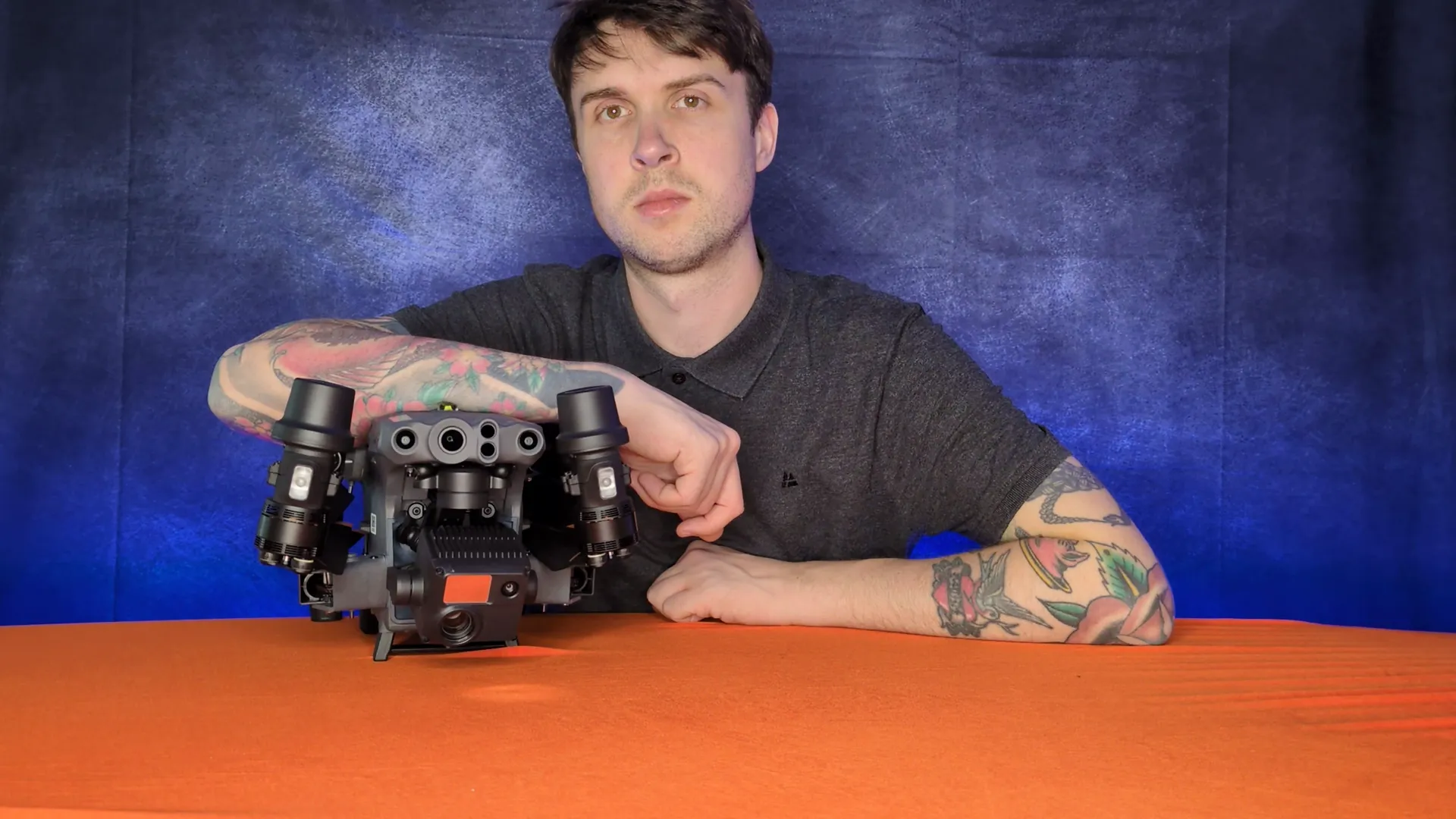
The legal responsibility sits with the drone pilot either way
Here is the headline to internalise. Whether your drone refuses to take off inside an FRZ or quietly lets you fly anywhere, the legal responsibility for airspace compliance has always been yours. The software fence was convenient. The CAA rules are the law.
The practical responsibilities, unchanged by DJI's policy shift:
- Check the NATS drone map, NOTAMs, and the AIP before flying, every time. Airspace changes.
- Keep your Flyer ID current and your Operator ID labelled on the drone.
- Carry any required authorisations — airfield permission for FRZ flights, CAA Operational Authorisation for Specific Category work — before takeoff, not after the first complaint.
- If you fly near an airport without permission, you are committing a criminal offence regardless of whether the drone let you take off.
The soft fence used to be a safety net. It is reasonable to fly as though it never existed, because for compliance purposes it effectively never did. Serious drone pilots have always planned flights from the CAA side of the fence, not the manufacturer side.
Remote ID is the real tracking mechanism coming into force on 1 January 2026
If geo-fencing was the soft compliance layer of the past, Remote ID is the hard identification layer of the near future. It is a CAA-mandated broadcast scheme, not a manufacturer courtesy.
The rules, from the CAA's Remote ID page:
- From 1 January 2026, Remote ID must be switched on when flying a UK1, UK2, or UK3 class drone.
- From 1 January 2028, Remote ID becomes mandatory for nearly all drone and model-aircraft operations, including UK0 (100 g+ with camera), UK4 model aircraft, and legacy or privately-built drones weighing 100 g or more with a camera.
- The broadcast is a local radio signal — it transmits the operator's Remote ID, the drone's serial number, position, height, route, and pilot position.
- Broadcast data does not include personal information directly. Only the CAA and authorised enforcement agencies can link the Operator ID back to a person.
The important framing here is that Remote ID is fundamentally different from geo-fencing. It does not stop the drone from flying into a restricted zone — it broadcasts who the drone belongs to and where it is. Enforcement gets much easier. The pressure on the drone pilot to self-police airspace goes up, not down, because there is now a traceable record of every flight.
The practical rule is to plan against the CAA map, not against the drone's warning screen
If you only take one thing away, let it be this. Stop thinking of the drone as a participant in airspace compliance. It is an instrument. You are the aviation decision-maker.
The professional pre-flight routine is the same whether you fly a DJI, an Autel, or a bespoke commercial rig:
- Check the NATS drone map and the AIP the night before, and again on the morning of the flight if anything could have changed.
- Pull the relevant NOTAMs.
- If the site is inside an FRZ, arrange airfield permission in advance, in writing.
- If the job is near prisons, police stations, or critical infrastructure, the specific drone over prison or drone over police station rules are the ones to read first.
- Make sure Remote ID is configured and switched on for any UK1, UK2, or UK3 class drone you fly after 1 January 2026.
Treat any warning the drone app does show as a hint, not a verdict. The verdict is on the CAA side, and it stays there regardless of what the drone decides to do.
So the short version. Geo-fencing was always a manufacturer choice, never a UK legal requirement. DJI has largely retired it in the UK. The rules have not changed, but the responsibility they place on you is now more visible — which is exactly what Remote ID is designed to support. Plan against the CAA map, fly within your authorisation, and treat the drone as a tool rather than a rulebook.
Got a specific site where you are unsure whether an FRZ or restricted zone applies? Drop a note to peter@hiredronepilot.uk and I will come back to you directly. If you prefer the video version of this explainer, the comments are open on YouTube.
References
Primary source material for this article is the UK Civil Aviation Authority. External links open in a new tab.
- UK CAA — The Drone and Model Aircraft Code (CAP2320) · Rules 7 and 8: airports, FRZs, restricted airspace, NOTAMs
- UK CAA — Remote ID (RID) · mandatory broadcast scheme from 1 January 2026 (UK1/UK2/UK3) and 1 January 2028 (all)
- UK CAA — UK Regulatory Framework for Drones · Air Navigation Order 2016, UAS Regulations, and penalties for airspace breaches
- DJI — UK support portal · Enhanced Warning Zone documentation and DJI Fly Safe policy
Peter Leslie
Founder & GVC Drone Pilot
Peter is the founder of HireDronePilot. With thousands of logged commercial flight hours, he writes about drone technology, commercial surveying tactics, and UK aviation compliance.
Connect on LinkedIn