Key Takeaways
- Power the DJI Neo 2 off with the same press-then-hold sequence you used to power it on: press once, release, then press and hold for two seconds
- The power-off is complete when the on-body Screen blanks and the four Battery Level LEDs extinguish
- The manual specifies powering the drone off before the remote controller, not after
- Never remove the Intelligent Flight Battery while the DJI Neo 2 is still powered on — the Battery Buckle is designed to be released only after shutdown
- DJI RC-N3, Goggles N3, and the DJI RC Motion 3 all power down with the same two-step sequence
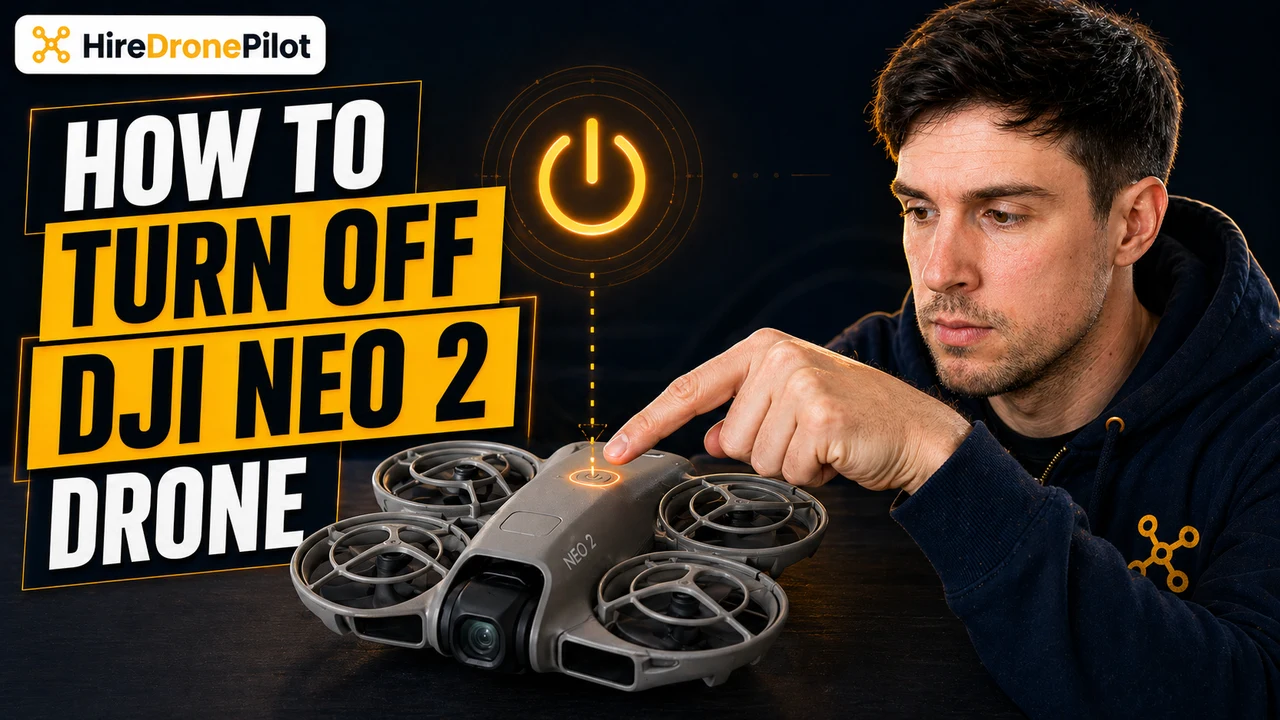
The DJI Neo 2 powers off the same way it powers on. Press the Power Button once, release it, then press and hold for two seconds. The on-body Screen blanks out, the four Battery Level LEDs go dark, and the drone is safe to pack away.
What matters more than the button press itself is the shutdown order and the rule about the battery. Even experienced drone pilots occasionally pop the battery out while the DJI Neo 2 is still running, and the manual is clear that the drone should be fully powered off first.
This guide walks through the power-off sequence for every device in the DJI Neo 2 ecosystem — the drone itself, the DJI RC-N3, DJI Goggles N3, and the DJI RC Motion 3 — all sourced from the DJI Neo 2 User Manual v1.2 (December 2025). If you also need the DJI Neo 2 power-on sequence, we cover that as a separate walkthrough.
| What you have | Device to power off | Order | |
|---|---|---|---|
| DJI Neo 2 drone | DJI Neo 2 body | First | Jump to steps |
| Fly More Combo | DJI RC-N3 | After the drone | Jump to steps |
| Motion Fly More Combo | DJI Goggles N3 | After the drone | Jump to steps |
| Motion Fly More Combo | DJI RC Motion 3 | After the drone | Jump to steps |
Always power off the DJI Neo 2 before the DJI RC-N3 or the Goggles N3
The manual walks through the takeoff and landing procedure in §3.3 and finishes with a single clear instruction: power off the drone before the remote controller. Flip that order and you leave the controller hunting for a signal that is no longer broadcasting, which can leave the link in an odd state on the next boot.
The same ordering applies to the Motion Fly More Combo. Power the DJI Neo 2 off first, then the DJI Goggles N3 and the DJI RC Motion 3. One sequence, one direction — drone, then accessories.
If you have just landed after an Easy ACRO session, give the drone a few seconds on the ground before you shut it down. The Downward Vision System, the LiDAR, and the gimbal all need a moment to settle before they stop drawing power.
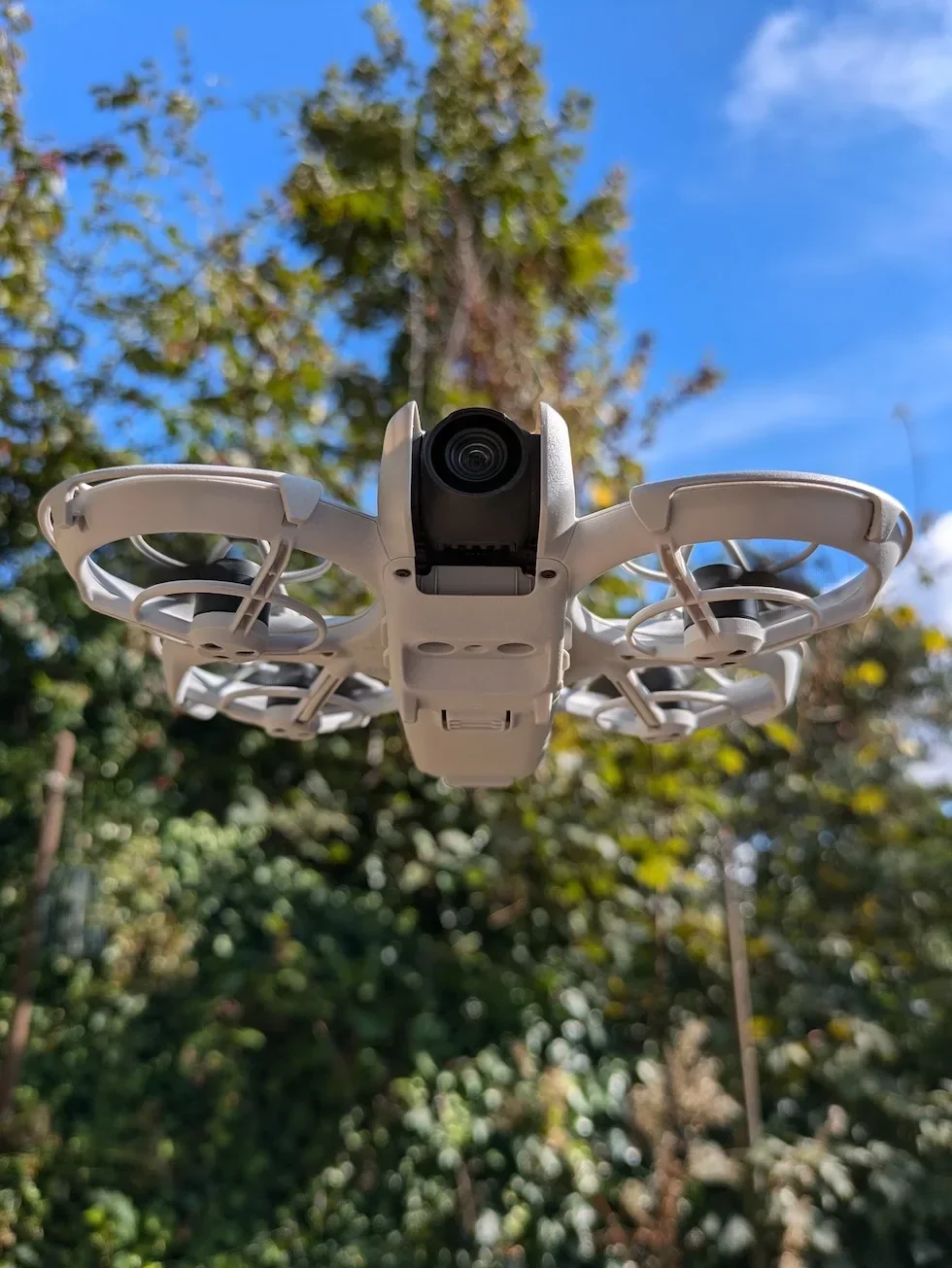
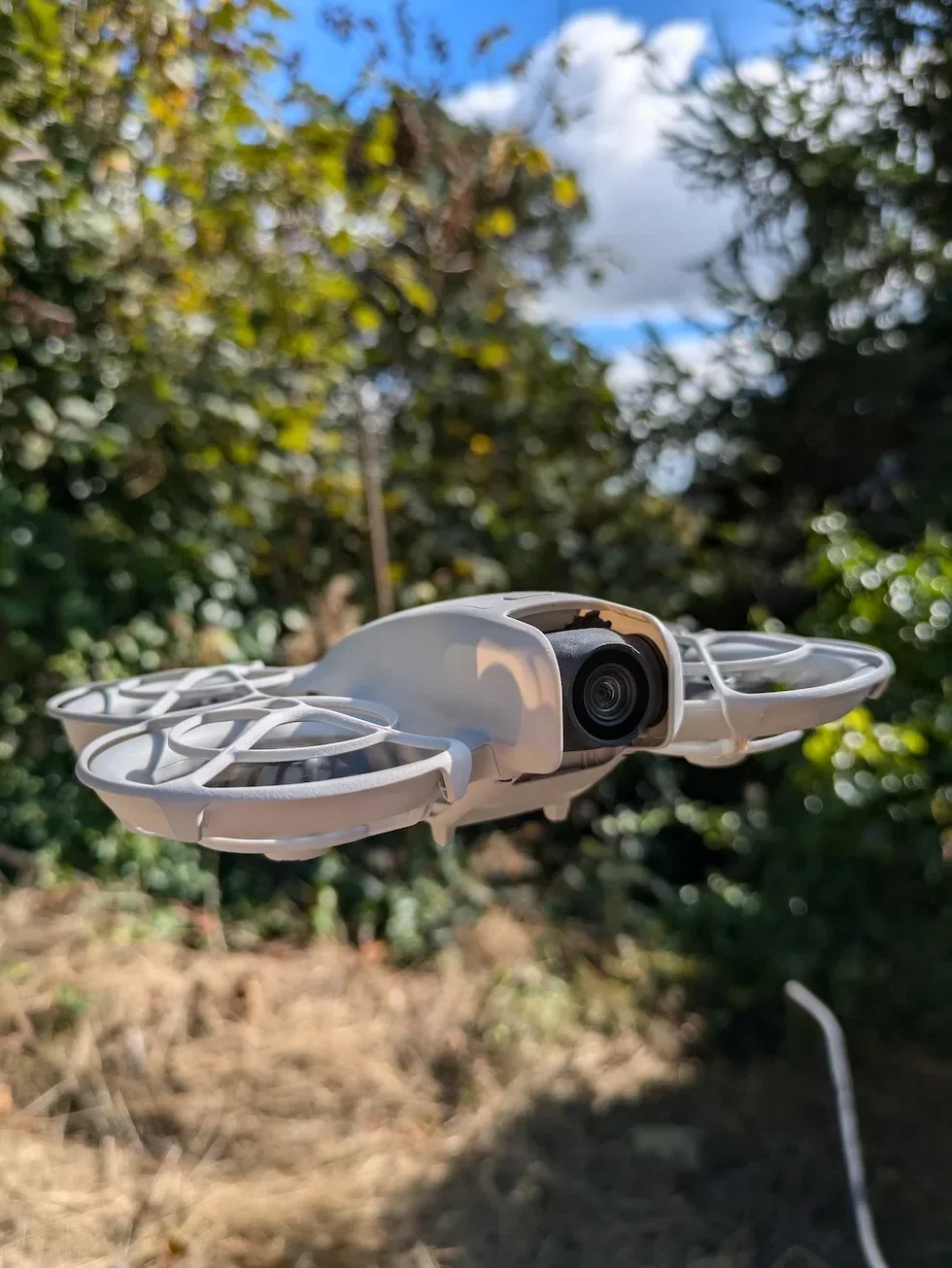
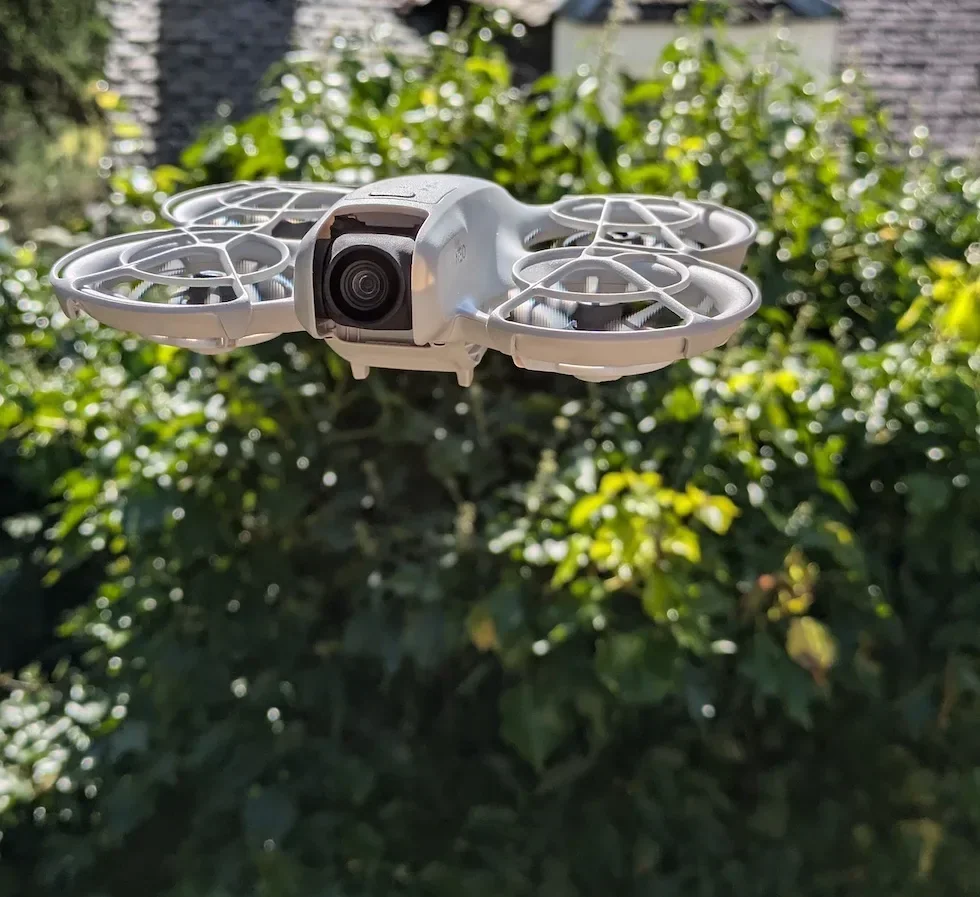
Powering off the DJI Neo 2 itself
Land the DJI Neo 2 and let the motors stop
With the DJI RC-N3 you can push the throttle stick down and hold it until the motors stop after landing. With the DJI RC Motion 3 you press and hold the lock button while the drone hovers and let it auto-land. Either way, wait until the propellers are stationary before you reach for the Power Button.
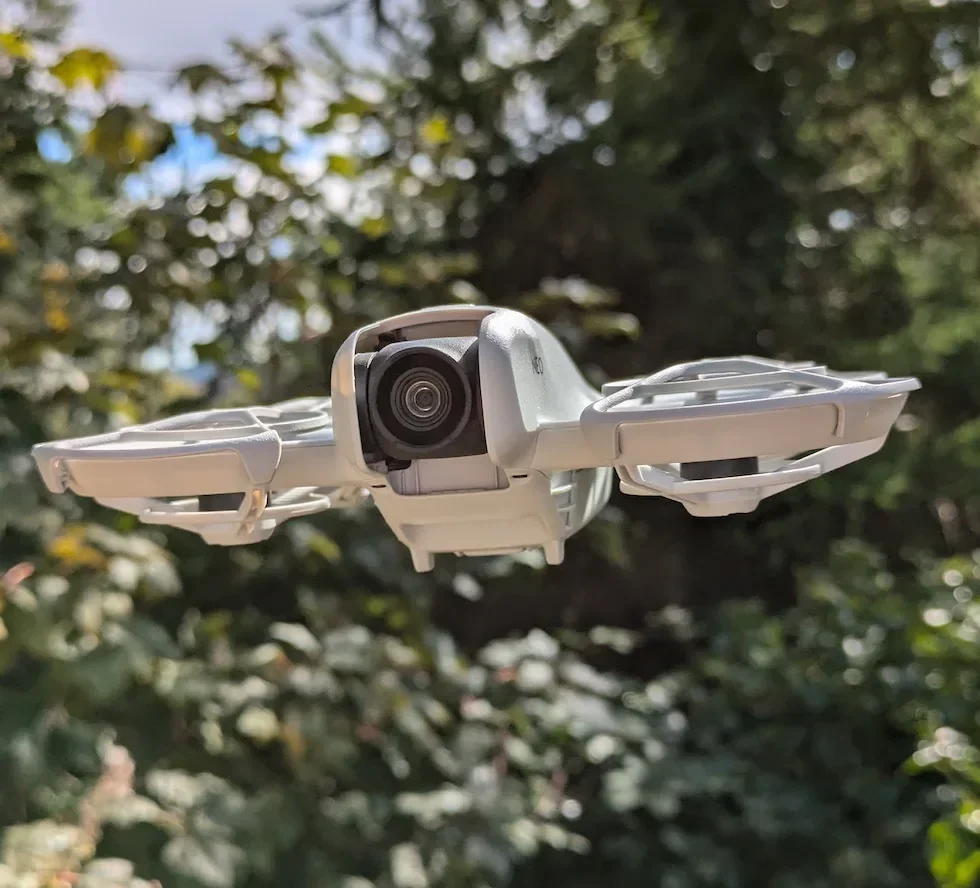
Press the Power Button once, then press and hold for two seconds
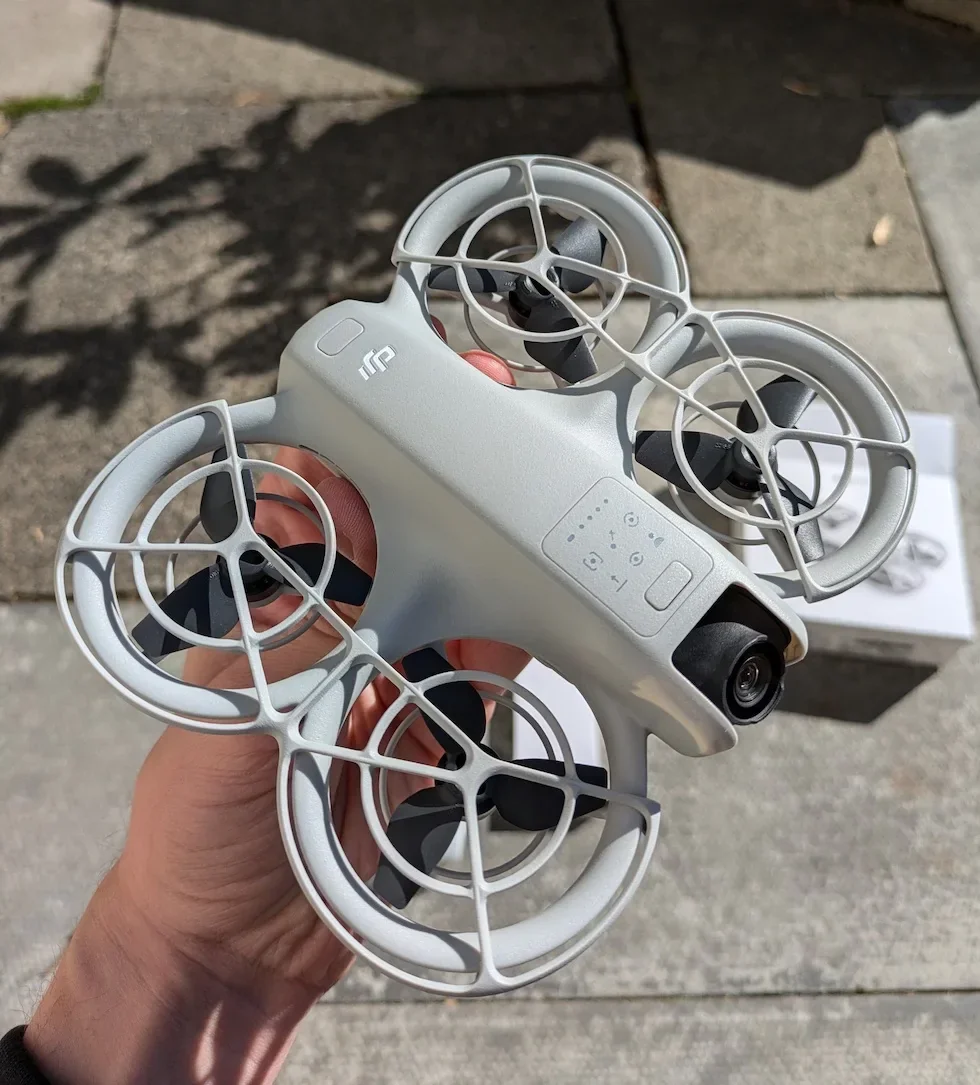
Same sequence as power-on. The Power Button sits on top of the DJI Neo 2 next to the four Battery Level LEDs. A short press, a release, and a two-second hold. You will hear a shutdown chime from the drone as the sequence completes.
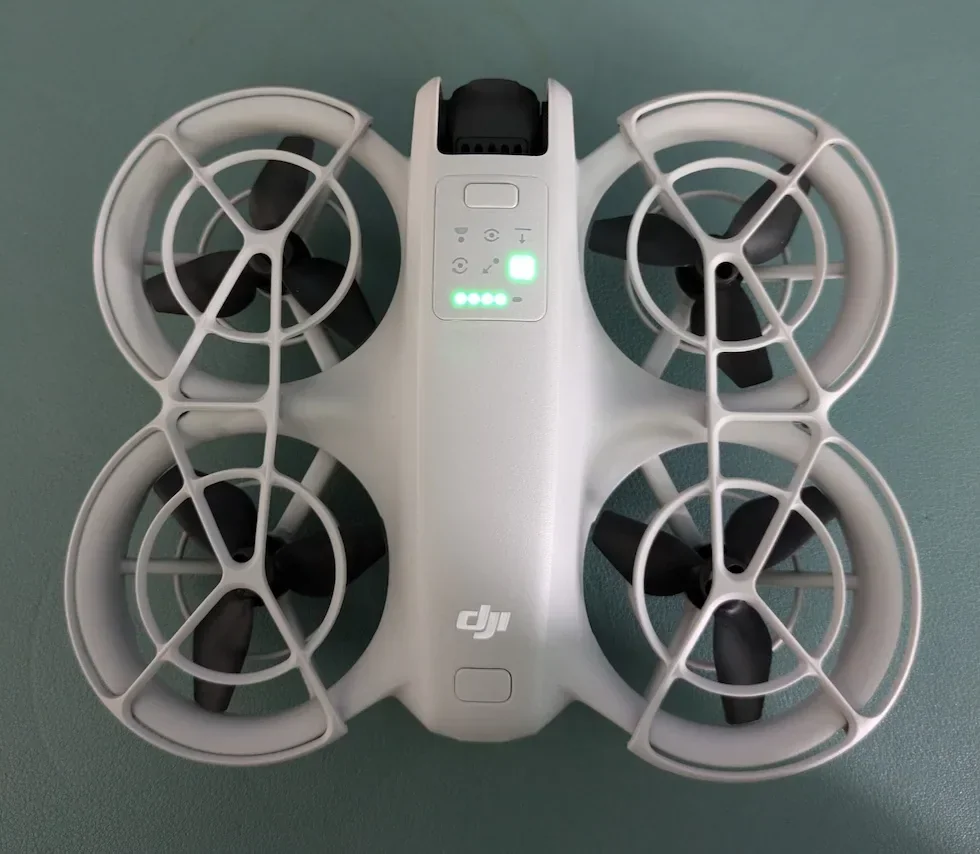
Wait for the on-body Screen and Battery Level LEDs to go dark
The power-off is not complete until both the on-body Screen and the four Battery Level LEDs go out. If any LED is still lit, the DJI Neo 2 is still running. Give it another second. The Status Indicator also turns off, which is the final visual confirmation that the drone is fully shut down.
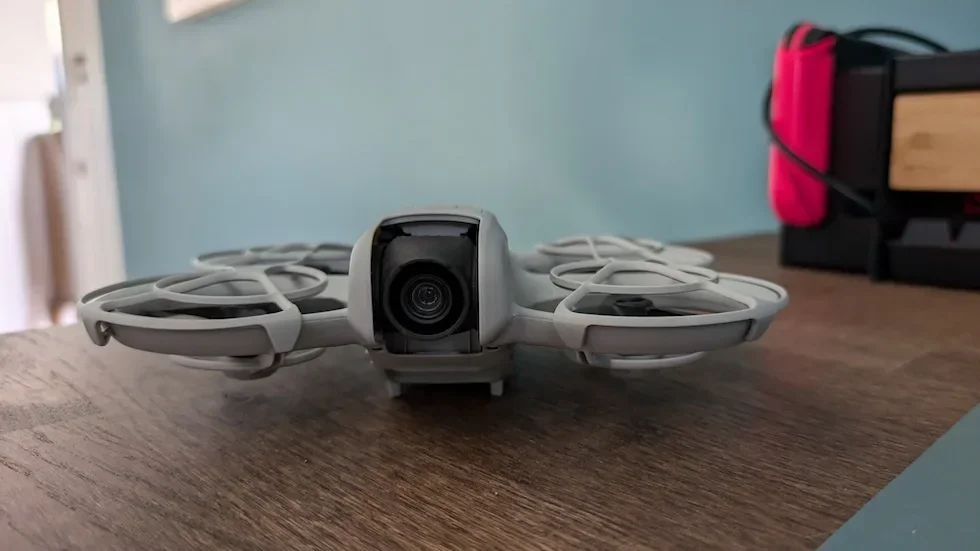
Attach the gimbal protector before packing up
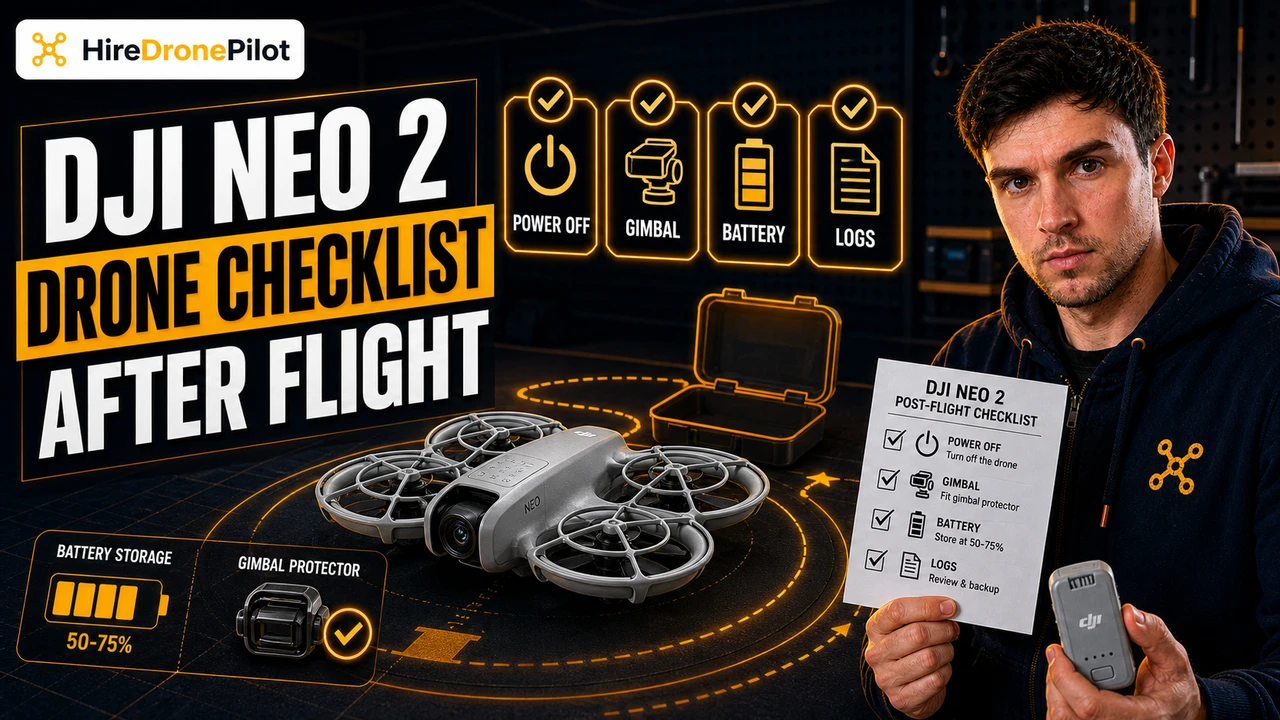
The manual recommends refitting the gimbal protector when the DJI Neo 2 is not in use. The gimbal and camera assembly sit exposed on the front of the drone, and an accidental knock inside a bag is the most common cause of a gimbal-motor fault on the next boot. Slot the protector back over the camera before the drone goes back in the case.
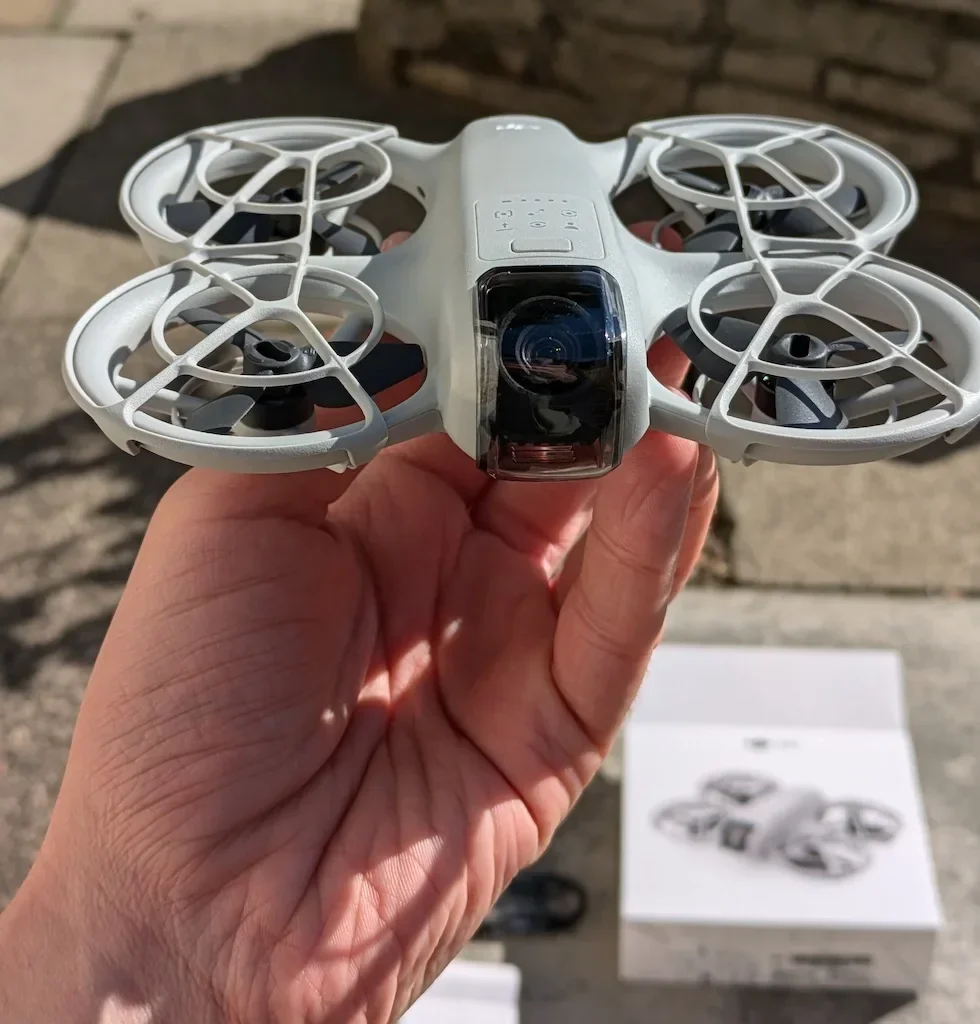
Peter's tip
Never press the Battery Buckle while the Battery Level LEDs are still lit. Pulling the battery out of a running drone is the fastest way to corrupt a flight log and, on a bad day, confuse the firmware on the next boot.
Let the LEDs die completely. It takes two seconds. Every one of my flight logs finishes cleanly because I wait those two seconds.
The DJI RC-N3 follows the drone with the same press-then-hold shutdown
With the DJI Neo 2 fully dark, the DJI RC-N3 is next. The Power Button on the front face of the controller uses the same press, release, press-and-hold for two seconds sequence as the drone body.
The phone stays clamped in the holder until the controller is off. If the phone has been charging from the RC-N3, the charge light on the phone will blink out when the controller powers down — that is your cue that the USB-C link has dropped cleanly.
Powering off the DJI RC-N3
Close DJI Fly and let the controller settle
Close the DJI Fly app on your phone before you power down the controller. Fly will flag a disconnection if you pull power out from under it, and the log upload can hang mid-write on a cellular connection. Close the app cleanly, then turn off the RC-N3.
Press the Power Button once, then press and hold for two seconds
The RC-N3 Power Button sits on the front face below the control sticks. Tap once, release, then hold for two seconds. The controller chimes, the Battery Level LEDs extinguish, and the phone display drops the DJI Fly connection banner.
Unmount the phone, stow the sticks, and fold the holder
Disconnect the USB-C cable from the phone, remove the phone from the clamp, unscrew the control sticks and slot them back into the storage slots on the body of the controller. The manual groups the sticks with the USB-C port, the mobile device holder, and the cable — all of them fold or stow for transport.
Peter's tip
The sticks are tiny and they love to vanish. The storage slots on the RC-N3 are there for a reason. I have lost two sets of sticks over the years by jamming the controller back into a bag without stowing them. Put them back in the slots every single time.
The DJI Goggles N3 and DJI RC Motion 3 shut down with the same convention
If you are flying with the Motion Fly More Combo, the DJI Goggles N3 and DJI RC Motion 3 each power down with the identical press-then-hold sequence. Both devices run on separate batteries, so both need their own shutdown — turning one off does not turn the other off.
Power down the Goggles N3 first, then the Motion 3. In practice it makes no functional difference which order you pick between those two, but the Goggles N3 is the device most likely to be left live accidentally because it sits around your neck after you take it off.
Powering off the DJI Goggles N3
Take the Goggles N3 off and fold the antennas
Remove the Goggles N3 from your head. Fold the antennas down against the body of the headset. The manual flags folded antennas as the correct transport state to prevent damage, and it keeps the tips from catching on anything in your bag.
Press the Power Button once, then press and hold for two seconds
The Goggles N3 Power Button is on the right-hand side of the headset. Press once, release, press and hold for two seconds. The lenses go dark and the side Power LED drops from solid green to off, confirming shutdown.
Do not yank the non-detachable power cable
The cable from the battery compartment to the headset is listed in the manual as non-detachable. Pulling it with force is a warning-level risk in the manual. Coil the cable gently when the Goggles go into the case, and never pack anything heavy on top of it.
Powering off the DJI RC Motion 3
Press the Power Button once, then press and hold for two seconds
The Power Button on the DJI RC Motion 3 is on the side of the grip, next to the USB-C port. Press once, release, and press-and-hold for two seconds. The Battery Level LEDs on the grip turn off, and the power-off chime plays through the grip speaker.
Clip the lanyard off and pack the grip
The Motion 3 has a Lanyard Hole at the base of the grip. If you fly with the lanyard on, unclip it before packing so nothing is hanging loose inside the case. The joystick and accelerator are exposed controls — stash the grip in a padded pocket so nothing is pressing on them in transit.
Peter's tip
I put the Motion 3 in a dedicated pouch inside my case. The accelerator is a two-stage sprung trigger and anything pressed against it for a long drive will wear the spring tension over time.
Do not let anything heavy sit on the grip in the bag. It is the only stick that matters for Easy ACRO moves.
Do not remove the Intelligent Flight Battery while the DJI Neo 2 is powered on
This is the one safety rule the manual returns to repeatedly. The Battery Buckle on the DJI Neo 2 is designed to be released only when the drone is fully powered off. Pulling the battery out of a live drone cuts power to the firmware mid-write, which can corrupt the current flight log and occasionally leaves the Intelligent Flight Battery in a state that will not re-seat cleanly on the next boot.
Wait for the on-body Screen and all four Battery Level LEDs to go dark. Then press the Battery Buckle and slide the battery out. The same applies in reverse when you put a fresh battery in for the next flight — clip it in before you press the Power Button.
Charge the battery using the supplied DJI charger or a DJI-recommended USB-C charger. The manual steers you toward the official DJI charger for the longest cycle life, and our DJI Neo 2 battery and flight time guide covers the full charge and storage cycle.
The DJI Neo 2 shutdown is drone first, accessories second, and battery last
Every powered device in the DJI Neo 2 box answers to the same two-step power-off sequence. Press once, release, press and hold for two seconds. The shutdown is complete when the Battery Level LEDs extinguish and the chime plays.
Power the drone off first, then the controller and Goggles N3 and Motion 3 after it. Leave the battery in the drone until every LED is dark, then release the Battery Buckle. The order runs in reverse of the power-on sequence, and the press-then-hold logic is identical.
Got a question about a particular LED pattern at shutdown, or a situation where the drone will not power down cleanly? Drop a note to peter@hiredronepilot.uk and I will come back to you directly. If you prefer the video version of this guide, the comments are open on YouTube.
References
Primary source material for this article is the DJI Neo 2 User Manual. External links open in a new tab.
- DJI — Neo 2 User Manual v1.2 (December 2025) · Power procedure, activation, firmware update, Immersive Motion Control, Easy ACRO Flip
- UK CAA — The Drone and Model Aircraft Code (CAP2320) · UK flight safety requirements referenced in the shutdown procedure

Peter Leslie
Founder & GVC Drone Pilot
Peter is the founder of HireDronePilot. With thousands of logged commercial flight hours, he writes about drone technology, commercial surveying tactics, and UK aviation compliance.
Connect on LinkedIn