Is The DJI Neo 2 Waterproof?

Peter Leslie
22 May 2026

Key Takeaways
- The DJI Neo 2 carries no IP rating from DJI, which means it is not waterproof and not officially water resistant to any tested standard
- The DJI Neo 2 user manual instructs drone pilots not to fly in strong winds, snow, rain, or fog, and to stay at least one metre away from bodies of water
- Drizzle, heavy fog, dew, and sea spray all reach the gimbal and downward sensors and can cause temporary malfunctions even when no rain is visible
- If the DJI Neo 2 falls in water, leave it switched off, pull the battery by hand, and dry it for at least 48 hours before contacting DJI Care Refresh
- Water damage is excluded from the standard DJI warranty but is replaceable under the accidental-damage terms of DJI Care Refresh for the DJI Neo 2
The short answer is no. The DJI Neo 2 is not waterproof and it is not water resistant. There is no IP rating printed anywhere on the drone, the official spec sheet, or the user manual, and the manual itself instructs drone pilots not to fly in rain, snow, fog, or strong winds. Treat the DJI Neo 2 as a dry-weather drone — anything wetter than overcast and the drone stays in the bag.
That one line answers the headline, but it does not tell you what actually happens when a drop hits the gimbal, how the warranty behaves after a water landing, or what working drone pilots do on a wet shoot. This guide is the practical version — what the manual says, what UK law adds on top, and the recovery steps if the DJI Neo 2 ends up in a puddle.
No, the DJI Neo 2 is not waterproof — there is no IP rating on the drone at all
An IP rating, short for Ingress Protection, is the two-digit number a manufacturer prints on a product to certify how well the housing keeps dust and water out. A DJI Matrice 30T is rated IP55, meaning the housing is sealed against directed jets of water from any angle. The DJI Mavic 3 Enterprise is similarly rated. The DJI Neo 2 has no IP rating of any kind. The DJI specifications page lists no figure, and the DJI Neo 2 user manual does not claim any level of water or dust resistance.
For drone pilots, the absence of an IP rating is the rating. It means the DJI Neo 2 is sealed to the same standard as a phone without a case — fine in dry conditions and unsafe to take out the moment the air feels damp. The shell is open plastic, the motors sit on exposed arms, the camera glass is uncovered, and the downward vision sensors look out through a small window on the underside of the drone. Every one of those openings is a path for moisture.
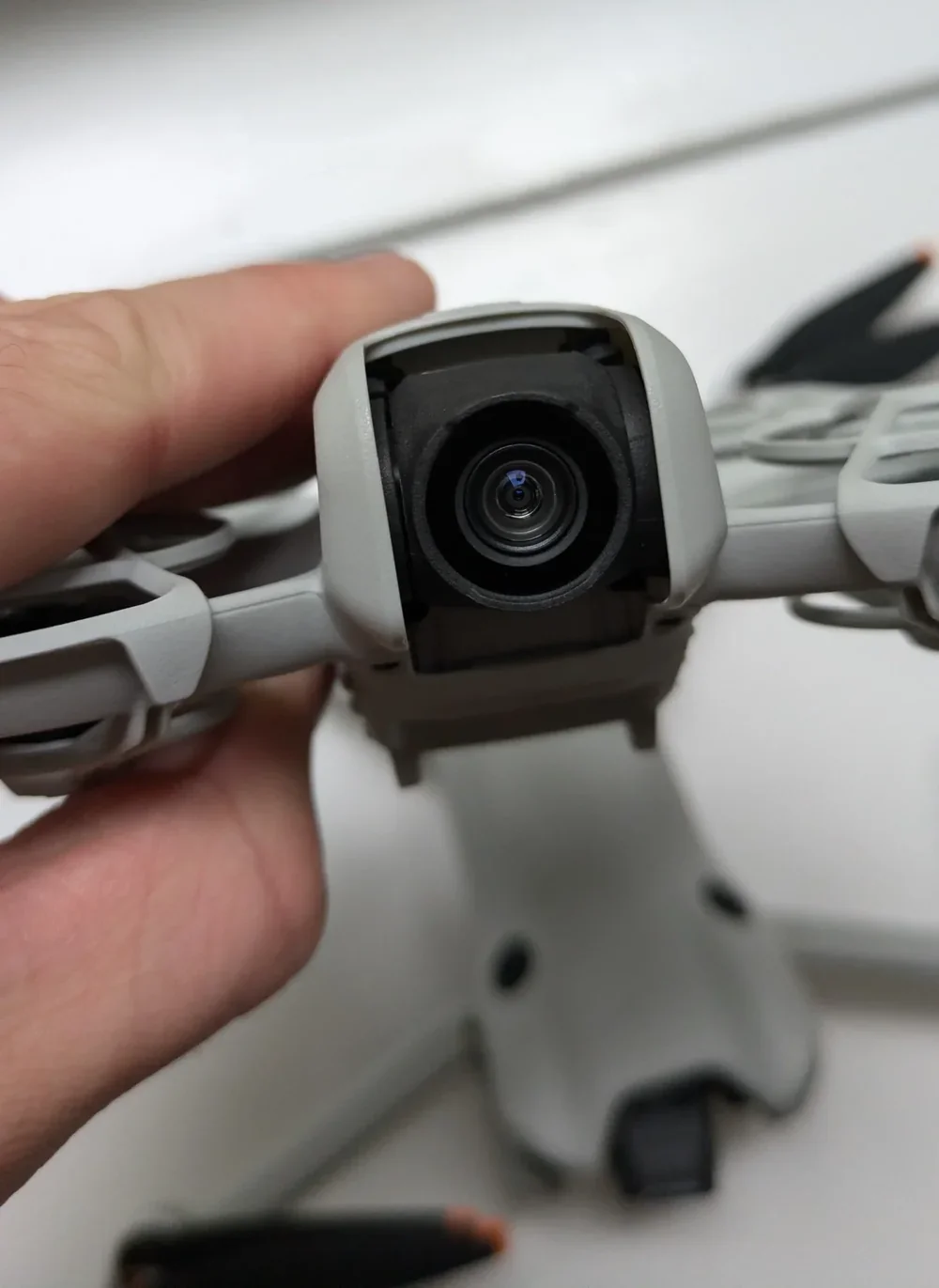
The DJI Neo 2 user manual bans flight in rain, snow, fog, and strong winds
The DJI Neo 2 user manual is direct on weather. Under flight environment requirements, the manual states "DO NOT fly in severe weather conditions such as strong winds, snow, rain, and fog." The same section adds that the DJI Neo 2 must be kept at least one metre away from bodies of water, because the downward vision system cannot read water surfaces and may fail to hold a stable hover above them.
The manual also defines the operating temperature window as negative ten degrees Celsius to forty degrees Celsius. Cold, damp mornings drop the battery performance and condense moisture on the cold surfaces of the drone as soon as it lifts into warmer air. UK law sits on top of all this: the Drone and Model Aircraft Code requires you to keep the drone in visual line of sight at all times, and a DJI Neo 2 disappearing into a rain shower has just put the drone pilot in breach of the Code regardless of how the drone holds up.
Drizzle, heavy fog, and dew all soak the gimbal and confuse the sensors even when nothing visibly fails
Drone pilots often assume light drizzle is fine because the drone is moving fast through the air. It is not fine. Both DJI Neo manuals are explicit that flying in heavy fog or thick cloud can wet the gimbal and lead to temporary malfunctions, and the manual tells you to wipe any dirt, dust, or water off the vision-system glass with a soft cloth before the next flight. Light rain achieves the same wetness in a fraction of the time.
The damage chain runs in order. Moisture lands on the camera glass and the downward vision window. The autofocus starts hunting because the lens cannot read the scene cleanly. The gimbal motor draws more current to compensate for the drag of damp grease on its bearings. If enough water reaches the main board, the electronic speed controllers can short — the failure mode behind most flashing yellow light errors on a DJI Neo 2 flown in damp conditions. Sea spray is worse again — the salt stays behind on the connectors and oxidises every metal contact over the following weeks, which is why the manual lists salt spray as a separate condition to avoid.
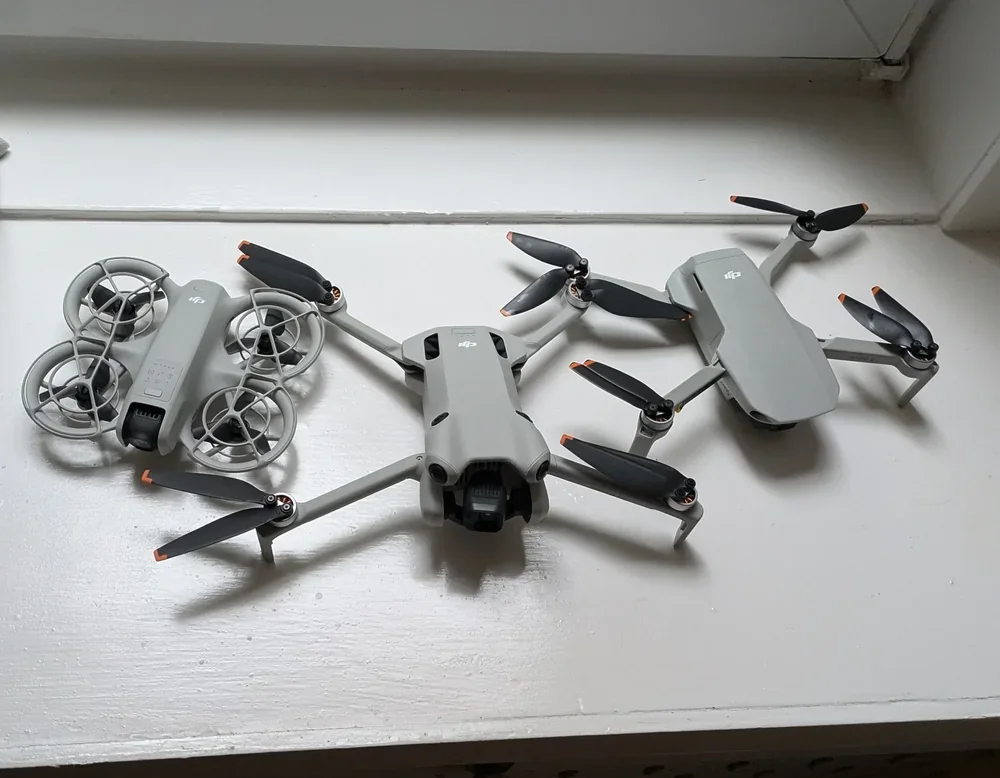
If the DJI Neo 2 falls in water, do not power it on — that is the moment most drones become unrecoverable
The DJI Neo 2 user manual is clear on the recovery rule and drone pilots need to memorise it: "Turning on an aircraft that has fallen in water may cause permanent component damage." If the DJI Neo 2 ends up in a pond, a puddle, a wet flowerbed, or the sea, the first instinct — to power it up and check it still works — is the single action most likely to write it off.
Recovery, in order:
- Get the DJI Neo 2 out of the water as quickly as you can without entering deep water yourself.
- Remove the Intelligent Flight Battery immediately, by hand. Do not press the power button to do it — slide the battery out the same way you would on a phone that had just been dropped in a sink.
- Wipe the drone down with a soft, absorbent cloth. The manual is specific that this is the right material, not paper towel and not a microfibre cloth that has been used for cleaning surfaces.
- Leave the drone, the battery, and the controller separated, in a dry, well-ventilated room, for at least forty-eight hours. Silica gel sachets in a sealed container speed up the dry-out without adding heat.
- Do not use a hairdryer, a radiator, or a heat gun. Heat melts the gaskets and warps the gimbal frame, and forced air pushes water deeper into the camera assembly.
Once the drone is dry, contact DJI After-Sales or your DJI Care Refresh service before powering it on. Water damage is excluded from the standard DJI warranty, but DJI Care Refresh covers it under the accidental-damage replacement terms — which is the route most drone pilots take after a water incident with a DJI Neo 2.
Do not fly the DJI Neo 2 in drizzle, dew, fog, sea spray, or right after rain
The plain-English version of the manual warnings is a list of weather conditions where the DJI Neo 2 simply should not leave the bag. Visible rain, drizzle, mist, or fog is an automatic no-fly, even if the radar shows a twenty minute window — fog rolls in faster than the DJI Neo 2 flight envelope can outrun it. Heavy dew on the morning grass before takeoff means the downward vision system reads the surface as a wet, reflective patch and may refuse to lock a stable hover.
Coastal sites with breaking waves throw airborne salt spray for several hundred metres inland on a windy day. Indoor flying is also a problem in any room where someone is cooking, showering, or running a humidifier — humidity above the typical comfort level pushes the gimbal grease past the point the manual is happy with. The same rain-flying guidance that applies to every consumer DJI drone applies twice as hard to the DJI Neo 2, because the drone has no skirt around the camera and no cover over the underside sensors.
If the forecast is borderline, push the flight a day. The DJI Neo 2 flight time is short enough that you can almost always reschedule for a dry hour without losing the shoot, and the windy-weather flying guide sets out the gust thresholds you should be checking on the same forecast.
There are no official DJI waterproof accessories for the DJI Neo 2, and third-party kits void the warranty
The market for waterproof drones runs at the professional end. The DJI Matrice series is IP-rated, the Swellpro SplashDrone series is purpose-built for over-water work, and both cost several times what a DJI Neo 2 does. The DJI Neo 2 sits at the opposite end of the catalogue — DJI sells it as a lightweight palm-takeoff drone, not a coastal survey rig. DJI does not make a hood, float, or waterproof shell for the DJI Neo 2, and the official accessory list runs to propeller guards, spare batteries, and the charging hub.
Third-party landing-pontoon kits and silicone hoods exist online, but every one carries the same caveat. Fitting a non-DJI accessory is grounds for warranty rejection if the drone is later sent in for repair. The honest answer most drone pilots reach is to keep the DJI Neo 2 for dry-weather days and use a different drone for over-water work — the same conclusion reached in the longer DJI Neo review.
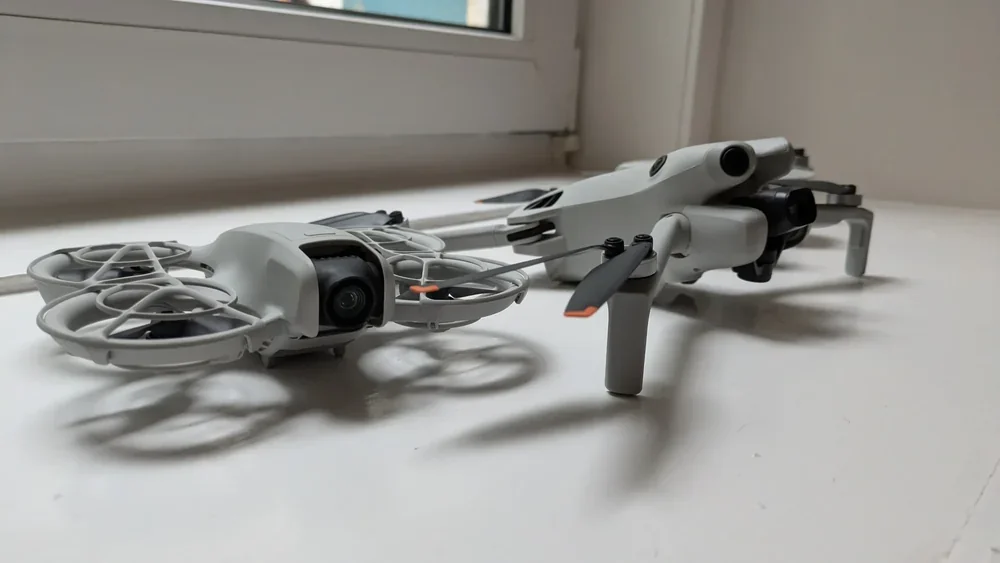
So to bring it back to the headline question — no, the DJI Neo 2 is not waterproof and it is not water resistant. It carries no IP rating, the user manual bans flight in rain, snow, fog, and strong winds, and the recovery procedure for a water landing exists because DJI knows what happens when you ignore those warnings. Treat the DJI Neo 2 as a dry-weather drone and it will reward you with hundreds of clean flights.
If you want a longer read on which weather windows are actually safe to fly in, the windy-weather guide linked above is the right next step. And if you have not already, the DJI Neo UK registration guide covers the Operator and Flyer ID rules that catch out new DJI Neo 2 drone pilots before they have even checked the forecast.
Got a specific scenario you want covered — a wet-site shoot, a coastal job, a DJI Neo 2 battery you fished out of a puddle? Drop a note to peter@hiredronepilot.uk and I will come back to you directly. If you prefer the video version of this explainer, the comments are open on YouTube.
References
Primary source material for this article is the DJI Neo 2 user manual and the UK Civil Aviation Authority. External links open in a new tab.
- DJI — DJI Neo 2 Specifications · official spec sheet, no IP rating listed and no water resistance figure
- DJI — DJI Neo 2 User Manual · flight environment requirements, operating temperature range, water-recovery guidance
- DJI — DJI Care Refresh Terms · accidental-damage replacement coverage for water incidents
- UK CAA — The Drone and Model Aircraft Code (CAP2320) · visual line of sight and weather considerations for legal flying
Peter Leslie
Founder & GVC Drone Pilot
Peter is the founder of HireDronePilot. With thousands of logged commercial flight hours, he writes about drone technology, commercial surveying tactics, and UK aviation compliance.
Connect on LinkedIn