Key Takeaways
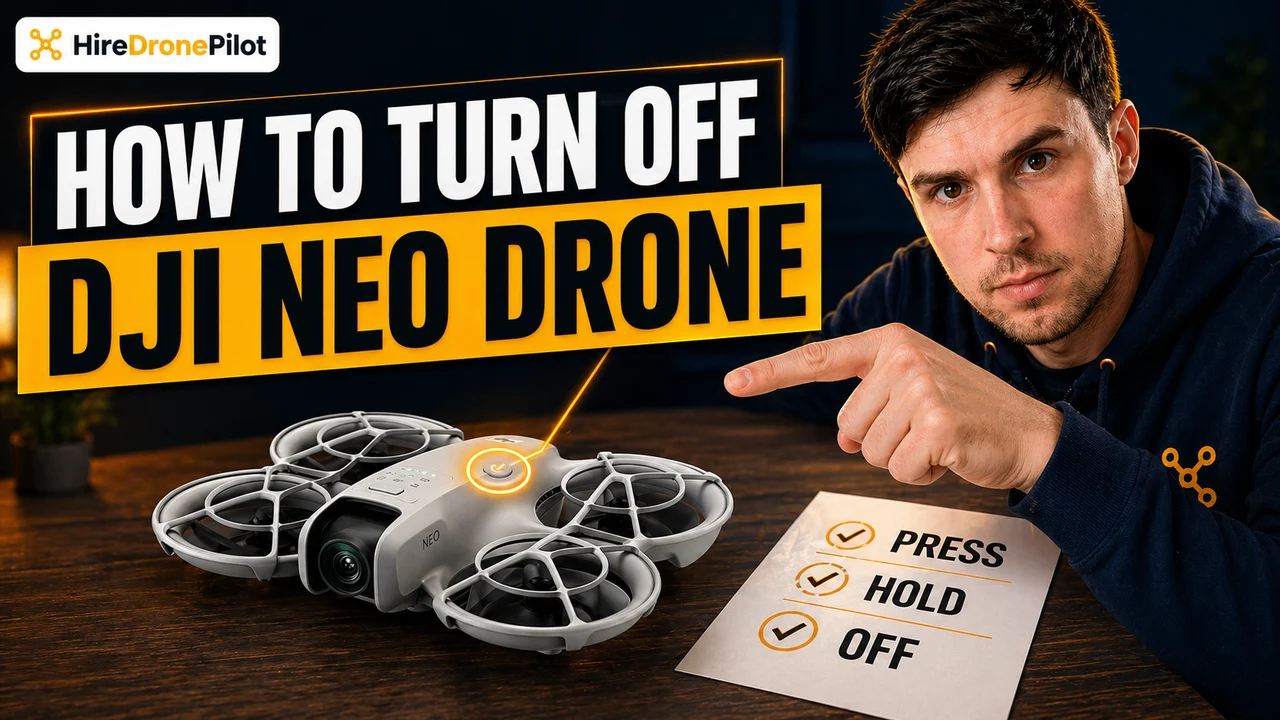
- The power-off sequence on the DJI Neo is identical to the power-on sequence: press once, then press and hold for two seconds
- Always land the DJI Neo first, wait for the motors to stop, and only then run the power-off sequence
- Power off the DJI Neo before you power off the remote controller, because the user manual is explicit about that order
- The DJI RC-N3 remote controller and the DJI RC Motion 3 motion controller use the same short press plus two-second hold sequence
- Never yank the Intelligent Flight Battery out of a powered-on DJI Neo, because interrupting a live firmware write can corrupt the system
The DJI Neo powers off with the same short-press plus two-second hold that powers it on. Simple on paper, but only if you run the sequence in the right order across the DJI Neo, the remote controller, and any goggles in the kit.
This guide walks through the correct shutdown routine for the DJI Neo itself, the DJI RC-N3 remote controller, and the DJI RC Motion 3 motion controller, sourced directly from the DJI Neo User Manual v1.2. Most drone pilots who run into shutdown issues are either trying to power off mid-flight or reaching for the battery latch before the DJI Neo has finished its diagnostics.
If you have not yet powered the kit on, the power-on guide is the companion to this one.
| Device | Power-off sequence | Shutdown order | |
|---|---|---|---|
| DJI Neo | Press once, then press and hold 2 s | First | Jump to steps |
| DJI RC-N3 remote controller | Press once, then press and hold 2 s | Second | Jump to steps |
| DJI RC Motion 3 | Press once, then press and hold 2 s | Second (with goggles) | Jump to steps |
Powering off the DJI Neo starts with a safe landing and ends with the same short press plus two-second hold
The DJI Neo cannot be powered off in the air. The short-press plus two-second hold is a ground-only command, deliberately designed so you cannot kill it mid-flight with an accidental button press. That is the whole point of the two-step sequence.
Before you touch the power button, the DJI Neo must be on the ground with its motors stopped. Bring it back, land it on a flat surface clear of water, debris, and anyone's feet. If you need a refresher on landing, the landing guide covers auto-landing, palm landing, and manual landing in detail.
Land the DJI Neo on a flat, stable surface
Bring the DJI Neo back and land it on grass, tarmac, or a landing pad. Do not try to hand-catch it at the end of a flight unless you are performing a deliberate palm landing. The surface needs to be flat enough that the DJI Neo will not topple once the motors stop.
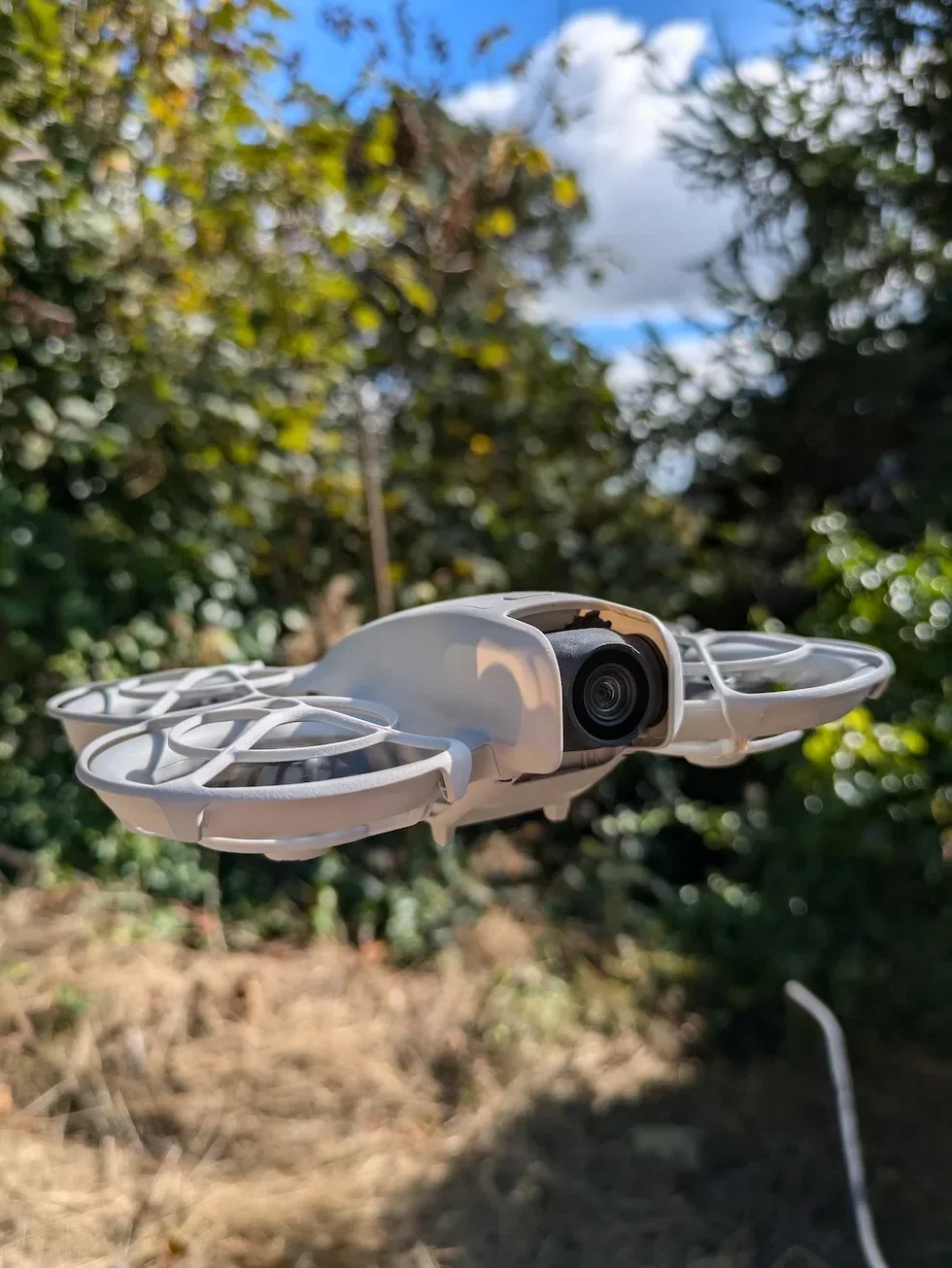
Wait for the motors to stop spinning
After an auto-landing the motors cut themselves automatically. After a manual landing, push the left throttle stick down and hold it until the motors stop, or run the Combination Stick Command. Keep your fingers out of the propeller paths. Do not start the shutdown sequence while the blades are still turning.
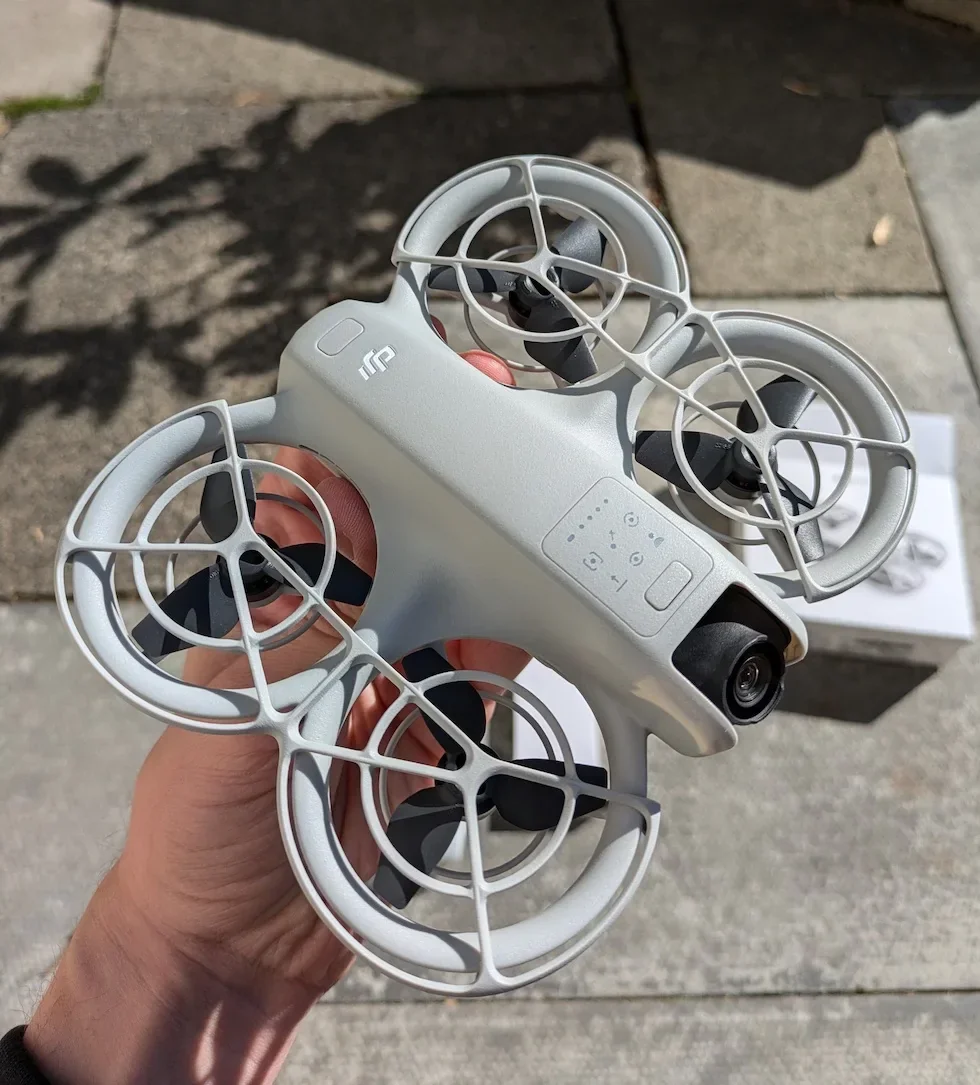
Press the power button on the DJI Neo once and release
Give the power button on the tail of the DJI Neo a single short press. The four battery level LEDs light up to show the remaining charge. Nothing else happens yet — this is only the first step of the two-step sequence, and on its own it will not shut the DJI Neo down.
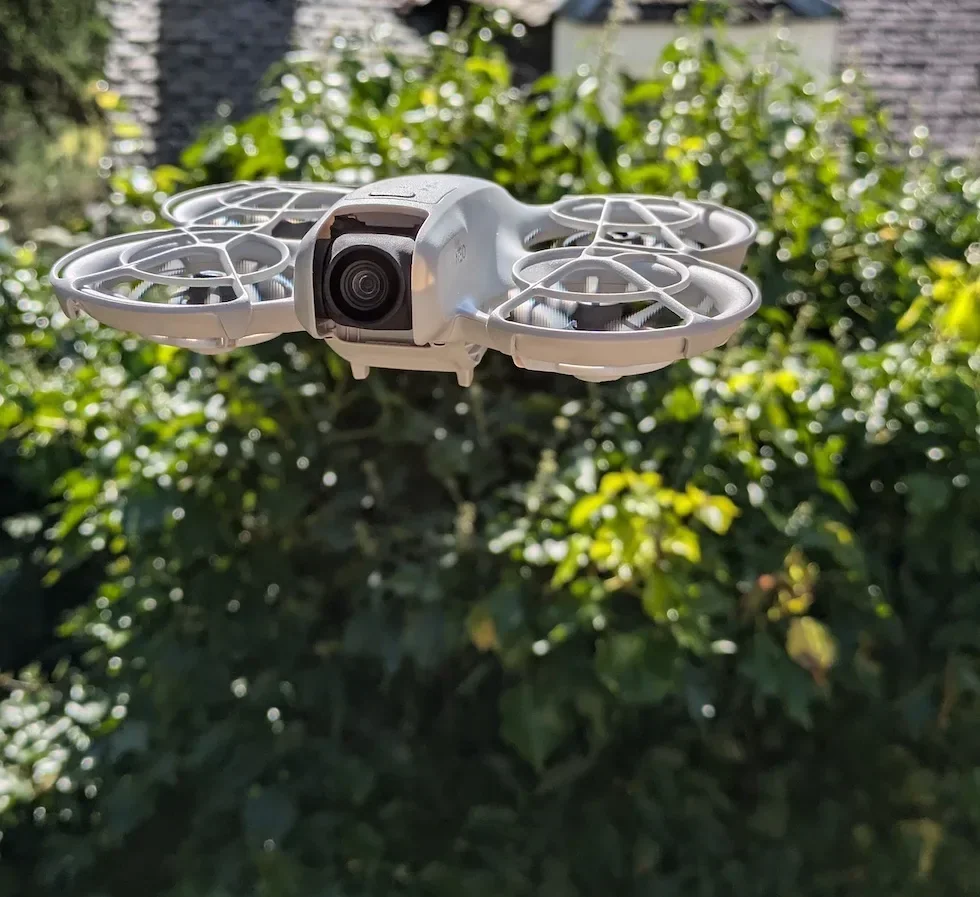
Press the power button again and hold for two seconds
Immediately after the short press, press the button again and keep it held. After two seconds the DJI Neo chimes, the battery level LEDs wink out, and the gimbal settles into its stowed position. Once every light is off, the DJI Neo is fully powered down.
Peter's tip
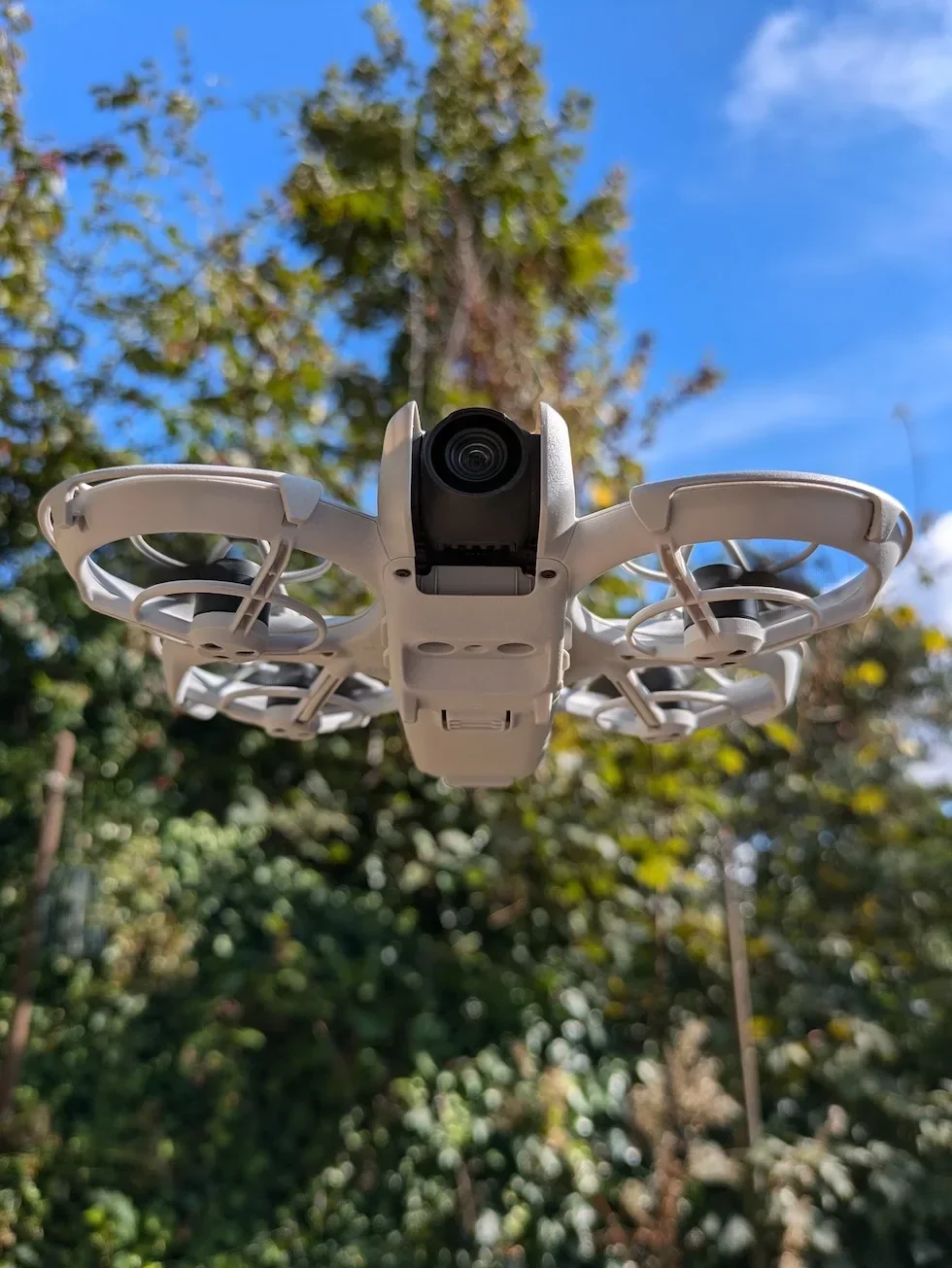
Clip the gimbal protector back on the moment the DJI Neo is powered down. The camera lens and gimbal are the most fragile parts of the DJI Neo, and the protector is the one bit of kit that reliably saves them when the bag gets thrown around in a boot.
The user manual recommends refitting the protector any time the DJI Neo is not in use. I treat it as non-negotiable.
Power off the DJI Neo first, then the remote controller, because the order matters
The DJI Neo User Manual sets the order out plainly: after landing, power off the DJI Neo first, then switch off the remote controller. This is not a style preference.
If you switch the remote controller off while the DJI Neo is still powered on and linked, the DJI Neo loses its connection without a graceful handshake. It then sits on the ground for several seconds waiting for a signal that is never coming, triggering its own disconnect-handling behaviour. That is not the end of the world, but it is not the clean shutdown DJI designed.
Do the DJI Neo first. Wait until every LED is off. Then turn off the remote controller. That order also protects any DJI Fly session mid-save.
Peter's tip
A quick habit that saves grief: keep the battery on the DJI Neo when you shut it down. Never force-eject the battery to power off. Yanking a battery out of a live system risks corrupting firmware and can void warranty cover for any resulting fault. The only reason to pop the battery before the DJI Neo is fully off is if the power-off sequence genuinely will not fire and you have already tried a firmware re-flash.
Powering off the DJI RC-N3 remote controller mirrors the DJI Neo sequence exactly
The DJI RC-N3 remote controller uses the same press-once, press-and-hold-for-two-seconds sequence as the DJI Neo itself. There is no separate menu option and no hidden gesture. The button is the button.
Close DJI Fly on your phone first
Exit back to the DJI Fly home screen to let any in-flight video or telemetry sync finish. If you have recorded large files to the DJI Neo's internal storage, cache sync can run for a few seconds after landing. Let that settle before you pull power.
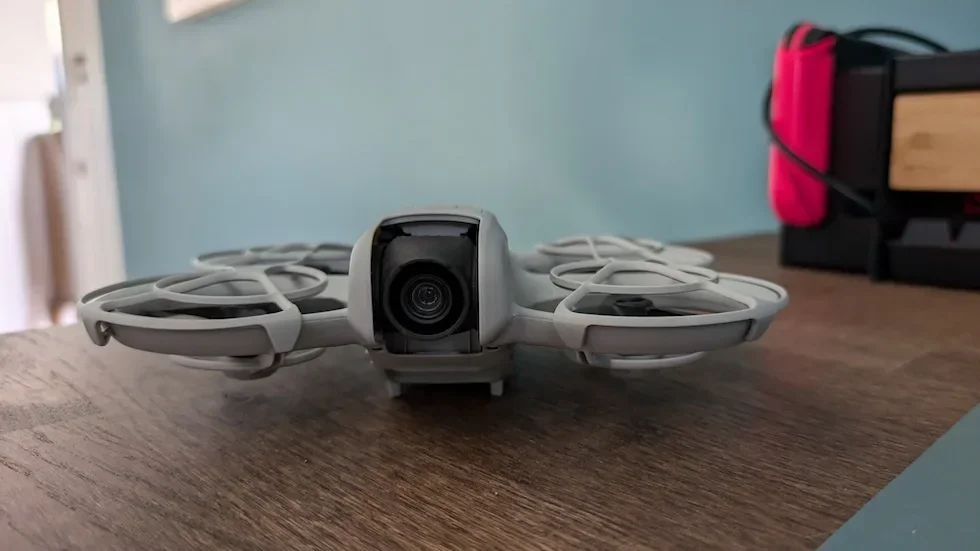
Short-press the remote controller power button, then release
Give the power button on the DJI RC-N3 a single short press. The four battery level LEDs flash to show current charge. As with the DJI Neo itself, the short press alone does not switch the device off.
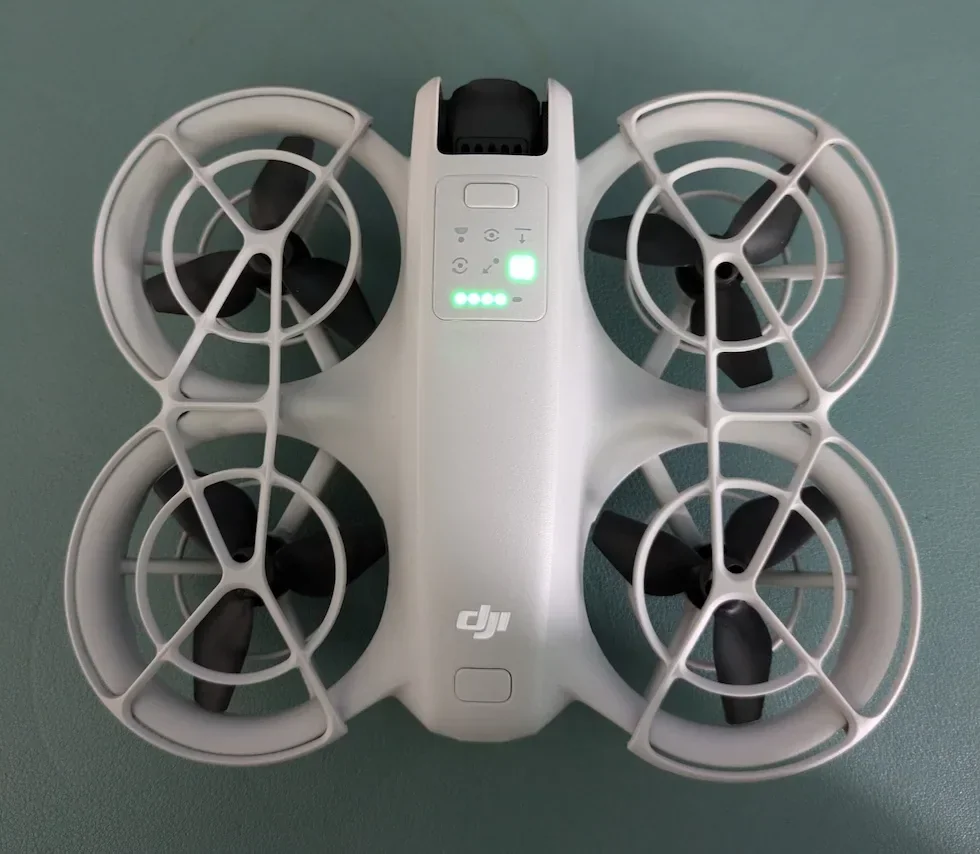
Press the power button again and hold for two seconds
Run the same two-second hold on the DJI RC-N3. The battery LEDs turn off and the remote controller shuts down. Unplug the phone from the USB-C cable, fold the phone holder back into the body, and unscrew the control sticks if you are stowing the remote controller for transport.
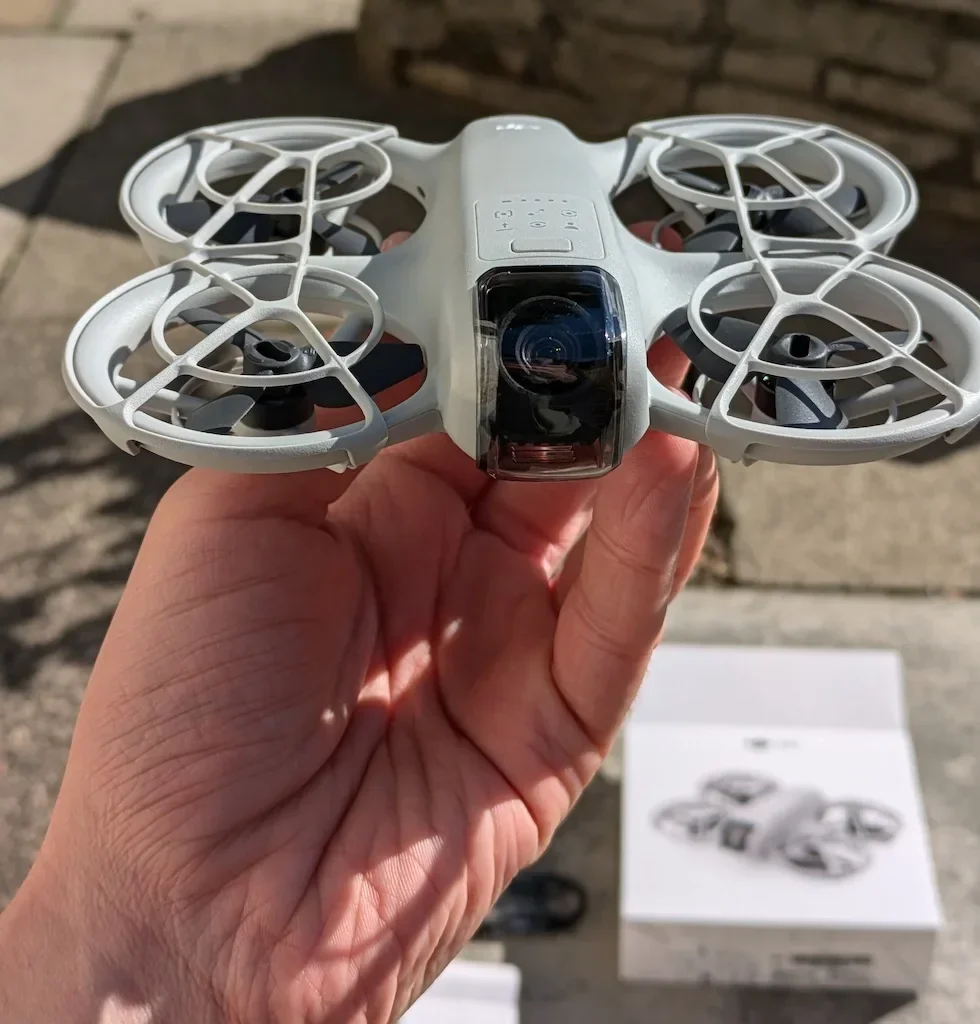
Powering off the DJI RC Motion 3 and DJI Goggles N3 uses the same two-step press-and-hold
If you flew with the Motion Fly More Combo, you have three devices to power down after the DJI Neo is off: the DJI RC Motion 3 motion controller, the DJI Goggles N3 headset, and the phone plugged into the goggles via DJI Fly.
All three DJI devices follow the same press once, then press and hold for two seconds pattern on their respective power buttons. The user manual states it directly for the goggles, and the motion controller button behaves identically.
Take the goggles off and place them on a flat surface
Lift the DJI Goggles N3 off your head carefully — the power cable to the battery compartment on the headband is not detachable, so do not yank. Set the goggles down on a clean, dry surface. Fold the antennas back in to reduce the risk of damage in transit.
Short-press, then press and hold the motion controller power button
Locate the power button on the top face of the DJI RC Motion 3. Short-press once so the battery level LEDs glow, then immediately press and hold for two seconds. The motion controller powers down and the LEDs go dark.
Repeat the sequence on the DJI Goggles N3
Press the goggles power button once, then press and hold for two seconds. The goggles chime and power down. Disconnect the USB-C cable from your phone. The goggles, the motion controller, and the DJI Neo are now all fully off.
Stopping the motors in an emergency is different from a normal shutdown
There is a second, more aggressive shortcut called the Combination Stick Command. It stops the motors instantly whether the DJI Neo is on the ground or in the air. On the ground this is useful if a motor refuses to stop after an odd landing. In the air, CSC drops the DJI Neo out of the sky — no exceptions.
Only ever trigger CSC in flight if continuing to fly would cause a worse outcome than a hard crash. A tangle in low branches. A runaway propeller. A fly-away you cannot correct. That is what it is for. It is not a normal shutdown tool, and it does not power the DJI Neo off — it just cuts the motors.
For normal post-flight use, land first, let the motors stop on their own, then run the short press plus two-second hold on the power button. That is the safe routine.
Troubleshooting a DJI Neo that refuses to power off comes down to a short list of causes
If the DJI Neo will not respond to the shutdown sequence, the usual culprits are a failed firmware update, a physically stuck power button, or a panel that is caught mid-write. Try the shutdown sequence again, cleanly. Short press, full release, second press held for a full two seconds.
If that fails, re-run the firmware update through DJI Fly. DJI's own guidance is that a corrupted or interrupted firmware flash is the most common cause of a DJI Neo that will not power down. Let the update finish and then re-test. Do not remove the battery mid-update under any circumstances.
If the button itself is stuck, cracked, or unresponsive, do not force it. That is a hardware fault. Contact DJI support and arrange a bench repair.
For storage, the Intelligent Flight Battery has an auto-discharge feature that drops the battery to a safe storage level over several days if it is left unused. The DJI Neo itself does not auto-shut-down after flight. You have to run the manual sequence every time, and that is deliberate.
Shut down properly and the DJI Neo is ready for the next flight in seconds
The two-step power sequence is one of the smallest habits on the DJI Neo, and it is also one of the most important. Land, wait for the motors, short press, two-second hold, then repeat on the remote controller or the goggles in that order. A clean shutdown means a clean boot next time.
Next time you want to fly, the takeoff guide picks up right after power-on. Got a shutdown problem this guide did not answer? Drop a note to peter@hiredronepilot.uk and I will come back to you directly. If you prefer the video version of this explainer, the comments are open on YouTube.
References
Primary source material for this article is the DJI Neo User Manual v1.2 (November 2024). External links open in a new tab.
- DJI — Neo User Manual v1.2 (November 2024) · Power button press-and-hold procedure (pp. 10-12, 14), shutdown order (operating-responsibly), CSC motor stop, firmware update guidance (p. 15)
- UK CAA — The Drone and Model Aircraft Code (CAP2320) · Landing and post-flight safety expectations referenced in the shutdown sequence

Peter Leslie
Founder & GVC Drone Pilot
Peter is the founder of HireDronePilot. With thousands of logged commercial flight hours, he writes about drone technology, commercial surveying tactics, and UK aviation compliance.
Connect on LinkedIn