Drone Headless Mode Explained: How It Works and When to Use It

Peter Leslie
12 Sept 2025
Key Takeaways
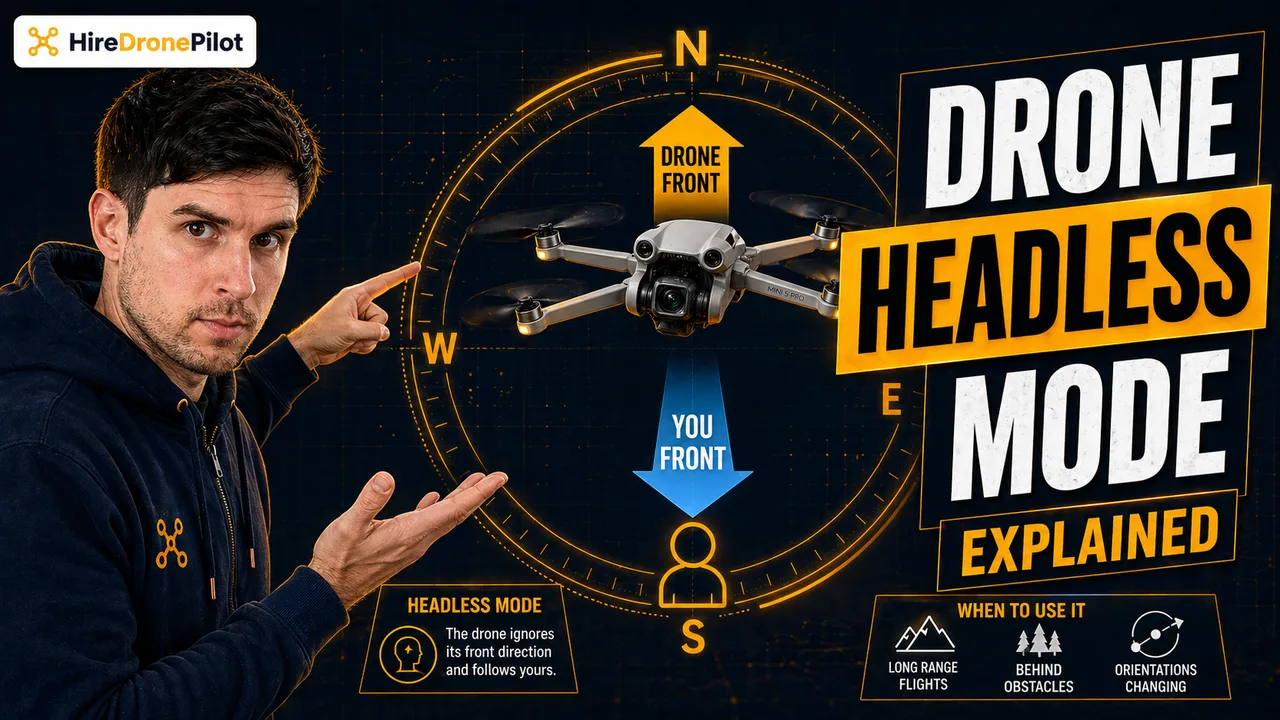
- Headless mode locks the drone's sense of forward to the direction it was facing when you took off, so the controls never feel reversed
- It is a beginner feature designed to stop the panic moment that happens when the drone rotates toward you and the sticks feel wrong
- The mode uses the drone's onboard compass and IMU to work out its heading relative to the takeoff point
- It is a useful training aid for the first few flights and a genuine safety net if you are ever disoriented with the drone at distance
- Most professional camera drones deliberately omit headless mode because precision work depends on standard orientation control
Headless mode is the digital equivalent of training wheels on a bike. It is a feature built into most entry-level and mid-range consumer drones, and it solves one specific problem — the moment a new drone pilot sees the drone rotate to face them and suddenly cannot remember which way to push the stick.
Left becomes right, forward becomes backward, and what felt like a calm practice flight turns into a flapping attempt to land before anything gets broken. Headless mode removes that moment entirely by locking the drone's sense of forward to the direction it was facing when it took off. If you are new enough to UK drone laws and flying in general that this scenario sounds familiar, this is the feature that saves your first few flights.
In standard mode, the drone's sense of forward belongs to the drone, not to you
When you are flying in standard mode, the drone's forward direction is the direction the nose is pointing, not the direction you are pointing. Push the right stick forward and the drone moves in the direction it is currently facing, wherever that is.
That is fine while the drone is flying away from you — its left is your left, its right is your right, and every input lines up. But the moment you spin the drone around to fly back toward you, its left becomes your right. Push the stick to what feels like the drone's right and it moves to your left. The controls feel completely reversed, and if you have never had to mentally rotate a reference frame in real time under pressure, this is the point where new drone pilots freeze.
The IMU and the compass inside the drone track its heading constantly. Standard mode obediently applies your stick inputs relative to that heading. The result is correct, precise, and completely at odds with your instinct as a beginner.
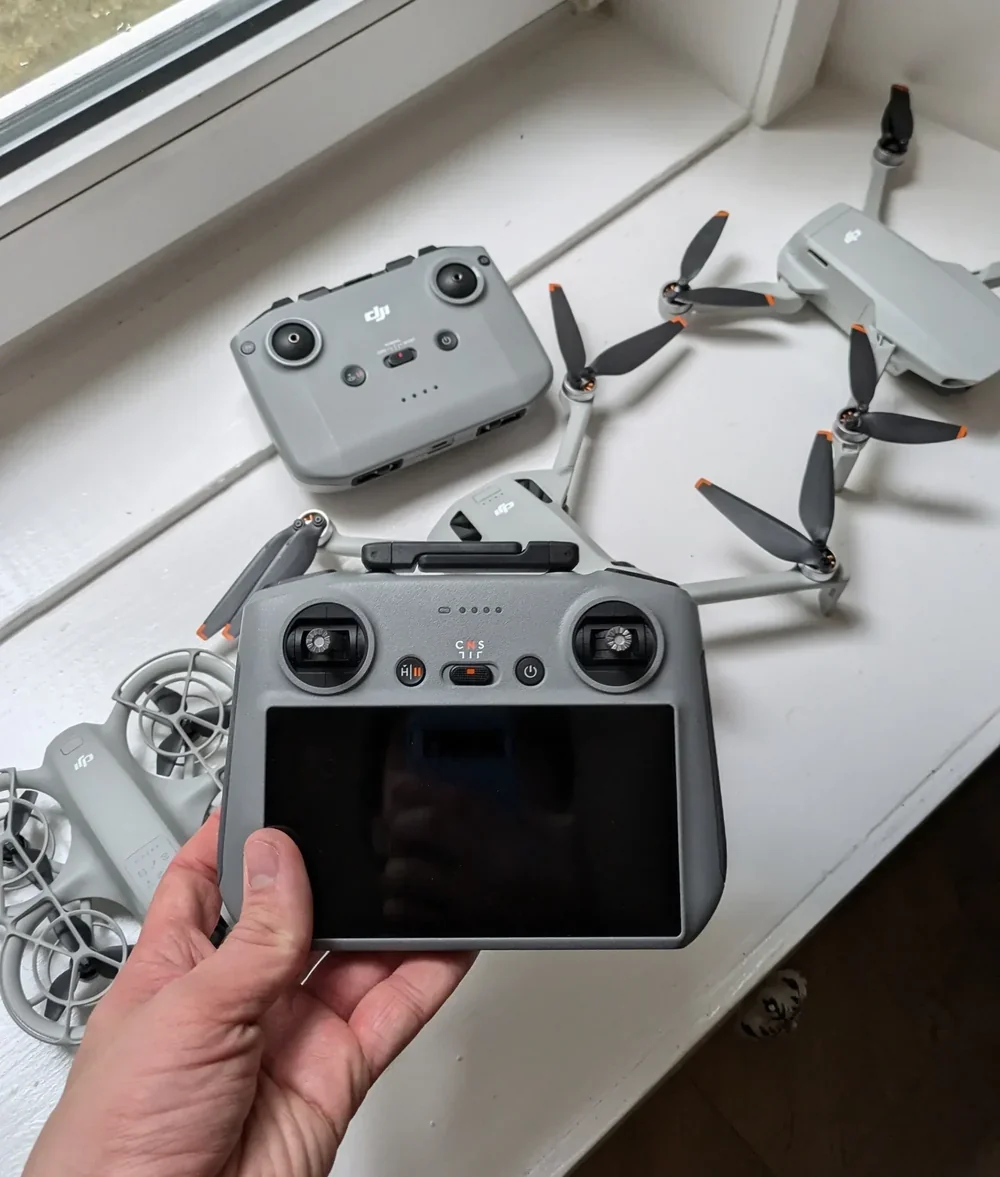
Headless mode locks the drone's forward to your own point of view
Headless mode solves this by ignoring the drone's nose entirely. When you push the stick forward, the drone moves away from you — always, regardless of how its body is currently oriented. Pull back and it comes toward you. Push right and it goes right from your point of view. Push left and it goes left from your point of view.
Under the hood, the drone is doing the mental rotation for you. It remembers the heading it was facing at takeoff, compares its current heading to that reference, and silently adjusts every stick input so the result matches the ground-based frame of reference you are standing in. The compass and IMU do the work. You get predictable controls.
There is one assumption baked into the feature. The drone has to know where you are, and for most consumer drones that means where the drone was taking off from — which is assumed to be where the drone pilot is standing. If you walk around a lot during the flight, the reference frame can drift slightly. This is not a deal-breaker for the use cases headless mode is actually for, but it is worth knowing.
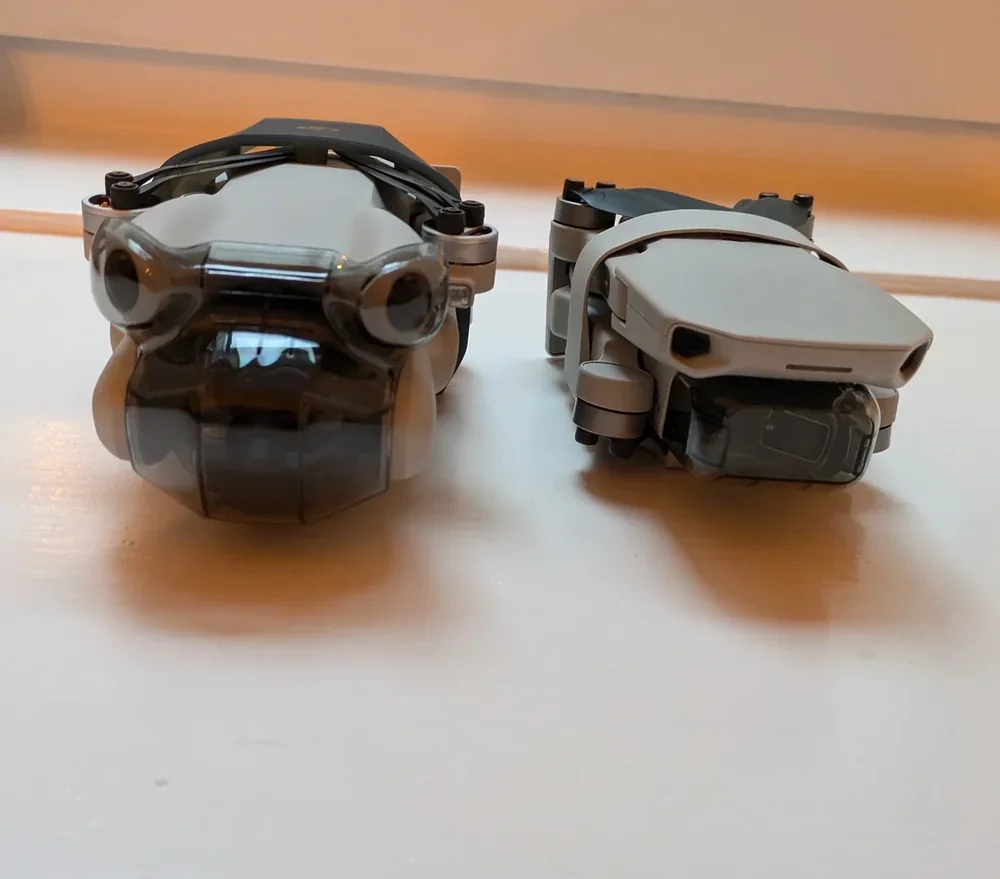
The mode earns its keep in three specific situations for new drone pilots
Headless mode is not a style of flying. It is a safety tool for three specific moments.
The first flight ever. You have unboxed the drone, you are on a patch of grass that you have permission to be on, and you want to learn throttle and stick feel without also having to track which way the drone is pointing. Headless mode lets you concentrate on one skill at a time. Spend a battery there, then switch it off and start building the instinct that will actually carry you forward.
The drone is a dot in the sky and you cannot tell which way it is facing. This is the genuine safety-net use case. Every drone pilot has had the moment where the drone is pushed out toward the edge of Visual Line of Sight and you realise you no longer know which way its nose is pointing. Flicking headless mode on while you pull it back toward you is a sensible rescue move, because it removes one variable at exactly the moment you are running out of brain bandwidth.
You have momentarily lost your bearings. Sometimes a drone pilot spins the drone, looks away for a second, and comes back to a drone whose orientation is no longer obvious. Pull back on the stick in headless mode and the drone comes home. It is not how you should fly every mission, but it is the fastest way to recover an ambiguous situation.
In all three cases, headless mode is a tool you reach for on purpose, not a default you leave on forever.
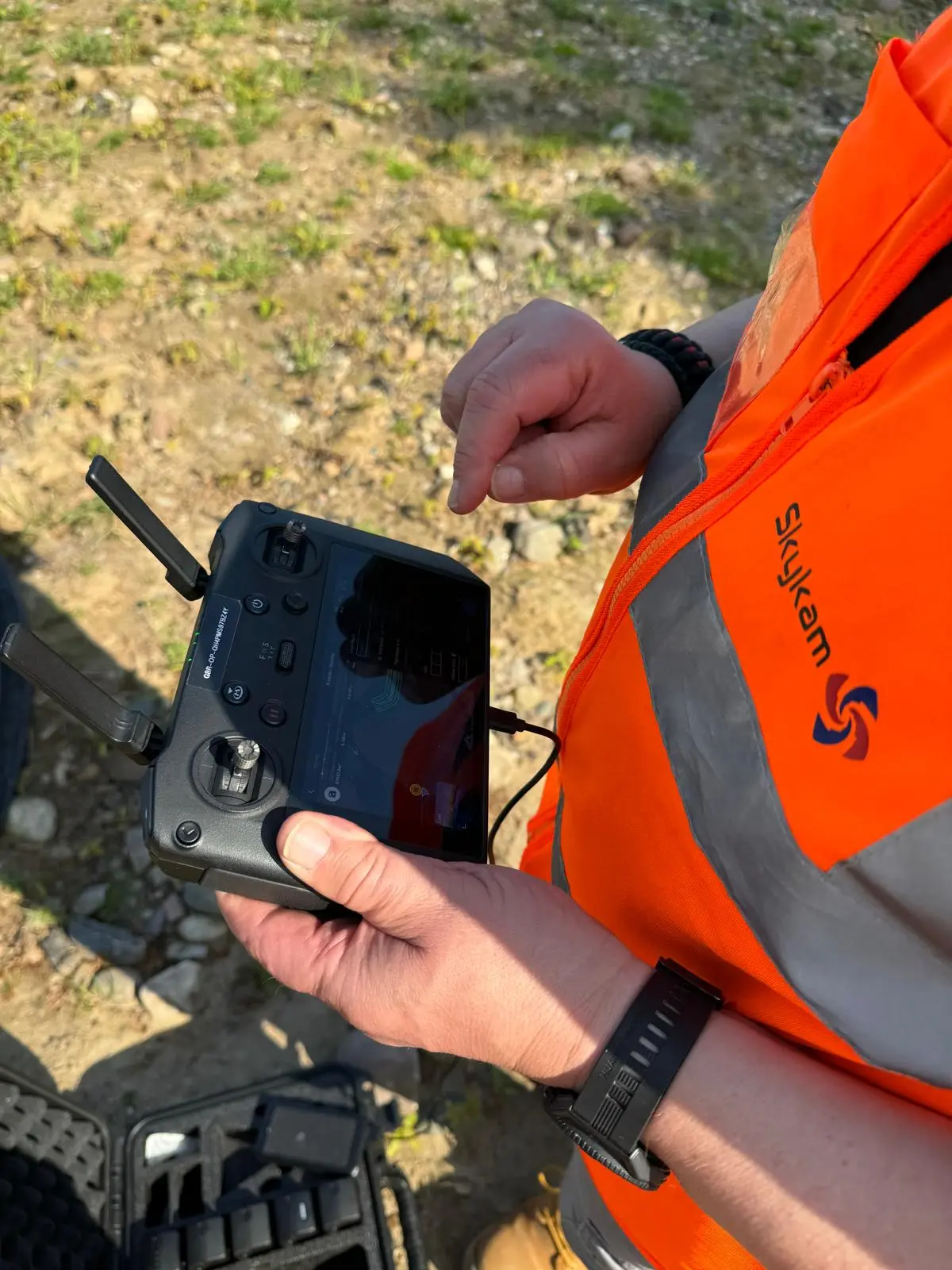
Professional camera drones deliberately omit the mode because precision work needs direct control
If you look at the feature lists for the DJI Mavic, Air, or Mini series, you will notice there is no headless mode. Same story on the Autel flagships. That is not an oversight — it is a design choice, and once you understand why, it is a reasonable one.
Professional drone work depends on frame-perfect stick inputs. A cinematic orbit needs you to feed yaw and roll together so the drone rotates around a subject while keeping the camera pointed at it. A precision inspection of a roof or a telecoms mast needs the drone pilot to know exactly where the nose is pointing so the drone roof inspection shots land on the correct face of the structure. A cooperative ground-run with a survey team needs repeatable flight paths where the drone pilot can describe, out loud, what the drone is doing.
Headless mode abstracts away the one piece of information that matters for all three: the drone's heading. So the kind of drones that end up in the hands of working drone pilots simply do not offer it, and the kind of drone pilots who fly them do not want it.
The path forward is to use headless mode deliberately, then let it go
My actual advice, with thousands of hours of flying behind it, is this. Use headless mode for the first battery or two. Let yourself concentrate on throttle, stick feel, and how the drone moves in wind. Then switch it off — not because headless mode is bad, but because the skill you are trying to build only grows in standard mode.
The core muscle-memory of a competent drone pilot is the ability to look at a drone in the sky, read its orientation from its silhouette, and immediately know which way to push the stick to do what you want. That skill forms quickly if you insist on it and forms never if you avoid it. Headless mode is a perfect on-ramp — and a perfect dead end if you stay on it too long.
If you want the next read, the signal-loss explainer covers a similar edge case — when the drone has to make decisions for you — and the Return to Home primer covers the flight mode that most often rescues a disoriented beginner.
Got a specific scenario where headless mode saved a flight — or where it made one worse? Drop a note to peter@hiredronepilot.uk and I will come back to you directly. If you prefer the video version of this explainer, the comments are open on YouTube.
References
Primary source material for this article is the UK Civil Aviation Authority. External links open in a new tab.
- UK CAA — The Drone and Model Aircraft Code (CAP2320) · Visual Line of Sight requirement for the Open Category
- DJI — UK support portal · feature documentation for the Mavic, Air, and Mini series
Peter Leslie
Founder & GVC Drone Pilot
Peter is the founder of HireDronePilot. With thousands of logged commercial flight hours, he writes about drone technology, commercial surveying tactics, and UK aviation compliance.
Connect on LinkedIn