Return To Home Explained: How Drone RTH Actually Works

Peter Leslie
30 Oct 2025
Key Takeaways
- Return To Home — RTH — is the automated fail-safe that climbs a drone to a set altitude, flies a straight line back to its recorded home point, and lands
- Three things trigger RTH: pilot command, loss of signal between the controller and the drone, or a critical low-battery warning
- RTH is a fail-safe, not a flight plan — the drone does not know there is a tree in the way unless it has obstacle sensors actively scanning the return path
- The single biggest RTH failure mode is a bad home point — if the GPS lock locks onto the wrong spot or the home point is not updated after moving, the drone will fly to the wrong place
- RTH intersects UK law — losing Visual Line of Sight or signal and hoping RTH recovers the drone is not a lawful flight, it is a recovered near-miss
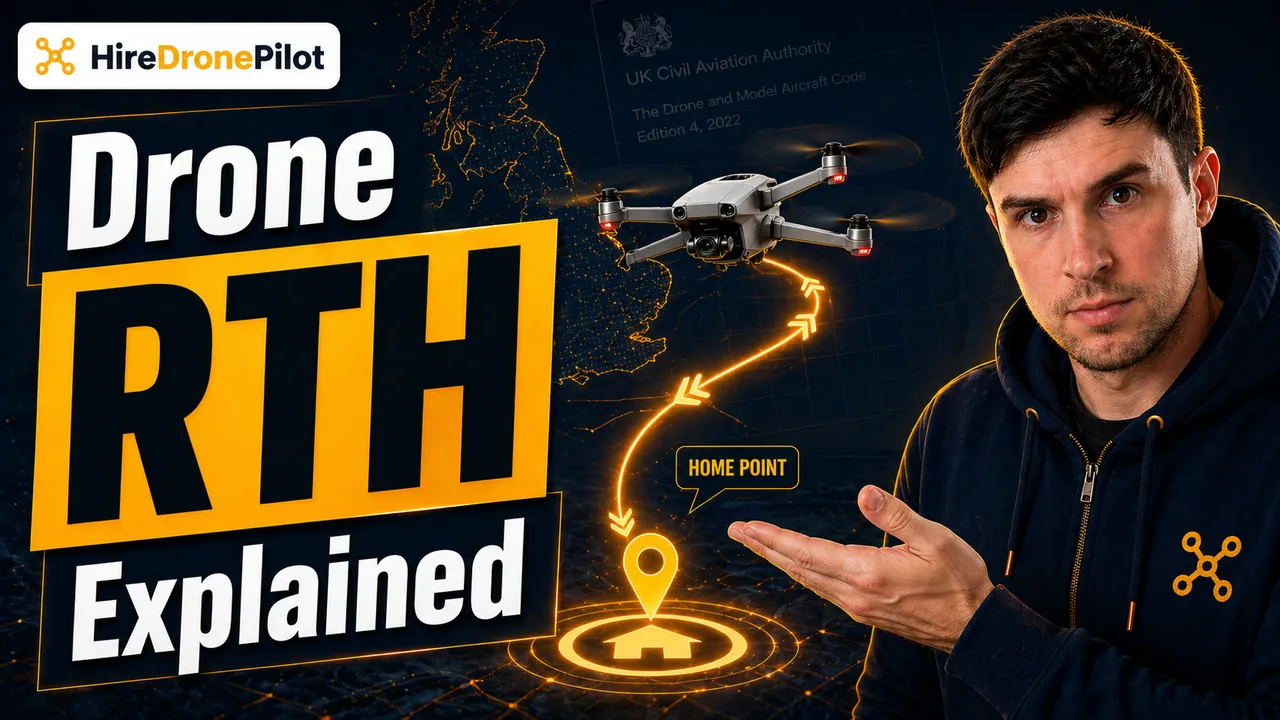
Return To Home — almost always abbreviated to RTH — is the onboard fail-safe that brings a drone back to a recorded location without the drone pilot flying it manually. The drone climbs to a pre-set altitude, turns toward the home point recorded at take-off, flies a straight line back, and lands. It is one of the most useful features on a modern drone, and one of the most widely misunderstood.
For drone pilots, the mental model that matters is this: RTH is a fail-safe, not a flight plan. It is the feature that hopefully saves the drone when something has already gone wrong, not a feature you should rely on for normal returns. Understanding when it triggers, what it does, and how it can fail is what separates confident operators from the ones collecting drones out of trees.
RTH is an automated routine that returns the drone to a recorded home point — usually the take-off spot
When you switch a drone on and wait for it to acquire a satellite lock before take-off, part of what is happening is that it is writing a home point into memory — a set of GPS coordinates it will later use as the destination for any RTH command. That lock is why the take-off checklist on almost every commercial drone asks you to confirm a sufficient number of satellites before arming.
Once the home point is recorded, the RTH sequence is deterministic. The drone climbs to a user-set altitude, rotates to face the home point, flies a direct line back in a straight course, descends over the home point, and touches down. Most modern drones will face the drone pilot while landing so you can see the front LEDs. A smaller minority will deliberately overshoot by a couple of metres before descending, in case the recorded home point is slightly off.
The detail most drone platforms have added in the last few years is the option to update the home point in flight. If you are walking with the drone — tracking a vehicle, for example — the drone will refresh the home point periodically against the controller's own GPS. That option saves a lot of drones. It also loses them if the drone pilot forgets to toggle it.
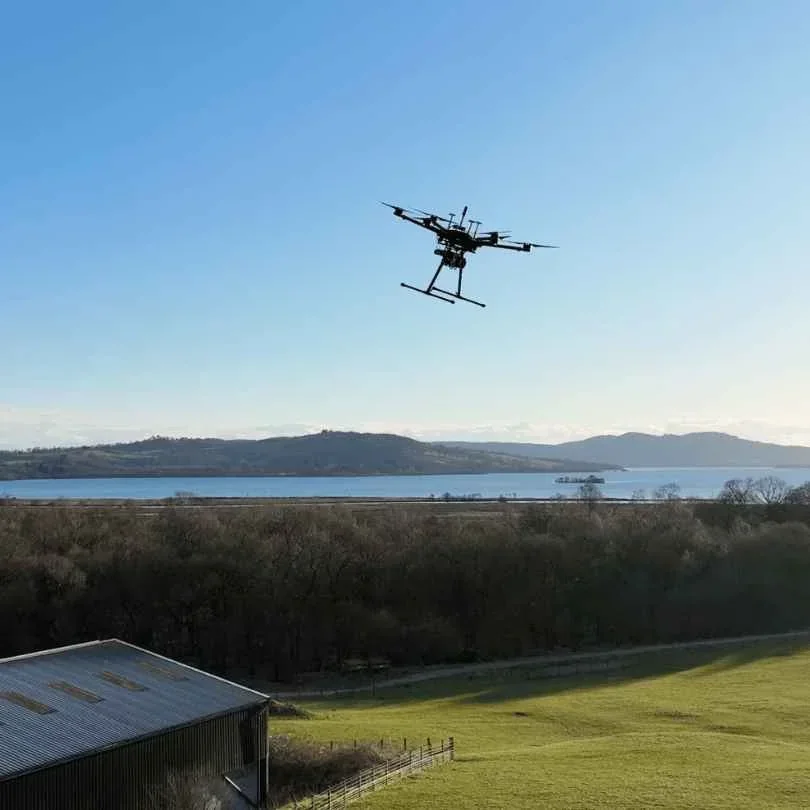
Three things trigger a Return To Home: the drone pilot, signal loss, and critically low battery
RTH does not just run on a schedule. It is triggered by one of three events, and every one of them is worth understanding because each has a different follow-up action required from the drone pilot.
The first is pilot-initiated RTH — a button on the controller or a software prompt in the flight app. You tell the drone to come home. It climbs, returns, lands. Predictable, safe, deliberate. Every drone pilot should know exactly where that button is, because using it calmly is almost always safer than trying to hand-fly a recovery out of an unexpected situation.
The second is signal-loss RTH. If the controller and the drone lose their radio link for longer than a configurable timeout, the drone assumes it is flying without supervision and starts the return routine automatically. This is a UK-relevant moment: the Drone Code treats signal loss and Visual Line of Sight issues as things you are supposed to have planned for, not things you expect the drone to fix for you after the fact.
The third is smart RTH on low battery. The drone pilot software continuously calculates whether there is enough battery to fly home at the current position and altitude, plus a reserve. If the calculation crosses its threshold, the drone warns the drone pilot and — if no action is taken — begins an unprompted return. This is the RTH mode most often responsible for safe recoveries, and the one most often responsible for drones going down short of home if the drone pilot overrides it.
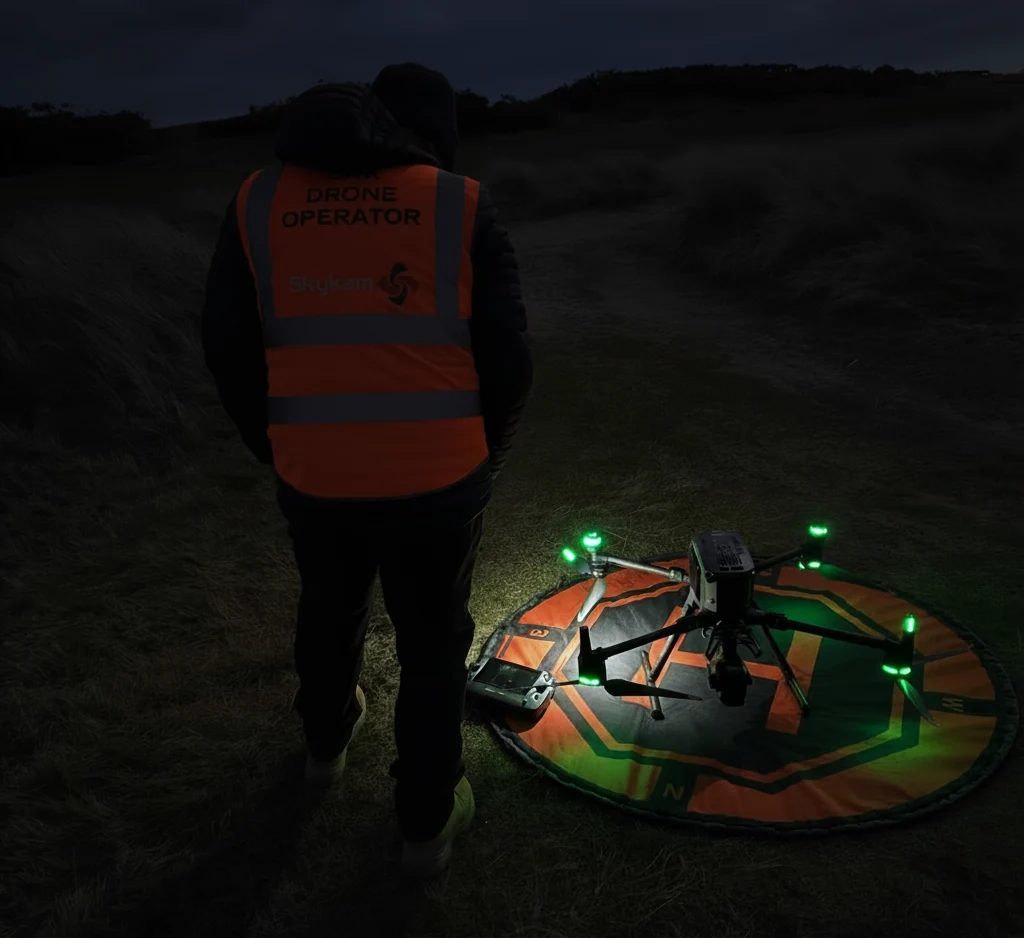
RTH is a fail-safe, not a flight plan — the drone will fly through anything between itself and home unless you have configured obstacle sensing
This is the single most important sentence in this article. A naive RTH routine is a straight-line altitude climb followed by a straight-line horizontal flight back to home. If there is a tree, pylon, crane, or building on that line, the drone will hit it unless it has active obstacle sensors and the confidence to route around what they see. This is why the 120-metre altitude ceiling and the site's own obstacle heights need to be on a pre-flight checklist every time.
The RTH altitude setting exists to handle this. Set it too low, and the drone climbs into an obstacle on the return path. Set it sensibly above the highest obstacle between the drone and home, and the return clears everything. Every decent pre-flight checklist includes a quick sanity check on the RTH altitude against the worst obstacle on the site.
Obstacle-sensing drones add a second layer by rerouting horizontally around detected objects during RTH. It is not a substitute for setting the altitude correctly — light conditions and reflective surfaces can defeat the sensors, and the drone will fall back to its straight-line behaviour if they do. Treat obstacle sensing as the extra insurance, not the plan.
The standard RTH sequence at a glance
| Step | What the drone does |
|---|---|
| 1. Trigger | Pilot, signal loss, or low battery |
| 2. Climb | Ascends to the pre-set RTH altitude if below it |
| 3. Orient | Yaws toward the stored home point |
| 4. Return | Flies straight-line toward home, avoiding obstacles where sensors allow |
| 5. Land | Descends over the home point and touches down |
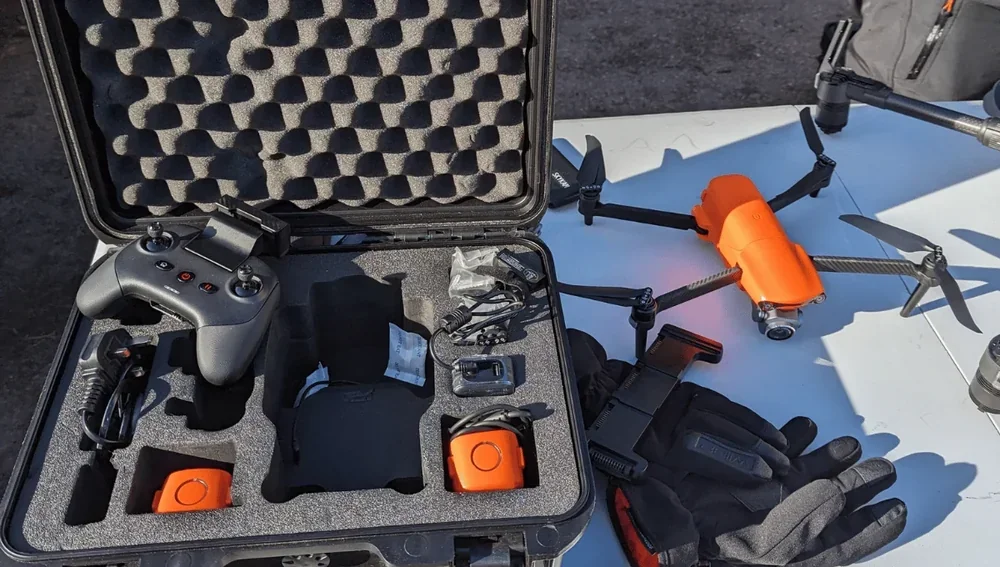
A bad home point is the most common RTH failure, and it is almost always preventable
If the home point is wrong, every subsequent RTH behaviour is wrong. The drone will fly a perfectly executed return to a location that is not where you are.
Three situations account for most bad home points. The drone is launched before it has a strong satellite lock, and the initial home fix is based on poor data. The drone pilot has moved substantially from the launch point — walking up a hill, into a forest, or onto a different deck of a building — and the drone is still homing to where it took off from. The controller has lost its own GPS lock and the home point has not been refreshed against the moving drone pilot.
The fix is boring and works every time. Wait for a green, high-confidence home lock on the controller screen before arming. If you move, refresh the home point. If the flight app warns you the home point is inaccurate, land and re-lock. RTH only rescues the drone when the destination it is aiming at is the destination you want. And if the flight extends far enough from home that the recovery becomes non-trivial, see our drone range explainer.
For a deeper look at how signal loss should be planned for before it happens, our guide to drone signal loss covers the pre-flight checklist in more detail, and drone GPS covers the underlying positioning that makes RTH possible. Keeping a clean flight log of every RTH event also pays off if the drone ends up in unexpected territory — see drone flight logs.
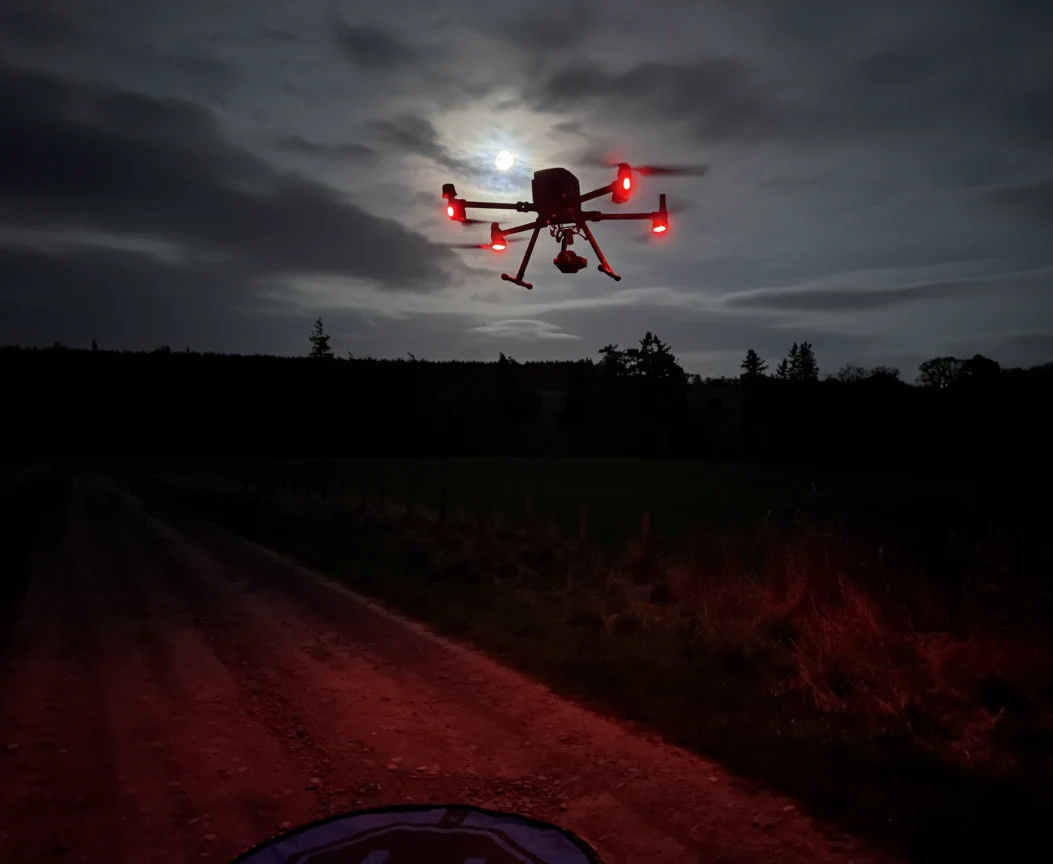
RTH is part of a lawful flight, not a replacement for one — UK drone law treats it as a backstop
The CAA's own safety advice and the Drone Code together treat RTH the way they treat any other automated feature: useful, not a substitute for the drone pilot's responsibility. The rules on Visual Line of Sight, 50-metre people buffers, airspace, and altitude apply whether the drone is under manual control or RTH.
In plain terms, losing sight of the drone and hoping RTH will recover it is not a lawful flight. It is a recovered near-miss. Under the Drone Code and the Air Navigation Order 2016, endangering an aircraft in flight remains a criminal offence whether the drone got there under automation or manual control. For the broader regulatory picture, our UK drone laws explainer is the right starting point.
Used well, Return To Home is the feature that gets a drone back when the pre-flight planning has missed something the weather or the environment has not. Used badly — or relied on as a flight plan rather than a fail-safe — it is one of the fastest ways to lose a drone in a field you were never legally supposed to fly over.
Got a specific RTH question, an unusual recovery, or a site where the home point keeps drifting? Drop a note to peter@hiredronepilot.uk and I will come back to you directly. If you prefer the video version of this explainer, the comments are open on YouTube.
References
Primary source material for this article is the UK Civil Aviation Authority. External links open in a new tab.
- UK CAA — The Drone and Model Aircraft Code (CAP2320) · VLOS, signal-loss responsibility, pilot duties during a flight
- UK CAA — Safety advice (human factors, technical failures, collisions) · fail-safe handling, pre-flight checking, situational awareness
- UK CAA — UK Regulatory Framework for Drones · Air Navigation Order 2016 and the UAS Regulations
Peter Leslie
Founder & GVC Drone Pilot
Peter is the founder of HireDronePilot. With thousands of logged commercial flight hours, he writes about drone technology, commercial surveying tactics, and UK aviation compliance.
Connect on LinkedIn