Which DJI Goggles Work With the DJI Neo 2?

Peter Leslie
22 May 2026

Key Takeaways
- DJI Goggles N3 is the headset DJI launched alongside the DJI Neo 2, and it is the only headset the Neo 2 user manual documents end to end
- Compatibility with older DJI headsets — Goggles 3, Goggles 2 and Goggles Integra — is governed by the live compatibility page at dji.com/neo-2/faq, not by the manual itself
- Goggles never fly the Neo 2 on their own — you always need a DJI RC Motion 3 motion controller paired alongside, and that is the controller that ships in the Neo 2 Motion Combo
- The Neo 2 in goggles mode is still a sub-250 gram camera drone with full GNSS hover, Return to Home and Easy ACRO — it is not a true manual-mode FPV drone like the Avata 2
- Wearing video goggles does not satisfy Visual Line of Sight under UK law, so every goggles flight requires a competent observer next to you
The DJI Neo 2 launched alongside a brand new headset — the DJI Goggles N3 — and the most common question I get from people picking up the Motion Combo is whether their existing DJI headset will work too. The short answer is that the Neo 2 is built around N3, and the live DJI compatibility page is the only source of truth for whether the older Goggles 3, Goggles 2 or Integra headsets are still supported.
The longer answer is that goggles are only half the kit on a Neo 2. You also need a DJI RC Motion 3 motion controller, you need drone pilots who understand that this is not a real FPV racing drone, and under UK law you need a friend next to you watching the actual drone every time you put the headset on.
DJI Goggles N3 is the headset built for the DJI Neo 2 and the one most owners will end up using
DJI Goggles N3 was introduced at the same time as the DJI Neo 2, and it is the headset that ships inside the official DJI Neo 2 Motion Fly More Combo. If you bought the bundle, this is the headset in the box, and the Neo 2 user manual treats it as the default — the entire Preparing DJI Goggles N3 and DJI RC Motion 3 chapter assumes you are using N3.
N3 is a single-screen design with foldable antennas, integrated batteries, a USB-C port for activation and tethering to a phone, and a wide viewing angle that suits the Neo 2's fixed forward camera. It is built around DJI's OcuSync video transmission, which is the protocol the Neo 2 Digital Transceiver speaks for headset flight.
If the Neo 2 is the first DJI drone you have owned and you want the immersive view, N3 is the headset DJI optimises the experience around. The pairing screens, the on-screen prompts and every settings menu walked in the manual all assume N3 unless you go looking for the alternatives.
Older DJI headsets are governed by the live compatibility page, not by the Neo 2 manual
DJI Goggles 3, DJI Goggles 2 and DJI Goggles Integra all existed before the Neo 2 launched, and they are the obvious candidates if you already own a DJI Avata 2 or an original Avata. The Neo 2 user manual does not list them by name, and the appendix sends you to a single live source: dji.com/neo-2/faq. That page is where DJI publishes the current, firmware-tracked list of compatible headsets and control devices.
In practice, the older Goggles compatibility has trailed the launch. The original DJI Neo eventually supported all four headsets — N3, Goggles 3, Goggles 2 and Integra — once firmware updates landed on both sides. The Neo 2 follows the same pattern, but the only safe answer is to check dji.com/neo-2/faq before buying anything, because firmware support changes and not every unit in circulation ships with the latest version.
If you already own an older DJI headset, do not buy a Neo 2 Motion Combo on the assumption that your existing goggles will pair on day one. Either confirm support on the live page or budget for N3 as well.
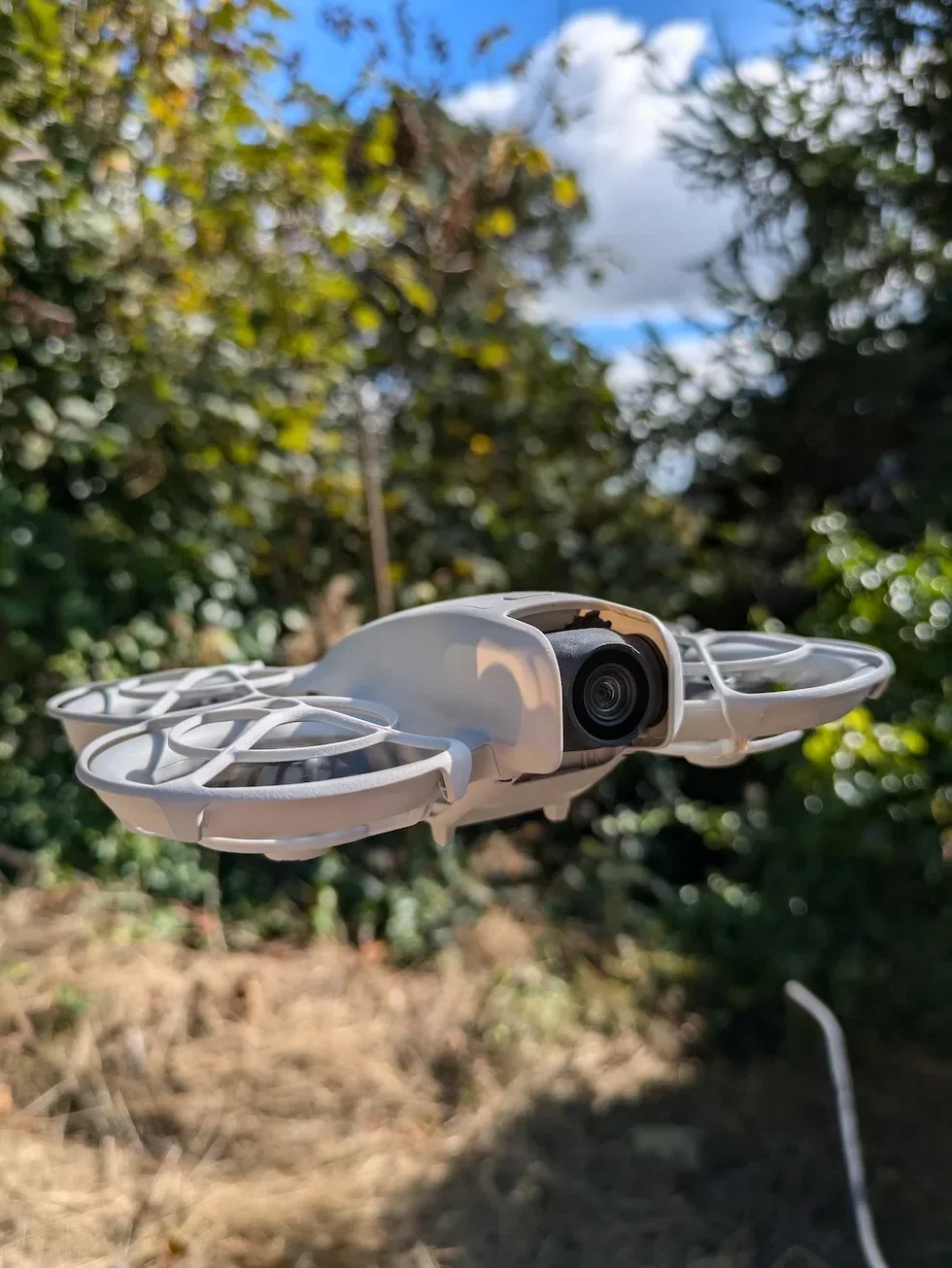
You always need a DJI RC Motion 3 alongside the goggles — the headset does not fly the Neo 2 on its own
This is the single point I see new Neo 2 owners get wrong. DJI Goggles do not fly the drone on their own. The Neo 2 manual is explicit — Immersive Motion Control on the Neo 2 always pairs the goggles with a DJI RC Motion 3 controller. The goggles handle the live feed and the menu interface. The motion controller handles the actual flying.
RC Motion 3 is the device with the lock button you press once to brake and hover, twice to spin the motors and hold to take off, the accelerator trigger that drives the Neo 2 forward, and the tilt axis that turns the drone in flight. Without it, the goggles will give you a beautiful first-person view of a Neo 2 that refuses to leave the ground.
The DJI Neo 2 Motion Fly More Combo ships all three devices together for this reason. If you bought the Neo 2 as a standalone drone or as the RC-N3 Fly More Combo and want to add the goggles experience later, budget for both the headset and the RC Motion 3, not just the headset. The motion controller is also the only way to access Easy ACRO on the Neo 2 — the Slide, the one hundred and eighty degree drift and the flip — so you would want it anyway if you are buying into the headset workflow.
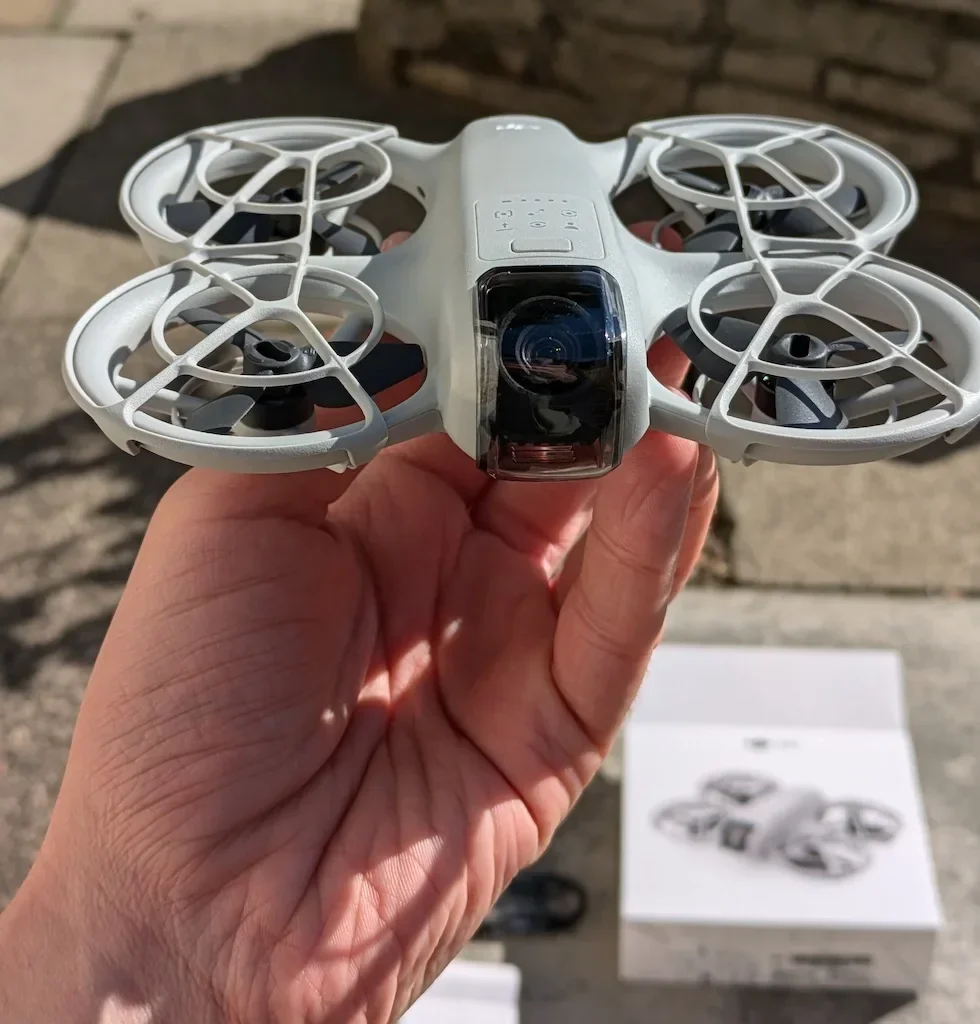
Flying the DJI Neo 2 through goggles is not the same as flying an Avata 2 — there is no true manual mode
A common assumption is that strapping on a headset turns the Neo 2 into a DJI Avata. It does not. The Neo 2 is fundamentally a sub-two-hundred-and-fifty gram camera drone with a fixed forward camera, full GNSS positioning, automatic Return to Home, the Neo 2 sensing system stabilising the hover, and the same altitude rules as any other Open Category drone. None of that changes when you put goggles on.
What you get is the camera-style version of First Person View — a low-latency live feed in front of your eyes, smooth and stable, while the Neo 2 holds altitude and position by itself. Easy ACRO unlocks the Slide, the drift and the flip from the motion controller, but there is no analogue acro mode, no manual throttle, and no diving the way a racing drone allows. If you want true acro freestyle on a DJI drone, the Avata 2 with the DJI FPV Remote Controller 3 is the drone that exposes it — not the Neo 2.
From a drone pilot's perspective, that is exactly the appeal. The Neo 2 with goggles is a way to get the immersive view without the steep stick-time, the manual training or the crash bill that comes with a conventional FPV setup.
Under UK law you still need a competent observer next to you on every goggles flight
This is the bit most goggles videos online quietly skip. Under UK rules, watching the live feed on a headset is not the same as keeping your drone in Visual Line of Sight. The DJI Neo 2 manual says it in plain English: using the goggles does not satisfy the requirement of visual line of sight, and you must comply with local laws and regulations when you do it.
In UK terms that means you need a competent observer standing next to you, watching the actual Neo 2 with their own eyes, holding the airspace picture, and able to talk to you continuously. The Drone and Model Aircraft Code lists binoculars, telephoto lenses, phone screens, tablets and video goggles all as not direct sight. The observer is. The observer does not need a Flyer ID or any qualification — they need to know what to look out for, and you remain the responsible drone operator.
Solo goggles flying — no observer, just you and the headset — is not legal under the UK Open Category, and it invalidates your drone insurance if anything goes wrong. The wider penalty picture sits inside the UK drone laws explainer, but the headline is straightforward — the headset experience on the Neo 2 is a two-person setup in this country, not a one-person one.
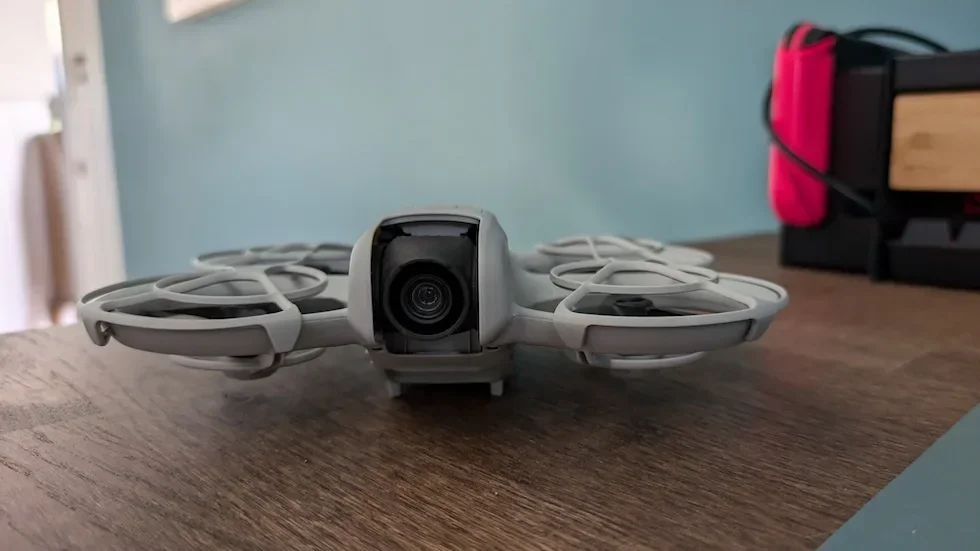
So the practical answer to which DJI Goggles work with the DJI Neo 2 is short: DJI Goggles N3 is the headset built for it, the older Goggles 3, Goggles 2 and Integra headsets are governed by the live compatibility list at dji.com/neo-2/faq, and you cannot fly through any of them without a DJI RC Motion 3 alongside. Buy the Motion Combo and the decision is made for you.
If you want to go further, our DJI Neo 2 first-time setup walkthrough picks up where this article ends, and the DJI Neo 2 CAA registration explainer is the legal homework that has to be done before any flight.
Got a specific Neo 2 goggles question I have not covered — a stuck pairing screen, a firmware combination that refuses to update, or an older headset that will not show in the bundle list? Drop a note to peter@hiredronepilot.uk and I will come back to you directly. If you prefer the video version of this explainer, the comments are open on YouTube.
References
Primary source material for this article is the official DJI Neo 2 user manual and the UK Civil Aviation Authority. External links open in a new tab.
- DJI — Neo 2 user manual (downloads) · Immersive Motion Control with DJI Goggles N3 and DJI RC Motion 3, activation routine, Easy ACRO controls, observer warning on VLOS
- DJI — Neo 2 compatibility page · live list of compatible goggles and control devices for the DJI Neo 2
- DJI — Neo 2 specifications · supported control devices and OcuSync video transmission protocol
- UK CAA — First Person View (FPV) · observer requirement when flying through video goggles
- UK CAA — The Drone and Model Aircraft Code (CAP2320) · Visual Line of Sight definition and the list of devices that do not count as direct sight
- UK CAA — UK Regulatory Framework for Drones · UK Regulations (EU) 2019/945 and 2019/947 governing Open Category goggles flight
Peter Leslie
Founder & GVC Drone Pilot
Peter is the founder of HireDronePilot. With thousands of logged commercial flight hours, he writes about drone technology, commercial surveying tactics, and UK aviation compliance.
Connect on LinkedIn