Drone LiDAR Mapping Explained for UK Operators

Peter Leslie
5 Nov 2025
Key Takeaways
- Drone LiDAR fires rapid laser pulses from an airborne sensor and measures the time each pulse takes to return, producing a three-dimensional point cloud of whatever sits below
- The sensor stack is a laser scanner fused with a GNSS receiver and an Inertial Measurement Unit, which is why LiDAR needs more calibration and more processing than a standard mapping drone
- The headline advantage over photogrammetry is canopy penetration — LiDAR sees the bare ground through vegetation because individual pulses slip between leaves and branches
- Typical deliverables include a classified point cloud in LAS or LAZ format, a Digital Terrain Model, a Digital Surface Model, and contour or vector exports for CAD
- LiDAR is not the right tool for every job — for open, non-vegetated sites a good photogrammetry flight is cheaper, faster, and often accurate enough
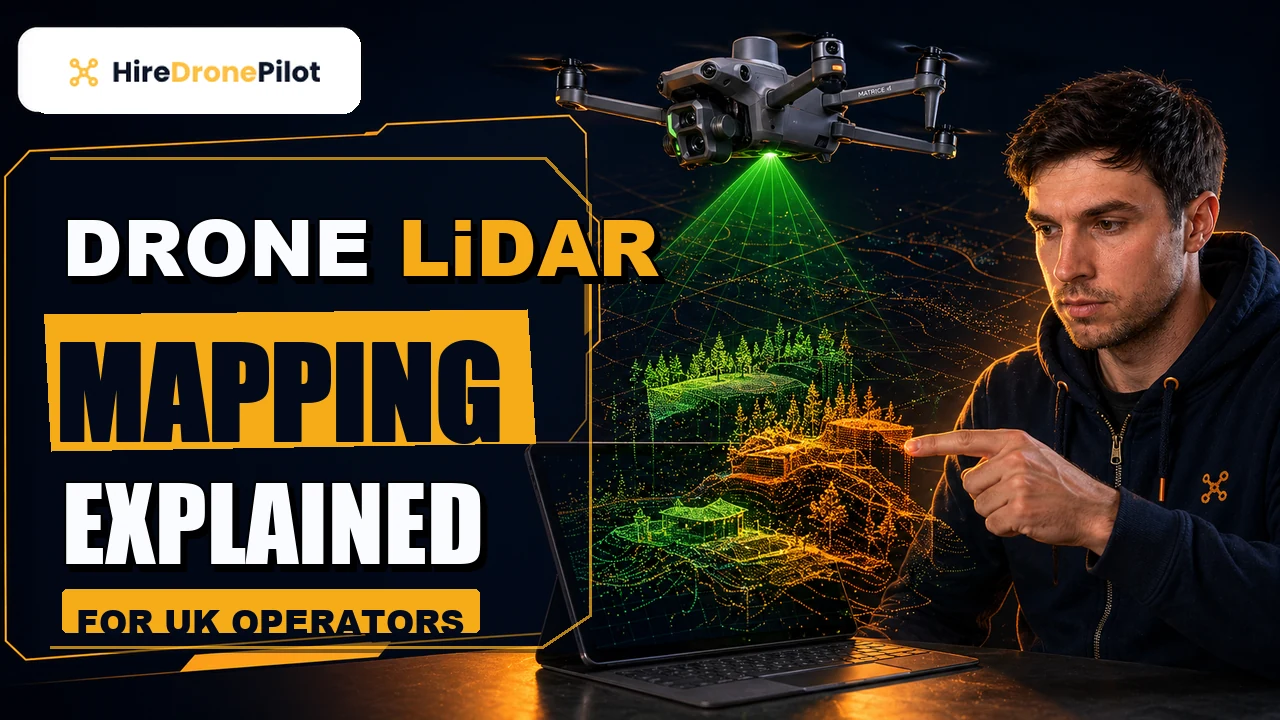
Drone LiDAR mapping is the process of mounting a Light Detection and Ranging sensor on a drone, flying a planned grid over a site, and turning the returning laser pulses into a measurable three-dimensional model of the ground and everything standing on it. It is one of the most powerful tools available to commercial drone pilots, and one of the most misunderstood.
The short answer is that LiDAR gives you a geometrically correct point cloud — a dataset made of millions of individually positioned points — that you can section, contour, model, or hand to a civil engineer. The long answer is that it only earns its place when photogrammetry cannot do the job, and that distinction is what this article is about.
Drone LiDAR mapping builds a measurable three-dimensional model of a site from laser pulses rather than photographs
LiDAR is an active remote sensing technology. Where a camera passively collects the light that already exists in the scene, a LiDAR sensor emits its own light — short pulses of laser energy — and measures the time each pulse takes to reach a surface and return to the sensor. Multiply that by hundreds of thousands of pulses per second, and you get a dense three-dimensional map of whatever the beam struck.
Every return carries at least three pieces of information: distance, the angle at which the beam went out, and the intensity of the light that came back. Fuse those with the drone's own position and orientation and you can place each return in real-world coordinates. What you end up with is a point cloud — not a picture, but a three-dimensional dataset you can rotate, section, and measure.
That framing matters. A photogrammetry output is built by software guessing depth from overlapping photographs. A LiDAR output is built by physics. When the two disagree on complex or vegetated terrain, LiDAR is almost always the one telling the truth.
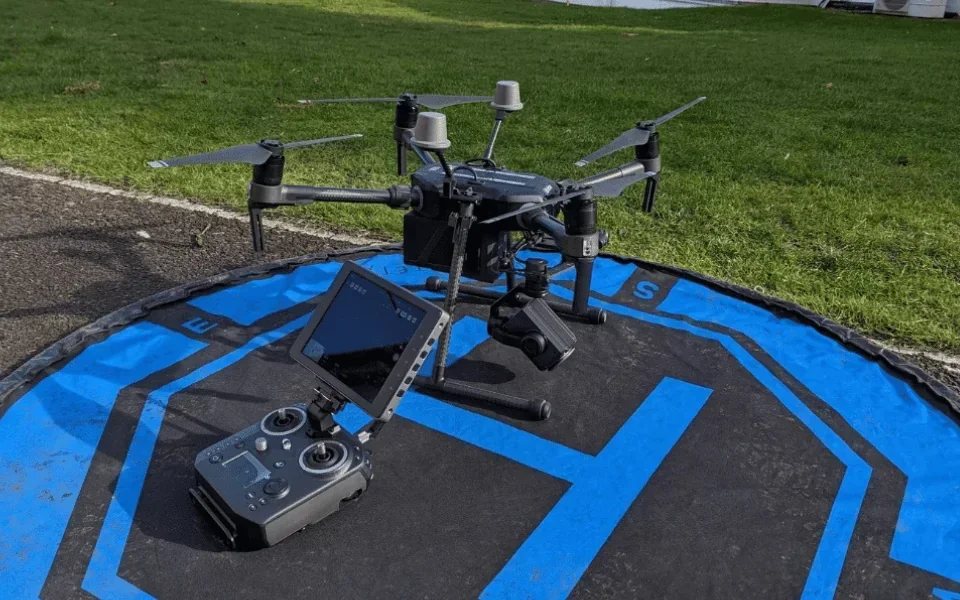
A drone LiDAR rig is three sensors working together, not just a laser scanner
The scanner itself is only one part of the payload. For each return to land in the right place on the map, the system needs to know exactly where the drone was and exactly how it was pointing at the instant the pulse went out.
That means three sensors working in lockstep: the laser scanner that fires and times the pulses, a GNSS receiver tracking the drone's position via satellite — usually with RTK or PPK for high positional accuracy, and an Inertial Measurement Unit measuring roll, pitch, and yaw many times a second. The processing software combines all three feeds to compute a precise three-dimensional coordinate for every return.
Boresight calibration is the quiet step that makes this work. The angular offset between the scanner and the IMU has to be solved before the data means anything. Cutting that step results in drifted, warped clouds — the kind of output that looks fine at a glance and fails under survey review.
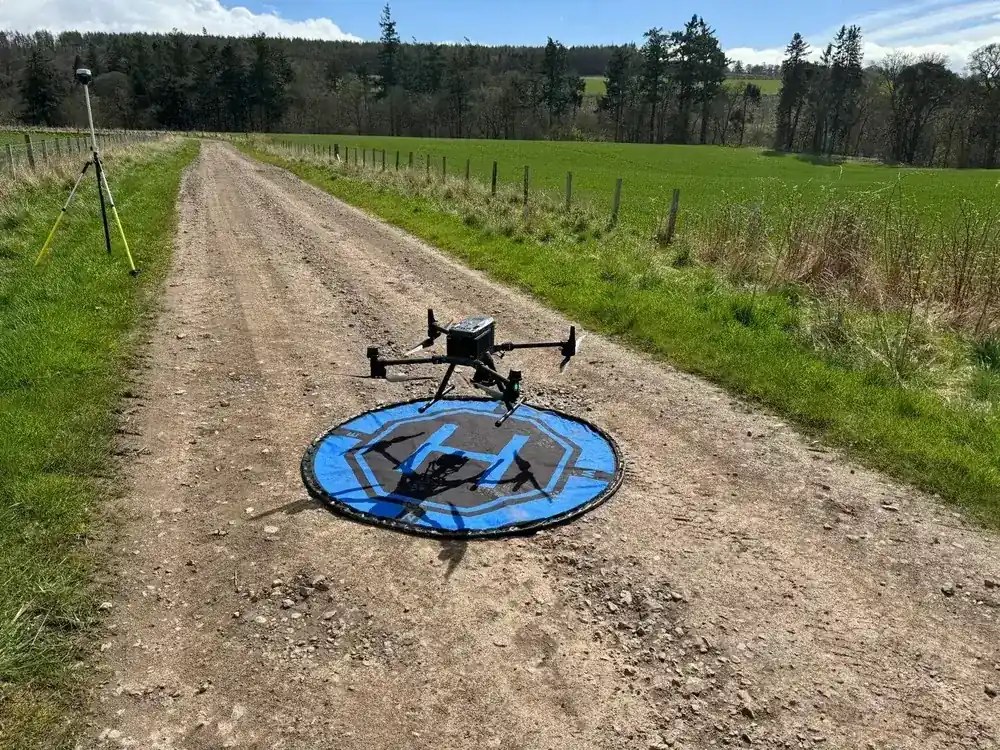
LiDAR's defining advantage is its ability to see the ground through vegetation
Fly photogrammetry over a woodland and the output stops at the canopy. The overlapping images cannot reconstruct ground they never saw. Fly LiDAR over the same woodland and a portion of every pulse slips through gaps in the leaves, bounces off branches and the forest floor, and returns separately. Most modern scanners record multiple returns from a single outgoing pulse — first return, last return, and everything between.
Processing software then classifies those returns. The last returns are usually the ground; the earlier returns are canopy, understory, and structures. Filter the cloud to ground-only and you have a bare-earth Digital Terrain Model through woodland that would be near-impossible to survey any other way.
The same trick is what makes LiDAR so useful on heritage sites, archaeology, river corridors, and any overgrown infrastructure. Photogrammetry would simply render the foliage as a solid mat. LiDAR sees through it. For the drone-laws framework that governs where these flights can happen, see UK drone laws.
When LiDAR is worth it versus photogrammetry
| Site conditions | Usually the right tool |
|---|---|
| Open, bare ground with good texture (quarries, earthworks, stockpiles) | Photogrammetry |
| Vegetated ground, woodland, archaeology | LiDAR |
| Dense urban, tall structures with overhangs | LiDAR (or hybrid) |
| Photorealistic visuals for marketing or client review | Photogrammetry |
| Linear corridors (pipelines, power lines, railways) | LiDAR |
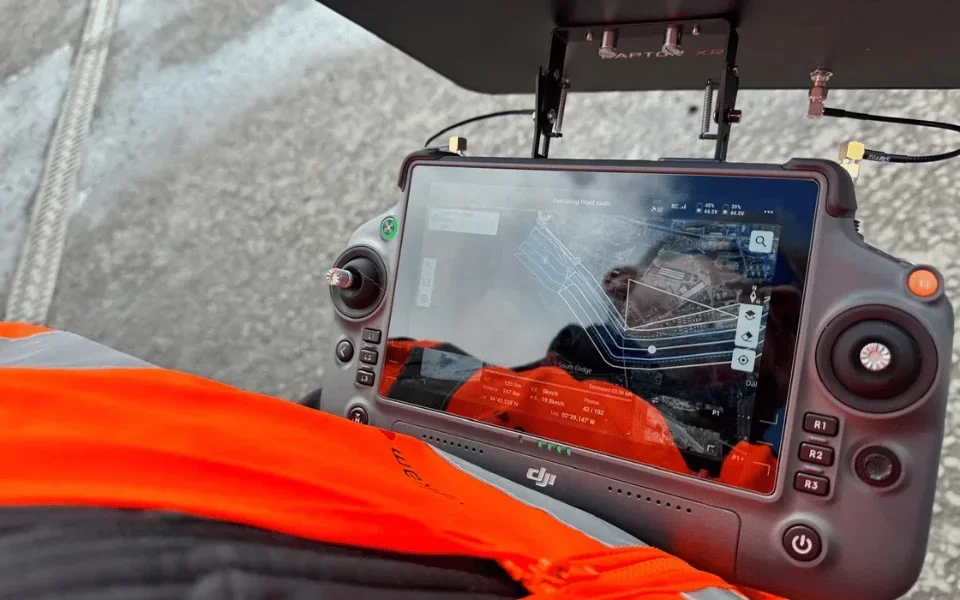
The standard deliverable is a classified point cloud plus its derived terrain products
When a drone LiDAR job lands on a client's desk, it almost always comes as a layered bundle of files. The raw dataset is the point cloud itself, delivered in LAS or the compressed LAZ format — the industry-standard containers maintained by the American Society for Photogrammetry and Remote Sensing. LAZ is simply a lossless compressed LAS; it is what you actually send, because an uncompressed cloud of a medium-sized site can run to tens of gigabytes.
From the classified cloud come the derived products. A Digital Terrain Model is the bare-earth raster, usually a GeoTIFF. A Digital Surface Model keeps everything above ground too — trees, buildings, structures. From either of those you can generate contour lines at the interval the client needs, export CAD-ready vector data as DXF, or build mesh models for visualisation.
A site plan in PDF, a KML footprint for Google Earth, and a short report summarising flight parameters and quality control usually sit alongside the technical files. The packaging matters: clients are rarely point-cloud specialists, and the ability to hand them a DTM and a contour drawing on top of the raw cloud is what turns data into a usable deliverable.
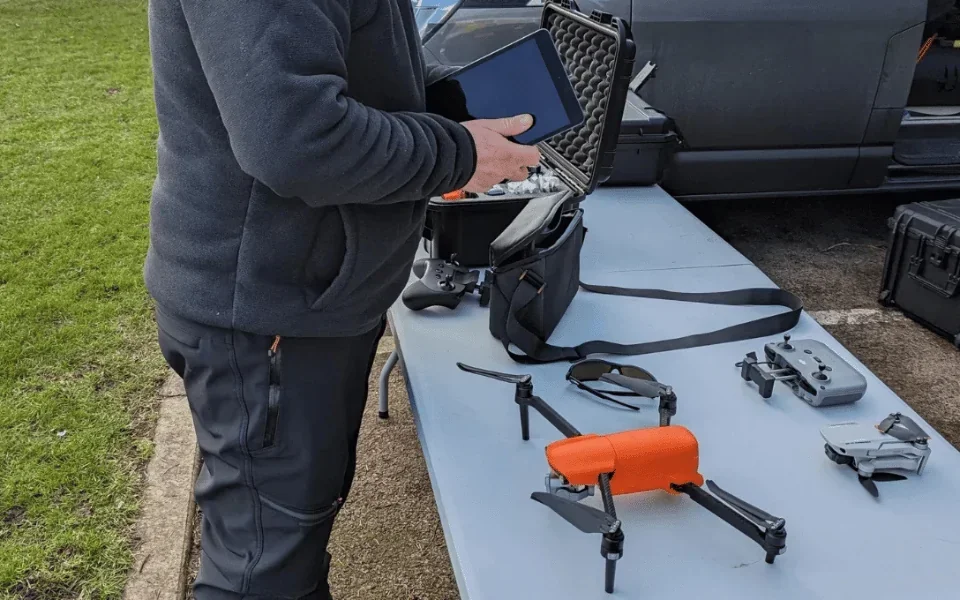
LiDAR is powerful, but it is not automatic and it is not cheap
The sensor payload alone runs into serious money, and the heavier the payload the heavier the drone. That weight has regulatory consequences: most survey-grade LiDAR rigs sit firmly in the Specific Category, typically under an Operational Authorisation, not the Open Category. That shifts who can legally fly them and how the job is planned.
The processing workload is the other cost. A half-day flight can produce a week of desk work before the deliverable is finished — trajectory solution, boresight adjustment, point classification, DTM generation, quality control. Any pilot quoting next-day delivery on a woodland LiDAR job is almost certainly skipping steps.
If the site is open, the terrain is bare, and the client wants a photorealistic orthomosaic alongside the numbers, photogrammetry will usually win on price and speed. If the site is vegetated, long, or geometrically awkward, LiDAR earns the budget. The best commercial operators run both workflows and pick the tool the job actually needs. For a fuller comparison of accuracy, see our guide to how accurate a drone survey is and our breakdown of what a drone LiDAR survey costs.
Used well, drone LiDAR replaces weeks of ground-based surveying on difficult terrain, and produces data that downstream engineering and planning teams can actually use. Used badly, it is an expensive way to generate a noisy point cloud that gets sent back on the first quality review.
If you are considering LiDAR for a project and want help deciding whether it is the right tool, a good next step is our broader drone surveys page. Got a specific site, a canopy problem, or a mixed-use corridor you want covered? Drop a note to peter@hiredronepilot.uk and I will come back to you directly. If you prefer the video version of this explainer, the comments are open on YouTube.
References
Primary sources for this article. External links open in a new tab.
- ASPRS — LAS file format specification · industry-standard container for LiDAR point clouds
- USGS — What is LiDAR data and how is it used · public-agency explainer on LiDAR principles, returns, and classifications
- UK CAA — PDRA01 Operational Authorisation Overview · Specific Category context for heavier survey drones
- UK CAA — UK Regulatory Framework for Drones · Air Navigation Order 2016 and the UAS Regulations
Peter Leslie
Founder & GVC Drone Pilot
Peter is the founder of HireDronePilot. With thousands of logged commercial flight hours, he writes about drone technology, commercial surveying tactics, and UK aviation compliance.
Connect on LinkedIn