Flying a Drone Without Wi-Fi: A Practical UK Guide

Peter Leslie
12 Sept 2025
Key Takeaways
- A consumer drone flies on a dedicated radio link between the controller and the drone, not on Wi-Fi or mobile data
- Full-resolution photos and video are written to the onboard microSD card during the flight and do not need any internet connection
- Wi-Fi is for firmware updates, offline-map caching, and media transfer — all of which belong at home the night before, not on the launch pad
- Every UK rule in the Drone and Model Aircraft Code still applies in a mobile blackspot, including the 120 m ceiling, the 50 m people buffer, and Visual Line of Sight
- Remote ID on UK1, UK2 and UK3 class drones broadcasts locally over radio from 1 January 2026 and does not require an internet connection to work
Every week somebody asks me whether they can fly their drone in the Scottish Highlands, or on a Welsh clifftop, or halfway up Dartmoor, because the mobile signal drops the moment they leave the main road. The underlying worry is always the same — that without Wi-Fi or a data connection, the drone will simply refuse to fly. That is not how any of it works.
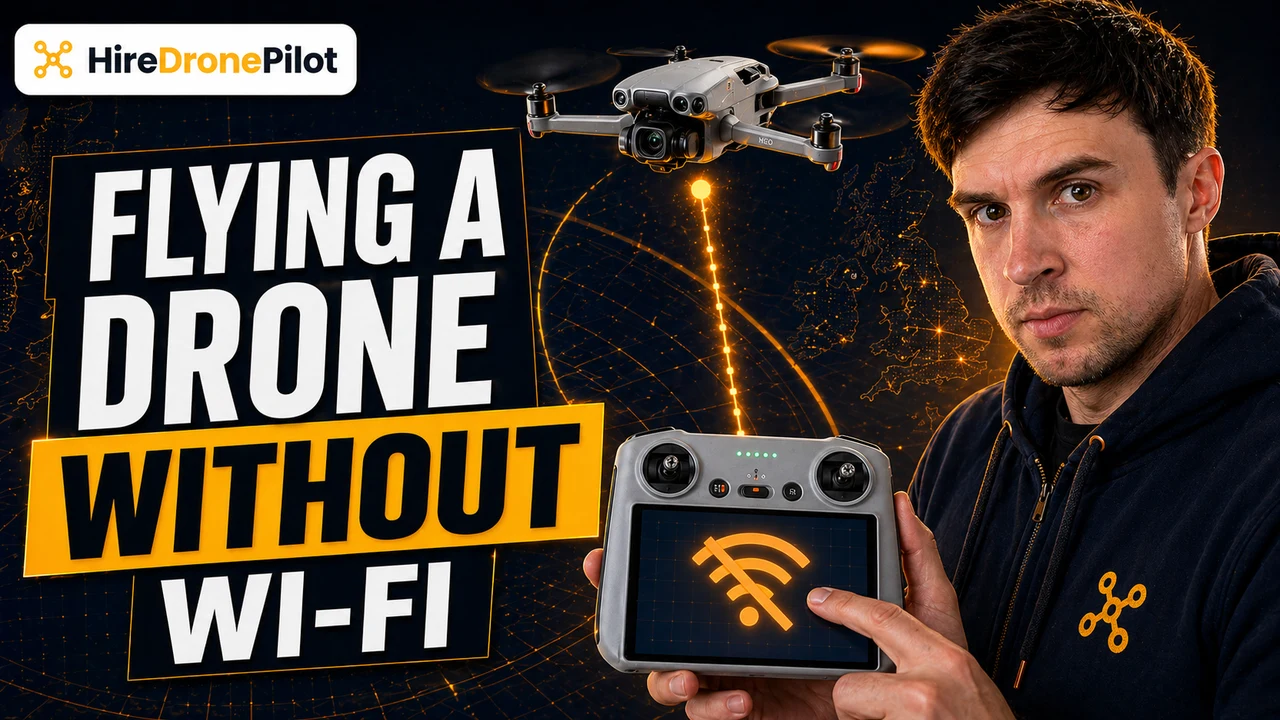
A consumer drone does not fly on Wi-Fi. It flies on a dedicated radio link between the controller in your hands and the drone itself, and that link has nothing to do with the internet. The rest of this piece unpacks what is actually connecting, what genuinely needs Wi-Fi, and which UK rules still bind you when you are miles from the nearest cell tower. If you are after the wider picture of UK drone laws, our hub post is the place to start.
Your drone flies on a dedicated radio link, not on Wi-Fi or mobile data
Every consumer drone sold in the UK ships with a controller that talks to the drone over a dedicated radio-frequency link, typically on the 2.4 GHz or 5.8 GHz bands. The controller pushes your stick inputs up to the drone. The drone pushes telemetry and a live video feed back down. The entire flight happens on that two-way radio channel.
Wi-Fi is a separate system. If your drone has a Wi-Fi chip, it is there to pair your phone with the controller, to copy media off the SD card after the flight, or to pull down firmware and map data when you are at home. None of those functions are in the loop while the drone is airborne.
That is why your drone flies the same way in a remote glen as it does in a London park. What matters is the quality of the radio link between you and the drone, not whether your phone can see a cell tower.

The onboard SD card is the primary store — nothing leaves the drone during the flight
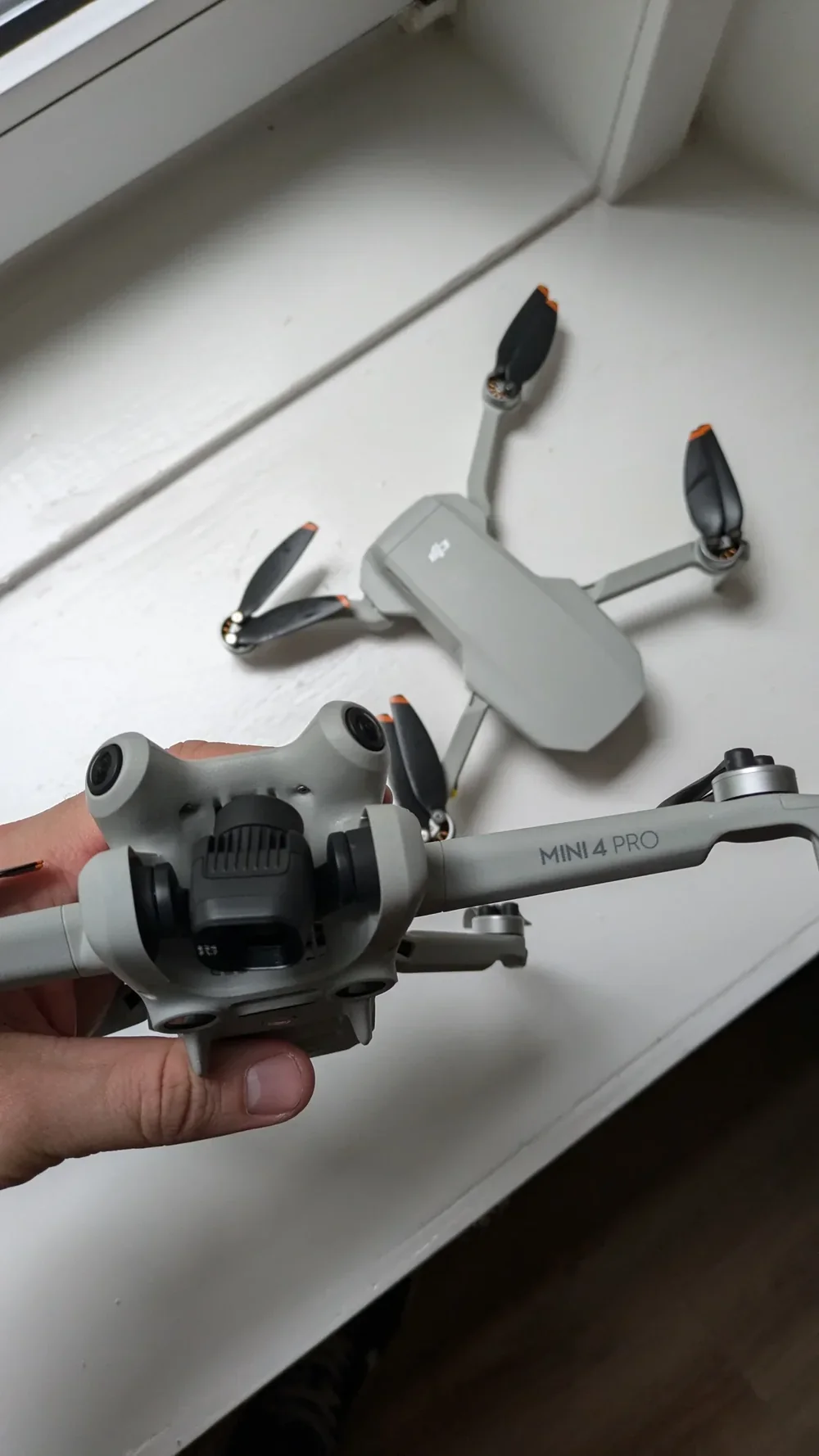
The second assumption worth retiring is that your drone is streaming footage to the cloud as it flies. It is not. It is writing to a microSD card inside the drone.
Every modern consumer drone records full-resolution photos and video directly to the onboard card, at the same codec and bitrate, regardless of whether the controller is talking to a phone, a tablet, or a screen built into the controller. What you see on your screen during the flight is a lower-resolution monitoring feed designed to help you frame the shot. It is not the master file.
So the clip you captured on a cliff edge in Cornwall is on the card by the time the drone lands. Pull it out, read it at home, edit it. Your phone signal is not part of that chain.
Two habits make this reliable: format the card in the drone before a job rather than on a laptop, and keep at least one spare in the bag. A corrupted card on location is the single most preventable reason drone pilots come home empty-handed.
Wi-Fi is for preparation and clean-up, not for the flight itself
If the drone does not rely on Wi-Fi to fly, why ship it with Wi-Fi at all? Because a handful of functions genuinely depend on a connection — and every one of them sits either side of the flight, not inside it.
The list is short. Firmware updates for the drone, controller, and app — run these at home before the job so the pending update does not quietly trip your flight the next morning. Offline-map caching inside the flight app, so the tiles for the location you are shooting are stored on your device before you leave the motorway. Media transfer to a phone or tablet, which is slower than simply pulling the card and using a reader anyway. And live streaming direct to a platform like YouTube, which is a niche use case that almost no drone pilot actually needs.
The pattern here is that Wi-Fi is infrastructure, not flight-critical. You handle it at home or in the car, not on the launch pad. DJI's own support pages walk you through firmware and offline maps per product line — the right place to start when you want to confirm the routine for your specific drone is the manufacturer's support portal.
UK flight rules still apply whether you have signal or not
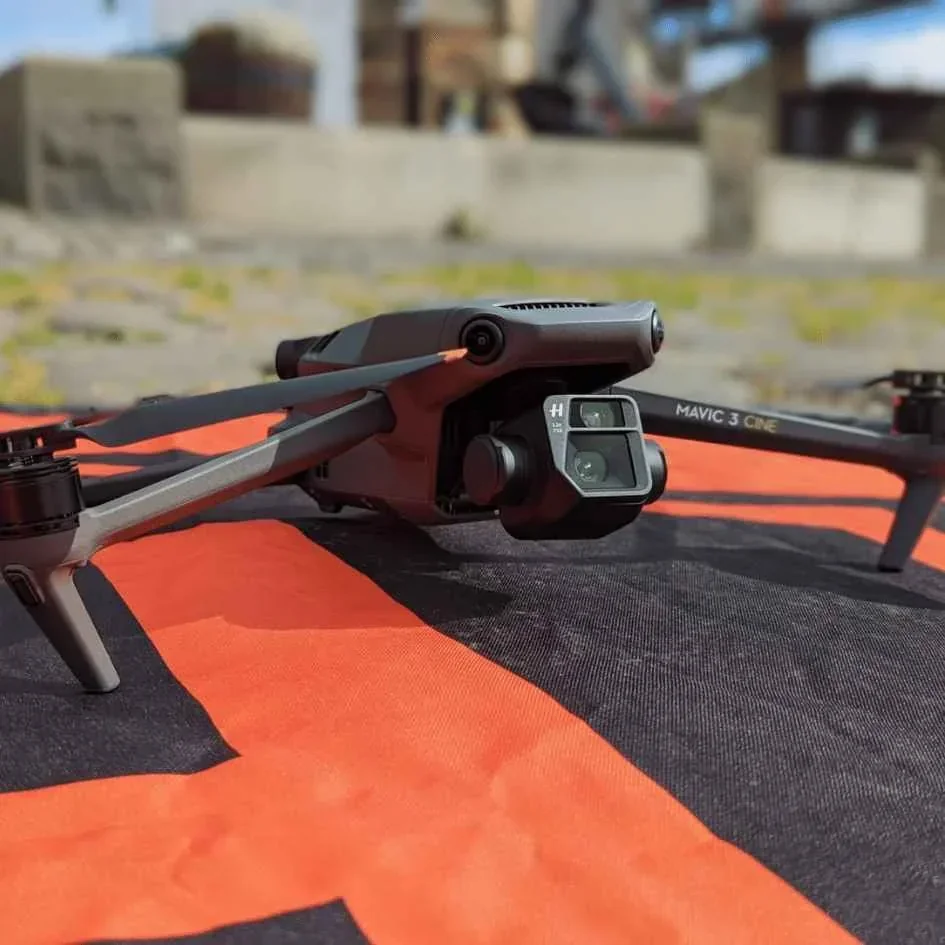
This is the part people quietly skip, so let me put it on the record. A mobile-signal blackspot does not exempt you from any rule in the Drone and Model Aircraft Code. Every one of them still binds you.
The headline obligations are unchanged. The 120 m altitude ceiling still applies. Visual Line of Sight is the cornerstone of the Open Category — you must be able to see the drone clearly with your own eyes throughout the flight, and a dropped live feed does not license you to keep flying blind. The 50 m people-buffer still scales with altitude above 50 m. Your Operator ID still needs to be labelled on the drone. Your Flyer ID still needs to be current.
From 1 January 2026, Remote ID must be switched on for UK1, UK2 and UK3 class drones. The Remote ID broadcast runs locally over radio — it does not depend on the internet, so a mobile blackspot is not a reason to turn it off or to treat it as optional.
Flying on past the point where you can see the drone because it is tucked behind a ridge is not a special case either. It is Beyond Visual Line of Sight, and the Open Category does not permit it at all. Bring the drone back if you lose sight of it, regardless of how strong your radio link still looks on the screen.
A solid pre-flight routine at home turns an off-grid job into a non-event
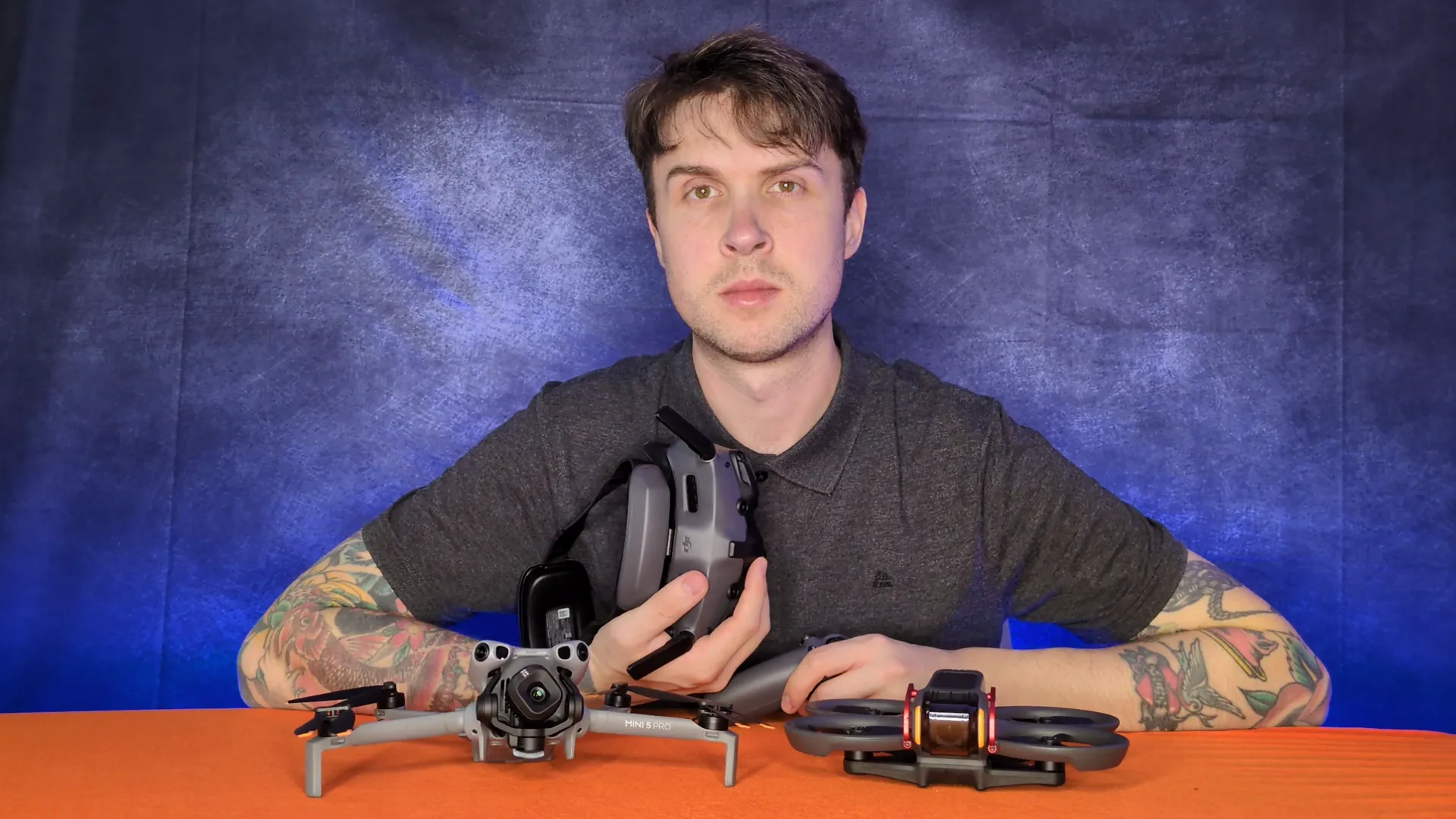
The best antidote to a patchy on-site signal is a boring, repeatable routine the night before. Mine is simple enough to run through in ten minutes on the sofa, which is precisely why it works.
Run this on your own Wi-Fi, the evening before a shoot:
- Firmware. Check the drone, the controller, and the flight app. Install anything pending. Reboot.
- Offline maps. Open the flight app, navigate to the area you are shooting, and zoom to the level of detail you will actually need. Save the tiles.
- SD card. Format in the drone — never on the laptop. Confirm free space. Drop a spare in the bag.
- Batteries. Charge the drone batteries, the controller, and the phone or tablet you will use as a display. Cold weather eats battery, so plan for fewer flights than the spec sheet suggests.
- Paperwork. If the site is anywhere near a flight restriction zone, or you need a land-owner permission, have it confirmed before you leave. Sorting that on site is how jobs get abandoned.
If you want the companion read, the question-format explainer on how drones work without Wi-Fi covers the underlying radio technology in more depth and is a useful follow-up for anyone still uneasy about the link between controller and drone.
So that is the full play. Your drone does not need Wi-Fi to fly. It needs its radio link, a prepped card, a charged battery, and a drone pilot who did the boring ten minutes of admin the night before. Everything else — firmware, maps, uploads, streaming — lives at home, not on the launch pad.
Got a specific off-grid location that has been putting you off a job — a glen without a cell tower, a stretch of coast you are not sure how to prep for? Drop a note to peter@hiredronepilot.uk and I will come back to you directly. If you prefer the video version of this explainer, the comments are open on YouTube.
References
Primary source material for this article is the UK Civil Aviation Authority. External links open in a new tab.
- UK CAA — The Drone and Model Aircraft Code (CAP2320) · VLOS requirement, 120 m altitude ceiling, 50 m people-buffer, Operator and Flyer ID duties
- UK CAA — Remote ID (RID) · local radio broadcast, mandatory from 1 January 2026 for UK1, UK2 and UK3 class drones
- UK CAA — Beyond Visual Line of Sight (BVLOS) · BVLOS requires Specific Category authorisation and is not permitted in the Open Category
- DJI — UK support portal · manufacturer guidance on firmware updates, offline maps, and media transfer
Peter Leslie
Founder & GVC Drone Pilot
Peter is the founder of HireDronePilot. With thousands of logged commercial flight hours, he writes about drone technology, commercial surveying tactics, and UK aviation compliance.
Connect on LinkedIn