How to Unbind a DJI Drone Without the Previous Owner

Peter Leslie
5 May 2026
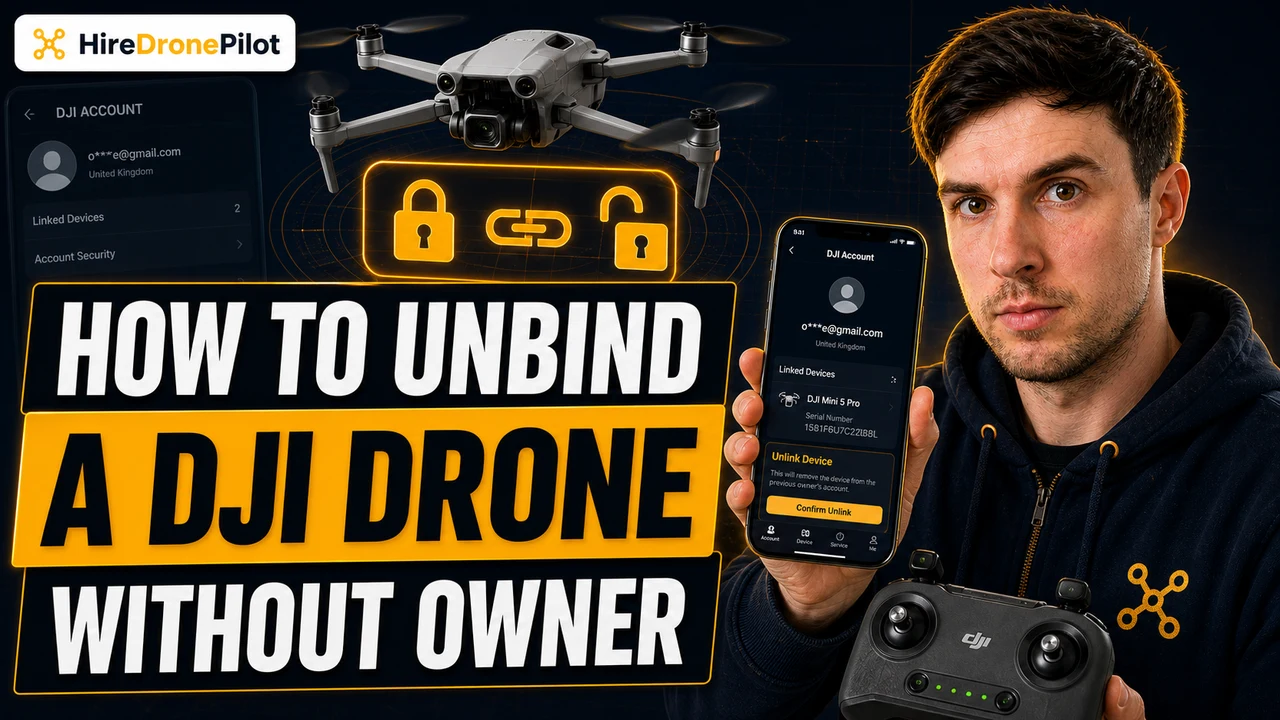
Key Takeaways
- "Binding" on a DJI drone is the link between the drone's serial number and a DJI account — it controls activation, firmware updates, DJI Care, and Find My Drone, but it does not stop the drone flying
- A factory reset wipes settings and the local pairing on the drone, but on its own it does not break the account-side binding held by DJI
- The legitimate route when the seller is unreachable is a DJI ownership transfer — proof of purchase, the original packaging photos, and a serial-number ticket through DJI Support
- If the seller is still in contact, the cleaner path is for them to deactivate the drone in DJI Fly first and then you reactivate against your account on first power-on
- There is no shortcut for stolen drones — DJI's anti-theft system is designed so a flagged serial cannot be cleanly transferred to a new account, and that is by design
You bought a second-hand DJI drone, you have the drone in front of you, and you are stuck on first power-on because it is bound to someone else's DJI account. The seller has gone quiet, or sold it on through eBay, or genuinely cannot remember the email they used three years ago. The short answer is that you do have a legitimate route forward, but it is not the one most YouTube tutorials show you. A factory reset alone is not enough, and there is no software hack — DJI's binding system is the same anti-theft system covered in our guide on whether DJI can disable a stolen drone, and that is the point of it.
This article walks through what binding actually does, what a factory reset does and does not change, the formal DJI ownership-transfer process, and the realistic paperwork commercial drone pilots should ask for from a seller before money changes hands. The worked example is the DJI Mini 5 Pro because the procedure is current and documented in the user manual, but the same flow applies to the Mini 4 Pro, Air 3S, Mavic 3, Neo, and Avata 2.
DJI binding is an account lock for activation, firmware, and Find My Drone — not a flight lock
When a DJI drone is first powered on, it activates against a DJI account through the DJI Fly app. That activation creates the binding — the DJI serial number is recorded against that account in DJI's backend, and from then on the account holder controls everything DJI-side: firmware updates, DJI Care Refresh, Find My Drone, warranty status, and any saved drone flight logs. None of that controls whether the motors spin. The drone still flies. It is the software-supported half of the ecosystem that is locked.
Practically, a bound drone whose previous owner is unreachable will refuse to pair fresh with a new DJI account in DJI Fly until either the previous account releases the binding or DJI does it for you on the back end. You will see prompts that ask you to log in with the original account, or warnings that the drone is already activated. This is the same lock that runs through DJI's Remote ID serial number framework — every drone is unique, traceable, and tied to whoever first activated it.
From a drone pilot's perspective the takeaway is simple. Binding is not piracy protection — it is anti-theft and account-tracking infrastructure. Treat it as paperwork that needs unwinding, not a copy-protection scheme to crack. There is no firmware exploit and no third-party tool that legitimately removes the binding without going through DJI.
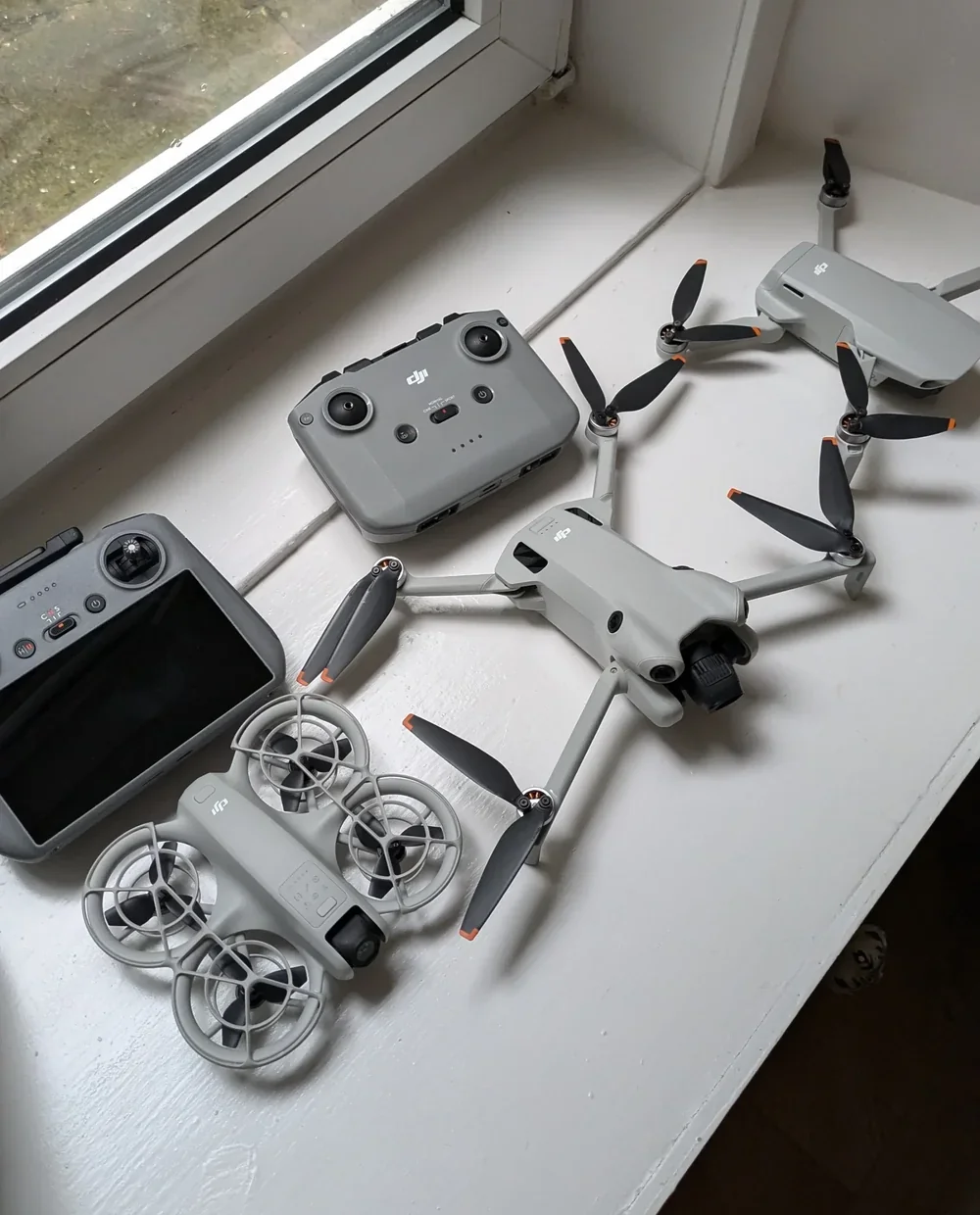
A factory reset wipes the drone — it does not unwind the account-side binding
This is the bit most second-hand buyers get wrong. A factory reset on a modern DJI drone — done from inside DJI Fly, the same procedure documented in the DJI Mini 5 Pro user manual at section seven — clears the drone's local state. It wipes settings, pairing with the remote, gimbal calibration, IMU and compass calibration, the home point, custom button assignments, and the local copy of the account binding. What survives, and this is the catch, is the server-side record at DJI that the drone is still activated against the previous owner's account.
You can confirm this in practice. Run the in-app reset on a second-hand DJI drone, watch it reboot, then try to activate it against a fresh DJI account through the Connection Guide. DJI Fly will frequently still flag the serial as already bound and prompt for the previous account email. The local wipe completed. The remote record did not.
A factory reset is the right move after the account-side transfer is sorted — the same way the procedure is laid out in our DJI Neo 2 factory reset walkthrough. It is the cleanup step before activation, not the unbinding step. Run it before you contact DJI Support and you have given up nothing; run it expecting it to be the whole solution and you are still stuck on first activation.
What the factory reset on a DJI Mini 5 Pro actually does
The DJI Mini 5 Pro user manual lists the procedure in §7.7 Troubleshooting Procedures, item five: use the DJI Fly app to reset to factory default settings. The same procedure runs across the modern DJI consumer line — the Mini 4 Pro, the Air 3S, the Mavic 3 series, the Neo, and the Avata 2 all use a DJI Fly–driven reset, with the button buried at the bottom of the System tab in the camera-view settings.
It clears the local link to whichever account most recently logged in on the drone. That is enough for a clean handover when the seller deactivates first. It is not enough when the seller never deactivated and is no longer reachable. The deciding factor is what is on DJI's servers, not what is on the drone itself.
If the seller is still reachable, the cleanest fix is account-side deactivation in DJI Fly
Before you spend a fortnight on the formal transfer route, message the seller one more time. The cleanest unbind path is not yours to run — it is theirs. The seller logs into DJI Fly with the account the drone is bound to, runs the in-app deactivation through Account Settings, and the binding is released server-side. You then plug in, run the activation flow with your own account, and the drone pairs against you on first power-on.
Most second-hand listings die at this point because the seller does not realise they own a step in the handover. A short, polite message with the exact wording — "can you log into DJI Fly with the account the drone was first activated against, go to Account → Aircraft → Unbind, then confirm to me when it is done" — clears the problem in minutes if the seller is willing. If the seller has lost the email and password but had a real DJI account, DJI's account recovery flow is the next escalation, not your problem to fix yourself.
Peter's tip
If you are buying second-hand and the seller is responsive, ask them to deactivate the drone in DJI Fly before they post it. I have had a Mini 4 Pro turn up where the seller had already done that — the drone activated against my account on first power-on with no DJI Support ticket, no proof-of-purchase chain, no twelve-day wait.
Five minutes for the seller. Five days saved at your end. Worth more than any price haggling.
The formal DJI ownership-transfer process is the route when the seller cannot help
When the seller is genuinely unreachable, DJI runs an ownership-transfer process through their support channel. It is not advertised loudly, but it exists, and DJI Care customer service is the right contact point. You will need three things bundled into a single support ticket: the drone's serial number, photographic proof of purchase, and photos of the original packaging and any included accessories. The proof of purchase does not have to be the original sale receipt to DJI — a clear second-hand sale record (eBay invoice, bank transfer reference, marketplace screenshot showing your name and the date) is what they are checking.
DJI's support team manually reviews the case. If the documentation holds together, they release the binding from the previous account on the back end and instruct you to factory reset the drone and run the activation flow against your own DJI account. The realistic timeline is roughly seven to fourteen working days depending on case volume — slower around DJI product launches, faster outside them.
There is one outcome to be ready for. If the serial number has been flagged on DJI's stolen-drone register by a previous owner, the support agent will not transfer the binding. They will refer you to law enforcement, and from your end the second-hand purchase will need to be resolved through the seller you bought from, not DJI. This is the same anti-theft logic explained in our DJI disable stolen drone piece — flagged serials are designed to be impossible to clean up by third-party transfer, and that protection is what makes the whole binding model work.
Ask the seller for these three things in advance and you avoid the whole problem
If you have not bought yet, the prevention is cheaper than the cure. Three pieces of paperwork to insist on before money changes hands. The original purchase receipt — the DJI invoice or retailer receipt showing the seller's name and the drone's serial. Confirmation of the seller's DJI account email — the address they will deactivate from. A short message confirming they will run the in-app deactivation in DJI Fly before posting. If the seller refuses any of those three, the price needs to drop sharply or the deal walks.
For commercial buyers there is a fourth: a written statement that the drone has not been reported lost or stolen and that DJI Care has not been claimed against on a damaged unit subsequently sold on. That statement is what protects you if a flagged serial turns up on the support transfer ticket weeks later. Pair it with the serial-number check from our DJI Neo 2 serial number guide — the procedure for finding the serial is identical across the modern DJI line, and you want to verify it on the drone before you pay.
It is worth saying clearly. None of this paperwork stops the drone flying once you are activated. What it stops is the four-figure decision to buy a second-hand drone that turns out to be locked out of DJI services, ineligible for repair, and unable to receive firmware. That is the loss the binding system is designed to expose, and the paperwork is what flips you onto the right side of it.
There is no shortcut for stolen drones — that is the design, not a bug
If the drone was stolen at some point in its life, the binding system is doing exactly what it was built to do. DJI's stolen-drone flag sits on the serial number, follows the drone through every account-side transfer attempt, and refuses transfer requests until the flag is cleared by the registered original owner or by law enforcement. There is no firmware tool that removes it, no third-party service that brokers around it, and DJI Support will not transfer a flagged drone to a buyer regardless of what proof of purchase is presented.
For UK buyers there is a second layer to think about. The drone will carry the previous registered Operator ID on its outer label until you replace it with your own. Until that label is updated, any unlawful flight using the drone traces back to the previous owner — and any inquiry the CAA opens runs at the wrong person. Whether the binding is yours or not, the Operator ID label has to come off before the drone flies again.
If the support ticket comes back with a stolen flag, the right next step is the police, not another DJI escalation. Get the crime reference, ask the seller to produce a clean chain of ownership through the original report, and treat the drone as evidence rather than as a flying tool until that is resolved. Our explainer on police powers over drones covers what officers can and cannot do when a stolen DJI drone surfaces. The full UK-side framework for handling that situation is laid out in the Drone and Model Aircraft Code and the broader UK regulatory framework.
So the headline answer to "how do I unbind a DJI drone without the previous owner". Run the factory reset, but understand that on its own it does not finish the job. The real fix is a DJI ownership-transfer ticket with proof of purchase, packaging photos, and the drone's serial number. The cleaner fix is to talk the seller through a five-minute in-app deactivation before they ship. The paperwork to insist on before purchase is the receipt, the seller's account email, and a written confirmation they will deactivate. There is no software hack, and there is no shortcut for a stolen drone — both because the system is designed that way.
Got a specific second-hand DJI scenario — a particular model, a flagged serial, a seller who has gone genuinely silent? Drop a note to peter@hiredronepilot.uk and I will come back to you directly. For the broader regulatory backdrop on owning and registering a drone in this country, our UK drone laws hub is the place to go next. If you prefer the video version of this explainer, the comments are open on YouTube.
References
Primary sources for this article are the DJI Mini 5 Pro User Manual (2025) and the UK Civil Aviation Authority. External links open in a new tab.
- DJI — Mini 5 Pro User Manual and Quick Start Guide · §1.1 Activation (DJI account binding on first power-on) and §7.7 Troubleshooting Procedures item 5 (factory reset via DJI Fly)
- DJI Support — ownership transfer and stolen-drone reporting · official channel for raising an ownership-transfer ticket and confirming flagged-serial status
- UK CAA — The Drone and Model Aircraft Code (CAP2320) · Operator ID labelling requirement for any UK drone with a camera
- UK CAA — UK Regulatory Framework for Drones · ANO 2016 and the UAS Regulations governing operator registration and traceability
Peter Leslie
Founder & GVC Drone Pilot
Peter is the founder of HireDronePilot. With thousands of logged commercial flight hours, he writes about drone technology, commercial surveying tactics, and UK aviation compliance.
Connect on LinkedIn
