DJI Remote ID and Serial Number: What Each One Is and Why It Matters

Peter Leslie
12 Sept 2025
Key Takeaways
- A serial number is a hardware identifier stamped on every drone by the manufacturer — it never changes, it is unique to that one drone, and DJI uses it for warranty and repair
- A Remote ID is a CAA-issued identifier that your drone broadcasts during flight — one Remote ID covers every drone registered to your Operator ID
- The two are different things that look similar in a menu — the serial number identifies the drone, the Remote ID identifies you as the registered operator
- Under the UK rules, Remote ID broadcasts the Operator ID, the drone's serial number, its live position and altitude, its route, your position, and emergency status
- From 1 January 2026, Remote ID is mandatory for UK1, UK2, UK3, UK5, and UK6 class drones — from 1 January 2028 it becomes mandatory for almost everything else
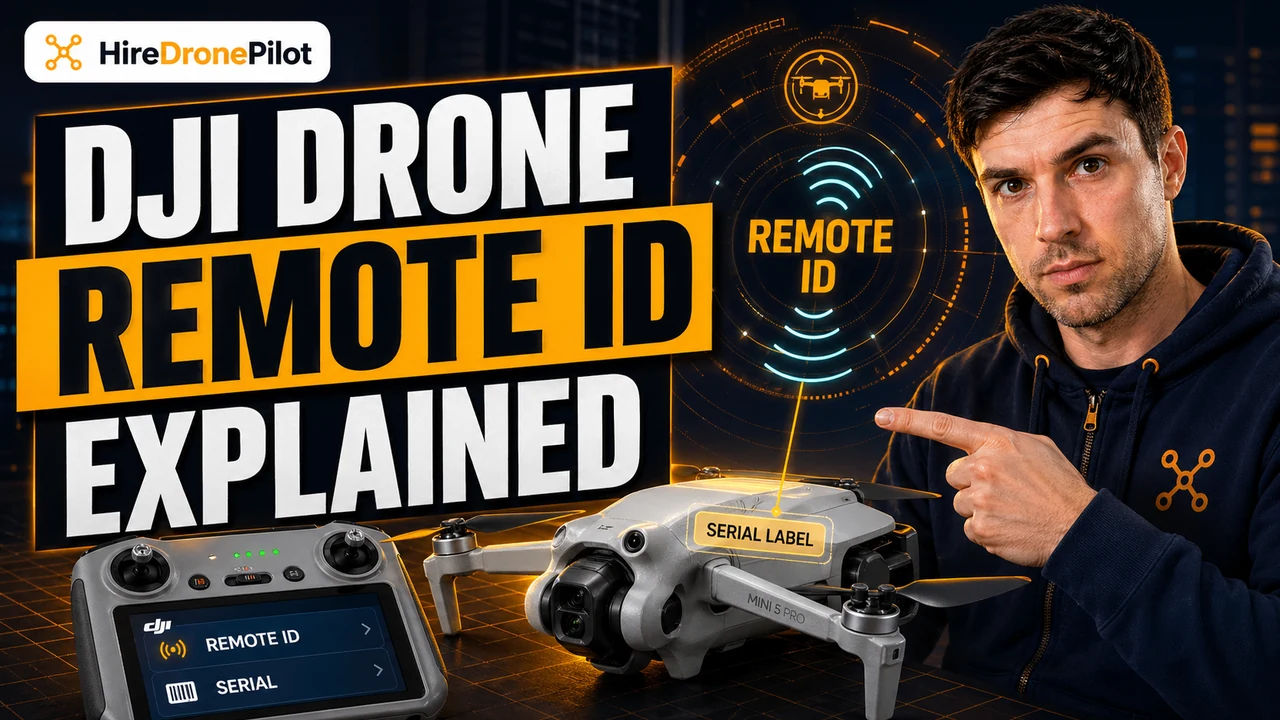
Two numbers, similar at a glance, completely different in what they actually do. The serial number is the hardware identifier stamped on your drone by DJI at the factory. The Remote ID is the identifier issued to you by the UK Civil Aviation Authority that your drone broadcasts in flight as of 1 January 2026. Confusing one for the other is one of the most common mistakes UK drone pilots now make when they first set up a new drone under the current UK rules.
This article walks through each one in turn, explains where to find both on a DJI drone, and lays out what the UK Remote ID regime actually requires under the rules that hardened in January 2026.
A serial number is the hardware identifier stamped on every drone by the manufacturer, and it is unique to the individual drone
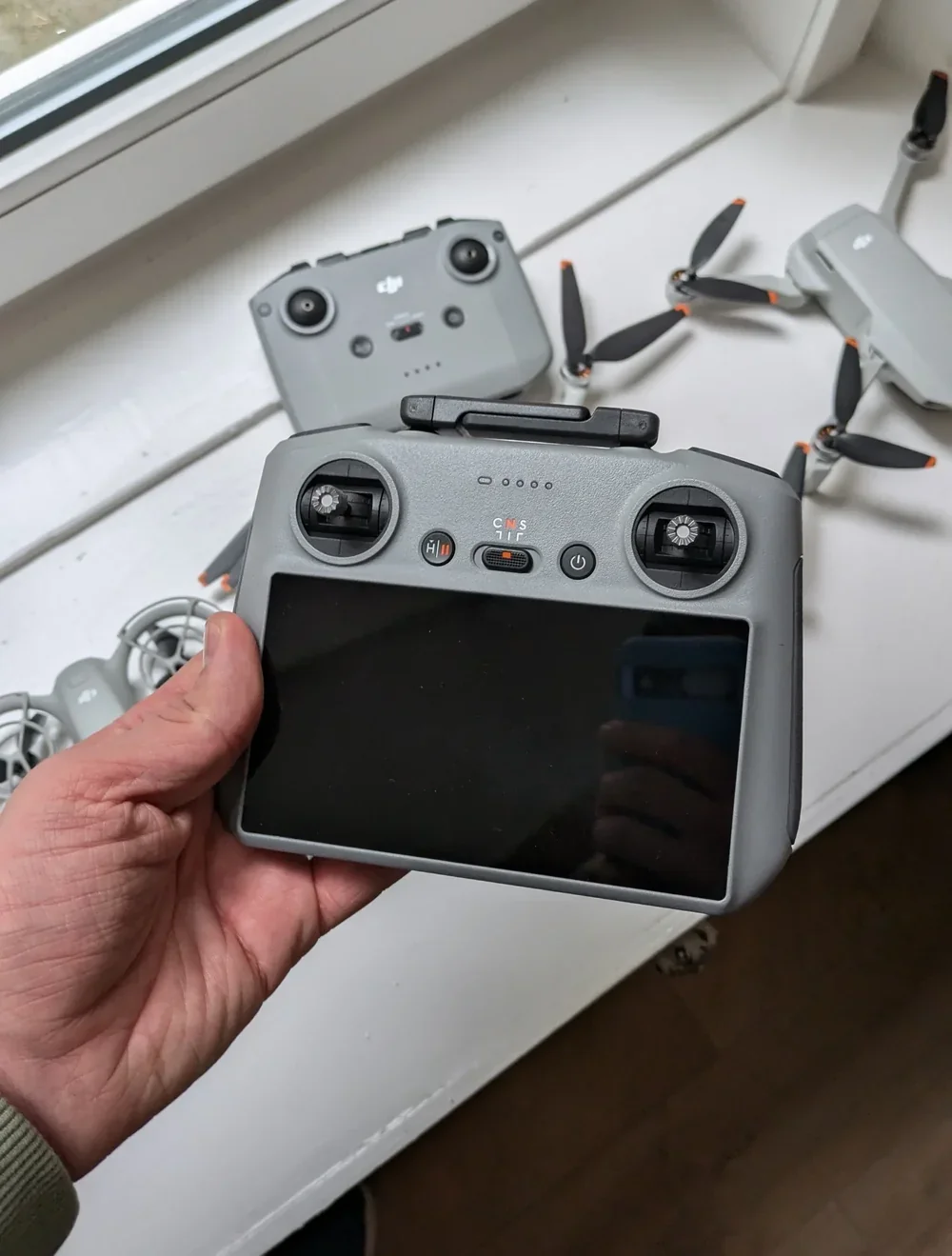
Every DJI drone has a serial number — a string of letters and digits DJI assigns at the factory, printed physically on the drone, often inside the battery compartment, and visible in the flight app under About. The serial number is permanent. It does not change when the drone is sold, repaired, or updated.
DJI uses the serial number for warranty claims, Care Refresh binding, firmware activation, repair tracking, and customer support. If you ever report a stolen drone to DJI or to the police, the serial number is the single most valuable piece of information you have — more on that in our guide to police powers over drones.
For the Remote ID picture it plays one other role. Under the UK broadcast standard, the drone's unique serial number is one of the data fields transmitted during every flight. It is how a receiving device or an enforcement authority can uniquely identify the specific drone overhead — separate from the Operator ID, which identifies the person responsible for it.
A Remote ID is the CAA-issued identifier your drone broadcasts in flight, and it links the drone to you as the registered operator
Remote ID is the UK's answer to a simple enforcement problem: until recently, there was no way for an airspace user, a police officer, or a security team to reliably identify a drone in flight and connect it back to the person responsible. The Remote ID framework changes that by requiring the drone to broadcast a data packet any nearby receiver can read.
The Remote ID itself is a number the CAA issues when you register as an operator. Every registered operator receives one. The same Remote ID covers every drone you register under that Operator ID. You view it in the My registration area of the CAA's online portal.
It is worth emphasising: the Remote ID is not a serial number and it is not the same as the Operator ID. Three different identifiers, three different purposes. The Operator ID goes on the outside of the drone as a physical label. The serial number identifies the hardware. The Remote ID is the broadcast identifier that gets transmitted live during flight. If your drone does not have a Flyer ID holder listed against it as well, you have an earlier problem to solve.
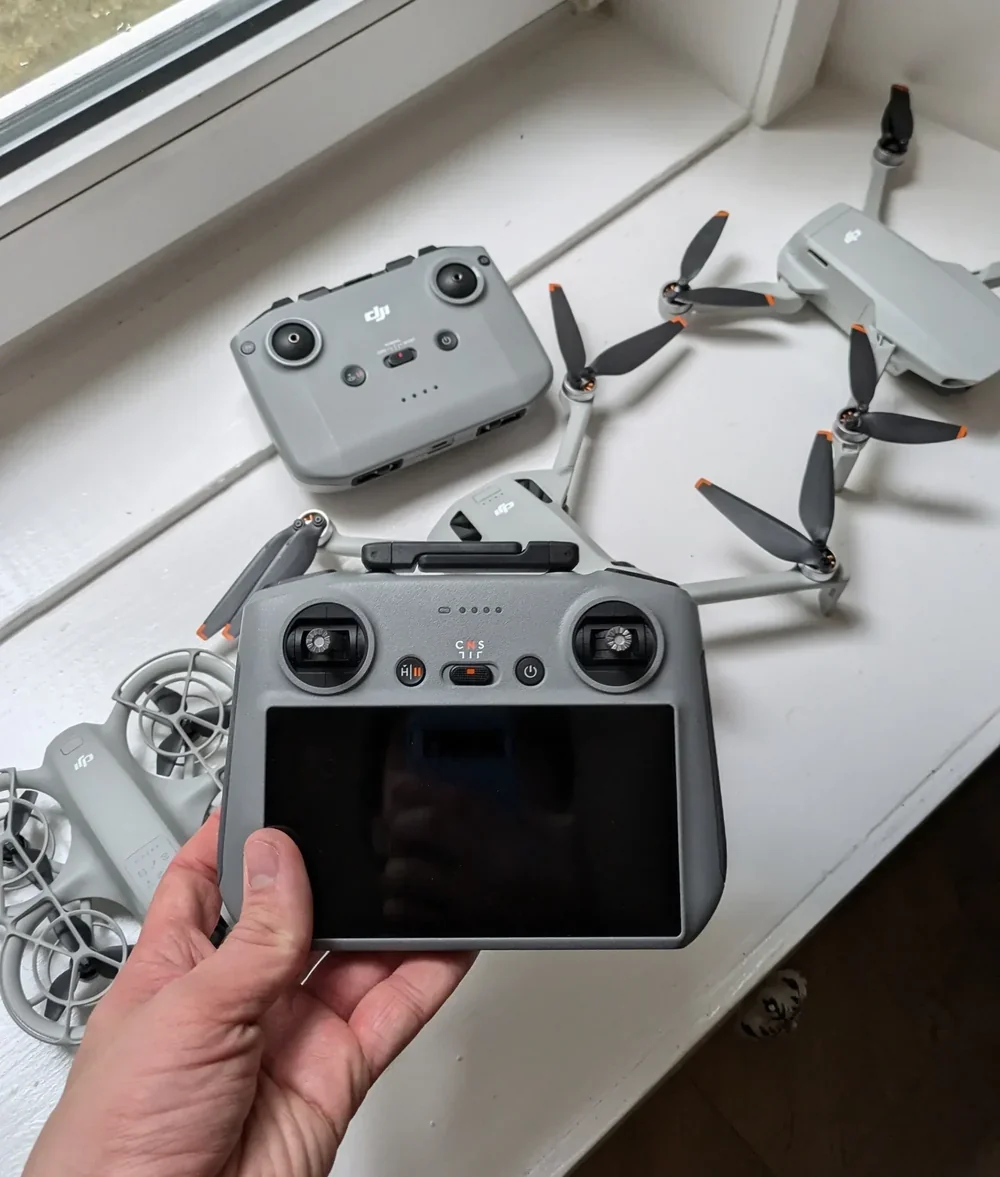
The Remote ID number has a specific format, and the last three characters are a private key you must protect
The CAA's Remote ID number is case-sensitive and has a defined format. It starts with a three-character country identifier in uppercase — GBR for the United Kingdom. Then a 12-character public part of mixed lowercase letters and numbers. Then a single checksum character. And then a three-character private key at the end.
The CAA example they publish is GBRgc284pmztcrt7/b2ot — the last three characters being the private key.
Those last three characters deserve serious attention. They are your private key, and the CAA is explicit about how to handle them. Treat them like a PIN. Never write them on the drone itself. Never share or document them. If you suspect exposure, contact the CAA's drone registration team at drone.registration@caa.co.uk. If you ever sell the drone, delete the Remote ID from the device following the manufacturer's instructions before handover.
Your Remote ID is case-sensitive. The last three characters are a private key — treat them like a bank PIN.
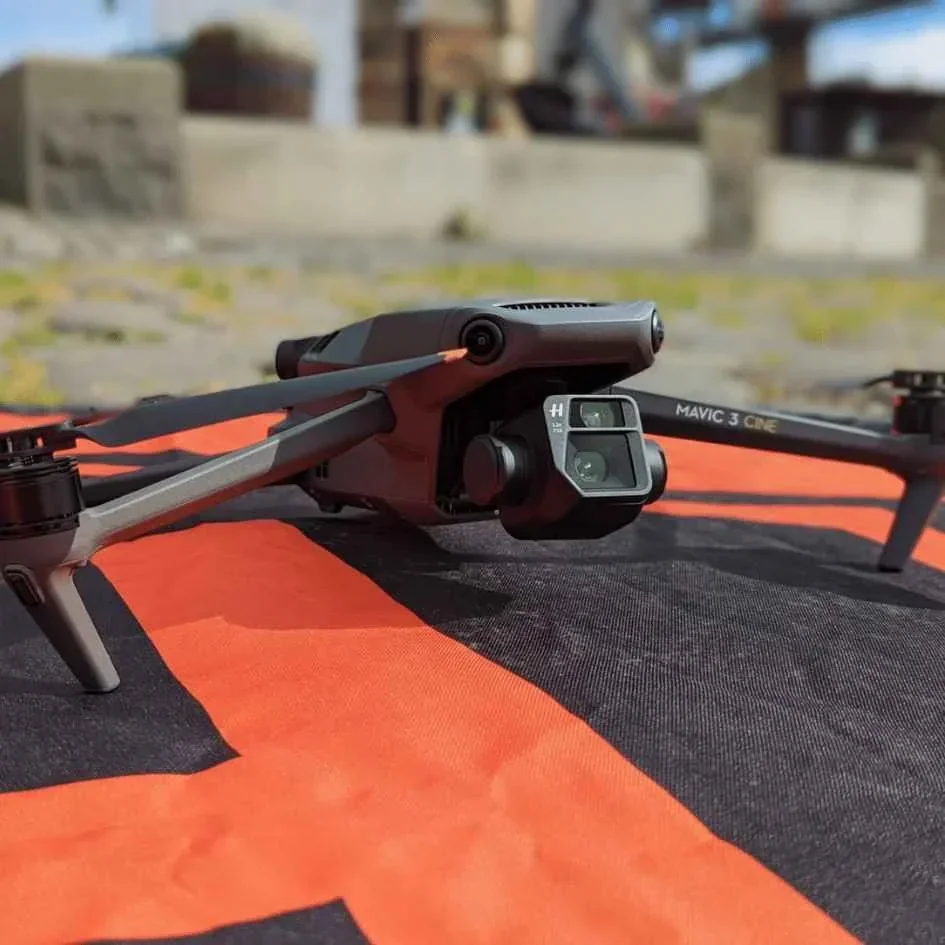
Remote ID broadcasts a fixed set of data fields during every flight — and your personal details are not among them
A common concern is that Remote ID transmits home addresses and phone numbers to anyone with a receiver. That is not what the UK rules require. The data broadcast during a flight is defined precisely, and it is technical information about the drone, not personal information about the drone pilot.
Per the CAA's Remote ID page, every flight broadcasts: your Operator ID, the drone's unique serial number, the drone's position and height above the surface or take-off point, the drone's route course, the remote pilot's geographical position, and an emergency status indicator such as a low-battery warning. The broadcast does not include personal identifying information — name, address, phone number, or account details.
Only the CAA and authorised organisations can link an Operator ID back to a person. For members of the public who pick up the broadcast with an app, what they see is a drone identifier and a position, not a name.
Serial number versus Remote ID at a glance
| Attribute | Serial number | Remote ID |
|---|---|---|
| Issued by | DJI (manufacturer) | UK CAA |
| Scope | Unique to a single drone | Covers every drone under one operator |
| Where it lives | Drone label, flight app, DJI backend | My registration area of the CAA portal |
| Primary purpose | Warranty, repair, theft tracking | In-flight broadcast to enforcement and airspace users |
| Private key | No | Yes — final 3 characters |
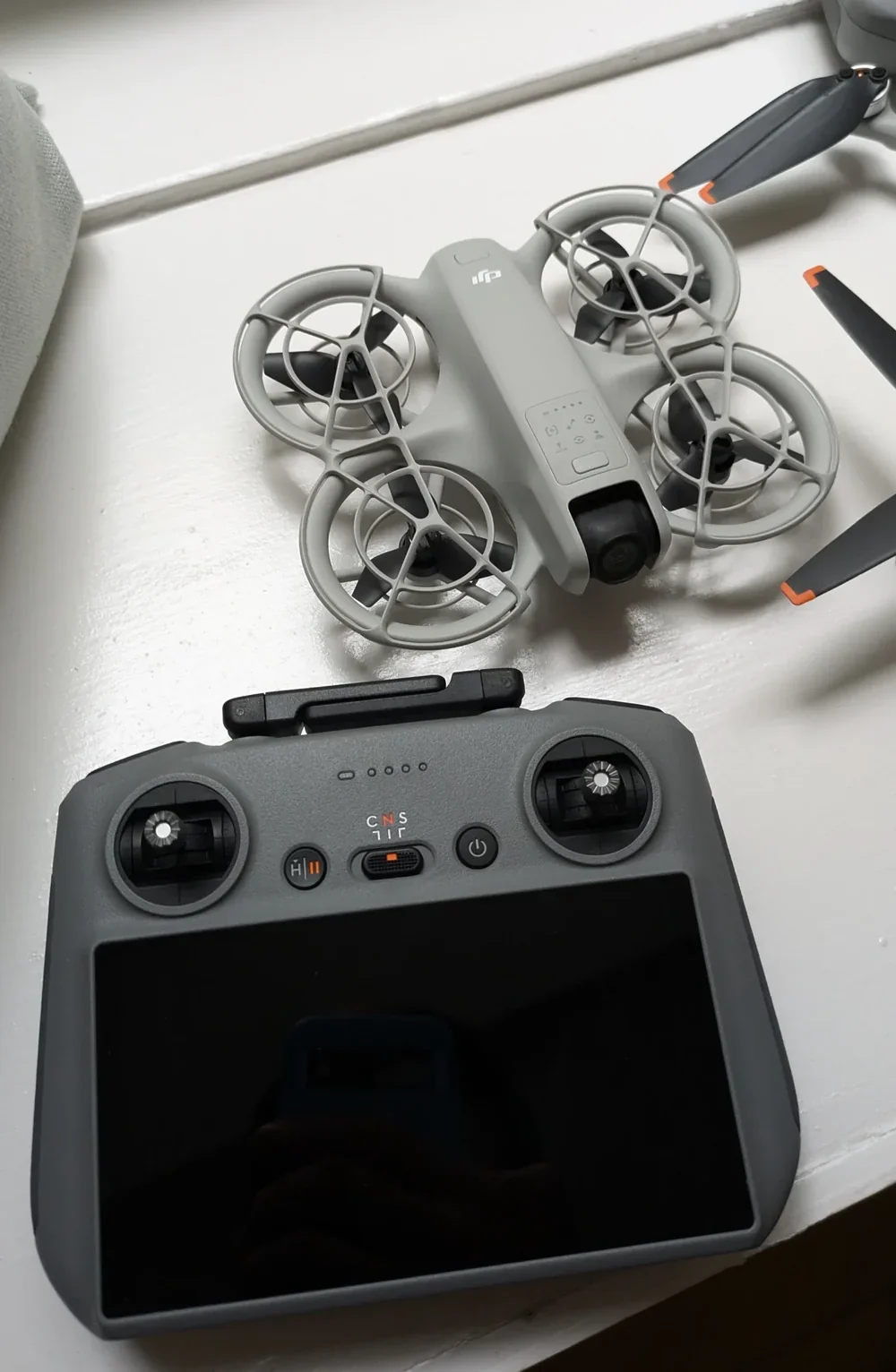
UK Remote ID is mandatory for UK1, UK2, UK3, UK5, and UK6 from 1 January 2026, and for almost every other drone from 1 January 2028
The mandatory activation dates are now baked into the UK framework. From 1 January 2026, Remote ID must be activated and broadcasting whenever you fly any UK1, UK2, UK3, UK5, or UK6 class drone. Most commercial DJI drones — Mavic 3, Mavic 4 Pro, Matrice, Mini 4 Pro at UK1 — fall squarely inside that window.
From 1 January 2028, Remote ID becomes mandatory for everything else except where a specific CAA exemption applies. That includes UK0 drones weighing 100g or more with a camera, UK4 model aircraft, legacy drones weighing 100g or more with a camera, and privately built drones weighing 100g or more with a camera. For sub-250g drones specifically, our sub-250g rules guide covers the weight-threshold picture in full.
In practical terms: if you are buying a new DJI drone today, it almost certainly falls under the January 2026 rule. Set up Remote ID as part of first-flight commissioning, not later. The activation normally happens automatically the first time the drone is bound to a user account, because modern DJI drones include Remote ID hardware by default and prompt you to enter the CAA-issued number during initial setup. For the full regulatory picture, our Remote ID update explainer is the hub article. For enforcement context, identifying a drone operator covers how the broadcast data is actually used.
The short version for drone pilots setting up a new DJI drone. The serial number is already on your drone and in the DJI app — record it somewhere safe. The Remote ID comes from your CAA My registration area and is entered during first-flight setup. Keep the private key off the drone itself. And under the UK rules in force since January 2026, Remote ID is switched on for every commercial DJI drone you fly.
Got a specific identifier question, a borderline case, or a setup that is not behaving? Drop a note to peter@hiredronepilot.uk and I will come back to you directly. If you prefer the video version of this explainer, the comments are open on YouTube.
References
Primary source material for this article is the UK Civil Aviation Authority. External links open in a new tab.
- UK CAA — Remote ID (RID) · mandatory dates, number format, broadcast data, private key handling
- UK CAA — The Drone and Model Aircraft Code (CAP2320) · Operator ID labelling, Remote ID activation (rule 32), class marks
- UK CAA — UK Regulatory Framework for Drones · Air Navigation Order 2016 and UK Regulation (EU) 2019/947 (Remote ID legal basis, page 45)
- DJI Support — serial number, warranty, Care Refresh · manufacturer processes that use the hardware serial number
Peter Leslie
Founder & GVC Drone Pilot
Peter is the founder of HireDronePilot. With thousands of logged commercial flight hours, he writes about drone technology, commercial surveying tactics, and UK aviation compliance.
Connect on LinkedIn