How To Check A DJI Drone Serial Number

Peter Leslie
19 Apr 2026
Key Takeaways
- The fastest way to check a DJI drone serial number is inside the DJI Fly app: connect the drone, tap the three-dot menu, tap About, and read the Aircraft SN line
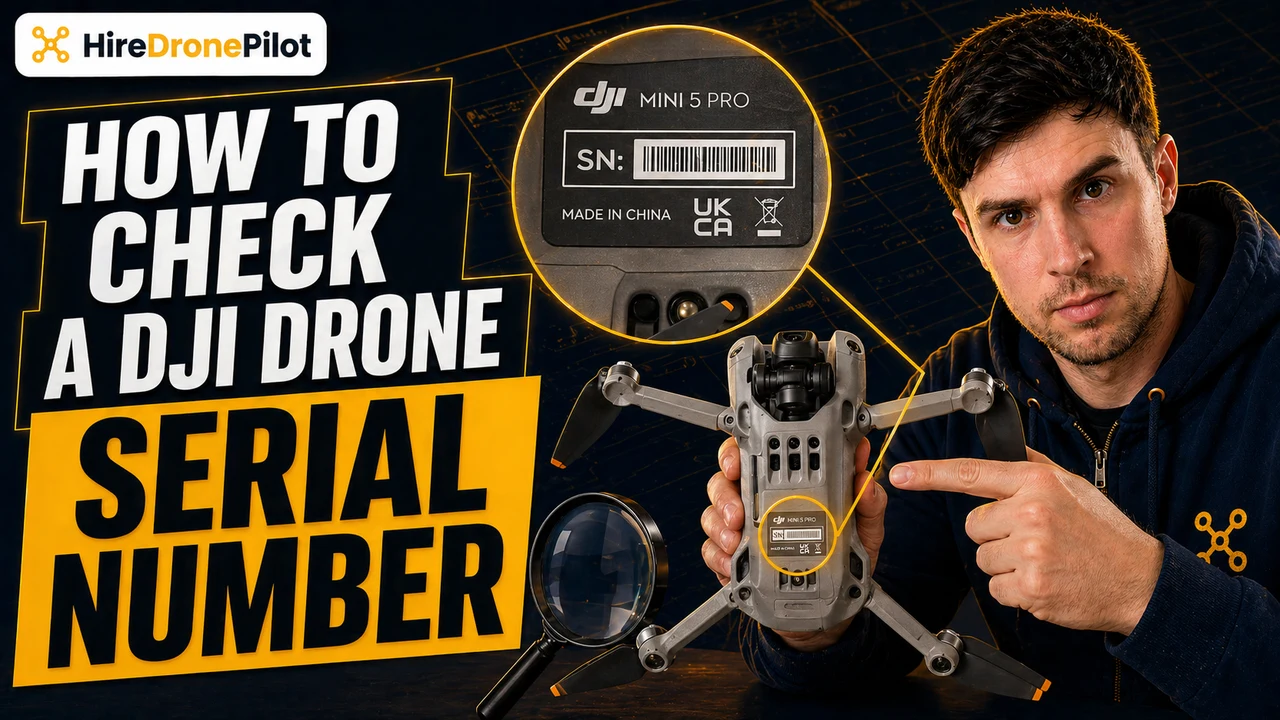
- Every DJI drone also has the serial number printed physically on the body, usually inside the battery compartment, under the battery, or stamped on the main chassis
- Your DJI account at account.dji.com, the box barcode, and the original purchase receipt all carry the same serial number — useful when the drone is not in your hands
- The DJI serial number is a hardware identifier, different from your Remote ID and your Operator ID, which are both issued by the UK Civil Aviation Authority
- Record and photograph the serial number before your first flight — it is the number DJI, the police, and your insurer all need if the drone is stolen
A DJI drone serial number is a string of sixteen to twenty letters and digits that DJI stamps onto the hardware at the factory. It is the single most valuable piece of information you own about your drone, and you will need it the first time you make a Care Refresh claim, register a warranty, file a stolen-drone report, or confirm that a second-hand unit is genuine before you hand over any money.
The good news: DJI puts the serial number in four different places, so you are never more than a couple of taps from finding it. This guide walks through each one in turn, explains how the serial number differs from your Remote ID and your Operator ID under the current UK drone rules, and covers what commercial drone pilots should do with the number the moment they unbox a new drone.
| What you have | Where to check | |
|---|---|---|
| Drone and phone, app connected | DJI Fly app, three-dot menu, About | Jump to steps |
| Drone in your hands, no phone | Physical label on the drone body | Jump to steps |
| Drone missing or already sold | DJI account, box barcode, receipt | Jump to steps |
| Someone else's drone overhead | Remote ID receiver app | Jump to steps |
A DJI drone serial number is a hardware identifier, and it is not the same as your Remote ID or Operator ID
DJI assigns the serial number at the factory, and it stays with that specific drone for the rest of its life. Sell the drone, repair the drone, update the firmware, or move it to a new account and the serial number does not change. It is the unique hardware fingerprint DJI uses for every warranty claim, every Care Refresh binding, every firmware activation, every service ticket, and every theft report.
This is where most first-time owners get confused. A modern DJI drone flown in the UK carries three different identifiers, and the serial number is only one of them. Your Operator ID is a ten-character code issued by the Civil Aviation Authority when you register the drone. Your Remote ID is a longer CAA-issued number the drone broadcasts over short-range radio during every flight. The serial number is a different thing again — factory-issued, hardware-only, and DJI's job, not the CAA's.
If you are still working out which number goes where, our companion guide to DJI Remote ID versus serial number walks through the distinction in more detail. The short version: the Operator ID goes on a physical label on the outside of the drone, the Remote ID is viewed in the CAA portal, and the serial number is what we are finding here.
The fastest way to check is inside the DJI Fly app under About
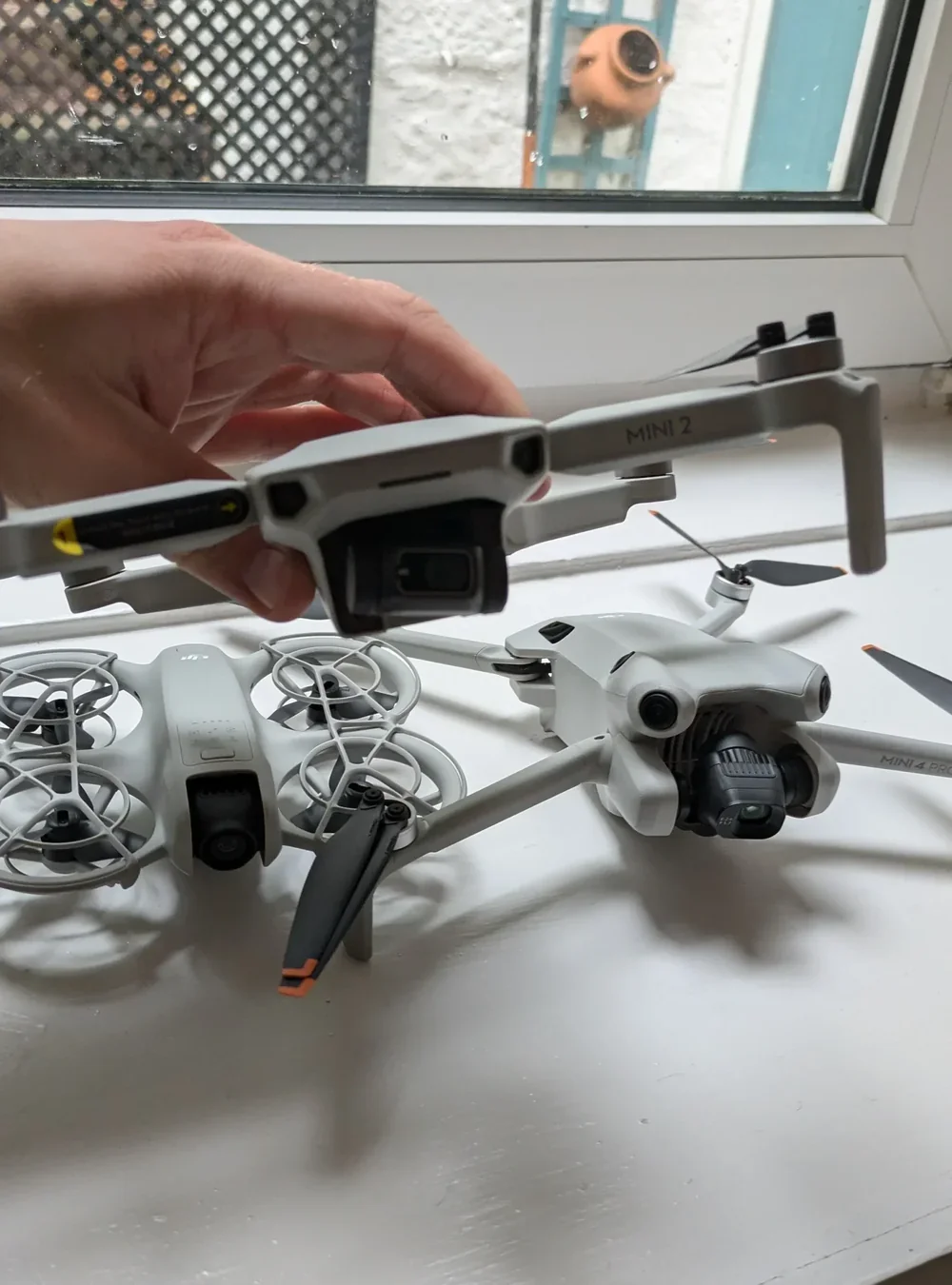
If the drone is in front of you and your phone is paired, the app is the quickest route to the serial number. Every current DJI drone running the DJI Fly app exposes it on the same screen, and the number you see here matches the one printed on the hardware exactly.
Power on the drone and the controller, and wait for the connection
Power on the drone first, then the controller, then open DJI Fly on your phone. Wait until the app shows a connected status in the top bar and the live camera view has loaded. If the connection drops, the About screen will show empty fields.
Open the three-dot menu and tap About
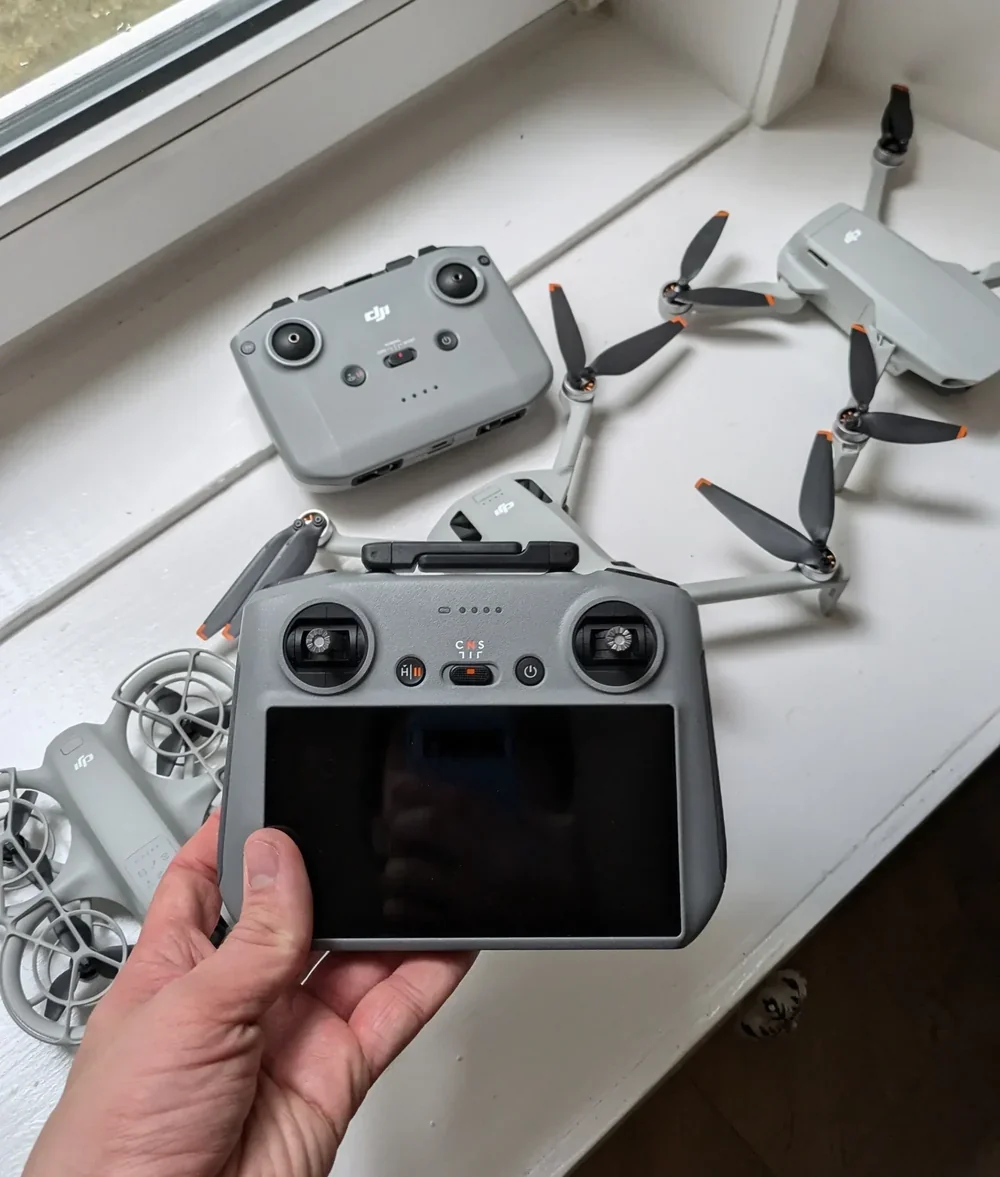
From the camera view, tap the three-dot menu in the top-right corner. Scroll down the settings list and tap About. The screen that opens lists firmware versions, activation status, and — the line you want — Aircraft SN. That is your drone's serial number.
Tap and hold the Aircraft SN field to copy the value
Tap and hold the serial-number value. On most current DJI Fly builds this triggers a copy action, and you can paste the serial straight into a password manager, an email to DJI support, or a spreadsheet row. No re-typing, no transcription errors.
Peter's tip
Do not transcribe a DJI serial number by eye. The string is long, it mixes the letter O with the digit 0, and it mixes the letter I with the digit 1. A single character wrong and the DJI support portal will refuse the warranty claim.
I have had this happen twice — both times on a claim that was otherwise perfectly valid. Copy from the app, or photograph the label. Never type it out by hand.
Every DJI drone also has the serial number printed physically on the body
The hardware label is the authoritative source. If the app shows a different number, the hardware label is the one DJI support will trust, because it is the number stamped during manufacturing and checked against DJI's production database.
The exact location varies by model, but three rules cover almost every current DJI drone. On compact drones — the Mini and Neo ranges — lift the battery out of the battery compartment and the serial label is usually printed on the inside of the bay, under the battery. On folding consumer drones — the Mavic and Air ranges — the label is often printed on the main chassis under the battery, on the arm, or inside the battery-release channel. On larger commercial drones — the Matrice and Inspire ranges — the label is typically stamped on the main body near the USB-C or gimbal port.
Power the drone off and remove the battery
Slide or press the battery release and remove the battery cleanly. Do not force it. On smaller drones, the battery itself will also carry a separate serial number for warranty purposes — that number is not the drone's own serial, so do not confuse the two.
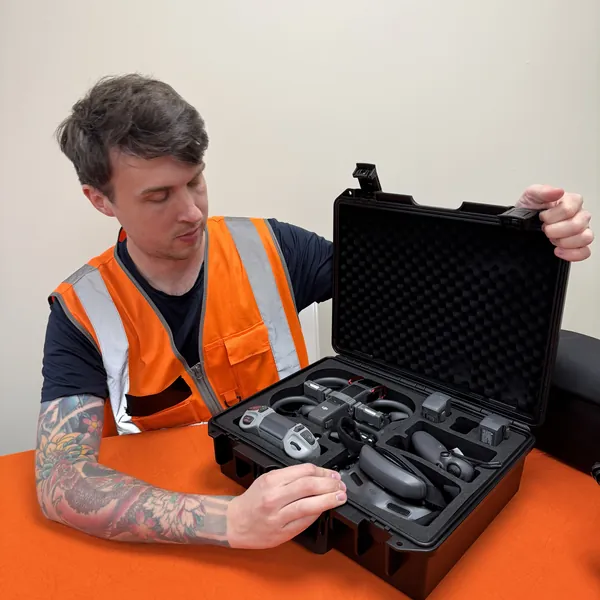
Look inside the battery compartment for the printed label
The label is small — usually around one centimetre wide — and it will carry the serial number alongside other factory codes (the FCC ID, the IC ID, the model number). The serial is the longest string. Tilt the drone toward a light source if the printing is faint.
Photograph the label in macro mode before you reinstall the battery
Use your phone camera in macro or portrait mode and take two photos — one overview and one close-up. Save them somewhere that is not on the drone itself. That photograph is now your permanent backup if the drone is ever lost or stolen.
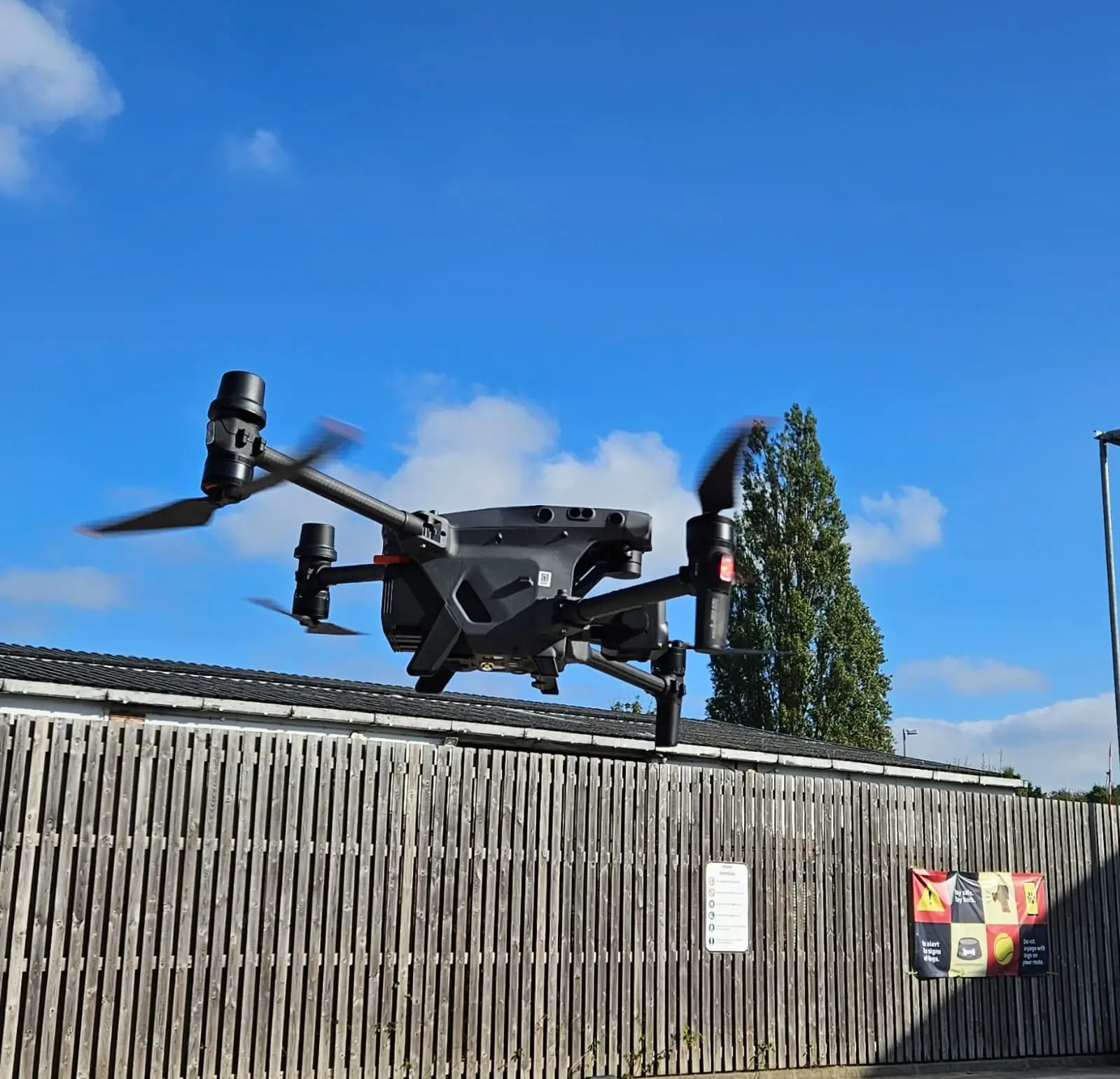
Peter's tip
Photograph the serial label the day you unbox the drone, before the first flight. Once the drone is in a case, bouncing around in a van, or getting wet on site, that small printed label starts to wear down. I have picked up a second-hand Mavic where the serial label was rubbed off completely, and retrieving the number then is a much slower DJI support process than it is on day one.
Your DJI account and the original packaging store the same serial number when the drone is not in your hands
Sometimes you need the serial number and you cannot get to the drone — the most common case is when the drone has been stolen. DJI stores the number in two places that survive the drone going missing: your online account and the original box barcode.
The online route is account.dji.com. Sign in, open My Products, and every drone you have ever activated against that account is listed with its serial number next to it. If you set up a Care Refresh plan for the drone, the binding page will carry the serial too. The record persists even if the drone itself has left your possession.
The offline route is the original packaging. Every DJI retail box carries a sticker with a barcode and a human-readable serial. If you kept the box — and commercial drone operators should — the sticker survives every battery change and every firmware rollback. The original purchase receipt from a DJI Store order, an Amazon order, or an authorised dealer also carries the same number on the confirmation email.
Your drone broadcasts that same serial number every second during flight as part of Remote ID
There is one more place the serial number turns up, and it is not a place you need to go looking for. Since 1 January 2026, Remote ID is mandatory on every UK1, UK2, UK3, UK5, and UK6 class-marked drone — which covers almost every current commercial DJI drone sold in the UK. Remote ID makes the drone shout its own registration data into the air during every flight, and the data packet includes your Operator ID, the drone's live position, the Remote Pilot's position, and the drone's unique serial number.
Anyone nearby running a free Remote ID receiver app — OpenDroneID, Drone Scanner, Aerial Armor — can pick that broadcast up and see your serial number in plain radio. That is not a privacy bug; it is the point of the regime. If you want to see what your own drone looks like on the broadcast side, download one of those apps, stand a safe distance away, and fly. Our companion guide to identifying a drone operator covers what the broadcast shows and who can act on it.
The bit you do keep secret is the three-character private key at the end of your Remote ID number. That is your PIN-equivalent, and it does not belong on the body of the drone. The serial number, by contrast, is already public by design the moment the drone takes off.
Record the serial number before your first flight so you can report a stolen DJI drone immediately
The reason to do all of this before the first flight is theft. If a drone goes missing from the back of a van at a site, or walks off a tripod when you turn your back at a public event, the three calls you make in the next hour — police for a crime reference, DJI support to flag the serial, and the CAA to protect yourself against the drone being flown under your Operator ID — all hinge on having the serial number to hand. Our full playbook lives in the stolen DJI drone guide.
Your drone insurance policy will also ask for the serial number the moment you file a claim, and so will any flight-log audit from a client on a commercial job. For drone pilots who operate more than one drone, an asset log with the purchase date, serial number, current firmware, and insurer against each drone is five minutes of work that saves hours in a bad week.
Four places to check, one number to record. Open DJI Fly and tap About. Pop the battery and photograph the hardware label. Log into account.dji.com and note the drone against your My Products list. And remember that the same serial is broadcast on every flight as part of Remote ID, which is why the private key — not the serial — is the piece you guard.
Got a specific serial-number scenario — a wiped label, a pre-owned drone with a missing box, or a Care Refresh claim DJI is refusing? Drop a note to peter@hiredronepilot.uk and I will come back to you directly. If you prefer the video version of this guide, the comments are open on YouTube.
References
Primary source material for this article is the UK Civil Aviation Authority and DJI's official support channel. External links open in a new tab.
- UK CAA — Remote ID (RID) · serial number is part of the Remote ID broadcast; 1 January 2026 mandatory date
- UK CAA — Flyer IDs and Operator IDs · Operator ID is a CAA-issued identifier, separate from the manufacturer serial
- UK CAA — Labelling your drone or model aircraft · the Operator ID label requirement, distinct from the factory-printed serial
- UK CAA — The Drone and Model Aircraft Code (CAP2320) · drone pilot responsibilities, registration and labelling duties
- UK CAA — UK Regulatory Framework for Drones · UK Regulation (EU) 2019/947, the legal basis for the Remote ID serial-number broadcast (page 45)
- DJI Support — serial number, warranty, and Care Refresh · manufacturer processes that use the hardware serial number
Peter Leslie
Founder & GVC Drone Pilot
Peter is the founder of HireDronePilot. With thousands of logged commercial flight hours, he writes about drone technology, commercial surveying tactics, and UK aviation compliance.
Connect on LinkedIn
