Best Drones For Beginners UK 2026 — My Top Six Picks

Peter Leslie
Updated 30 Jul 2026
This guide contains affiliate links. As an Amazon Associate I earn from qualifying purchases. Buying through these links does not cost you extra — full affiliate disclosure here.
Key Takeaways
- The DJI Neo 2 is the easiest first drone for most UK beginners in 2026 — palm take-off and landing, a fully enclosed propeller cage, and obstacle sensing the original Neo never had
- Step up to the DJI Mini 5 Pro for a one-inch camera sensor and the strongest sensing suite in the sub-250g class
- New to this guide: the DJI Flip blends palm launch with a proper 3-axis camera, and the DJI Mini 4K is the cheapest way to learn real camera flying
- Five of the six picks stay under 250 grams, keeping you in the friendliest bracket of UK drone law; the DJI Avata 2 is the FPV exception and needs a little more care
- None of them need a full drone licence — just a free Flyer ID and a £12.34 Operator ID
Drone-name links are Amazon Affiliate links — see the disclosure.
If you want the shortest possible answer, the DJI Neo 2 is the drone I recommend to most UK beginners in 2026. It is hands-free enough that you can fly it without a phone in your pocket, light enough to sit inside the friendliest UK drone laws, and cheap enough that losing it to a tree does not ruin your week. If it is down to two, I have compared the Neo 2 against the Mini 4K directly.
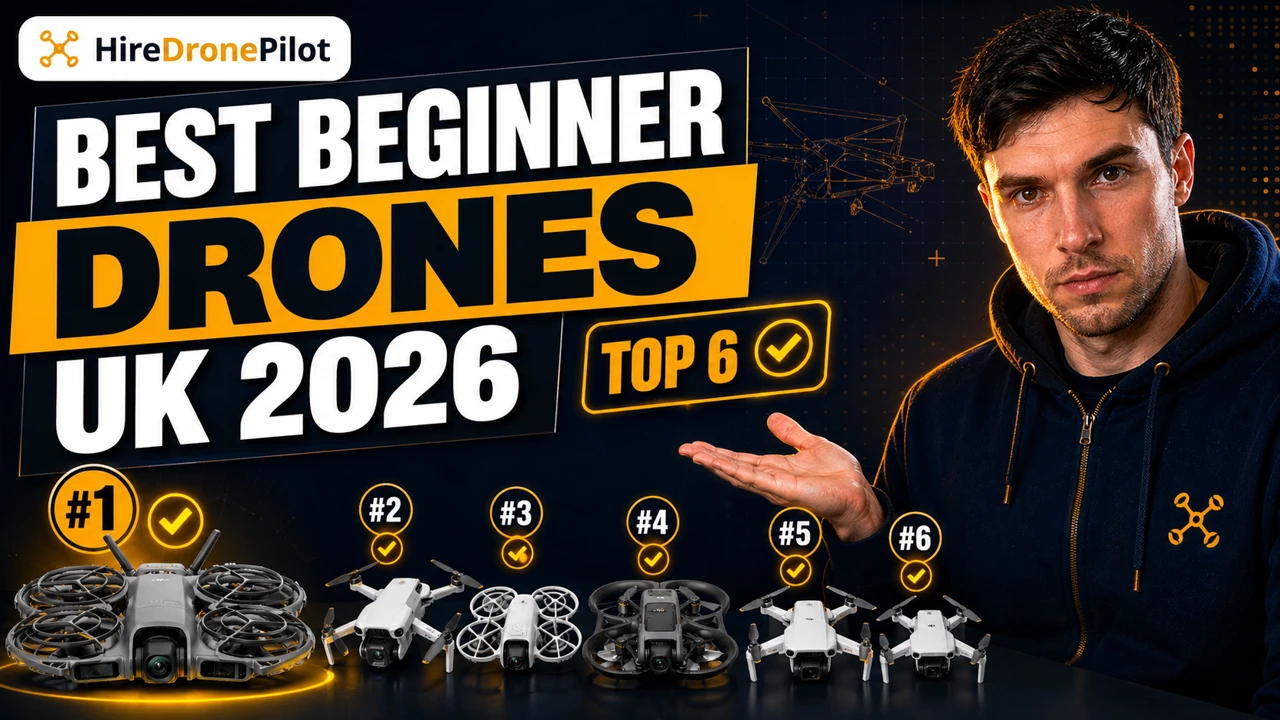
The right pick for you depends on what you want the drone to actually do. Here is my ranking, starting with the drone I would buy first.
Every drone on this list is a DJI, and the reason is straightforward
There are other manufacturers — Autel and the new Antigravity label both make credible sub-250g drones — but for a UK beginner in 2026 the honest answer is that DJI still wins on the things that matter most to someone flying for the first time.
The app is the most polished, spare parts and batteries are available from drone retailers across the UK, every UK flight school teaches on DJI hardware, and the firmware updates come through without drama.
Experienced drone pilots can and do reach for other brands once they know what they want; as a first drone, DJI removes enough of the learning friction that it is worth leaning into. If you want the full DJI range compared beyond the beginner bracket, my best DJI drone guide covers seven models head to head.
Quick comparison — the six beginner drones at a glance
If you are the kind of reader who scans, this is the table to read first. The full write-up on each drone follows in ranked order below.
| Drone | Best for | Rated flight time | Do not buy it if | Amazon |
|---|---|---|---|---|
| DJI Neo 2 | Most beginners — easiest palm flying | Up to 19 min | You want a big camera sensor | View on Amazon |
| DJI Mini 5 Pro | Serious photos and video | Up to 52 min | You are on a tight budget | View on Amazon |
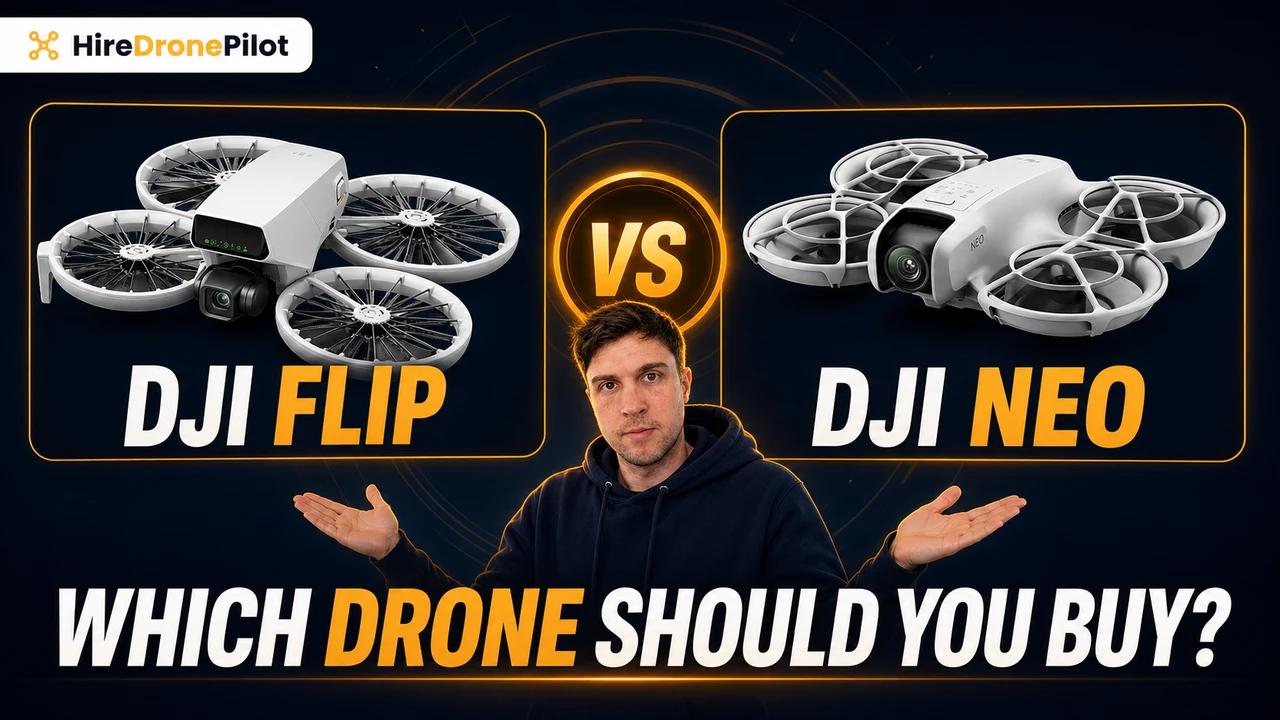
| DJI Flip | Palm launch plus a real camera | Up to 31 min | You want all-around obstacle sensing | View on Amazon |
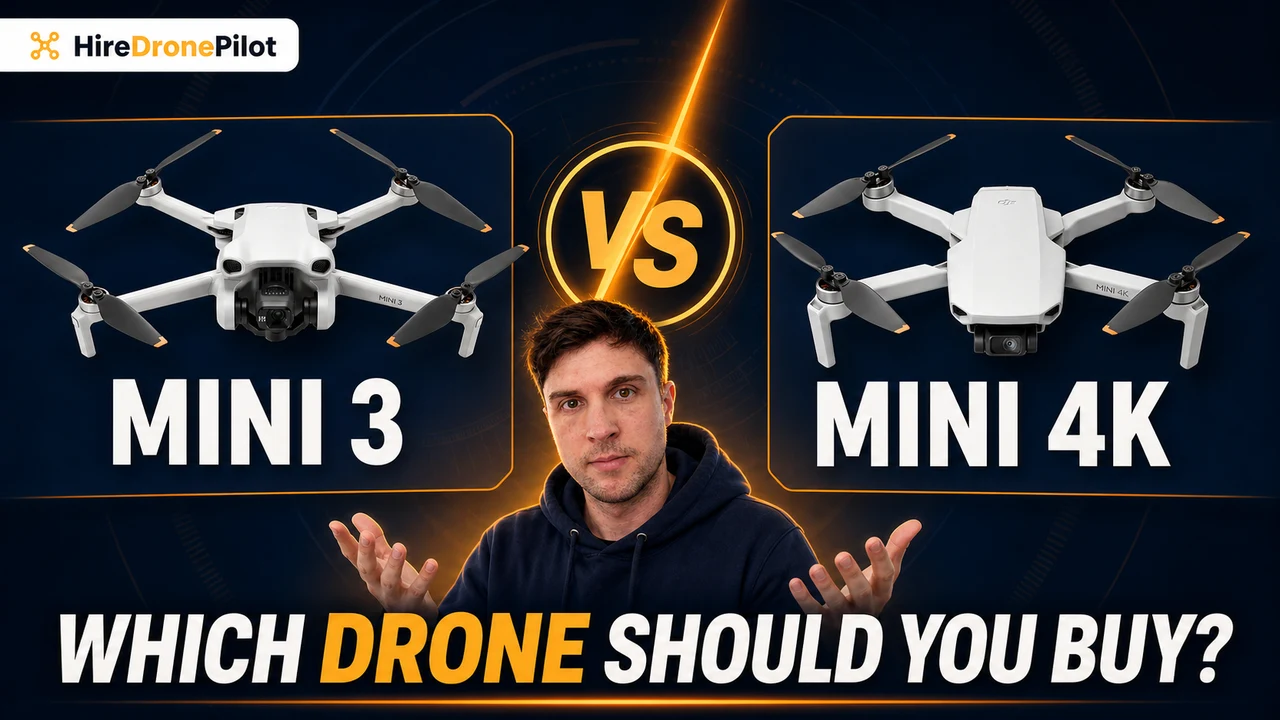
| DJI Mini 4K | Cheapest proper camera learning | Up to 31 min | You want the drone to film you | View on Amazon |
| DJI Neo | Lowest-cost palm clips | About 18 min | You want any obstacle sensing | View on Amazon |
| DJI Avata 2 | Immersive FPV flying | Approx. 23 min | This is your first ever drone | View on Amazon |
Amazon Affiliate links — see the disclosure.
Best Beginner Drone Overall — DJI Neo 2
The DJI Neo 2 is my top pick because it gives a beginner the easiest possible first flight
The DJI Neo 2 is the drone I would put in front of almost any adult asking for their first drone.
You press and hold the take-off button, a voice announces the mode and counts down, and it lifts off your palm — flying backwards a short distance first, so check behind it. It flies a preselected shot around you, and when it is done you hold out a flat hand and it settles back onto your palm. No sticks to learn, no panic.
The big upgrade over the original Neo is the sensing and the workflow together. The Neo 2 carries a forward-facing LiDAR (an eye-safe laser that spots obstacles ahead), an all-around vision system that watches every horizontal direction and above, and a downward infrared sensor for landing.
Set to Bypass, it steers itself around obstacles rather than just stopping. The enclosed cage still forgives small mistakes, but the sensing means the cage rarely has to take the hit.
The workflow matters just as much in practice. The Neo 2 has a small screen on the drone plus a dedicated select button, so you thumb between Follow, Dronie, Circle and the rest without ever unlocking your phone. Nine times out of ten with phone-app drones, the moment you wanted has passed by the time the app is open.
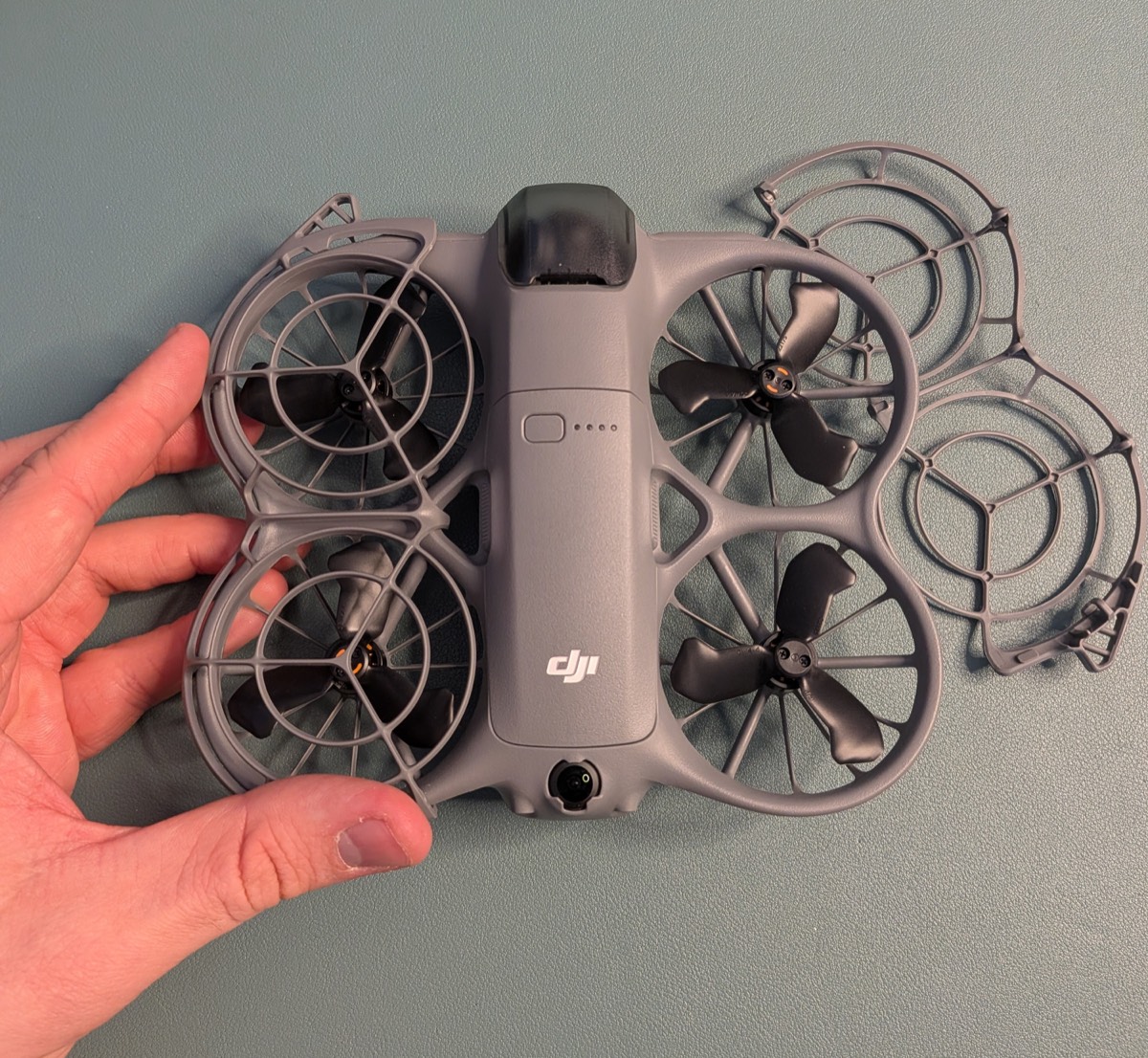
Two details worth knowing before you buy. First, phone-free flying is capped at 60 metres of altitude by design, which for a beginner is a feature rather than a limit.
Second, if you later add the optional controller or goggles, they connect through a small Digital Transceiver that screws onto the drone — a nine-gram part that takes it to its 160-gram certified maximum weight, still comfortably inside the sub-250g bracket the UK treats most generously under the Open Category.
If the signal drops mid-flight, the Neo 2 retraces up to fifty metres along its own flight path before turning for home, rather than panic-landing wherever it happens to be. After six months of ownership I still reach for it more than anything else in the bag — my full long-term Neo 2 review covers what held up and what wore thin.
I would buy the Neo 2 if you…
- Have never flown a drone before and want the gentlest possible first flight
- Want the drone to fly the camera moves for you at the press of a button
- Want obstacle sensing and an enclosed propeller cage on a tight budget
I would not buy it if you…
- Want a big sensor for serious photos or paid client work
- Need long flights — around 19 rated minutes per battery
- Plan to fly in breezy conditions or at long range
Amazon Affiliate link — see the disclosure.
Best Camera Step-Up — DJI Mini 5 Pro
Step up to the DJI Mini 5 Pro if you want a better camera and a proper controller
If the photos and video matter to you, the Mini 5 Pro is the first drone to beat. It is the first Mini with a true one-inch sensor and 50-megapixel stills, which puts its image quality in the same conversation as full-size drones from two years ago — while its standard configuration stays at a certified 249.9 grams, inside the sub-250g weight bracket.
One honest correction most guides skip: the famous 52-minute flight time is the spec-sheet maximum with the optional Battery Plus, and DJI's own manual only lists that battery in the heavier 355-gram C1 configuration. Fit it and you leave the sub-250g rules behind.
With the standard battery you still get class-leading endurance — just not the headline number.
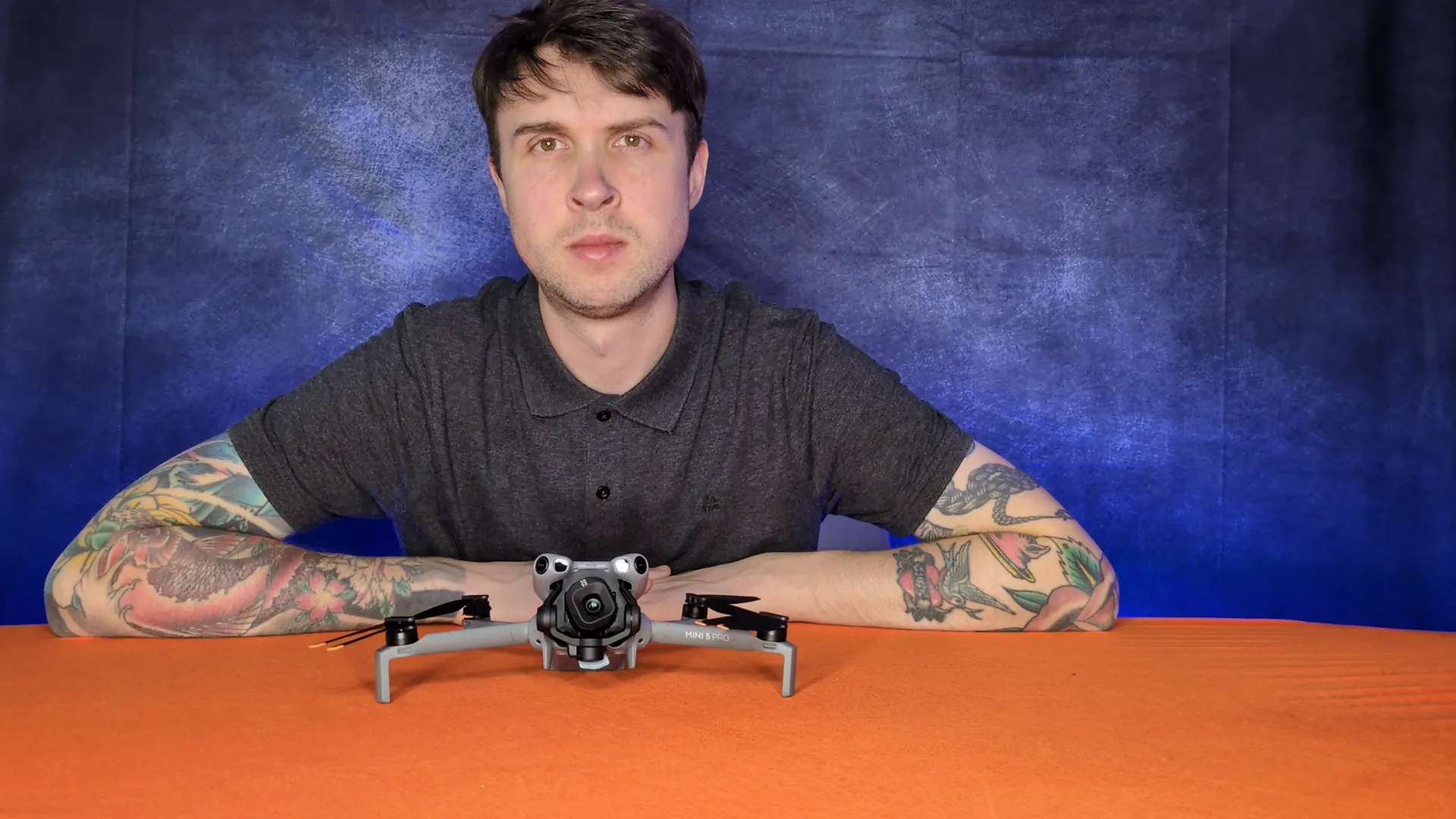
The flying experience is what makes it a beginner-safe step-up. The five-part sensing suite — forward LiDAR, vision covering every horizontal direction and above, and downward vision with an auxiliary light — catches the first-week mistakes that used to end small drones early, and in Bypass mode it flies around obstacles rather than stopping dead.
The gimbal can also roll for portrait-orientation framing, so social clips come out natively vertical, and ActiveTrack locks onto a person from up to twenty metres away while you concentrate on framing.
The trade-offs are the ones you would expect: you unfold props before every flight, there is no palm take-off or landing, and it costs the most of any drone here. If you want the full verdict, my Mini 5 Pro review goes deeper, and the best drones under 250g guide ranks the whole weight class.
I would buy the Mini 5 Pro if you…
- Care about photo and video quality above everything else
- Want to build twin-stick muscle memory for any future drone
- Want the strongest obstacle sensing in a sub-250g package
I would not buy it if you…
- Want palm take-off and landing — it does neither
- Are on a tighter budget — it is the priciest drone here
- Mostly want automated shots rather than flying yourself
Amazon Affiliate link — see the disclosure.
Best Of Both Worlds — DJI Flip
The DJI Flip gives you palm take-off and a proper camera in the same 249 gram drone
The Flip is new to this guide, and it earns its place by answering the question most first-time buyers actually ask: can I have the easy palm-launch experience and footage I am proud of, in the same drone?
Unfold the rear arms and it powers itself on. Hold the mode button, listen to the countdown, and it lifts off your hand and starts recording. Hold a flat hand underneath at the end and it lands itself.
Where it beats the Neos is the camera: a 1/1.3-inch 48 MP sensor on a true 3-axis mechanical gimbal. That is the same sensor class as the Mini 4 Pro generation, in a drone that launches from your hand. Its six Smart Snaps — Follow, Dronie, Circle, Rocket, Spotlight and a customisable slot — cycle from the mode button with voice prompts, and they track people automatically.
The honest limits: phone-free flying is capped at 30 metres of altitude and 50 metres of distance, with no Return to Home in palm or phone modes — DJI's manual is blunt that you keep it close and in sight. Its forward infrared sensing brakes for obstacles but does not steer around them, it is inactive during the automated modes, and there are no rear or side sensors.
Add the RC-N3 or RC 2 controller later and the caps lift, Return to Home switches on, and the full QuickShots and tracking suite opens up — which is exactly the upgrade path a beginner wants.
One UK-specific note: like everything else in this class it has no weather sealing, and the manual's rules are blunt about rain and fog — on a damp British morning the Flip stays in the bag.
At a certified 249 grams with a C0 class mark it sits in the friendliest A1 bracket, and DJI rates it at up to 31 minutes per battery on the spec sheet, which in practice means comfortable twenty-minute sessions.
I would buy the Flip if you…
- Want palm-launch ease but care about footage quality
- Want one drone that grows with you via the controller
- Film yourself or family and want automatic people tracking
I would not buy it if you…
- Want all-around obstacle sensing — it only senses forward
- Want the cheapest possible palm-launch drone
- Fly mostly in tight spaces where braking-only sensing is not enough
Amazon Affiliate link — see the disclosure.
Best Budget Camera Drone — DJI Mini 4K
The DJI Mini 4K is the cheapest way to learn proper camera flying
The Mini 4K takes the slot the old Mini 2 used to hold in this guide, and it deserves it: it is essentially the same proven airframe, refreshed, current, and easy to buy new. If your goal is to learn real controller flying and bring home smooth aerial footage for the least money, this is the one I hand people.
You fly it with the RC-N1 style controller — your phone clips in as the screen — using the same twin-stick layout every commercial drone uses.
The 31-minute rated flight time (measured at 17 kph in still air, so plan for low twenties) is the longest of any sub-250g pick here alongside the Flip, and its level-5 wind rating is, per the manuals, the only one in the sub-250g picks DJI actually commits to a number on. On a blustery UK afternoon that matters more than a spec-sheet camera advantage.
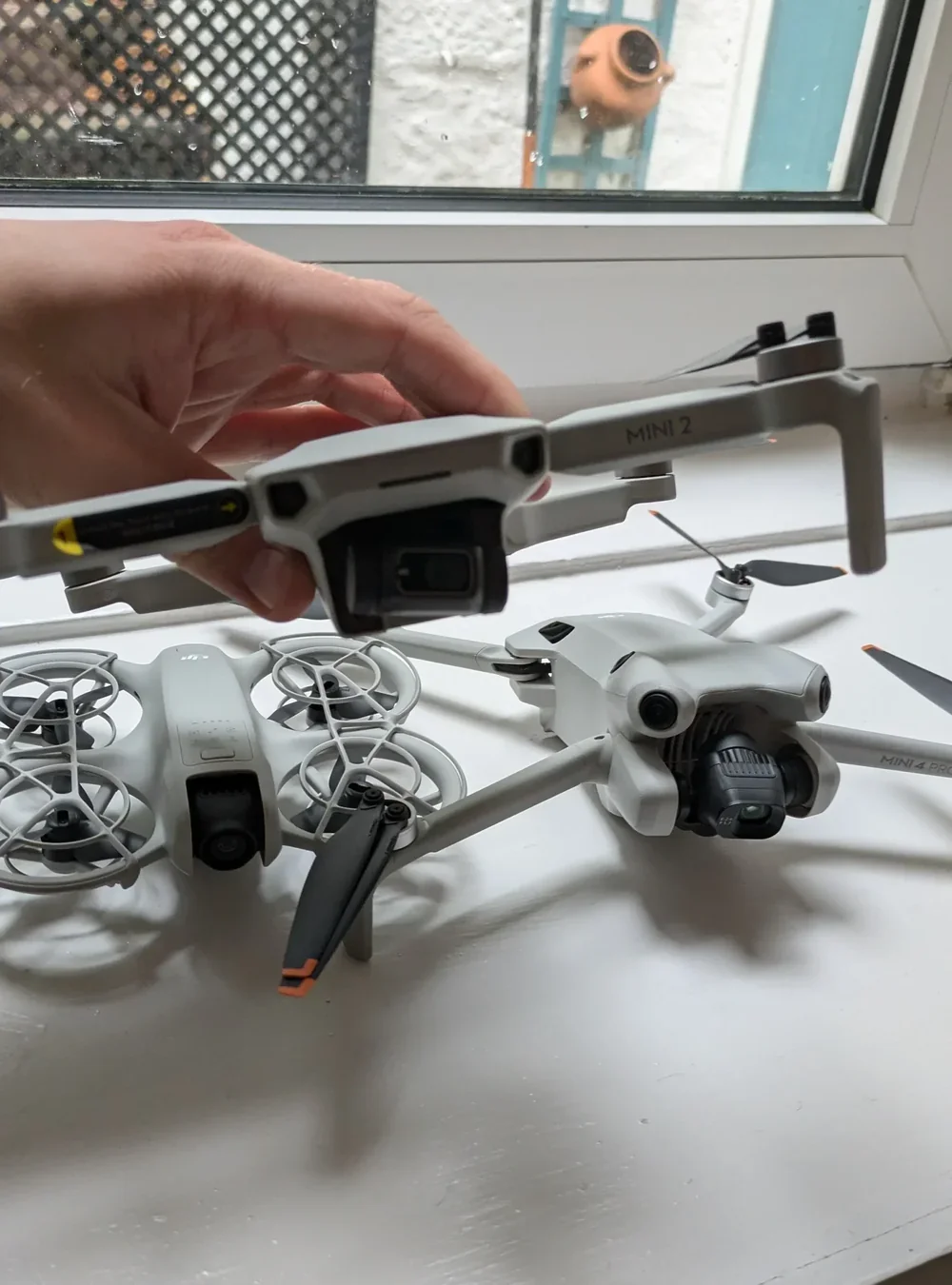
Know exactly what you give up. There is no obstacle sensing on the flight path — only downward sensors for hovering and landing — so you are the collision avoidance. And it cannot film you automatically: its five QuickShots (Dronie, Rocket, Circle, Helix, Boomerang) are fixed cinematic moves with the camera locked on a subject, not a follow-me mode. If self-filming is the point, buy a Neo 2 or a Flip instead.
If learning to fly a camera properly is the point, nothing at this price teaches it better — my best drone under £300 guide compares it against the palm-launch picks in more depth.
I would buy the Mini 4K if you…
- Want to learn proper controller and framing skills cheaply
- Want the best wind tolerance of the budget picks
- Prefer stable scenic footage over automatic self-filming
I would not buy it if you…
- Mostly want the drone to film you automatically
- Want any obstacle sensing on the flight path
- Do not want your phone clipped into the controller
Amazon Affiliate link — see the disclosure.
Cheapest Palm-Launch — DJI Neo
The original DJI Neo is still the cheapest way into palm-launch flying
The DJI Neo was my favourite beginner drone right up to the day the Neo 2 launched, and the launch pulled its price down hard.
It still does the core trick perfectly: press and hold the mode button, listen to the voice countdown, and it lifts off your palm, flies its shot, and settles back onto your open hand.
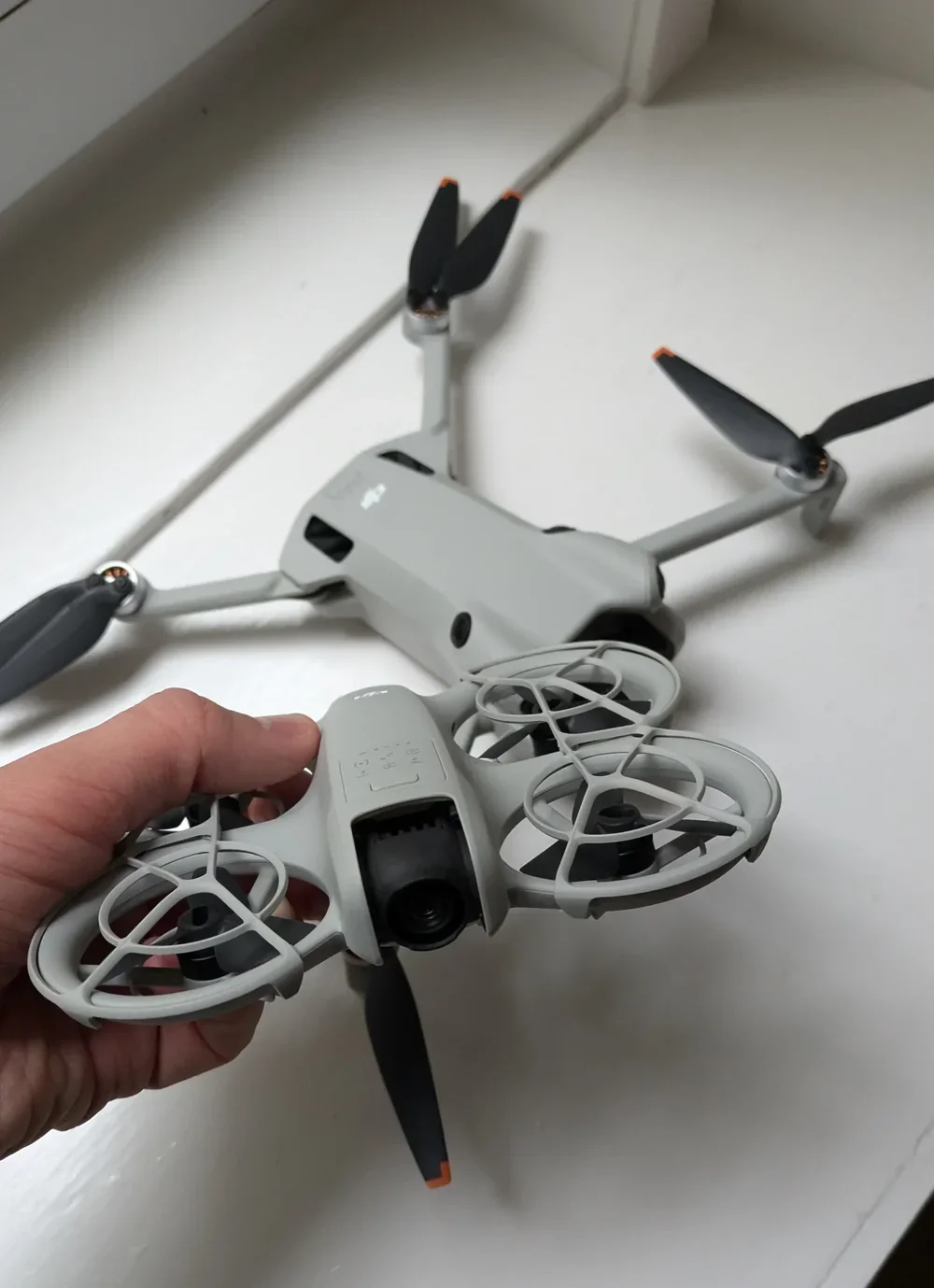
Its mode button cycles seven Smart Snaps — Follow, Dronie, Circle, Rocket, Spotlight, plus a customisable slot — each announced by voice, so a total beginner can land an impressive cinematic shot on their very first flight.
You only need the phone to change the customisable slot or dig into settings, and with the app connected there is even a “Hey Fly” wake word for genuine voice control.
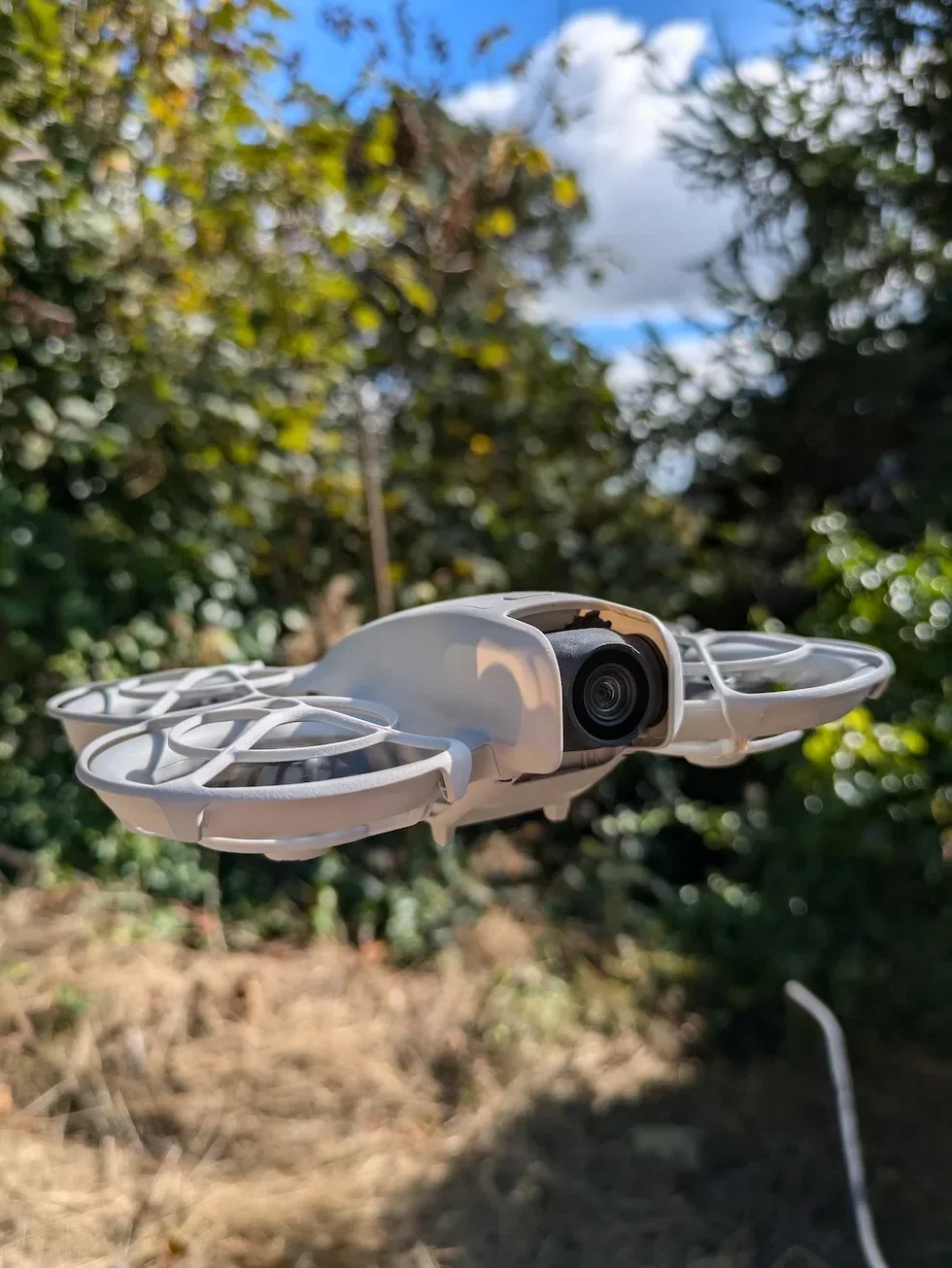
What you give up against the Neo 2 is real: no obstacle sensing in any direction (the manual repeats it four times), no screen on the drone, phone-free flying capped at 30 metres of altitude and 50 metres of distance, and no Return to Home in palm or phone modes.
In an open garden or park none of that stops the fun; near trees, it will find them. At 135 grams with a C0 mark it is also the drone I am happiest handing to a nervous adult or supervising a teenager with.
I would buy the Neo if you…
- Want palm-launch flying at the lowest possible price
- Are buying for a teenager or a nervous first-timer
- Fly in open spaces where no obstacle sensing is manageable
I would not buy it if you…
- Can stretch to the Neo 2 — the sensing is worth it
- Want to fly anywhere near trees or buildings
- Plan to grow into camera work — buy a Flip instead
Amazon Affiliate link — see the disclosure.
The FPV Pick — DJI Avata 2
The DJI Avata 2 is the best pick if you already know you want immersive FPV flying
The Avata 2 is a different kind of drone, and honesty is important here. It is the only machine on this list that is not sub-250g.
At 377 grams it would normally sit in a stricter weight class, but DJI ships it with a C1 class mark that the UK accepts for A1 flying until 31 December 2027. Because the mark is what earns the friendlier rules, check the label on the unit you buy.
You fly it with goggles on your face and a motion controller in your hand, and the footage is cinematic in a way nothing else here can match — swooping through woodland, diving a hillside, chasing a mountain bike.
The manual keeps first flights sensible: Beginner mode limits speed until you switch it off, the propellers sit inside a built-in guard, Easy ACRO stunts refuse to fire in wind above four metres per second, and turtle mode flips the drone upright if it ends up on its back.
Two things beginners consistently miss. First, the motion controller cannot fly full manual acro — that needs the separate FPV Remote Controller 3, so the eye-watering racing footage you have seen on YouTube is a second purchase away.
Second, UK law is blunt about goggles: they do not count as seeing your drone, so a visual observer must stand next to you, in talking distance, keeping direct sight of the aircraft. If you fly alone, this is the wrong drone. If you are not sure what FPV is, start with the Neo 2 and come back.
I would buy the Avata 2 if you…
- Already know you want immersive FPV, not aerial views
- Have a friend or partner to stand as your visual observer
- Want cinematic movement no camera drone can copy
I would not buy it if you…
- This is your first ever drone
- Normally fly alone with nobody to act as observer
- Mainly want calm landscape or family footage
Amazon Affiliate link — see the disclosure.
None of these six drones need a full drone licence, but every one of them needs two IDs
This is the part nobody tells you in the unboxing videos. In the UK, flying a drone as a hobbyist does not need a “full drone licence” of the sort commercial operators carry. What it does need is registration — two boxes to tick before flying any drone on this list, both tied to you personally rather than to the drone.
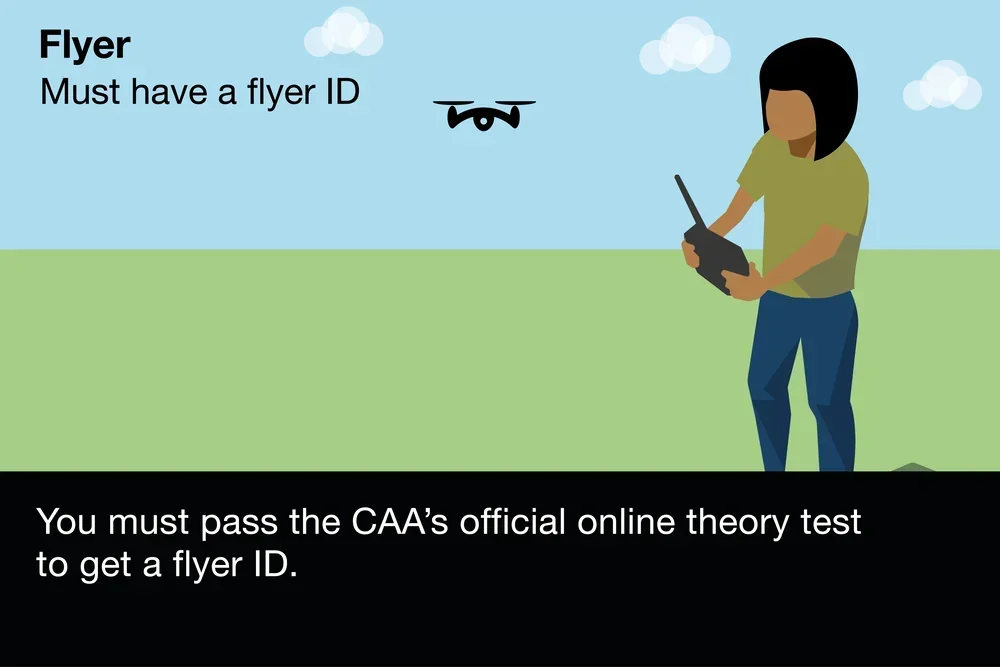
Flyer ID — free, valid five years
The Flyer ID is a free online test set by the UK Civil Aviation Authority. It covers basic airspace rules, weight thresholds, and common-sense scenarios (is it okay to fly over a school? Can you fly above a motorway?). You can take it from your sofa on your phone in about an hour, and it stays valid for five years. Anyone flying a drone heavier than a hundred grams needs one — which covers every drone on this list.
Operator ID — £12.34 a year
The Operator ID costs £12.34 per year and identifies the person responsible for the drone. One Operator ID covers every drone you own, and the number must be written on the outside of each one before it flies. You need it for any camera drone weighing a hundred grams or more — again, every drone here.
What changes at 250 grams
UK drone flying breaks down into three practical zones of strictness. A1 Over People is the friendliest — you can fly near or even over uninvolved people (never over crowds), with almost no distance requirement. A2 Near People requires 30 metres of separation and an A2 Certificate of Competence.
A3 Far from People is the strictest: 50 metres from people and 150 metres from residential, commercial and recreational areas. Five of the six drones in this guide weigh under 250 grams, and that weight alone puts them in A1.
The Avata 2 is the odd one out at 377 grams, saved by the C1 class mark DJI ships it with: under the UK transitional rules a C1-marked drone flies in the same A1 sub-category until 31 December 2027. After that date the UK stops accepting retained EU class marks and the Avata 2 reverts to weight-based rules — at which point A3 distances or an A2 CofC become the answer.
The January 2026 class-mark rule
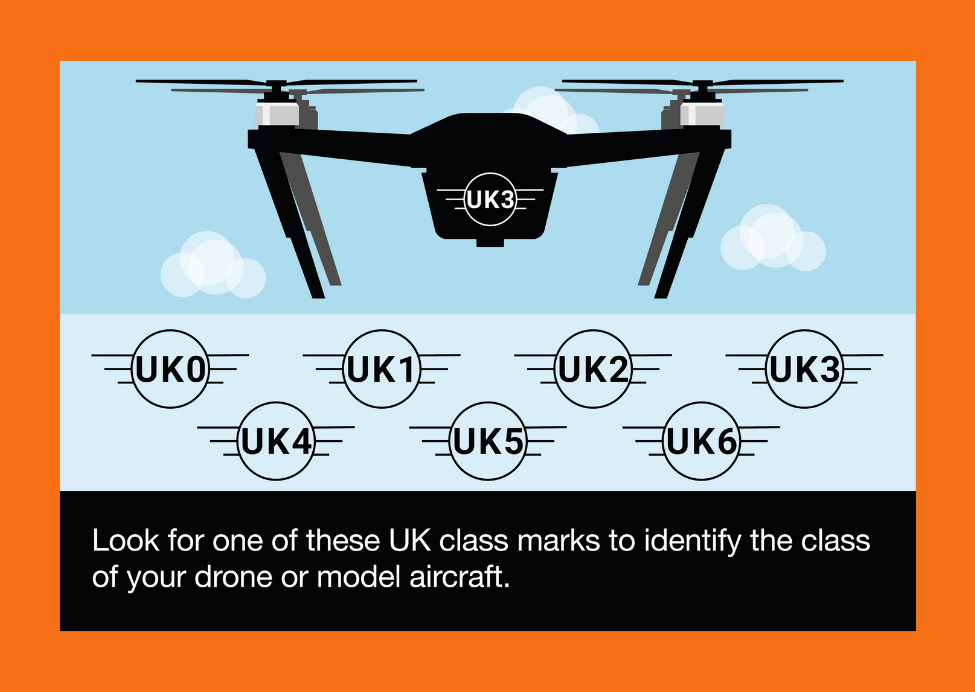
A class mark is a label on the drone's spec plate (C0, C1, up to C6) that tells you which flying zone the drone belongs in — smaller number, friendlier rules. From January 2026, new drones placed on the UK market need one.
DJI's retail units of the drones in this guide are supplied with the appropriate marking — the Neo 2, Flip, Neo and Mini 5 Pro standard unit all carry C0 in their manuals. If you buy second-hand, check what mark the seller has: an unmarked pre-2026 unit is still flyable, but the rules around it have moved.
The best beginner drone for battery life
Flight time is the spec beginners feel most, because every session ends when the battery does. The ranking below uses DJI’s own rated maximums — and the small print under each bar explains what those numbers really mean.
What the ranking actually tells you: on paper the Mini 5 Pro is in a league of its own, but the honest sub-250g winners are the Flip and the Mini 4K at a rated 31 minutes each. The palm-launch Neos trade endurance for simplicity — they are drones you fly in short, fun bursts, not machines you send out on long sorties.
In practice, treat every number above as a warm, calm-day maximum and plan for roughly two thirds of it. One battery is one session. That is why my first accessory recommendation for every drone in this guide is a spare battery rather than any gadget — and why the manuals all warn you to keep batteries warm on cold UK mornings.
The best beginner drone for range
Range numbers sell drones, but in the UK they mostly matter for the wrong reason. You must keep your drone in direct sight, so nobody legally flies six kilometres away — what a stronger transmission system actually buys you is a video feed that does not stutter behind a tree line. If you are curious what distance looks like in practice, my guide to how far the DJI Neo can fly walks through a real example.
The best beginner drone for camera quality
If the camera is the reason you are buying, sensor size is the number to compare — it decides how footage looks the moment the light gets interesting. Megapixels mostly decide how large you can crop.
Beginner drone questions I answer most often
Do you need a licence to fly a beginner drone in the UK
No full licence is needed for hobby flying. Every drone in this guide needs the two registrations above — the free Flyer ID test and the £12.34-per-year Operator ID — and nothing more for normal A1 flying. The GVC and A2 CofC qualifications exist for commercial and closer-to-people flying, not for a first drone in a park.
Why staying under 250 grams matters
Sub-250g drones fly in the A1 Over People bracket — the friendliest rules in UK aviation law. You can fly near uninvolved people, in residential areas, without the 50-metre and 150-metre separation rules heavier unmarked drones face. It is the single biggest reason all but one of my picks sit under that threshold, and why manufacturers fight to shave grams.
Palm launch or a proper controller for learning
Palm launch gives the gentlest start — the drone handles take-off, framing and landing while you learn what flying feels like. A twin-stick controller builds muscle memory that transfers to every drone you will ever own. The clever answer is a drone that does both: the Neo 2 and the Flip start hands-free and accept a controller later, which is exactly why they rank first and third.
How much should a beginner spend
Spend the minimum that covers your actual goal, then put the difference into a spare battery. If you want automatic clips of yourself, the palm-launch picks cost the least. If you want to learn camera flying, the Mini 4K costs more than a Neo but teaches skills that transfer. What I would not do is buy the most expensive drone “to grow into” — the Mini 5 Pro rewards a pilot who already knows what they want from it.
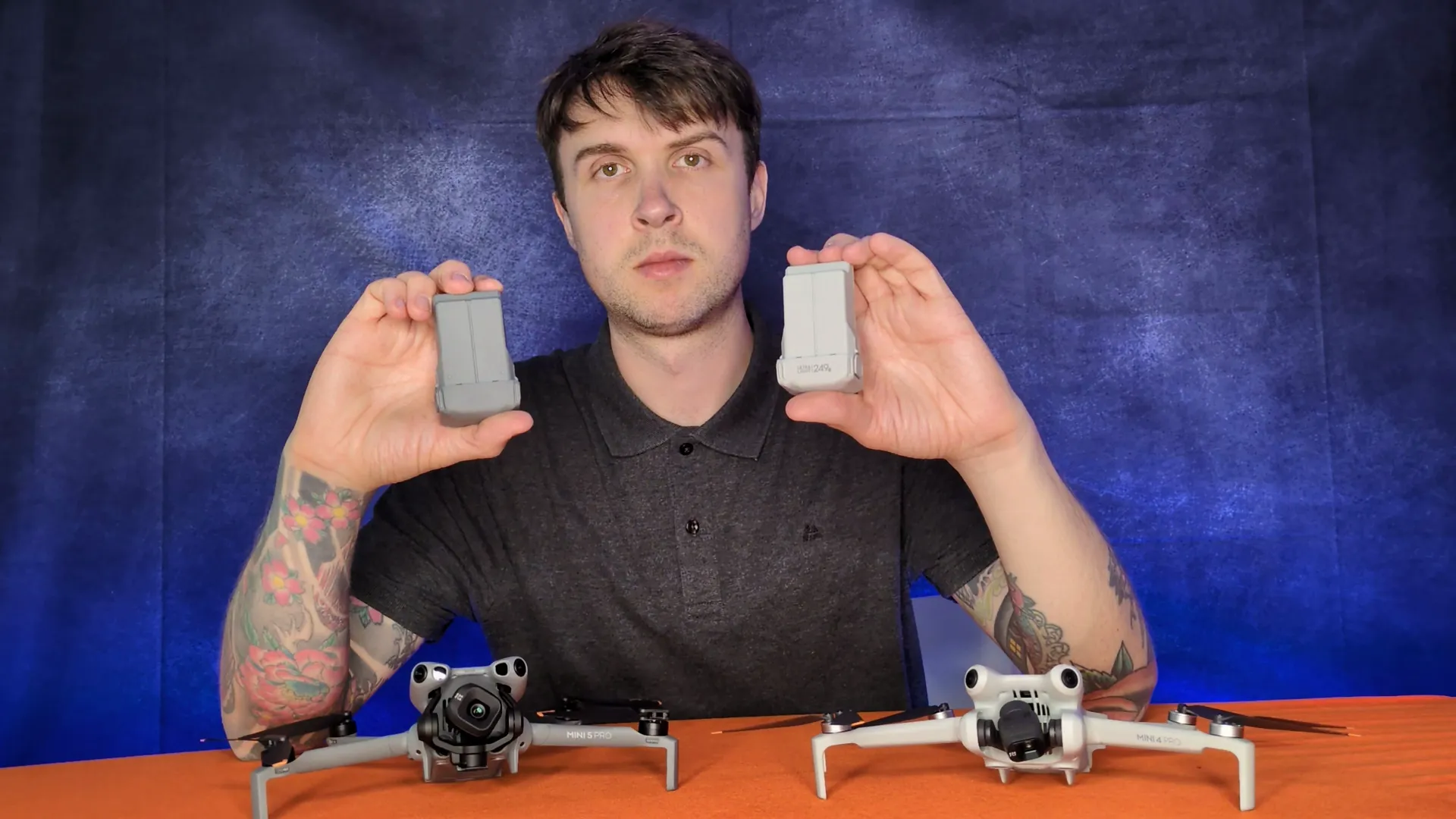
A handful of things every beginner drone pilot should spend money on before flying
The drone itself is only part of the kit. Buy at least one spare battery on day one — UK weather is rarely ideal, the manufacturer figures on this page are warm-weather numbers, and every manual in this guide warns that cold cuts capacity hard.
A decent microSD card matters for the Minis, the Flip and the Avata 2 (the Neos record to internal storage), and a small padded case is worth the ten pounds it costs. For the Neo 2, remember the controller upgrade also needs the screw-on Digital Transceiver, which changes the real cost of that path.
If any of your flying crosses into paid work — even an occasional drone photography job for a friend’s business — you need third-party drone insurance that covers commercial use. That one is non-negotiable and has nothing to do with which drone you buy.
The short version one more time: the Neo 2 for most people, the Mini 5 Pro if the camera matters most, the Flip if you want both worlds, the Mini 4K to learn real flying cheaply, the Neo for the lowest-cost palm clips, and the Avata 2 only if you already know you want FPV.
Got a scenario I have not covered — a very specific use case, a question about a drone not on this list, or which pick suits a child? Drop a note to peter@hiredronepilot.uk and I will come back to you directly. If you prefer the video version of this buying guide, the comments are open on YouTube.
References
Primary source material for this article is the UK Civil Aviation Authority and the official DJI user manuals. External links open in a new tab.
- UK CAA — The Drone and Model Aircraft Code (CAP2320) · Flyer ID and Operator ID thresholds, Open Category rules, FPV observer requirement
- UK CAA — Where You Can Fly (A1, A2, A3 sub-categories) · 50-metre and 150-metre distance rules for the heavier bracket
- UK CAA — Register-drones portal (Flyer ID and Operator ID) · the £12.34 Operator ID fee and the free Flyer ID test
- UK CAA — UK Regulatory Framework for Drones · class-mark transition and Open Category sub-categories
- DJI — Neo 2 product page and user manual · C0 certification at 160 g MTOM, sensing suite, palm-control behaviour
- DJI — Mini 5 Pro product page and user manual · 249.9 g C0 standard unit, Battery Plus C1 configuration, sensing suite
- DJI — Flip product page and user manual · 249 g C0 certification, palm control limits, forward sensing behaviour
- DJI — Mini 4K product page and user manual · 246 g weight, 31-minute rated flight time, 10.7 m/s wind rating
- DJI — Avata 2 product page and user manual · 377 g weight, C1 certification, goggles and controller compatibility
Peter Leslie
Founder & GVC Drone Pilot
Peter is the founder of HireDronePilot. With thousands of logged commercial flight hours, he writes about drone technology, commercial surveying tactics, and UK aviation compliance.
Connect on LinkedIn