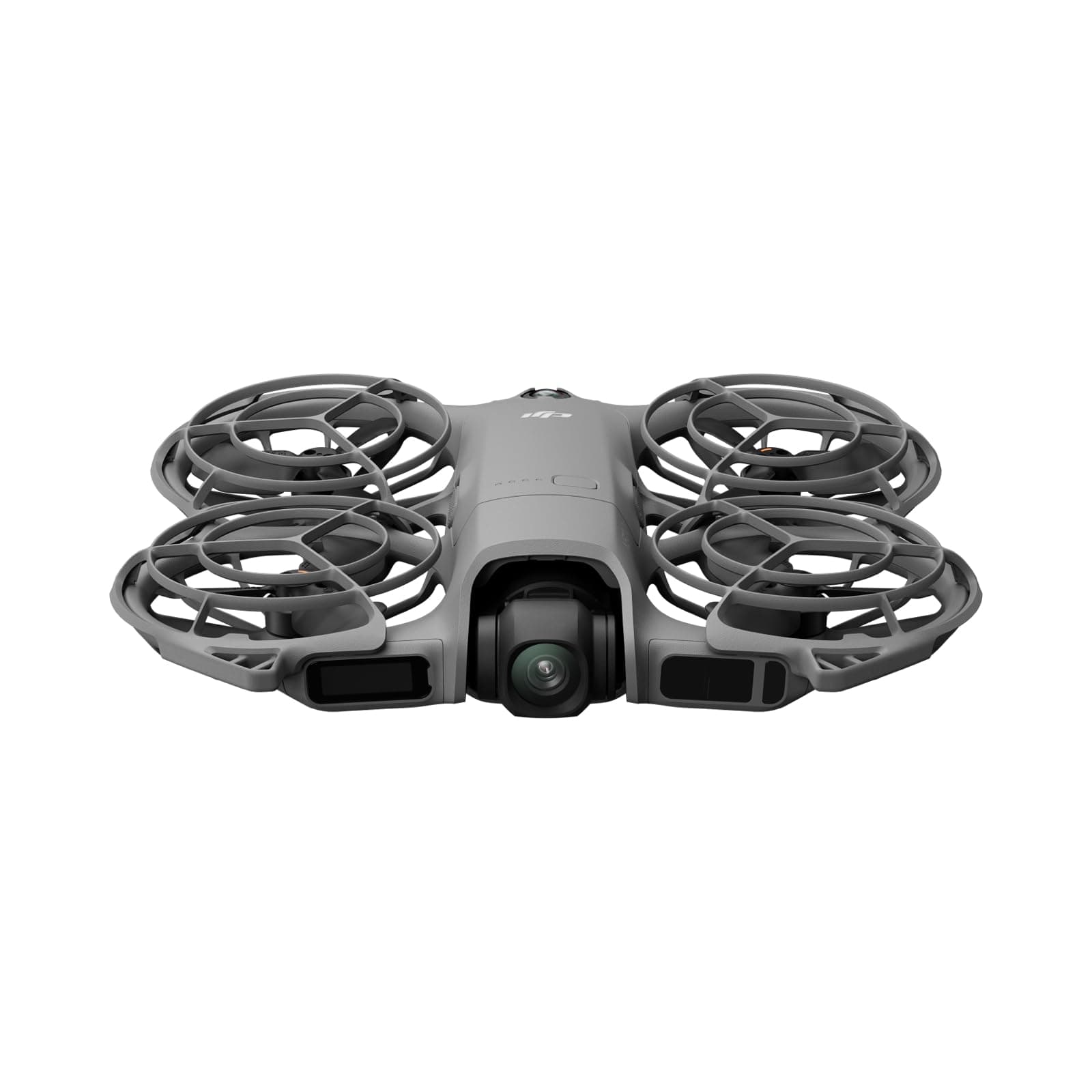

If you want to know How To Turn On DJI NEO 2, the process is simple once you know DJI's two-part power sequence. This guide walks you through the exact startup steps, from removing the gimbal protector to checking the battery and powering the drone on safely.
Key Takeaways
- 1The DJI Neo 2 uses DJI's standard two-part button sequence: press once, then press and hold for about two seconds.
- 2Remove the gimbal protector before startup so the camera can move freely during self-checks.
- 3Tap the power button once first to check the DJI Neo 2 battery level before fully booting it.
- 4Use the same quick-press then press-and-hold sequence to power the DJI Neo 2 off after landing.
Remove the Gimbal Protector Before You Do Anything Else
This is a super common mistake I see out in the field, but you absolutely must pop off the plastic gimbal cover from the camera before you even touch that power button. If you leave the cover on while the DJI Neo 2 boots up, the camera will try to move and calibrate itself, which messes with the self-diagnostics and can even cause the gimbal motor to enter a protection mode. Just press on the bottom part of the cover to release it and pull it away to keep that camera safe and free to move.
Give the Power Button a Single Quick Press to Check Your Battery Level
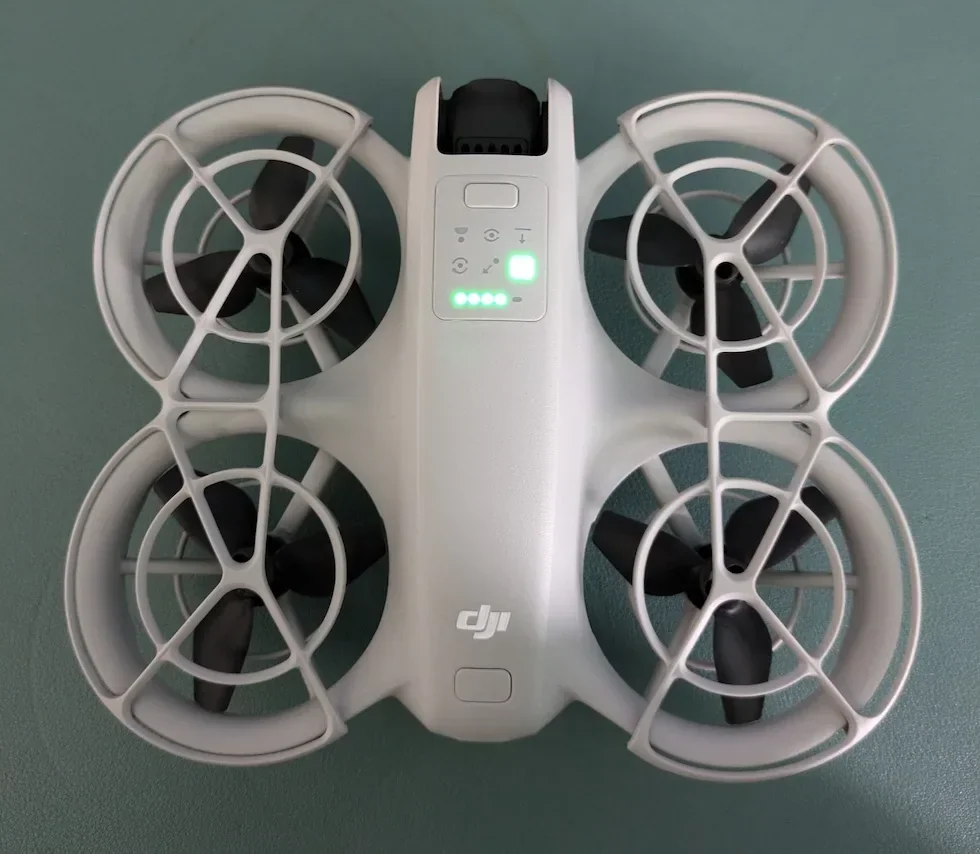
Before you officially boot up the DJI Neo 2, you want to know how much juice you are working with. Locate the power button right on the top of the DJI Neo 2. Give it just one quick, single tap. You will see the battery level LED indicators light up to show you exactly how much power is left in your inserted battery. If you have a solid charge, you are good to move on!
Press and Then Press and Hold the Power Button to Turn It On
Now it is time to bring the DJI Neo 2 to life! To power it on, you are going to use a double-press method: give the power button one quick press, release it, and then immediately press and hold that same button down for about two seconds. You will see the propellers twitch a little bit, the LED status lights will flash, and you will hear a welcome chime letting you know the DJI Neo 2 is fully booted up and waiting for your next command.
Use the Exact Same Button Sequence to Power It Down
When you are done capturing those epic cinematic shots and you have safely landed, you need to know how to turn the DJI Neo 2 off. You are going to use the exact same sequence you used to turn it on. Give the power button a quick press, followed immediately by a long press, and hold it down until the DJI Neo 2 shuts down completely.
Now you know How To Turn On DJI NEO 2 correctly: press the power button once, then press and hold it for about two seconds. If you remove the gimbal protector first and use the same sequence to shut the drone down after landing, your DJI Neo 2 will be ready for a safe start every time. For professional aerial work, find a vetted drone pilot through HireDronePilot.